
PerfectTUNES R2023-4-2
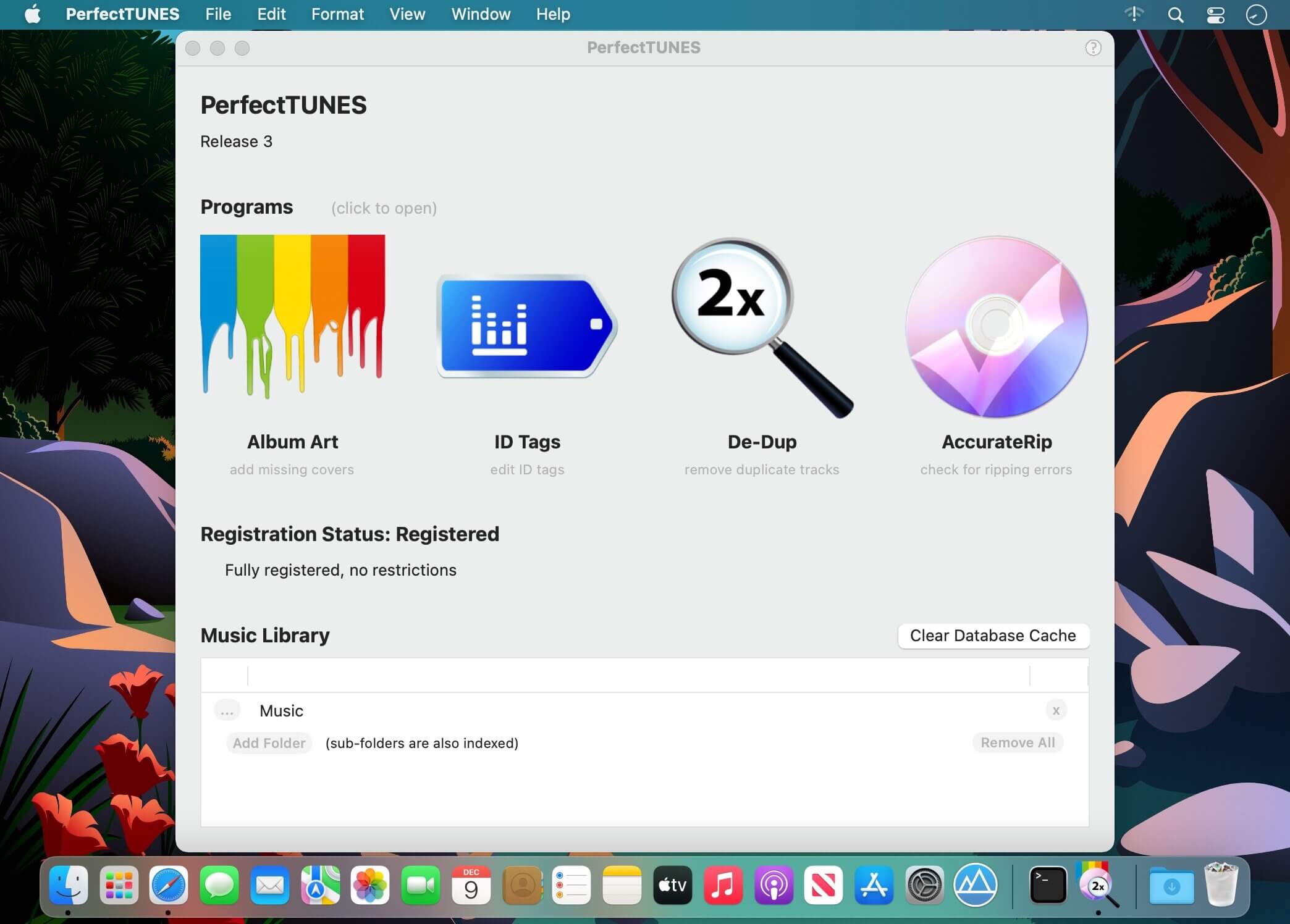

Optimizing your music collection can be a daunting task, from albums missing artwork, duplicated tracks, to corrupted tracks. Correcting these issues can be a time consuming task. No longer, imagine a trained professional on hand to help, PerfectTUNES is that professional.
Album Art automatically add missing covers
Cover art is used both to identify albums when browsing, as well as for the visual appeal when playing a track. Missing or low resolution cover art, does not cut it these days when typically a collection might be controlled through a high resolution tablet.
ID Tags edit metadata
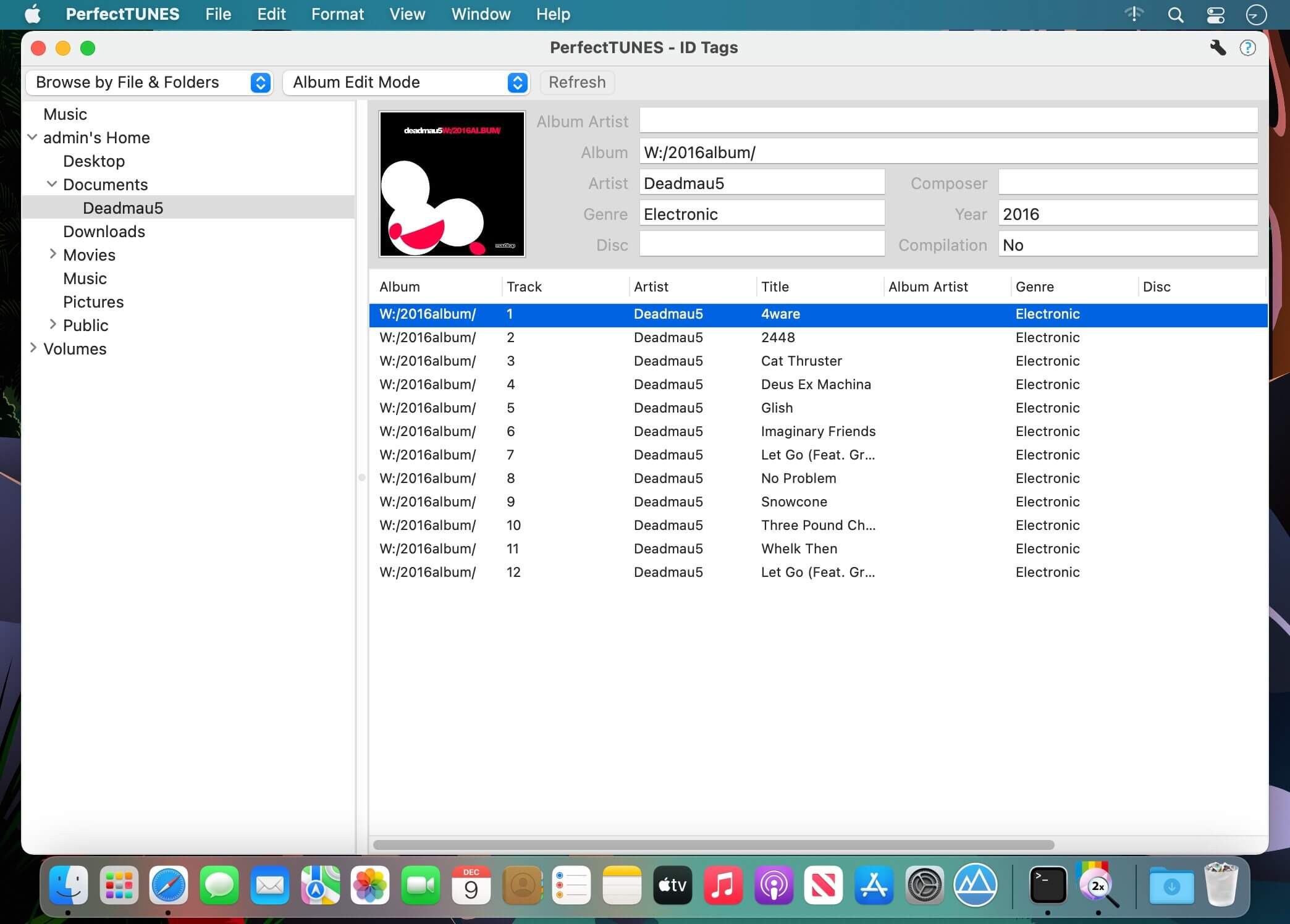
The design ethos behind ID Tagger was to create a powerful tagger, but one which is simple to use, we are confident we have delivered on both counts. Different views, or insights are offered into your music library, fixes can be made quickly across your entire audio library, without having to know where individual files are.
One tag editor, 4 ways of editing:
- Browse your collection by Filename and Folders, view the track exactly as they appear on your computer, Album Edit Mode makes it easy to tag common elements in albums.
- Browse by Metadata, shows your collection using ID Tags, exactly as your player does.
- Lists and Recommendations display every value of a certain type in one long list for easy editing, PerfectTUNES can smartly offer recommendations on corrections to semi-duplicate values.
- Sort Tags checks through all your sort tags looking for consistency.
AccurateRip check lossless tracks for ripping errors
Around 2% of all ripped discs have errors, discs do not even have to be scratched to give an error, such as from manufacturing defects. CD drives on their own cannot determine if a ripped track has errors (using c2 pointers, or re-ripping), ripping errors could be speaker-popping-noise, or silence (where the drive interpolates the error).
There exists a technology called AccurateRip which compares your ripped tracks against other peoples rips, a positive match says without question your rip is error free, a negative match can also inform the rip has errors. PerfectTUNES AccurateRip verifies previously ripped discs, perfect for validating iTunes or other rippers not capable of checking AccurateRip. Why settle for anything less than perfect rips? Take the doubt out of your audio collection, AccurateRip it.
DeDup remove duplicate tracks
De-Dup listens to your collection and presents a list of tracks which are duplicates. Often a duplicate is a lower quality copy of a track (such as a lower mp3 bitrate), or a track appearing on both a compilation and original album.
Two duplicate Bob Marley tracks have been detected, the lower quality MP3 can be safely deleted, removing the duplicate. Sometimes a possible duplicate needs to be verified, DeDup allows the track(s) in question to be played, during playback the stream can be swapped between the two tracks, a real time saver.
Version 3.0:
- Added Apple Silicon code for optimal performance on next-generation Mac computers, M1.
- Added new Apple Core Audio Format (CAF) decoder
- Album Art: if a custom art export filename is used (but not a dynamically created one from tags), then these will be read when program restarts and scans changes
- Album Art: new setting on options page 'Separate Multi Disc Albums' allows different art to be set for disc 2, disc 3, etc on box sets
Frequently asked questions
How do I install the app?
Mount the image, drag the app into the "Applications" folder and launch it. If the system blocks the launch, allow it in "System Settings → Privacy & Security".
The app is damaged or won't launch
Reinstalling from a fresh image usually helps. Make sure your macOS version matches the one listed in the compatibility specs.
How do I update?
Download the new version from the site and install it over the current one — your settings will be preserved.
The download link doesn't work
Try a mirror or a download manager. For large files the browser often drops the connection.
How do I completely remove the app?
Use an uninstaller utility — it cleans up the service files that remain after moving the app to the trash.





Choose a download source
PerfectTUNES R2023-4-2 · 7.89 MB
Previous versions
PerfectTUNES R2023-4-2
Previous versions are available to registered users.