
Bill 2.8.2
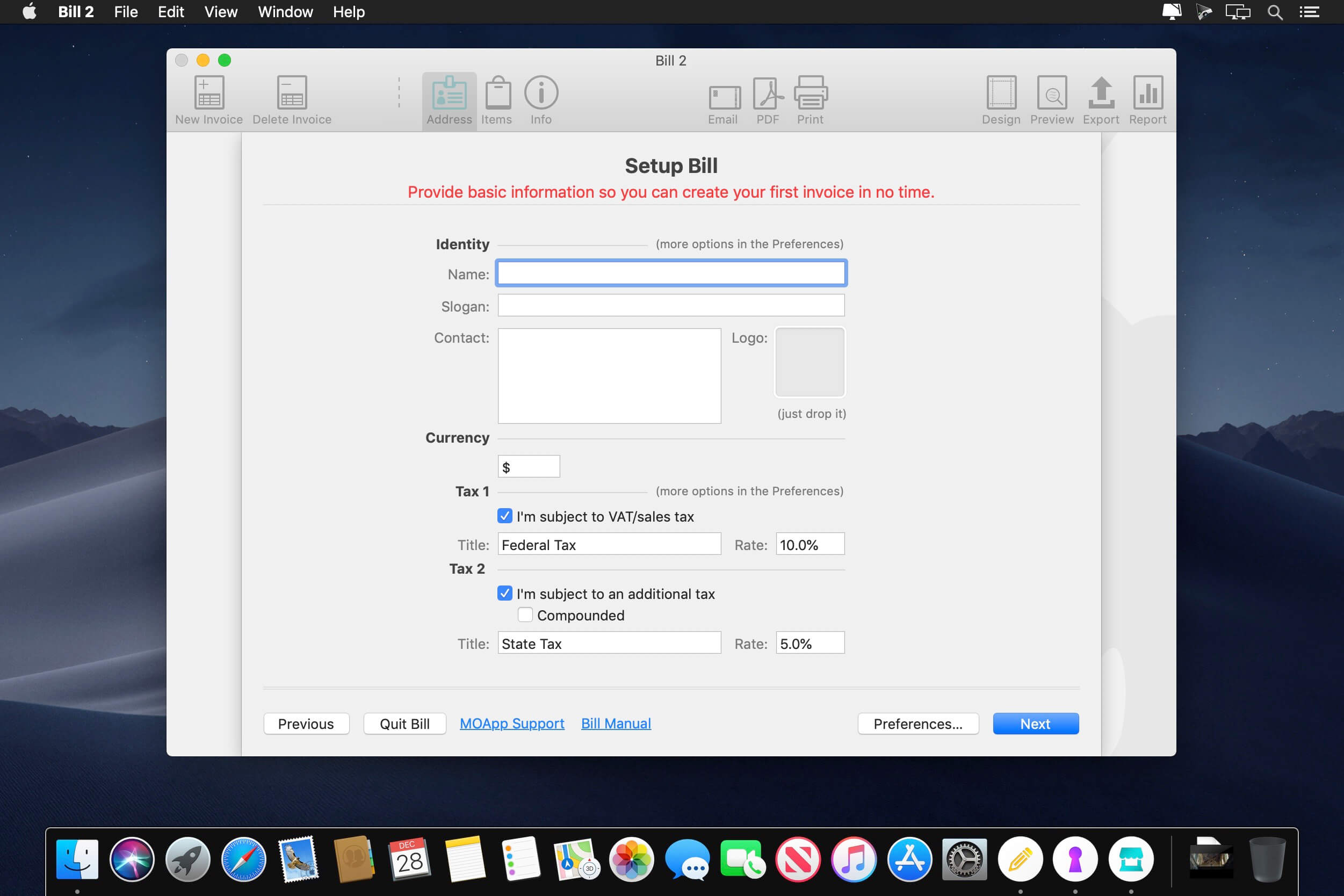
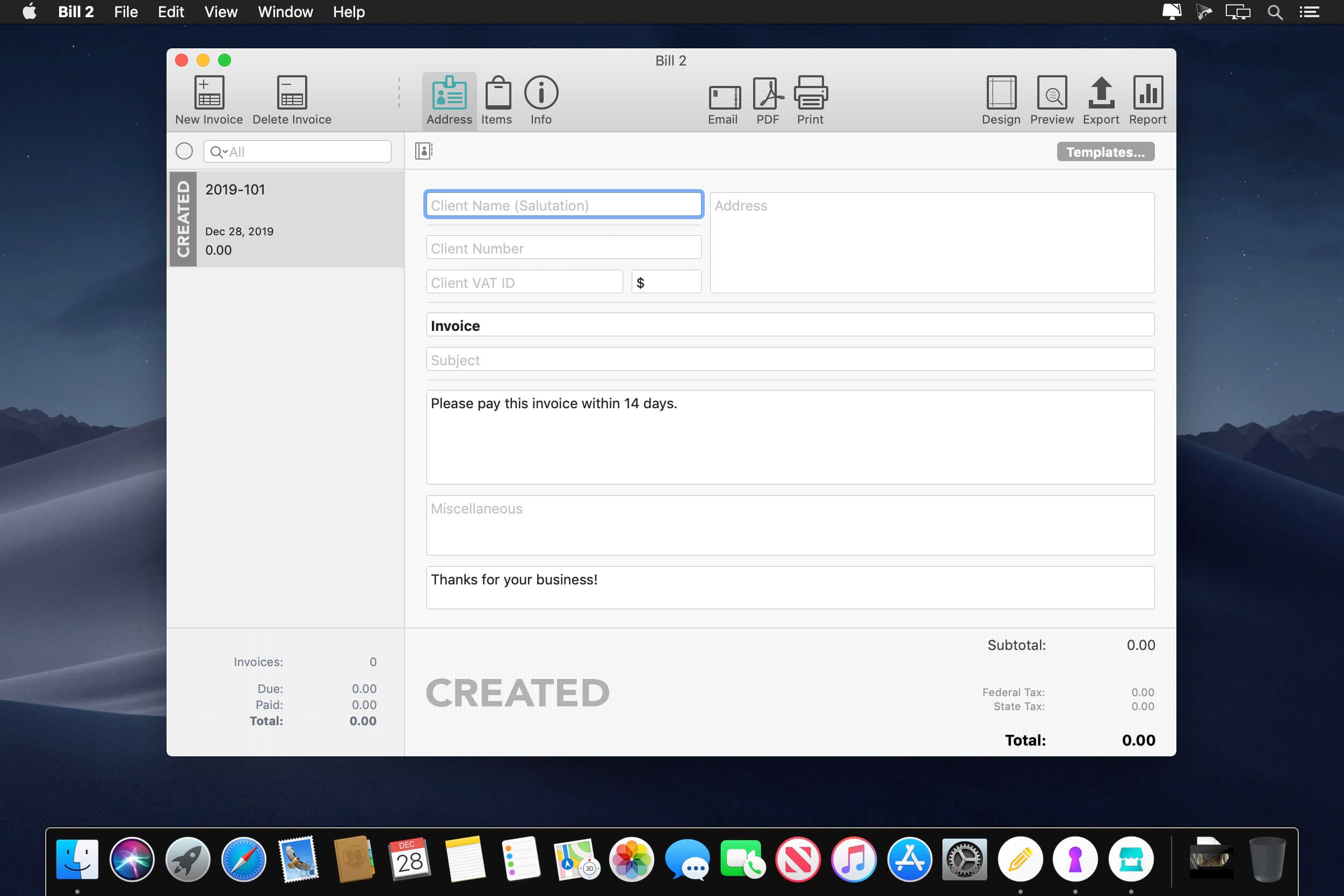
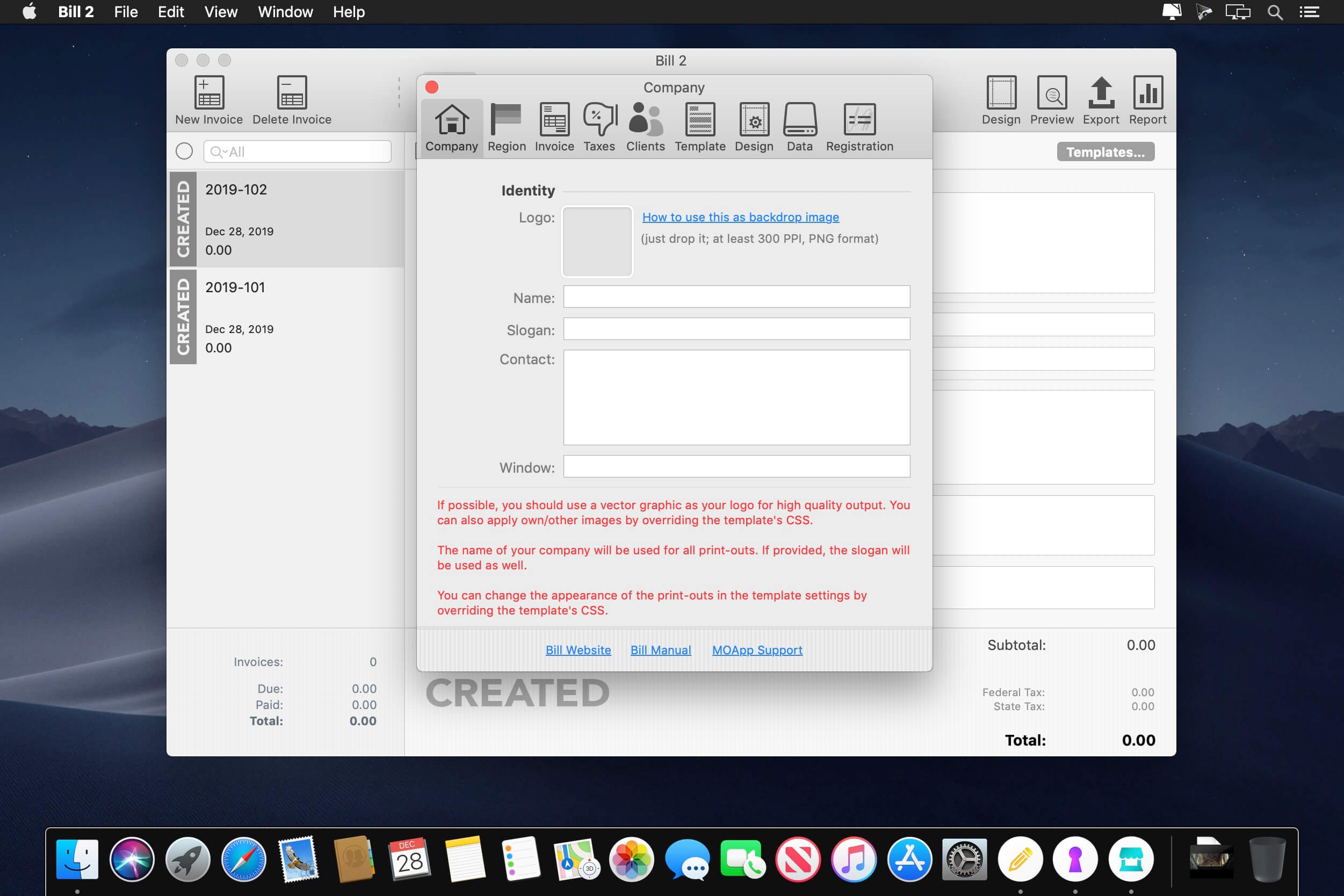
Invoicing made painless and fun. Bill is invoicing made painless and fun. It doesn't get any easier. Just three simple steps to your perfect invoice.
1. Create Invoice: An invoice consists of three parts: Client information; invoice information; and items, shipping, discount, and amount. You can also create quotes, which can be converted into invoices. Invoices can have an individual number, a due date, can be (automatically) marked as sent, due and paid. Bill will remember clients, addresses, and client numbers for you and you can, of course, import clients directly from your OS X Contacts.app with just one click.
2. Add Items: Bill remembers recent items. This means you don't have to re-type them all the time; instead you can add them with just one click. Items consists of a title, a subtitle, the base amount, the quantity, the possible taxes, and a SKU number. In addition, you can add (optional) shipping costs and Bill will remember them as well; so again, it's just one simple click to add them. And, of course, you can add – or better yet – subtract an optional discount at any time, either as a fixed amount or a percentage of the total.
3. Print Invoice: Or directly create a PDF file, or even better, directly send them as email attachments. And since you can allow Bill access to the OS X Contacts.app, it already knows your client's email address. And yes, you can re-print and resend an invoice at any time. You can even create, and therefore print, invoices in any language - even left to right - and create your own templates with just a basic knowledge of HTML and CSS. Or simply customize one of the existing templates to fit your needs.
Version 2.8.2:
- Release notes were unavailable when this listing was updated.
Frequently asked questions
How do I install the app?
Mount the image, drag the app into the "Applications" folder and launch it. If the system blocks the launch, allow it in "System Settings → Privacy & Security".
The app is damaged or won't launch
Reinstalling from a fresh image usually helps. Make sure your macOS version matches the one listed in the compatibility specs.
How do I update?
Download the new version from the site and install it over the current one — your settings will be preserved.
The download link doesn't work
Try a mirror or a download manager. For large files the browser often drops the connection.
How do I completely remove the app?
Use an uninstaller utility — it cleans up the service files that remain after moving the app to the trash.
VersionBill 2.8.2
DeveloperMOApp Software
CompatibilityOS X 10.8.5 or later, 64-bit processor
LanguageEnglish
IncludesK'ed by TNT




Information
Visitors in the group Guests cannot leave comments on this publication.
Choose a download source
Bill 2.8.2 · 13.12 MB