Timecode Pro 3.2.4
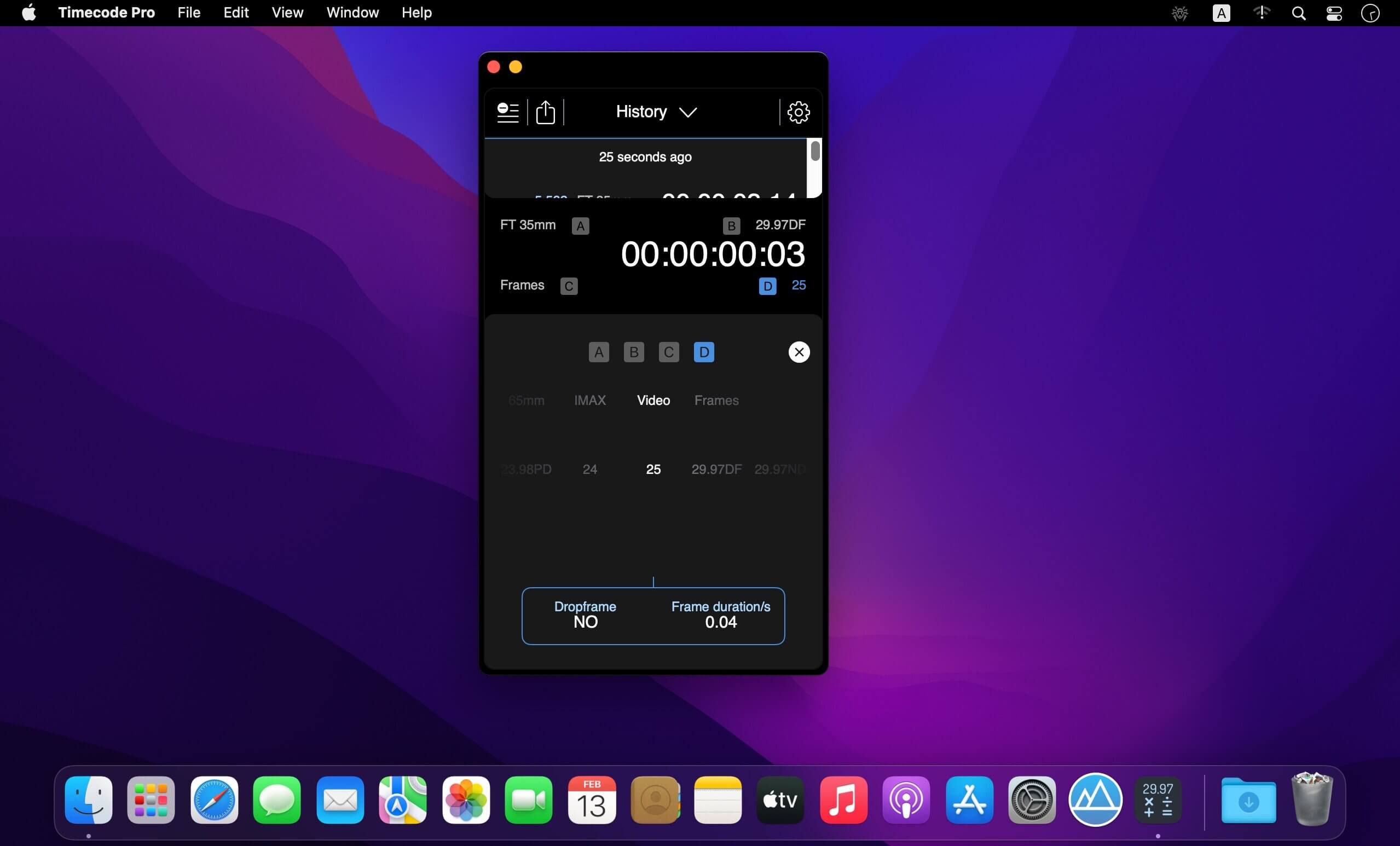
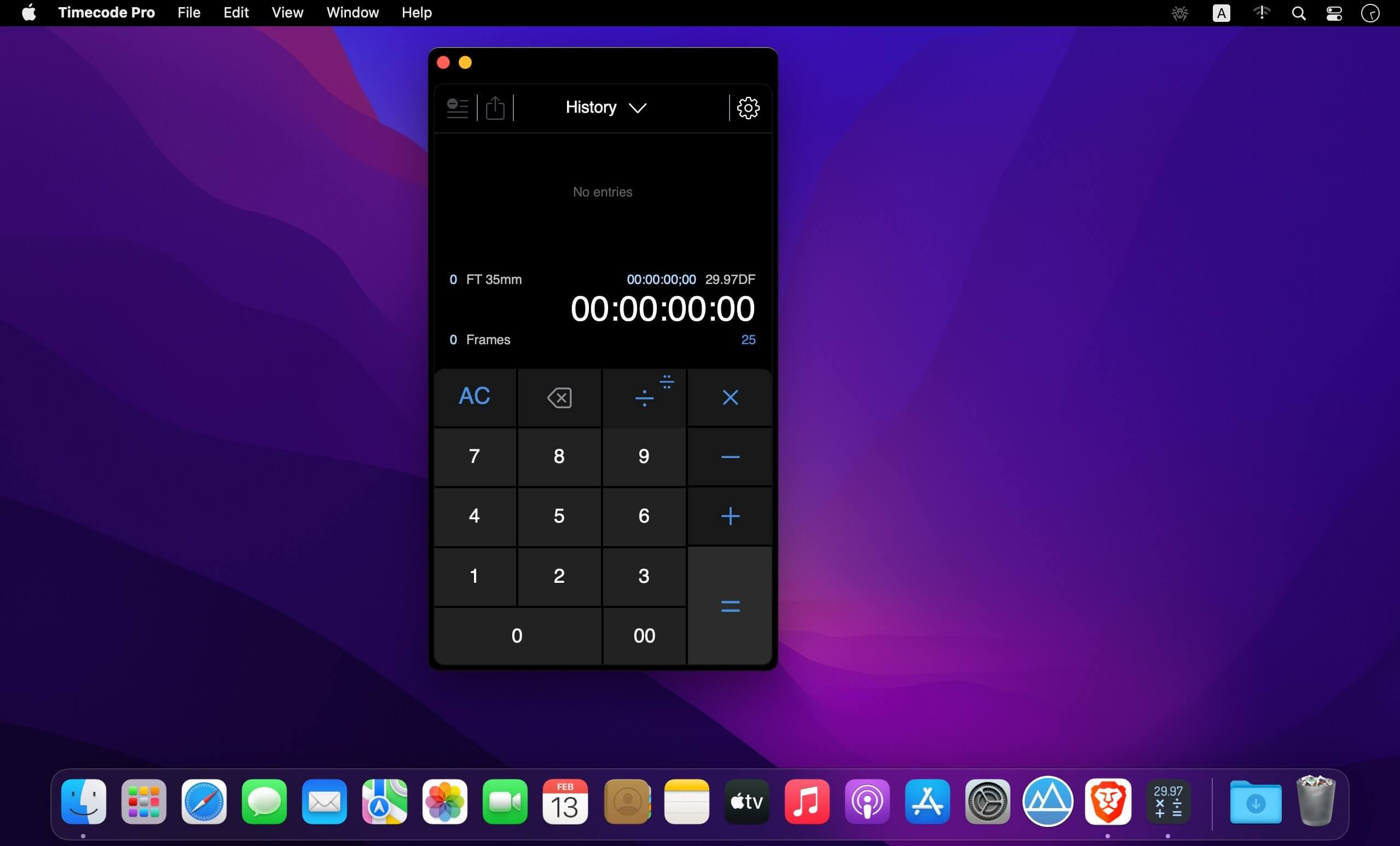
Timecode by Panoptik is the most attractive Timecode calculator on the market (if we do say so ourselves). It is the only professional choice for performing fast, ultra-precise timecode calculations and film unit conversions. Using Timecode, you can calculate and convert any timecode into any other timecode or unit at the touch of a button. Timecode displays four user-definable units at once, allowing you to view conversions on any frame rate like 29.97 fps, 25 fps, rolls of film and frame results at the same time.
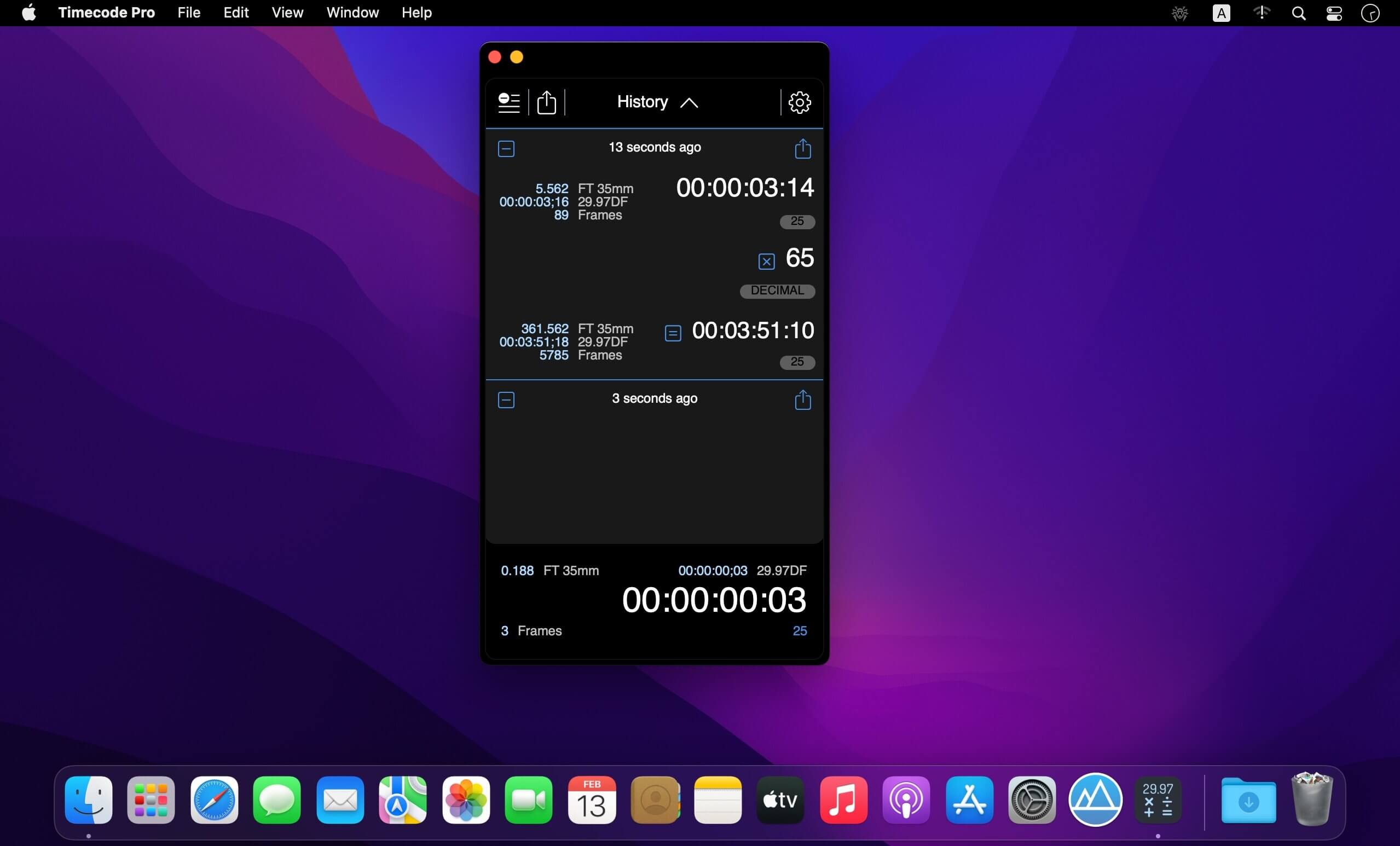
Do you need to know more? OK, OK not only can you do all those fancy frame and film rate calculations but it also gathers them together in an elegant little log that can be forwarded on to anyone who needs to know. Packed under the hood of its deceptively simple interface is one of the most robust timecode math engines on the planet, designed by a team of filmmakers, editors, designers, technicians and developers. Thanks to Timecode’s peerless combination of precision software engineering and clear, contemporary design, complicated timecode calculations are more simple than they have ever been.
Honestly, you need this in your life.
FEATURES:
- Over 10 different preset formats
- Over 10 preset frame rates and units
- Unique, elegant user interface makes calculating timecode and footage a pleasure
- Mix any units you desire. From feet to frames to HD to PAL to NTSC to IMAX and beyond!
- Simply tap on the settings button to reveal format and framerate options
- View your previous calculations in the comprehensive log
Version 3.2.4
- Added the ability to paste in values
- Fixed additional crashes when running macOS 13.x
- Fixed an issue related to parsing FT:FRM format values
Frequently asked questions
How do I install the app?
Mount the image, drag the app into the "Applications" folder and launch it. If the system blocks the launch, allow it in "System Settings → Privacy & Security".
The app is damaged or won't launch
Reinstalling from a fresh image usually helps. Make sure your macOS version matches the one listed in the compatibility specs.
How do I update?
Download the new version from the site and install it over the current one — your settings will be preserved.
The download link doesn't work
Try a mirror or a download manager. For large files the browser often drops the connection.
How do I completely remove the app?
Use an uninstaller utility — it cleans up the service files that remain after moving the app to the trash.




Choose a download source
Timecode Pro 3.2.4 · 2.88 MB
Previous versions
Timecode Pro 3.2.4
Previous versions are available to registered users.