
Mitti 1.5.18
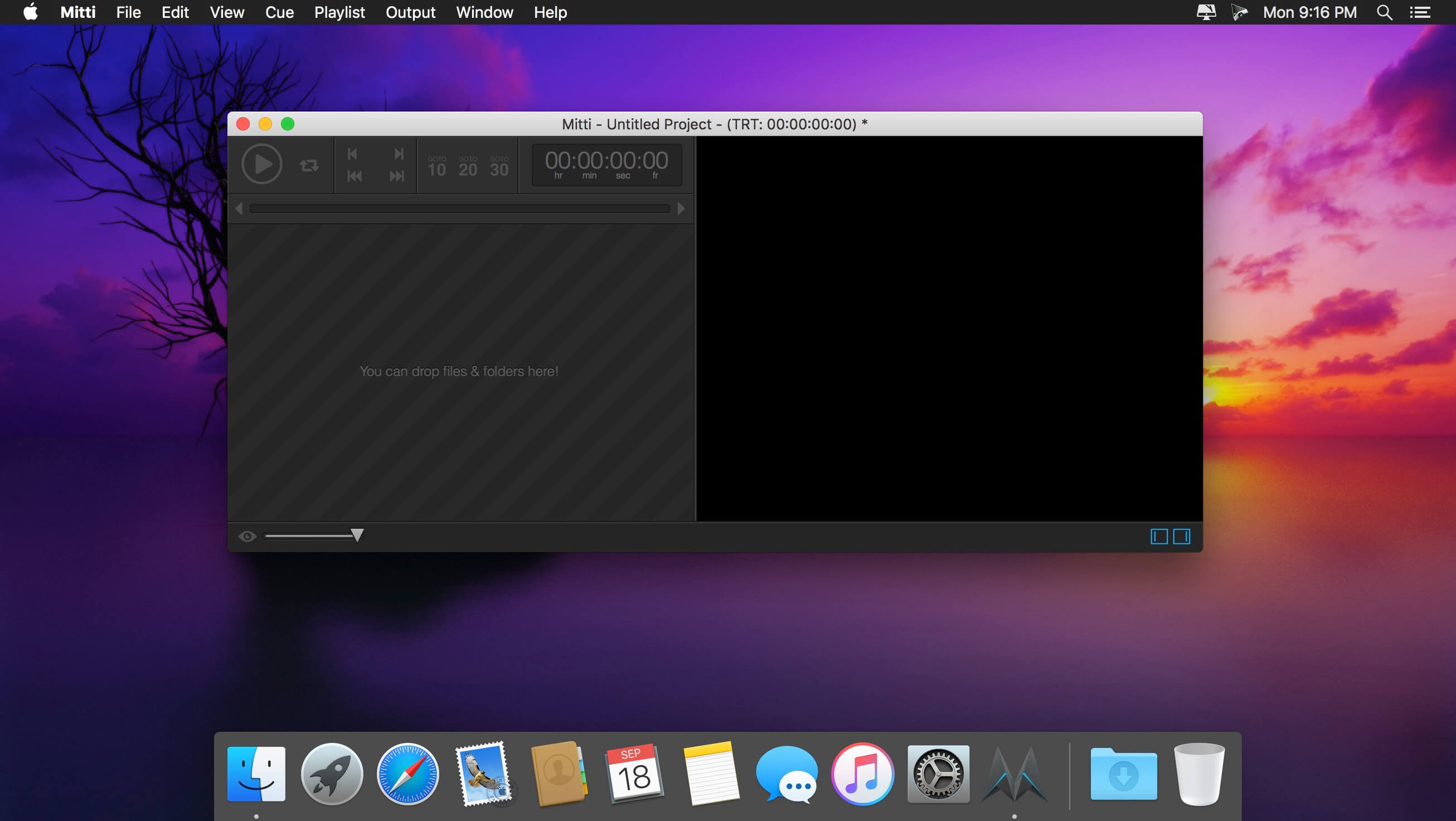
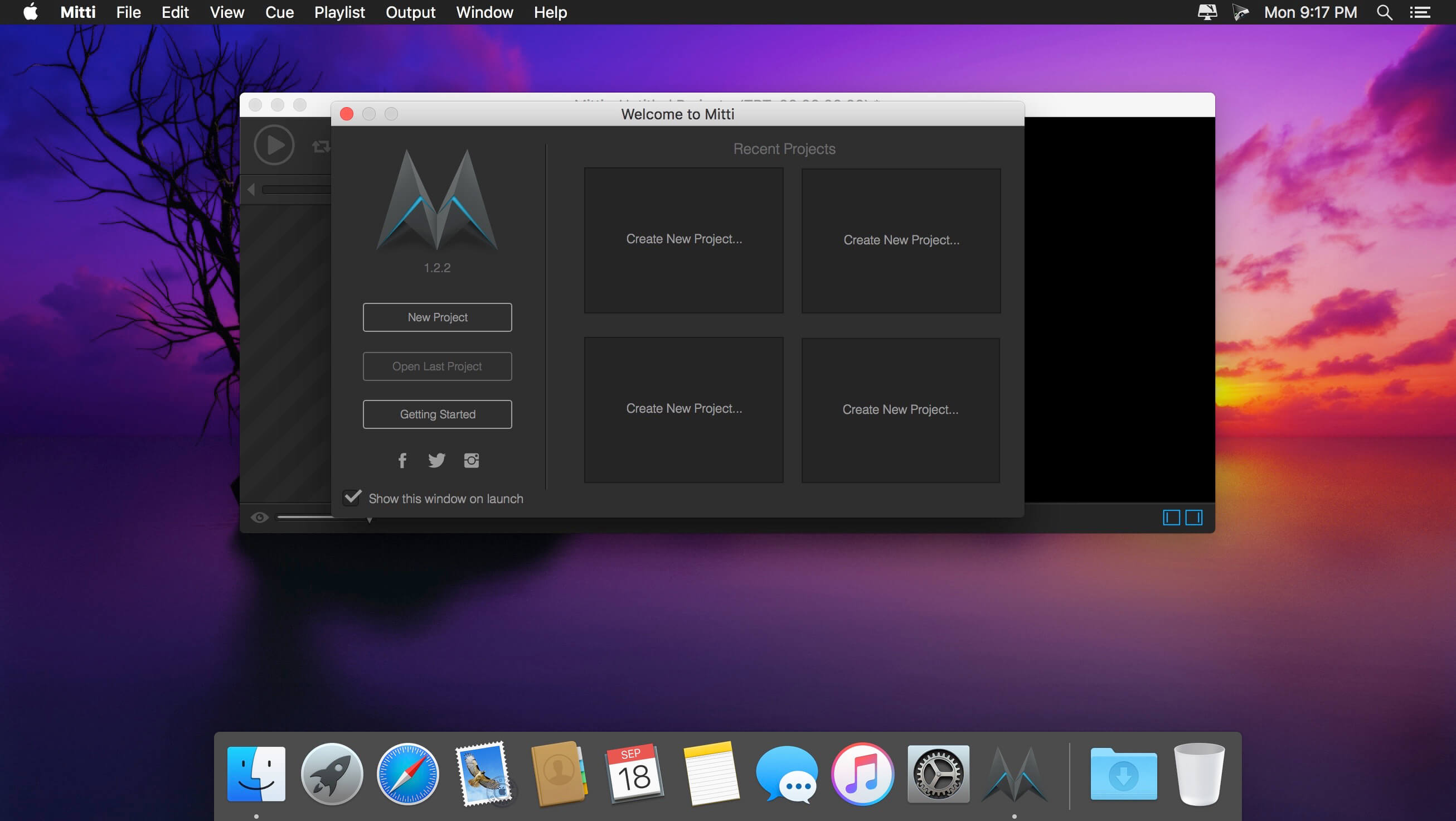
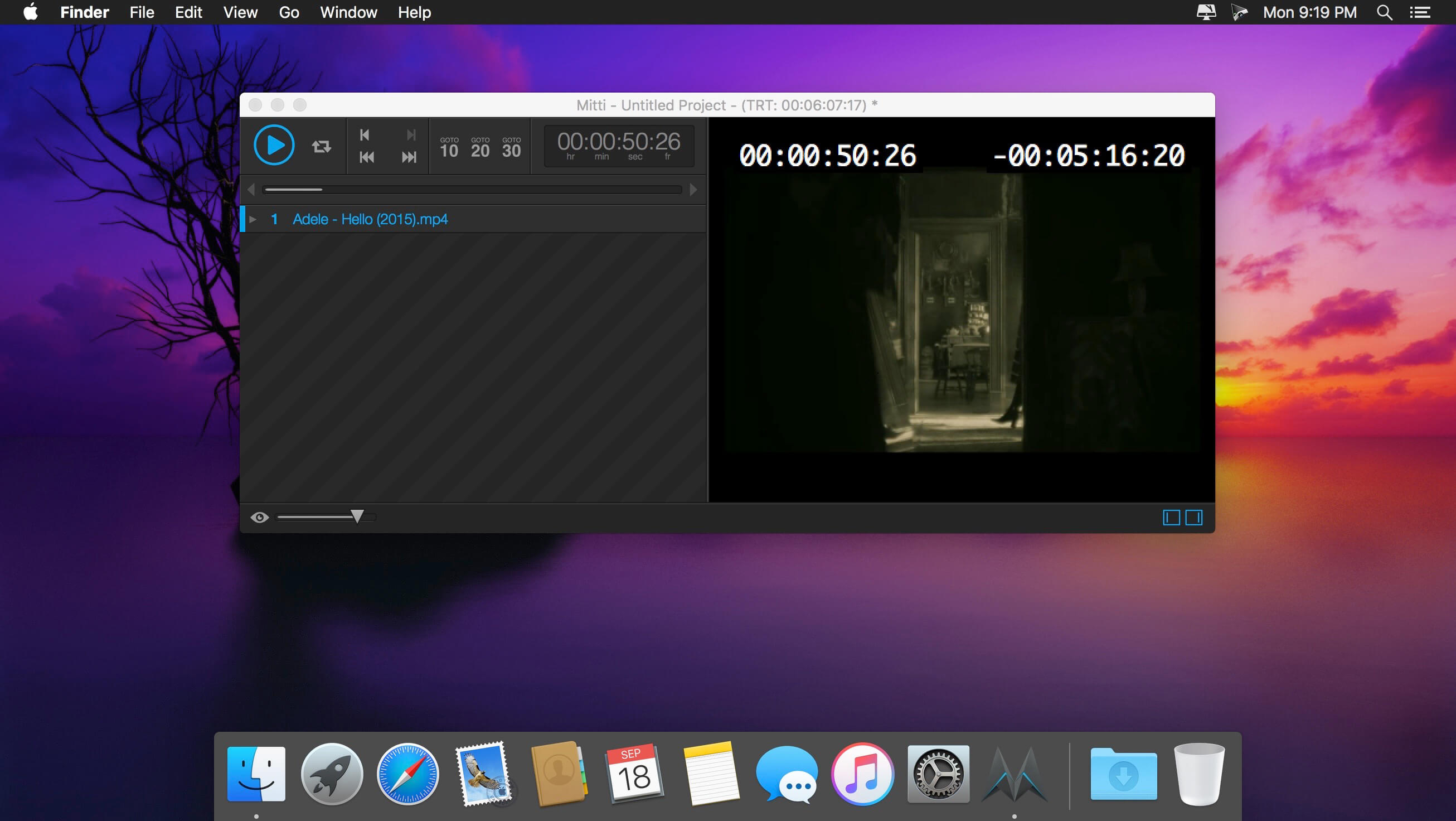
Mitti is a modern, feature-packed but easy-to-use pro video cue playback solution for theatre, audiovisual shows, performances, and exhibitions.
Nice, easy and powerful
Mitti has a clear, intuitive, uncluttered user interface with an easy to learn and use workflow, on top of the modern, 64bit, low-latency audio and a really powerful GPU-accelerated video playback engine driven by it's robust, SMPTE-time-speaking internal clock.
Various Cue Types & Cue-level Preferences
You can create Cues in Mitti from video and still image files of course, as well as a rich-set of inputs, including Cameras, Syphon and NDI sources. Cues have their individual color, video effect, audio output and transition settings.
Works the way you want
In Mitti's Playlist Preferences you can define default times for Fade-In/Outs and Transitions, as well as the default SMPTE format and SMPTE offset.
Besides of that, Mitti also allows you to define default states for Cues that match your workflow. Always want to apply Transitions or Fade-Ins? Need to always stop playback once a Cue has been finished? Not a problem, you can set that for your Cues globally and - of course - also individually.
Timecode Input
Mitti's playback engine can be easily slaved to an external MTC (MIDI Timecode) or LTC (Linear Timecode) SMPTE timecode source to make tight sync with any software or hardware timecode generators, show control solutions or even DAWs.
Multi-screen Video Output
Mitti supports fullscreen output on multiple displays, with individual 4-corner warping on each output and edge blending settings. Managing double- or triple-wide outputs never been so easy before!
Remote controllable by MIDI / OSC / DMX
Mitti is remote controllable by MMC (MIDI Machine Control) and MSC (MIDI Show Control) commands as well as hardware and software MIDI controllers, has an extensive OSC API and also remote controllable by Art-Net (DMX over Ethernet).
Version 1.5.18:
Changed
- LTC source is now set to Disabled by default
Fixes
- Audio is out of sync after pause & unpause in some rare circumstances
- Frame-stepping does not sync with NMC
- Crash on NMC backup after adding a file in certain circumstances
- Crash on startup in rare circumstances
Frequently asked questions
How do I install the app?
Mount the image, drag the app into the "Applications" folder and launch it. If the system blocks the launch, allow it in "System Settings → Privacy & Security".
The app is damaged or won't launch
Reinstalling from a fresh image usually helps. Make sure your macOS version matches the one listed in the compatibility specs.
How do I update?
Download the new version from the site and install it over the current one — your settings will be preserved.
The download link doesn't work
Try a mirror or a download manager. For large files the browser often drops the connection.
How do I completely remove the app?
Use an uninstaller utility — it cleans up the service files that remain after moving the app to the trash.





Choose a download source
Mitti 1.5.18 · 10.71 MB
Previous versions
Mitti 1.5.18
Previous versions are available to registered users.