Label Maker 1.2.0
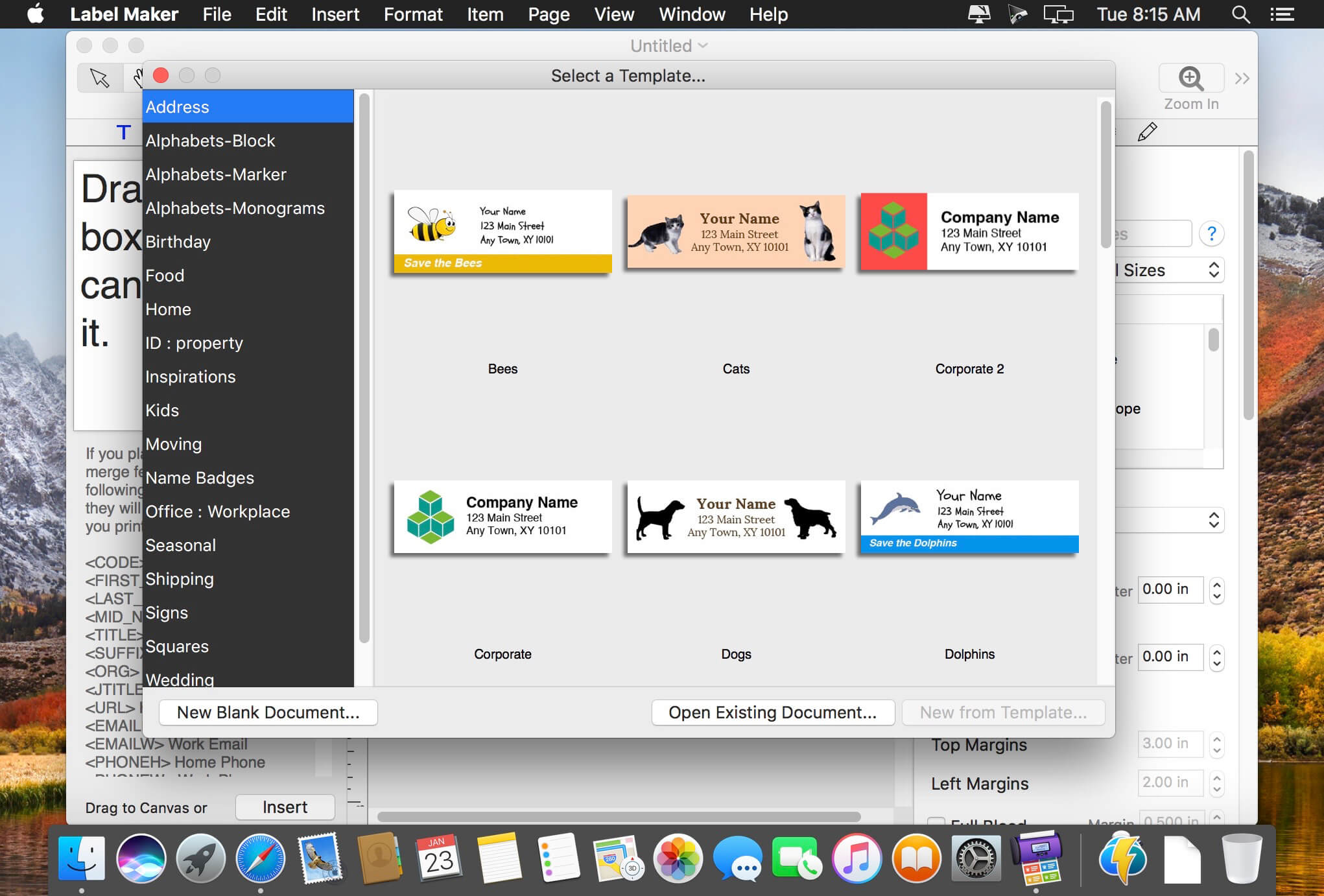
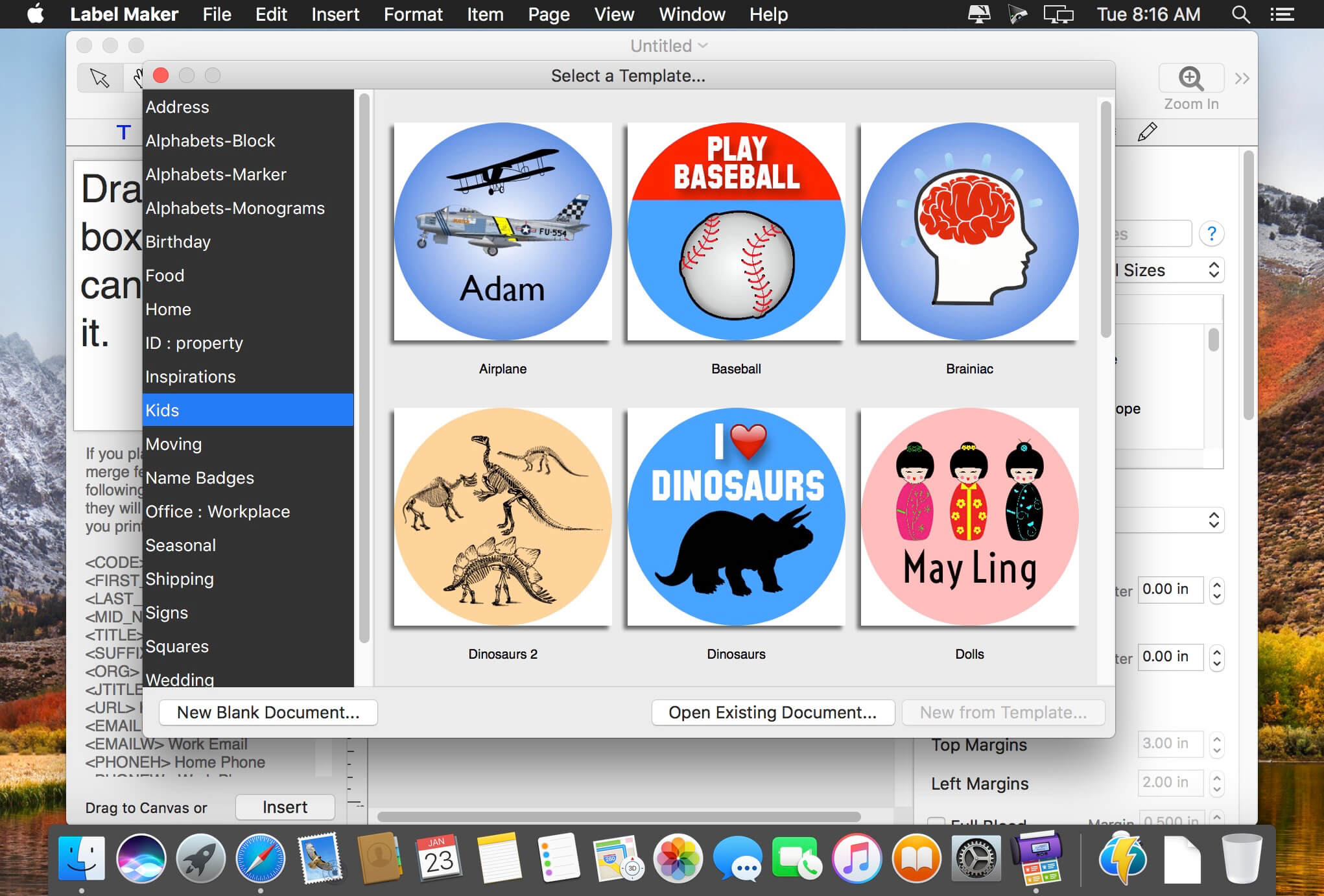
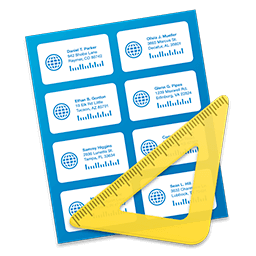
Label Maker is the easiest way to create useful and beautiful labels, tags, stickers, envelopes, cards, and much more. In minutes, you’ll be making great-looking, professional labels — even if you have no previous design experience.
Create labels for any application: products, shipping, return address, file folder, inventory tags, name tags, envelopes, and more — the possibilities are endless.
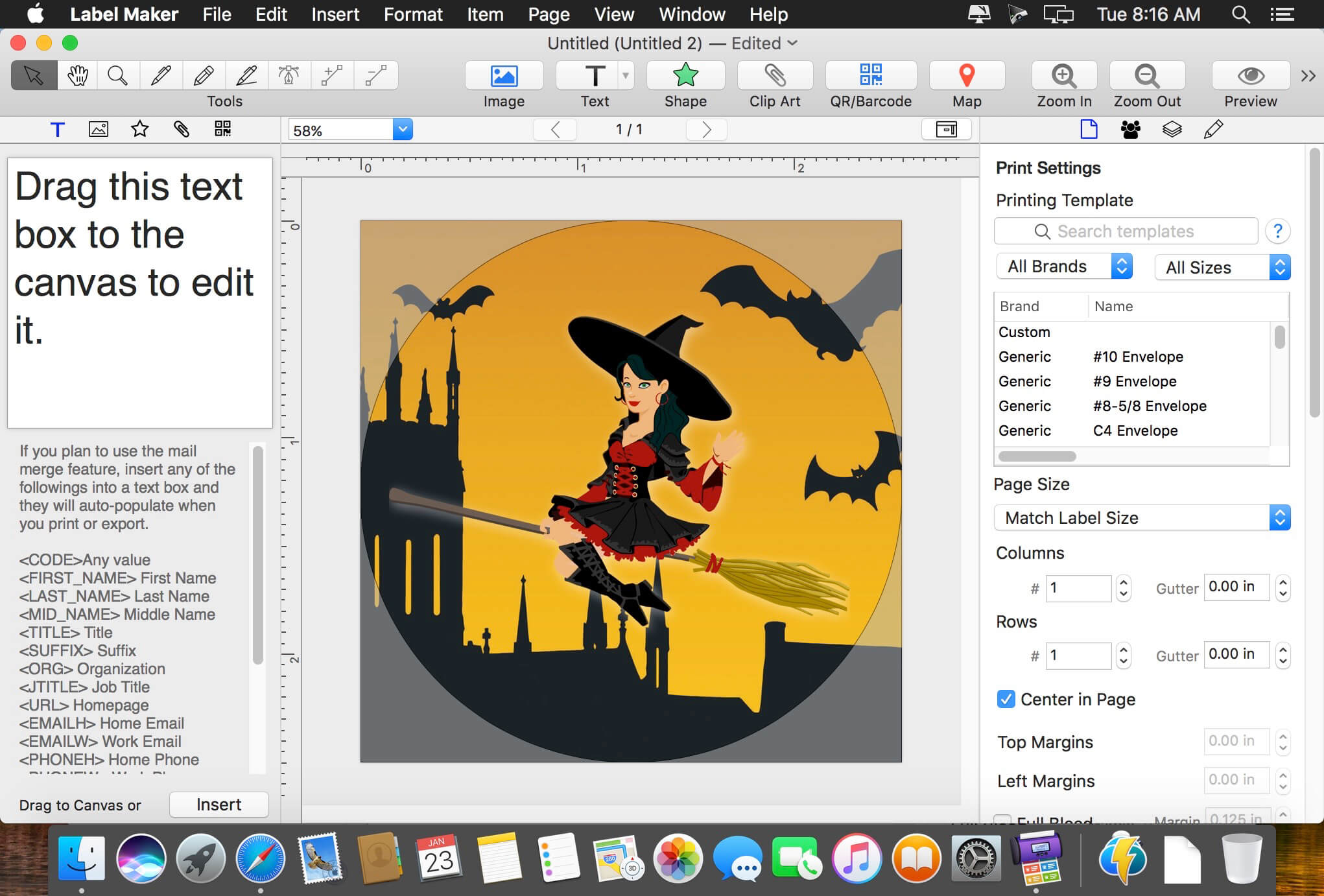
Simply drag and drop images, stylish text, clip art, and shapes onto a label to get started. Quickly generate and insert barcodes. Even use the built-in maps navigator to insert a Google map anywhere on your label.
This app supports hundreds of label layouts — including the full line of Avery products — so you can conveniently print your label sheets at home.
PLUS: Use the “mail merge” feature to automatically populate your labels from your Mac OS Contacts (or entered manually). This allows you to easily create one design, and automatically populate it with a click.
Key Features
- 100+ of professionally designed templates to get you started.
- Support for 500+ types of label paper layouts, including Avery.
- Easy “mail merge” for auto-populating contact info.
- Import contact info seamlessly from your Mac OS Contacts, or enter them manually.
- Generate and insert barcodes: UPC-A, UPC-E, EAN-8, EAN-13, ISBN, QR, Postnet, and a dozen more.
- 70,000+ high-quality, royalty-free clip art images, free for personal or business use.
- 100+ background textures, art frames, and image masks.
- 140+ creative fonts.
- Insert images, text, vector and raster shapes, clip art, and QR/barcodes.
- Import images directly from iPhoto and Photos apps.
- Choose from a dozen image filters (Vintage, Sketch, Comic, Sepia, and more).
- Adjust image levels, crop, tint, and apply masks.
- Add a Google map with any address or landmark, along with a place marker.
- Advanced text-formatting controls.
- Insert, style, and rotate 3D text (OS X Yosemite required).
- Vector-based drawing tools (bezier pen, pencil, line).
- Select from 26 vector shapes, or draw your own.
- Style elements with shadows, inner shadows, borders, and reflections.
- Fill elements with colors, radial and linear gradients, textures, frames, or images.
- Change the opacity of any element.
- Layout guides make arranging elements a snap.
- Export to PDF, PNG, JPEG, or TIFF formats.
- Full iCloud support.
Frequently asked questions
How do I install the app?
Mount the image, drag the app into the "Applications" folder and launch it. If the system blocks the launch, allow it in "System Settings → Privacy & Security".
The app is damaged or won't launch
Reinstalling from a fresh image usually helps. Make sure your macOS version matches the one listed in the compatibility specs.
How do I update?
Download the new version from the site and install it over the current one — your settings will be preserved.
The download link doesn't work
Try a mirror or a download manager. For large files the browser often drops the connection.
How do I completely remove the app?
Use an uninstaller utility — it cleans up the service files that remain after moving the app to the trash.
VersionLabel Maker 1.2.0
DeveloperWombat Apps LLC
CompatibilityMac OS X 10.10 or later
LanguageMultilangual
IncludesK

Information
Visitors in the group Guests cannot leave comments on this publication.
Choose a download source
Label Maker 1.2.0 · 81.88 MB