NCH Disketch Plus 5.03
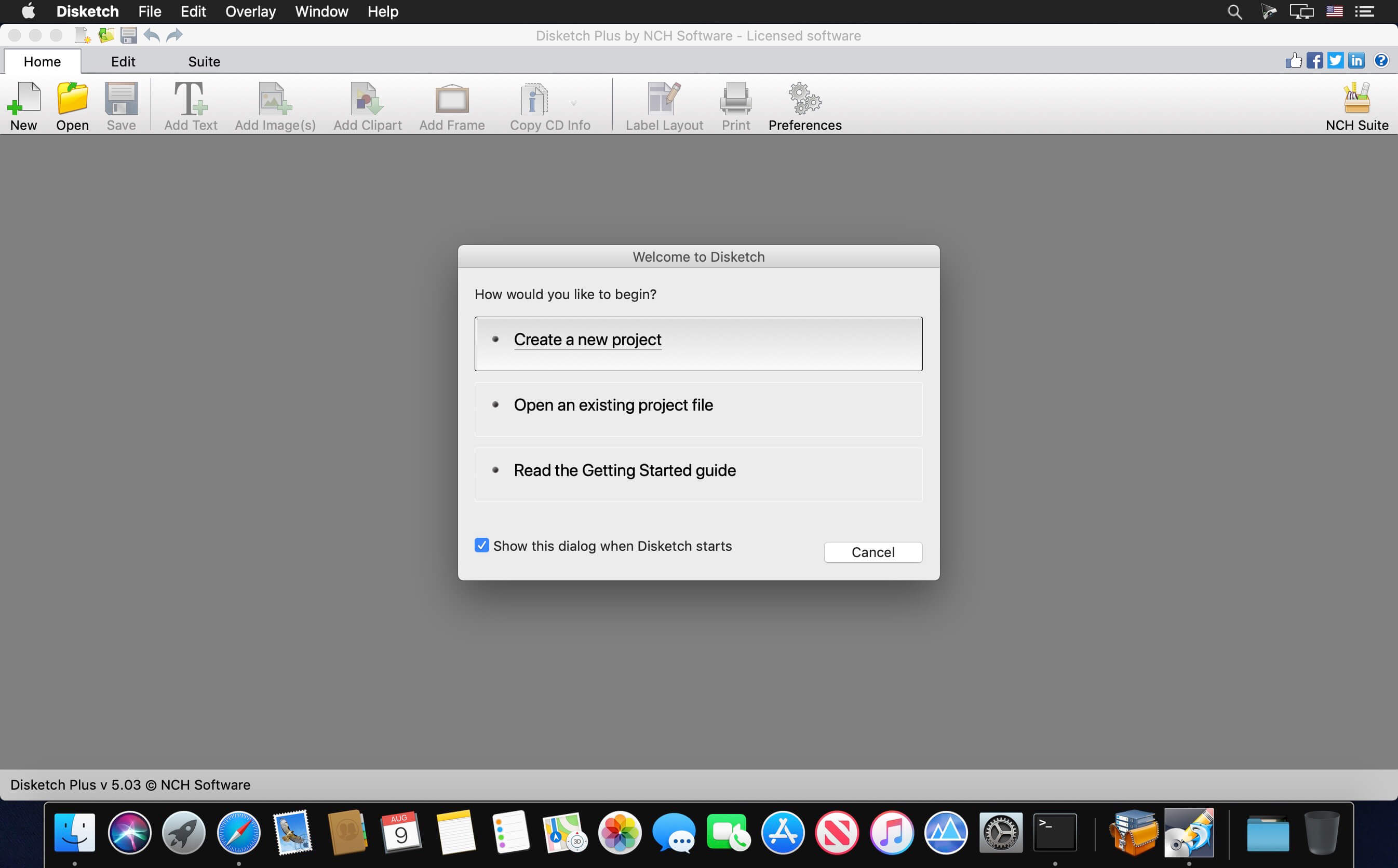
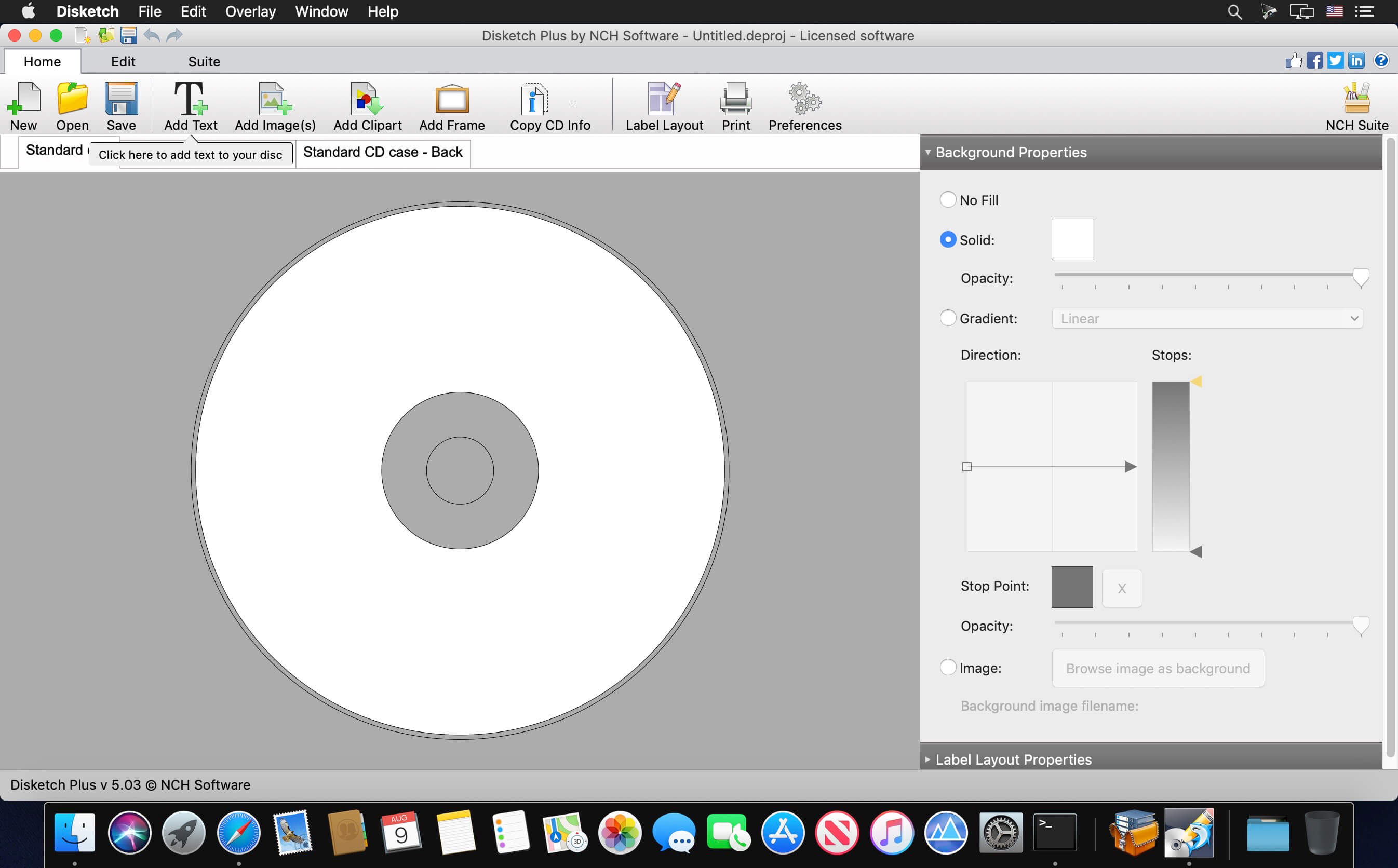

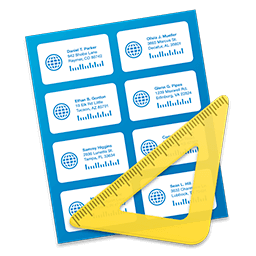
Disc Labeling Software to easily create, personalize and print labels and covers for any CD, DVD or Blu Ray project. Get this CD label maker software …
Use Disketch Label Maker to create CD and DVD labels as well as cover images for jewel cases. You can import your own artwork, or set a simple background color and organize artist information along with track lists.
Disc Labeling Features
- Create CD, DVD or Blu-Ray disk labels
- Import your own photos to create personalized disc backgrounds and covers
- Print on sticky labels, or directly onto printable discs*
- Easily move and layer text and images to design labels
- Choose from a variety of text styles
- Easily format, resize and align your text
- Import track names directly from a CD in your disc drive
- Change the background color of the disc
- Export files to send to a print shop
- Manually adjust the printing position on a page
Version 5.03:
- Release notes were unavailable when this listing was updated.
Frequently asked questions
How do I install the app?
Mount the image, drag the app into the "Applications" folder and launch it. If the system blocks the launch, allow it in "System Settings → Privacy & Security".
The app is damaged or won't launch
Reinstalling from a fresh image usually helps. Make sure your macOS version matches the one listed in the compatibility specs.
How do I update?
Download the new version from the site and install it over the current one — your settings will be preserved.
The download link doesn't work
Try a mirror or a download manager. For large files the browser often drops the connection.
How do I completely remove the app?
Use an uninstaller utility — it cleans up the service files that remain after moving the app to the trash.
VersionNCH Disketch Plus 5.03
DeveloperNCH Software
CompatibilitymacOS 10.5 or later
LanguageEnglish
IncludesK'ed by The Shark
Information
Visitors in the group Guests cannot leave comments on this publication.
Choose a download source
NCH Disketch Plus 5.03 · 4.15 MB