Home Business Card 1.7.3
Home Business Card: business card design software for Mac printing
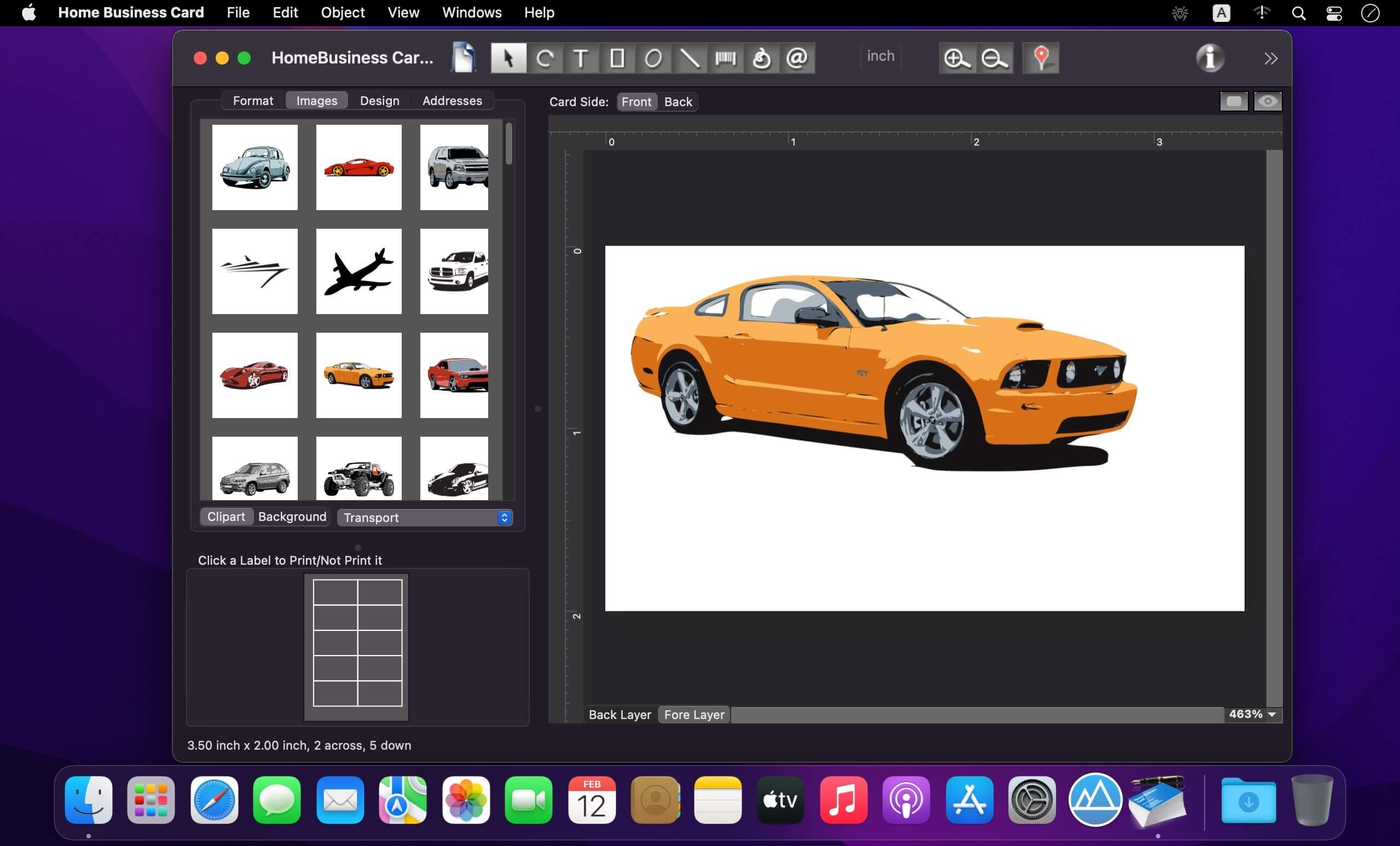
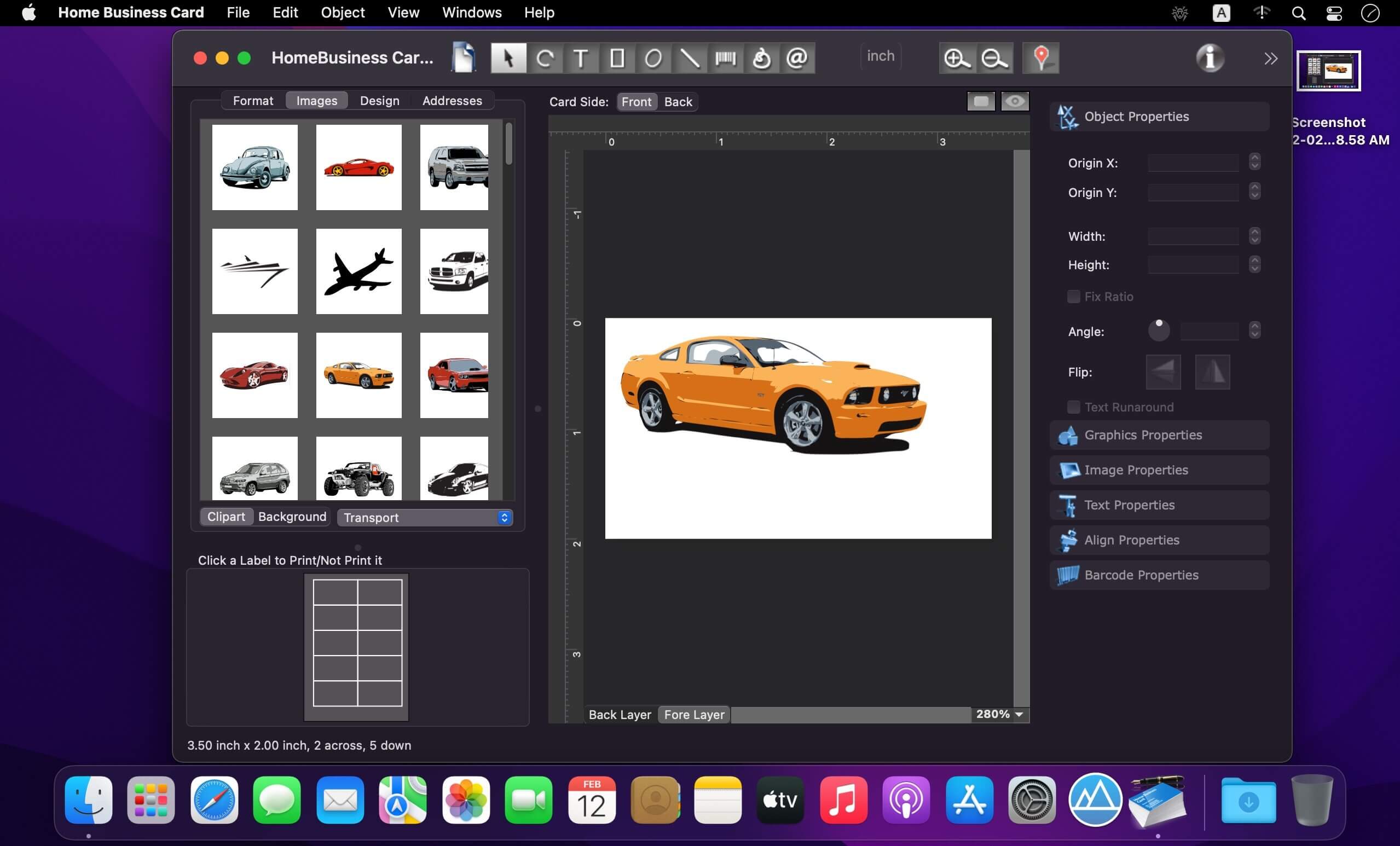
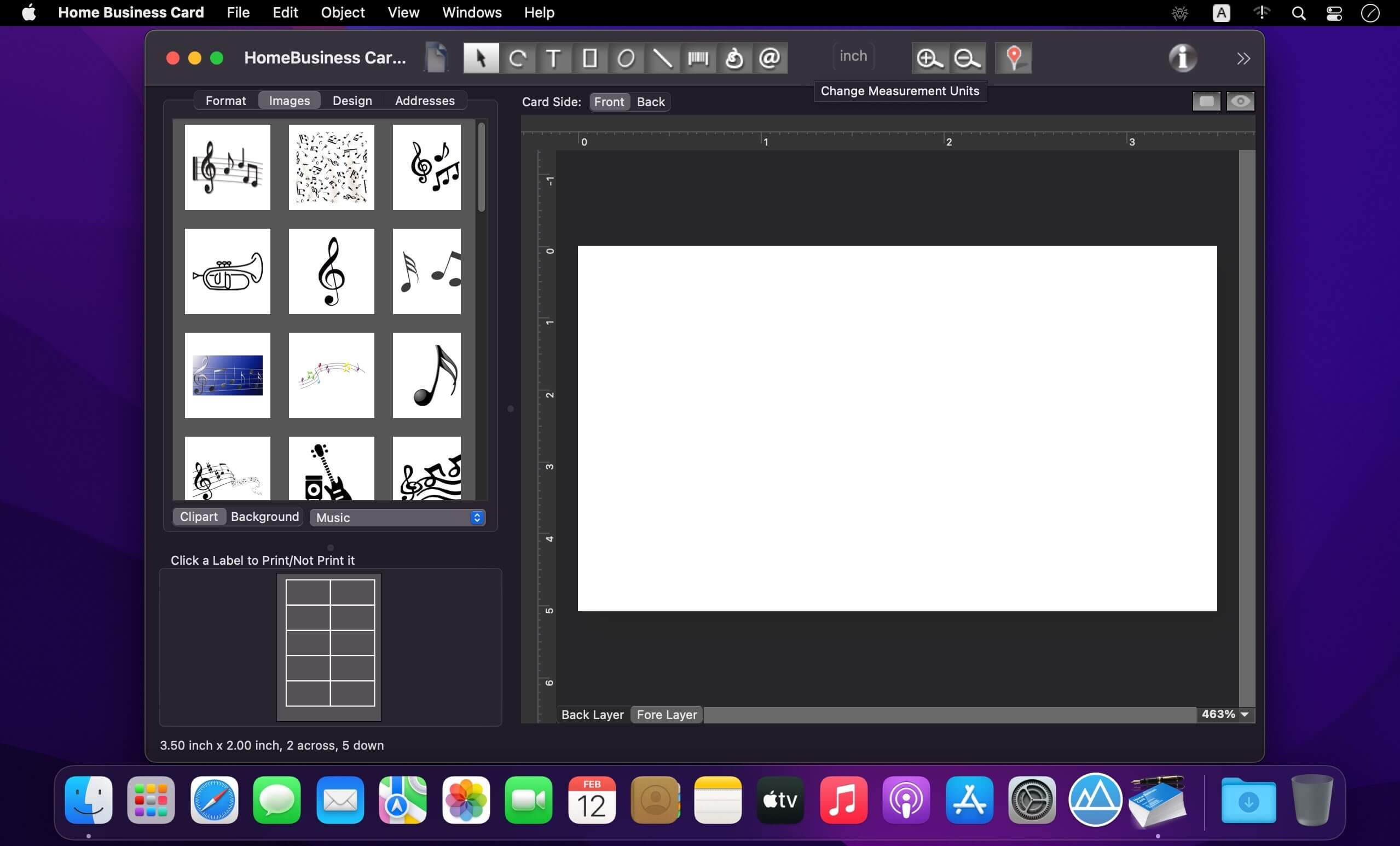
Home Business Card is a Mac app for designing and printing professional business cards with ease. It includes built-in card formats, clipart, and more than 800 ready-made templates to help you create polished designs in minutes.
With Home Business Card, you can:
- design eye-catching business cards that make a strong impression,
- build a lasting image for your business or personal brand,
- share contact details quickly and professionally,
- strengthen personal and professional connections,
- save time when creating cards for yourself or your business.
The app includes hundreds of horizontal and vertical templates, plus over a thousand background and clipart images in formats like JPEG, TIFF, PDF, and GIF. It also supports a wide range of business card paper from brands such as Avery, APLI, A-One, Compulabel, Canson, Data Becker, Decadry, Formtec, Herma, Herlitz, Sigel, and Printec.
Advanced printing options let you print any number of cards from any position on a sheet, skip selected cards, control bleeds, and add crop or trim marks. You can print directly on your Mac printer or export designs as JPEG, TIFF, PDF, BMP, PNG, and more for professional printing.
Home Business Card also works with Mac Address Book to import contact details, supports map objects for showing your location, and lets you add barcodes such as Code 128, Datamatrix, and QR codes. You can enhance images with Core Image filters and apply creative text effects like circular text, custom fills, strokes, and shadows.
Version 1.7.3:
- functionality improved, Ul updated, MacOS 26 compatibility ensured.
Frequently asked questions
How do I install the app?
Mount the image, drag the app into the "Applications" folder and launch it. If the system blocks the launch, allow it in "System Settings → Privacy & Security".
The app is damaged or won't launch
Reinstalling from a fresh image usually helps. Make sure your macOS version matches the one listed in the compatibility specs.
How do I update?
Download the new version from the site and install it over the current one — your settings will be preserved.
The download link doesn't work
Try a mirror or a download manager. For large files the browser often drops the connection.
How do I completely remove the app?
Use an uninstaller utility — it cleans up the service files that remain after moving the app to the trash.




Choose a download source
Home Business Card 1.7.3 · 93.98 MB