
Business Card Shop 8.0.1
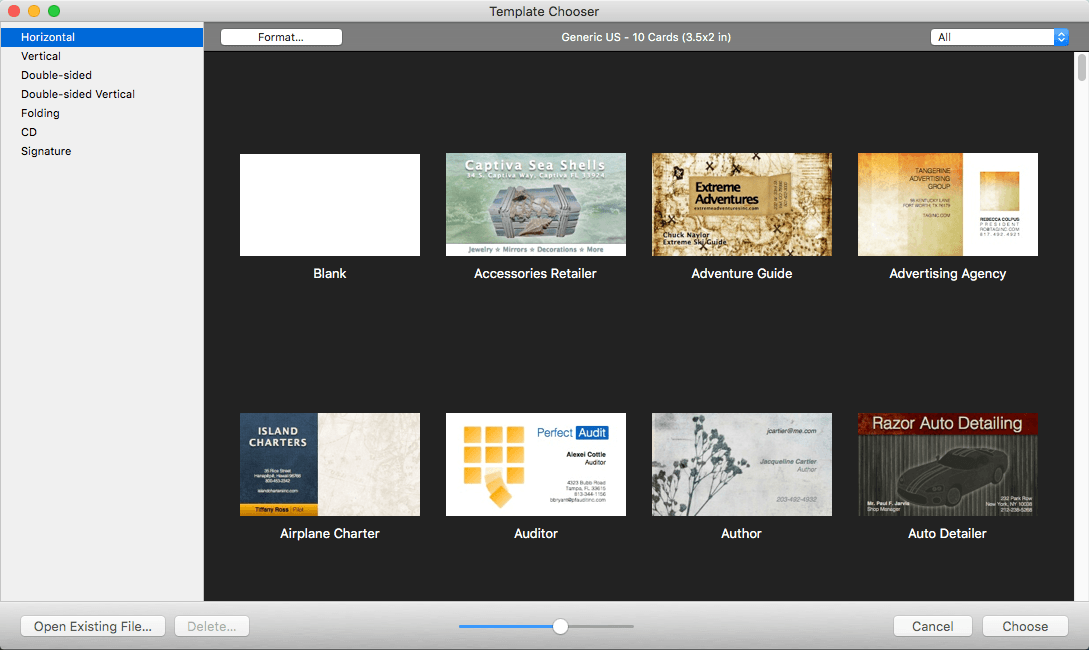
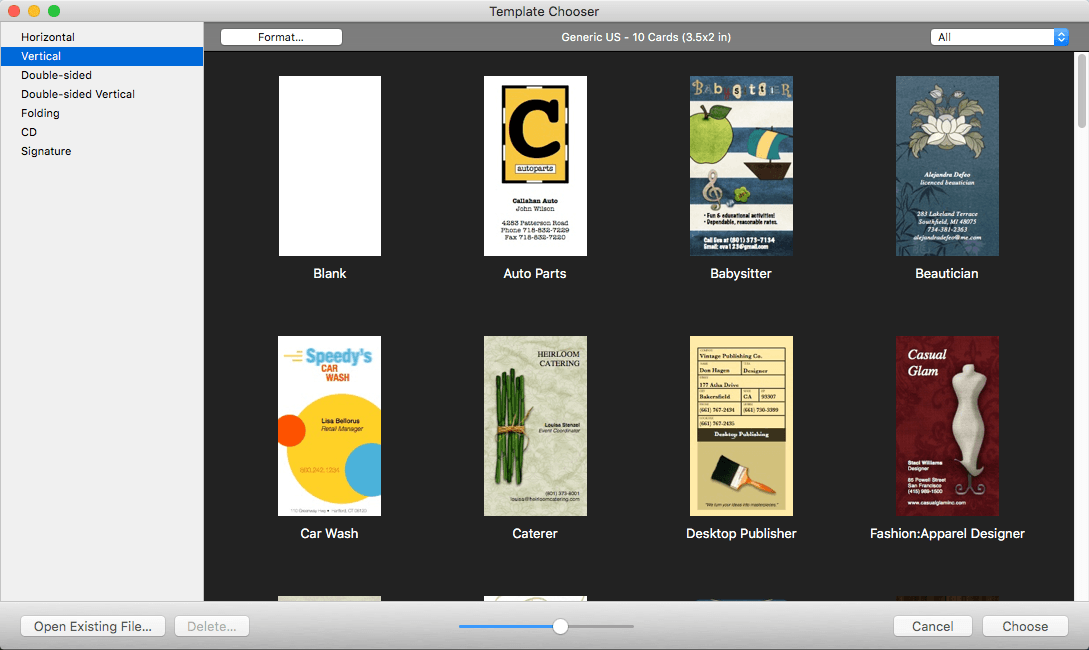

Chronos Business Card Shop - Make a great first impression — in business and life. Business Card Shop is the #1 best-selling business card software for Macintosh. It includes everything you need to start making a great first impression.
700+ Stocks
Built-in support for popular stocks from Avery®, NEATO®, PaperDirect®, and more
Designer Stocks
Works with designer stocks supported by your printer including double-sided, clean-edge (no perforations), glossy finish, matte, finish, linen texture, etc.
Online Commercial Printers
Export your cards for submission to any online commercial printer
Full Bleed Support
Supports card stocks where your design can "bleed" pas the edge of the card for a "print-to-the-edge" look
Crop Marks
Supports crop marks for full bleed designs to assist commercial printers in cutting your cards
Efficient
Only print cards when you need them to eliminate costly printing re-runs when contact changes occur
Convenient
Print special cards for trade shows and other events where may want to limit the information shared on your card
30+ Photo Effects
Sepia, blurs, sparkle, motion, lenticular halo, and more
100+ Photo Masks
Create specials effects on your photos like vignettes
Group Objects
Group multiple objects for easy moving and resizing
Exporting
Export cards as single cards or a page full of cards in popular graphic formats (JPEG, PDF, etc.)
Alignment Guides
Real-time alignment guides automatically appear and help you position objects
Transparency
Adjust the transparency of text, images, and shapes
Bezier Shapes
Create custom shapes with custom curves using Bezier controls for logos and design elements
Drop Shadows
Add drop shadows and control height, blur, color, opacity
Gradients
Fill shapes with linear & circular gradients for sophistication and realism
Snap-to-Grid
Snap-To-Grid ensures objects are aligned
Alignment
Align multiple selected objects simultaneously
Distribution
Distribute multiple selected objects evenly
Calibration
Calibrate your printer for perfect stock alignment
Typography
Advanced typography: kerning, line spacing, and more
Trim-to-Page
Hide objects outside the page boundaries to see how full-bleed cards will look
Photo Enhance
Fine-tune photos: brightness, contrast, sharpness, etc.
Contacts App Integration
Place information on your card directly from the macOS Contacts app using 350+ fields
Version 8.0
- Create and reuse an unlimited number of color schemes
- Photo analyzer figures out dominant colors in a photo
- Color wheel with 11 built-in color combinations for choosing great colors
- Color combinations include complementary, analogous, triadic, and more
- Built-in color theory tips educate about color use
- Color wheel supports artistic primary colors (RYB: red, yellow, blue)
- Color wheel supports modern primary colors (RGB: red, green, blue)
- Color blender creates blends between two colors
- Built-in color scheme access throughout the software
- Eyedropper retrieves the color of any pixel on the screen
- Warm/cool indicator for the color wheel
- Color blender also supports tints, shades, and tones
- Built-in sliders for adjusting the base color
- Built-in hex field for copying/pasting colors with other apps
Frequently asked questions
How do I install the app?
Mount the image, drag the app into the "Applications" folder and launch it. If the system blocks the launch, allow it in "System Settings → Privacy & Security".
The app is damaged or won't launch
Reinstalling from a fresh image usually helps. Make sure your macOS version matches the one listed in the compatibility specs.
How do I update?
Download the new version from the site and install it over the current one — your settings will be preserved.
The download link doesn't work
Try a mirror or a download manager. For large files the browser often drops the connection.
How do I completely remove the app?
Use an uninstaller utility — it cleans up the service files that remain after moving the app to the trash.




Choose a download source
Business Card Shop 8.0.1 · 335.98 MB