
FonePaw iOS Unlocker 1.7.0
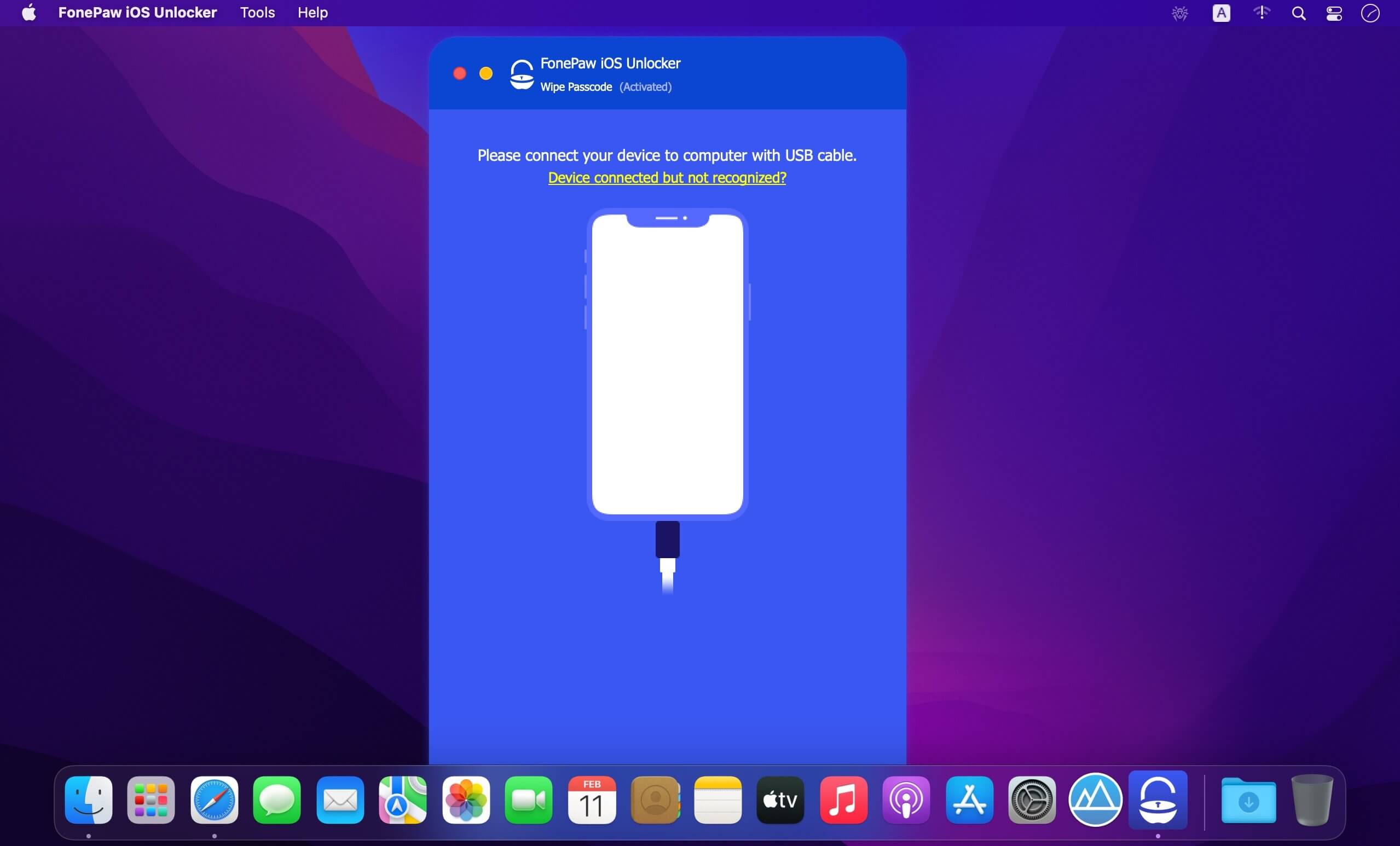
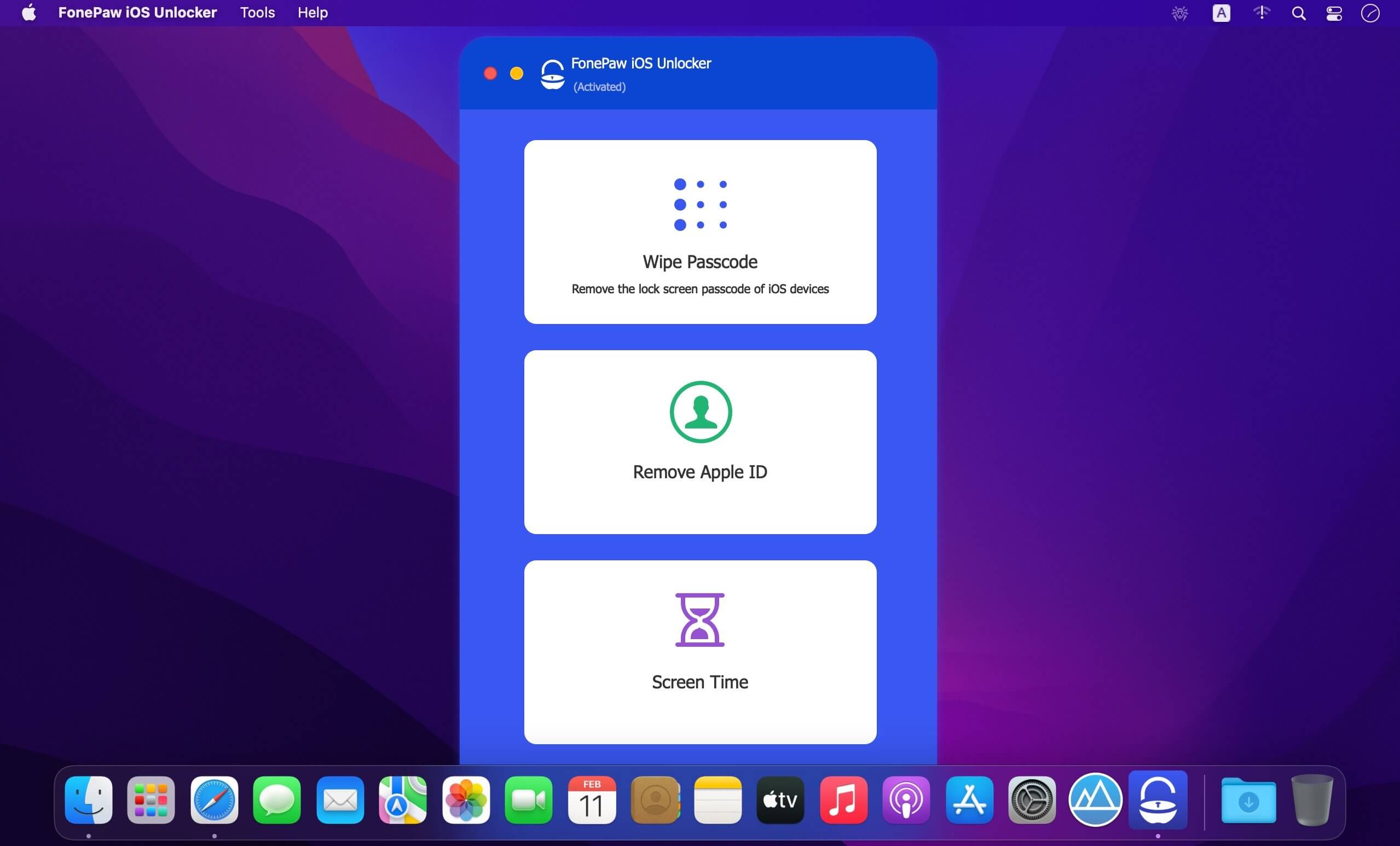
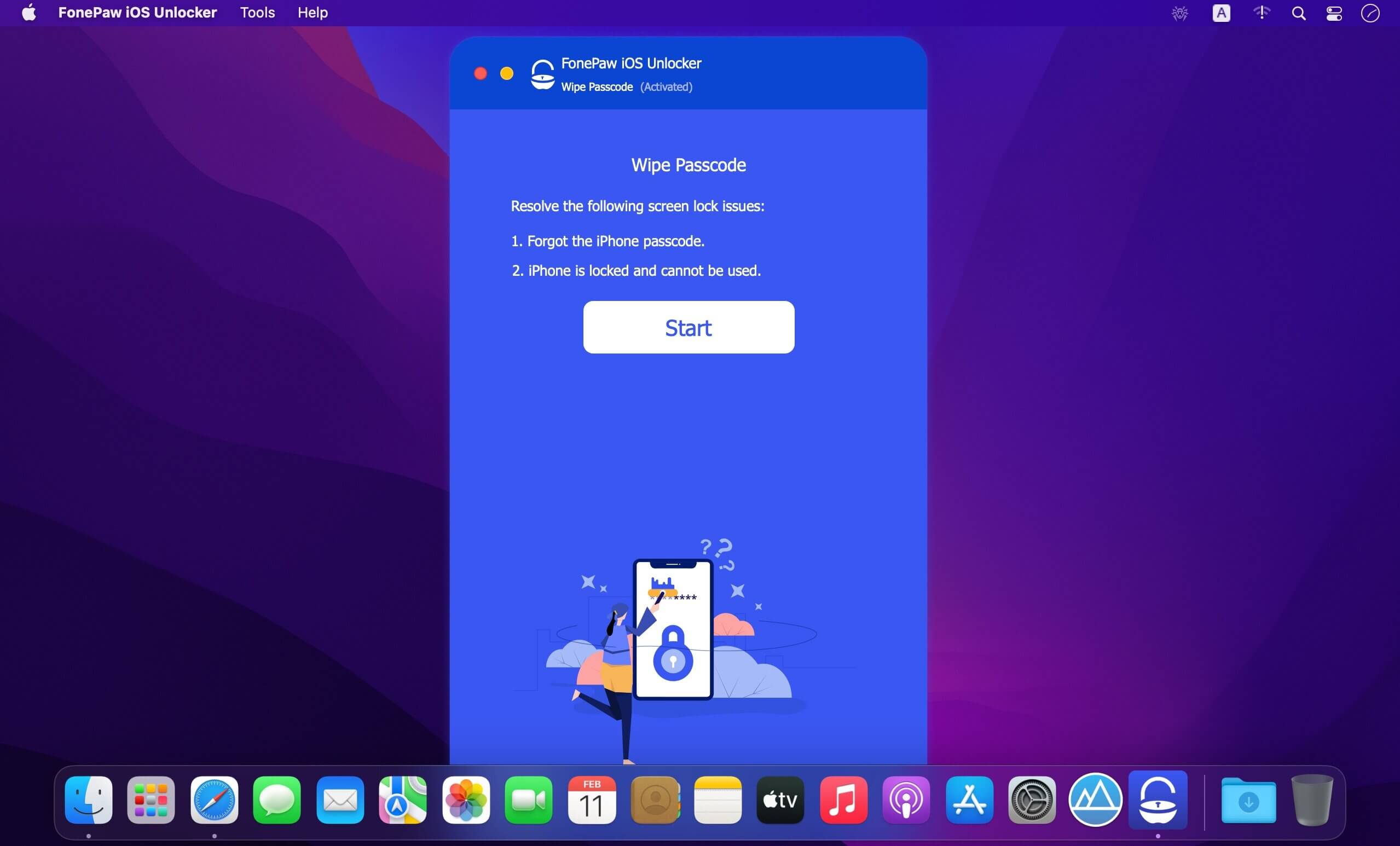
iOS Unlocker- Remove iPhone/iPad Screen Passcode or Apple ID. Wipe screen passcode from disabled, used or locked iPhone/iPad. Remove Apple ID by yourself. Unlock Screen Time password without losing any data.
Remove Apple ID or iCloud Account on iPhone
Apple ID is quite important in our daily life and we use it to access Apple services like the App Store, Apple Music, iCloud, iMessage, FaceTime, and more. What should you do when forgetting Apple ID or Password? Don’t worry! FonePaw iOS Unlocker will quickly remove your Apple ID.
Unlock Screen Time Passcode without Data Loss
Apple introduced Screen Time in iOS 12, which is designed to make yourself aware of the amount of time you are spending on certain app categories and specific apps on your iPhone or iPad. FonePaw iOS Unlocker will be a good helper if you forget the Screen Time Password or want to remove the restrictions!
Version 1.7.0:
- Release notes were unavailable when this listing was updated.
Frequently asked questions
How do I install the app?
Mount the image, drag the app into the "Applications" folder and launch it. If the system blocks the launch, allow it in "System Settings → Privacy & Security".
The app is damaged or won't launch
Reinstalling from a fresh image usually helps. Make sure your macOS version matches the one listed in the compatibility specs.
How do I update?
Download the new version from the site and install it over the current one — your settings will be preserved.
The download link doesn't work
Try a mirror or a download manager. For large files the browser often drops the connection.
How do I completely remove the app?
Use an uninstaller utility — it cleans up the service files that remain after moving the app to the trash.





Choose a download source
FonePaw iOS Unlocker 1.7.0 · 31.05 MB