
Tenorshare 4uKey 2.3.2
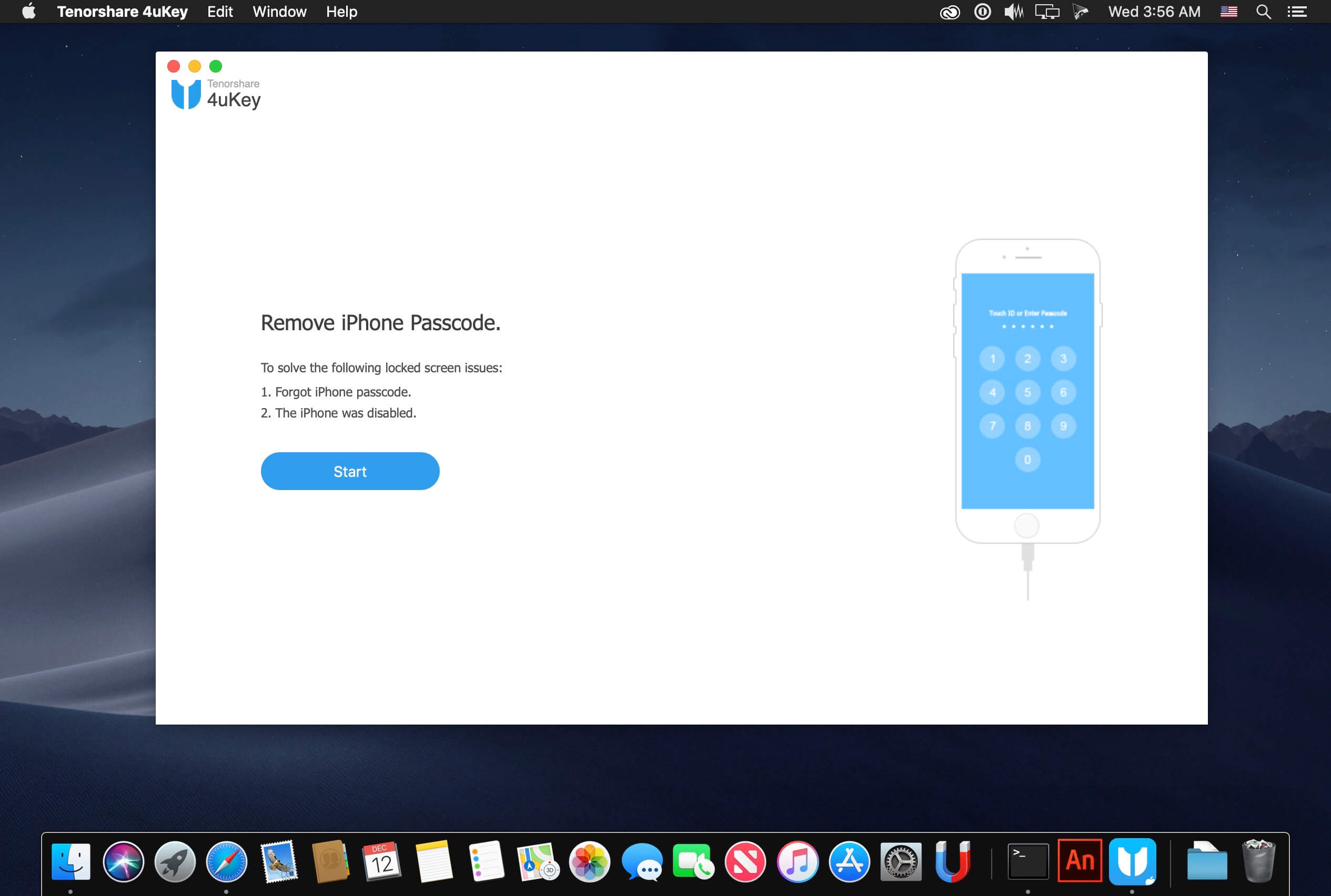
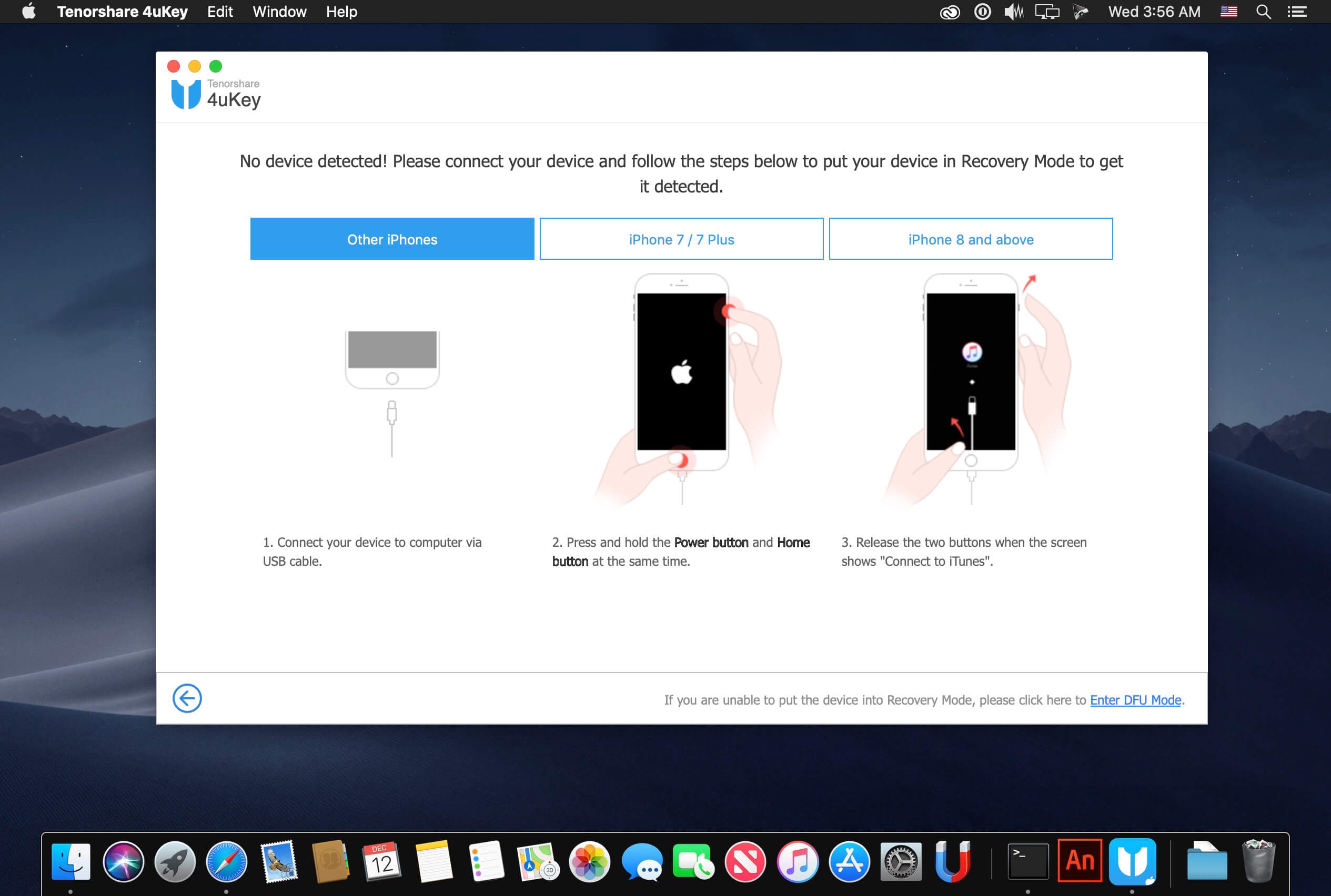

Unlock iPhone/iPad Locked Screen in Minutes. "Tenorshare 4uKey is especially useful for people with damaged iPhones. If your iPhone's buttons or display are broken, you simply won't be …"Unlock Your iPhone Screen Passwords within 3 Steps!
Unlock iPhone/iPad Locked Screen in Minutes
- ByPass iPhone/iPad Screen Passwords Instantly
- Remove 4-digit/6-digit passcode, Touch ID & Face ID from iPhone/iPad
- Fully Compatible with the latest iOS 12.1 and iPhone XS/XS Max/XR
- Forgot iPhone Passcode
- Entered Wrong Passcode for Many Times
- iPhone Screen Broken
- Forgot iPhone Restrictions Passcode
No matter it is a 4-digit /6-digit passcode, custom numeric code, alphanumeric passcode, Touch ID or Face ID, Tenorshare 4uKey is capable of removing it in a few minutes.
Factory Reset iPhone without Password
Want to factory reset but the iPhone is locked? 4uKey enables you to restore factory resetting without a password.
Frequently asked questions
How do I install the app?
Mount the image, drag the app into the "Applications" folder and launch it. If the system blocks the launch, allow it in "System Settings → Privacy & Security".
The app is damaged or won't launch
Reinstalling from a fresh image usually helps. Make sure your macOS version matches the one listed in the compatibility specs.
How do I update?
Download the new version from the site and install it over the current one — your settings will be preserved.
The download link doesn't work
Try a mirror or a download manager. For large files the browser often drops the connection.
How do I completely remove the app?
Use an uninstaller utility — it cleans up the service files that remain after moving the app to the trash.
VersionTenorshare 4uKey 2.3.2
DeveloperTenorshare
CompatibilityOS X 10.10 or later, 64-bit processor
LanguageEnglish
IncludesK'ed by TNT





Choose a download source
Tenorshare 4uKey 2.3.2 · 23.27 KB
Previous versions
Tenorshare 4uKey 2.3.2
Previous versions are available to registered users.
Comments 3