
LaunchControl 1.52.4 U2B
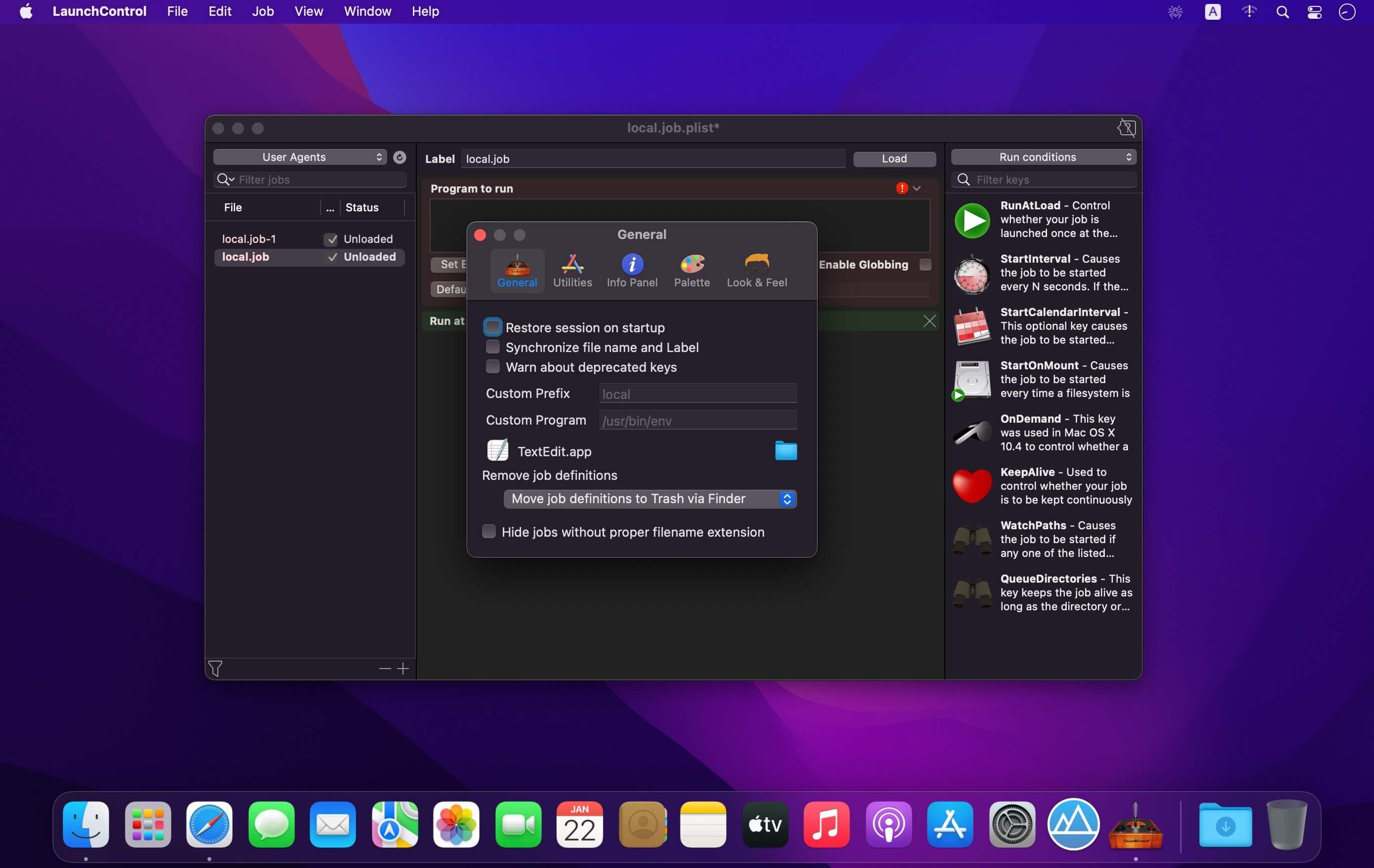
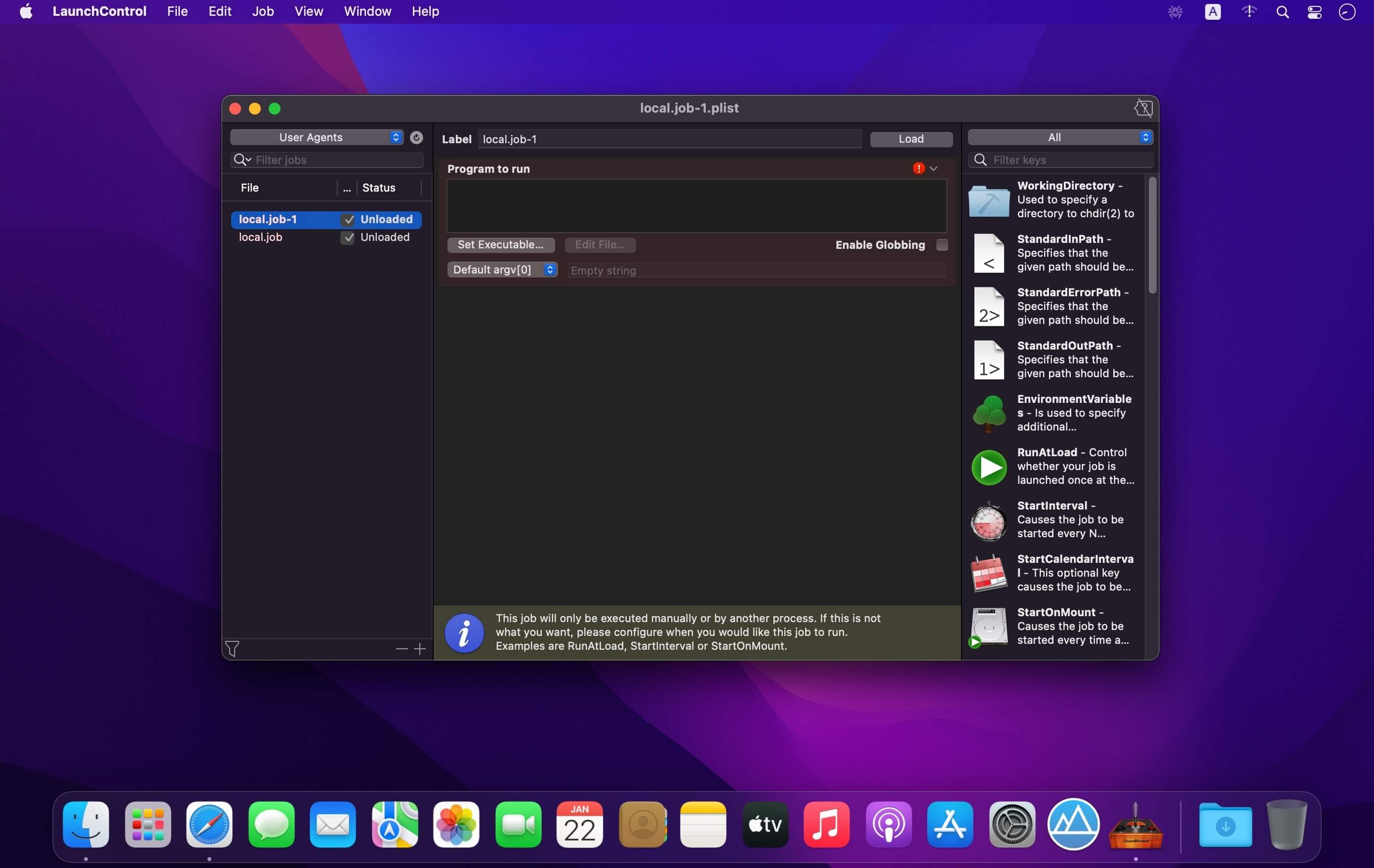
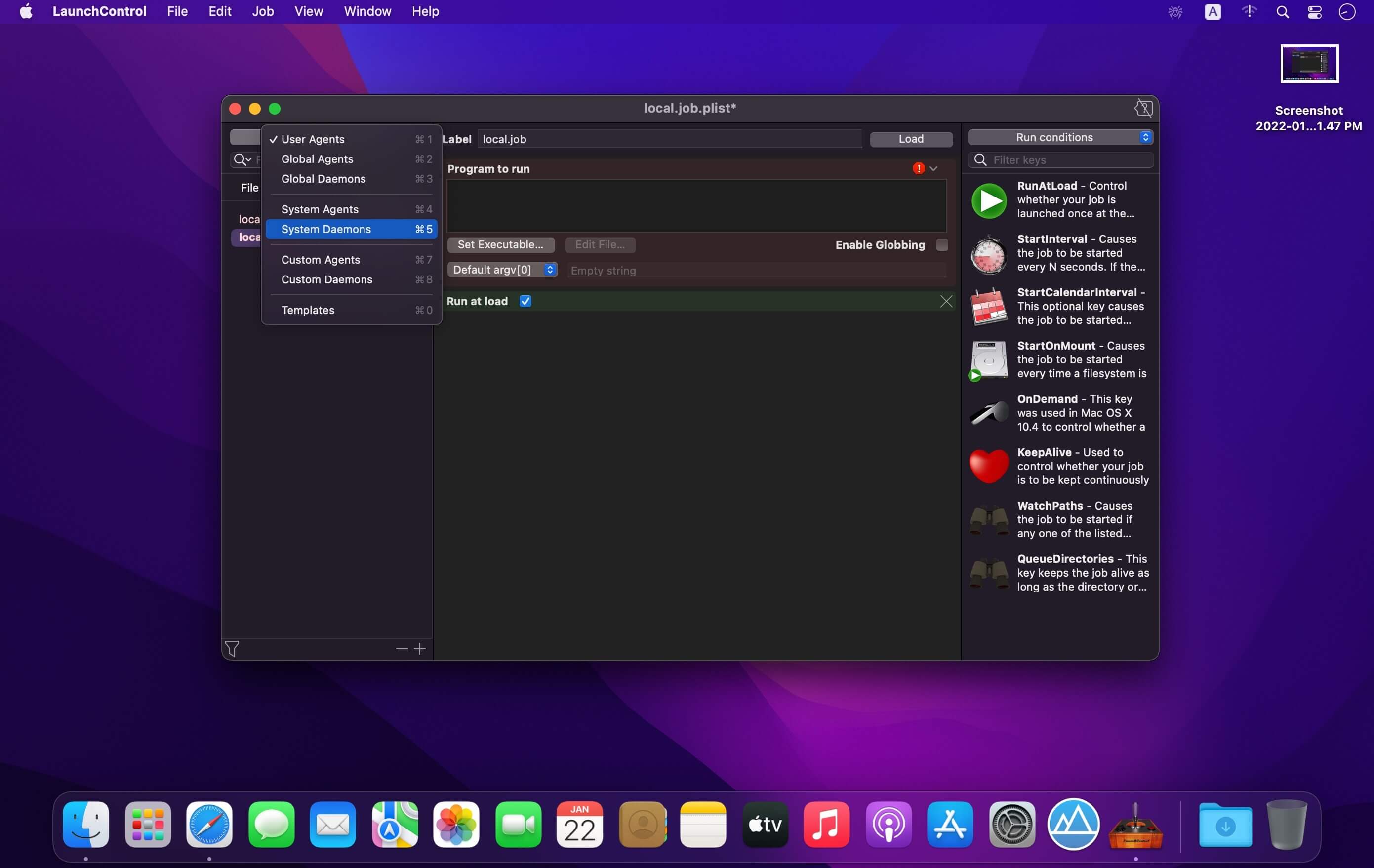
LaunchControl is a fully-featured launchd GUI allowing you to create, manage and debug system- and user services on your Mac.
With LaunchControl you see all services and their respective status at a glance. Invalid services are highlighted and a problem description is provided. You can enable or disable services with a single click. The same goes for loading, unloading and ad-hoc starting. A long list of jobs may be filtered by job name and/or various properties, helping you to find what you are looking for in an instant.
But LaunchControl is not just another .plist editor. It provides a dedicated interface for every single launchd configuration key. The interface is adaptive. It displays only information that is relevant for the selected job.
Absolute freedom
While the default editing mode in LaunchControl supports all documented features of launchd, you may sometimes need to use unofficial features. Switch to 'Expert Mode' and you're set. Both modes are fully synchronized. Changes in one editor will instantly show up in the other one.
Say good bye to launchctl
Don't waste time trying to figure out why a job does not behave as expected. LaunchControl performs exhaustive analysis of your job and chances are that it will find the problem in an instant and tell you how to fix it. It provides most of the functionality of the launchctl command line utility, everything you need to create, edit, remove or debug launch services and even includes a log viewer, so you don't have to fire up Console.app and build custom queries.
Jobs at your finger tips
Sometimes it is desirable to quickly load, unload, start or stop a job on demand without hunting it down in LaunchControl every time. QuickLaunch is a small menu extra living in your menu bar. It contains a list of selected jobs and their respective status. To add a job to this menu select it in LaunchControl and select Job>QuickLaunch from the menu. This menu item will be checked to indicate that the job has been added. Clicking it again will remove the job from the QuickLaunch menu again.
Discover what is possible
launchd currently supports some 36+ documented keys. LaunchControl makes it easy to discover them. Every key in the palette panel is annotated, so you don't have to consult the man page. Search them by category, name or description. Once found, drag an item from the palette section to the configuration section to add this key.
Version 1.52.4
Fixed
- QuickLaunch sometimes fails to show the correct status of jobs; If this problem does affect you please remove the problematic job via the
- QuickLaunch preferences panel and add it again.
- LaunchControl hangs when program arguments contain a block special file (Thanks, Fabien!)
Improved
- Improved error reporting in fdautil on macOS Monterey
Frequently asked questions
How do I install the app?
Mount the image, drag the app into the "Applications" folder and launch it. If the system blocks the launch, allow it in "System Settings → Privacy & Security".
The app is damaged or won't launch
Reinstalling from a fresh image usually helps. Make sure your macOS version matches the one listed in the compatibility specs.
How do I update?
Download the new version from the site and install it over the current one — your settings will be preserved.
The download link doesn't work
Try a mirror or a download manager. For large files the browser often drops the connection.
How do I completely remove the app?
Use an uninstaller utility — it cleans up the service files that remain after moving the app to the trash.




Choose a download source
LaunchControl 1.52.4 U2B · 8.59 MB
Previous versions
LaunchControl 1.52.4 U2B
Previous versions are available to registered users.