
Lingon Pro 10.0.5

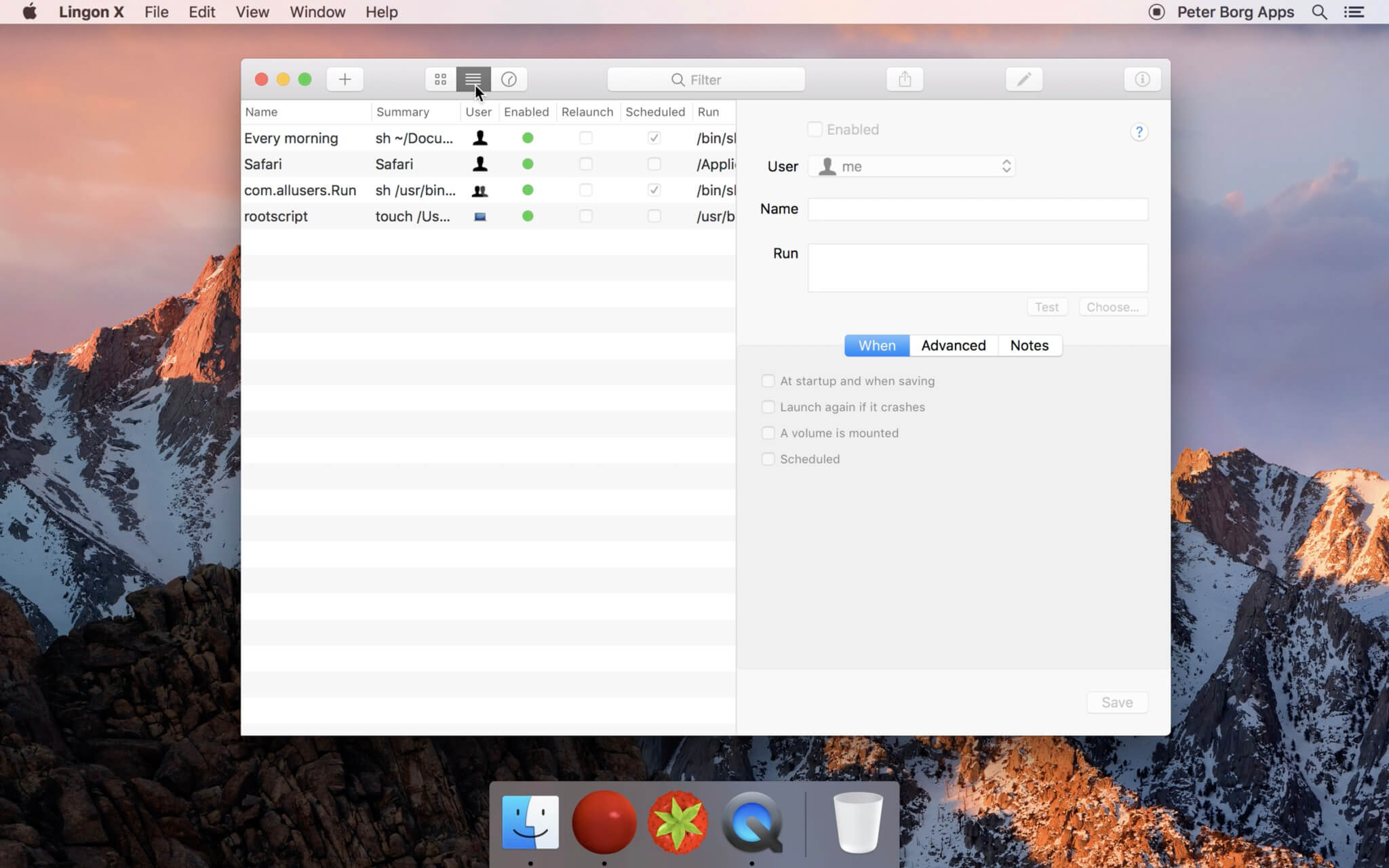
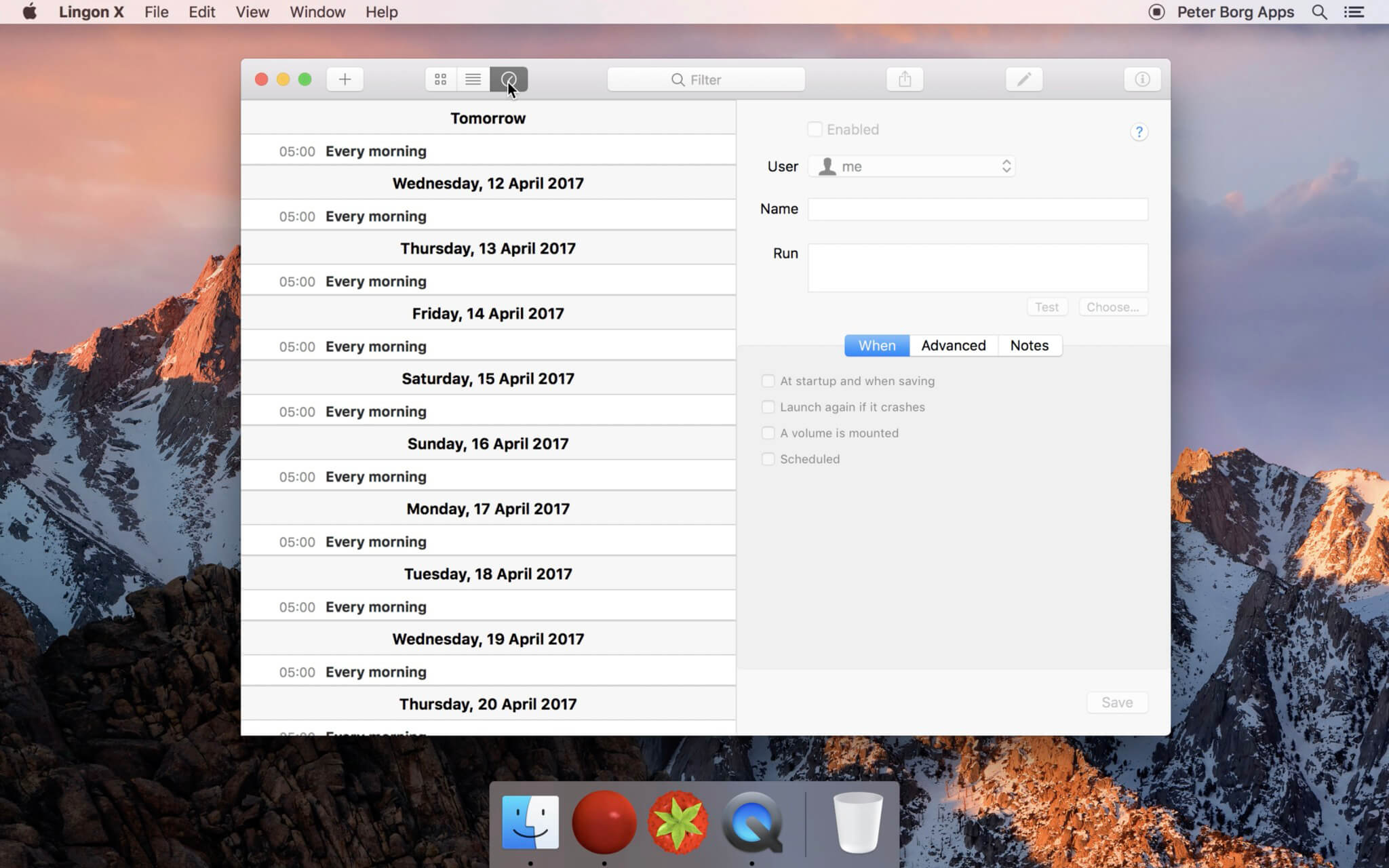
Meet the new Lingon Pro 10 (previously Lingon X), it helps you to run whatever you want, whenever you want on your Mac.
Lingon Pro can start an app, run a script or a command whenever you want. You can schedule it to run at a specific time, regularly or when something special happens.
It can also make sure that an app or a script automatically restarts if it crashes.
Lingon Pro is very easy to use yet extremely powerful. It is a fully featured launchd editor and has also many advanced features like running jobs as root and see the log for each job.
It can also monitor all jobs in the background and show a notification when something changes.
The new Lingon Pro 10 is the best ever Lingon with many new features and improvements:
- Now uses tabs and multiple windows to allow work on multiple tasks
- An easier and more secure way to authenticate when saving root tasks
- Familiar but with a refined user interface
- Use Apple Intelligence to create or change a script
- Improved log, login items, list mode and smart folders
- Undo available when editing tasks
- Drag and drop to the app icon to create a task
- Save tasks without reloading them by holding the Option key when saving
- Changes and selections are preserved the next time you open the app
- Faster and uses less memory
- Many more improvements
- Optimized for macOS 14 Sonoma and later
Version 10.0.5:
- Some small bug fixes and improvements.
Frequently asked questions
How do I install the app?
Mount the image, drag the app into the "Applications" folder and launch it. If the system blocks the launch, allow it in "System Settings → Privacy & Security".
The app is damaged or won't launch
Reinstalling from a fresh image usually helps. Make sure your macOS version matches the one listed in the compatibility specs.
How do I update?
Download the new version from the site and install it over the current one — your settings will be preserved.
The download link doesn't work
Try a mirror or a download manager. For large files the browser often drops the connection.
How do I completely remove the app?
Use an uninstaller utility — it cleans up the service files that remain after moving the app to the trash.





Choose a download source
Lingon Pro 10.0.5 · 5.95 MB
Previous versions
Lingon Pro 10.0.5
Previous versions are available to registered users.