QR Mirror 1.3
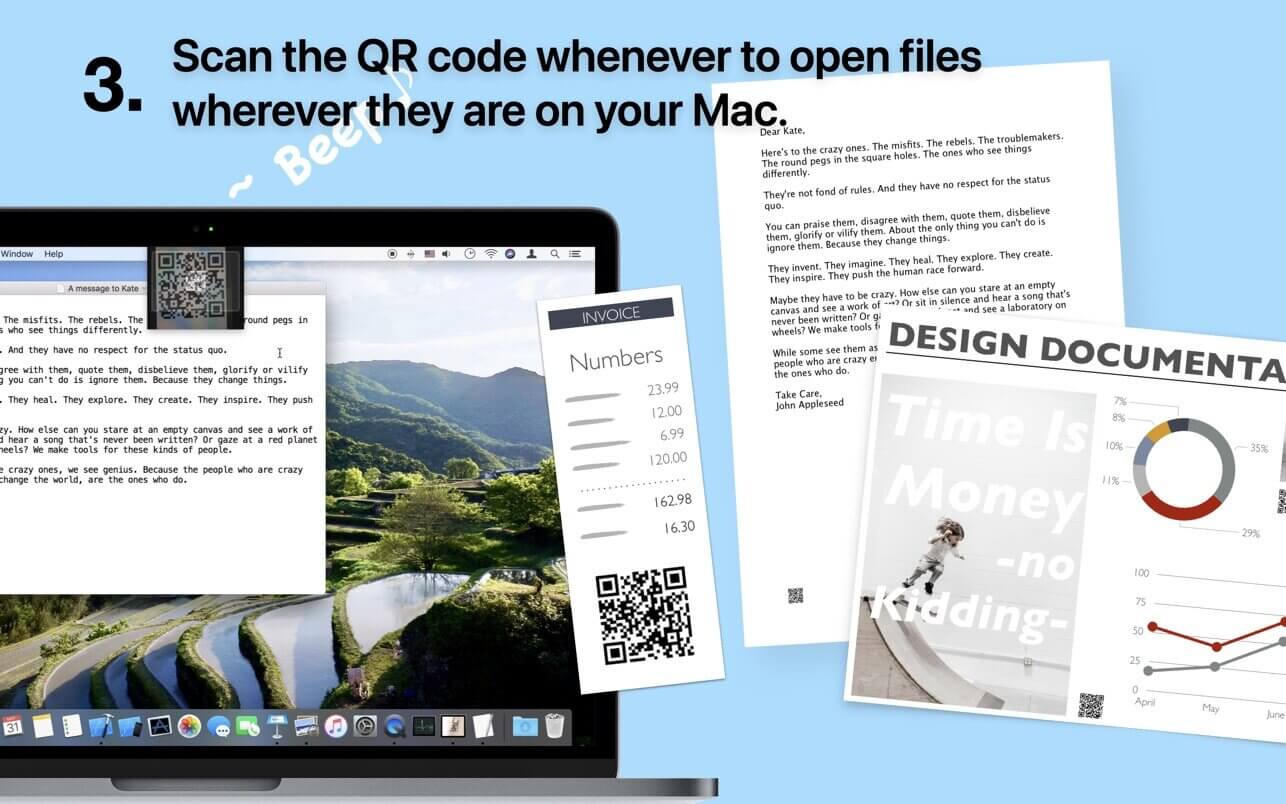

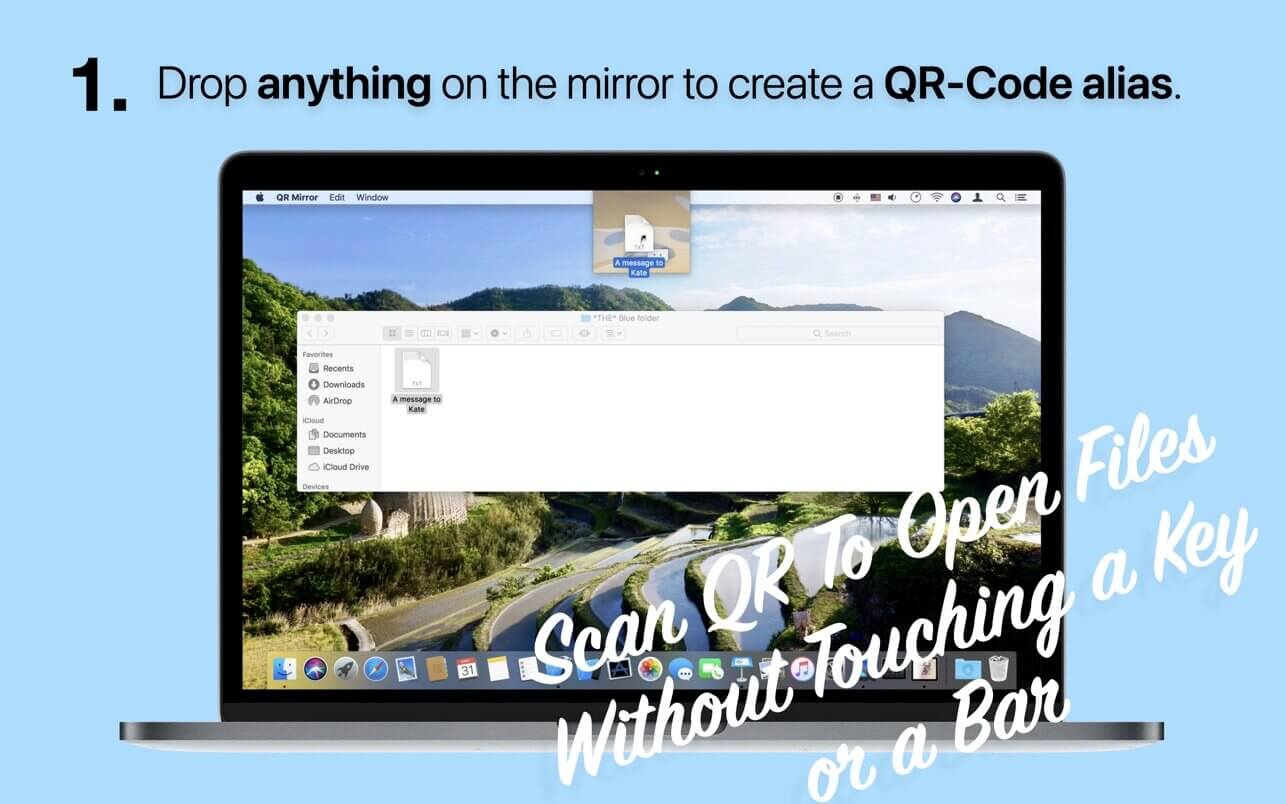
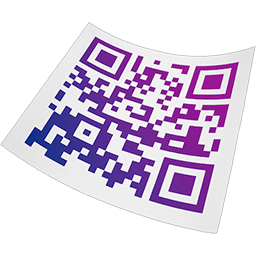
QR Mirror is a new way to launch files, folders and apps on your Mac with QR-Code. Scan QR-Codes using the built-in FaceTime camera to open files with just the QR-Code at hand and without having to remember or navigate complex file system structures.
Launch the original Pages document from the real pages you print.—It's phenomenal.Stick QR-Codes to things around you and it’ll launch its counterpart on your Mac when scanned.
FEATURES
- Minimal non-obtrusive UI inspired by car design.
- Easily blend in with the work environment.
- Create QR-Code aliases for specific files, simply by dropping them into QR Mirror.
- Export generated QR-Codes by dragging the QR-Code icon.
- Scan QR-Codes and launch files.
Version 1.3
- A gorgeous new app icon design, you'll love.
Frequently asked questions
How do I install the app?
Mount the image, drag the app into the "Applications" folder and launch it. If the system blocks the launch, allow it in "System Settings → Privacy & Security".
The app is damaged or won't launch
Reinstalling from a fresh image usually helps. Make sure your macOS version matches the one listed in the compatibility specs.
How do I update?
Download the new version from the site and install it over the current one — your settings will be preserved.
The download link doesn't work
Try a mirror or a download manager. For large files the browser often drops the connection.
How do I completely remove the app?
Use an uninstaller utility — it cleans up the service files that remain after moving the app to the trash.



Choose a download source
QR Mirror 1.3 · 42.98 MB