
CI Demon 3.0.27
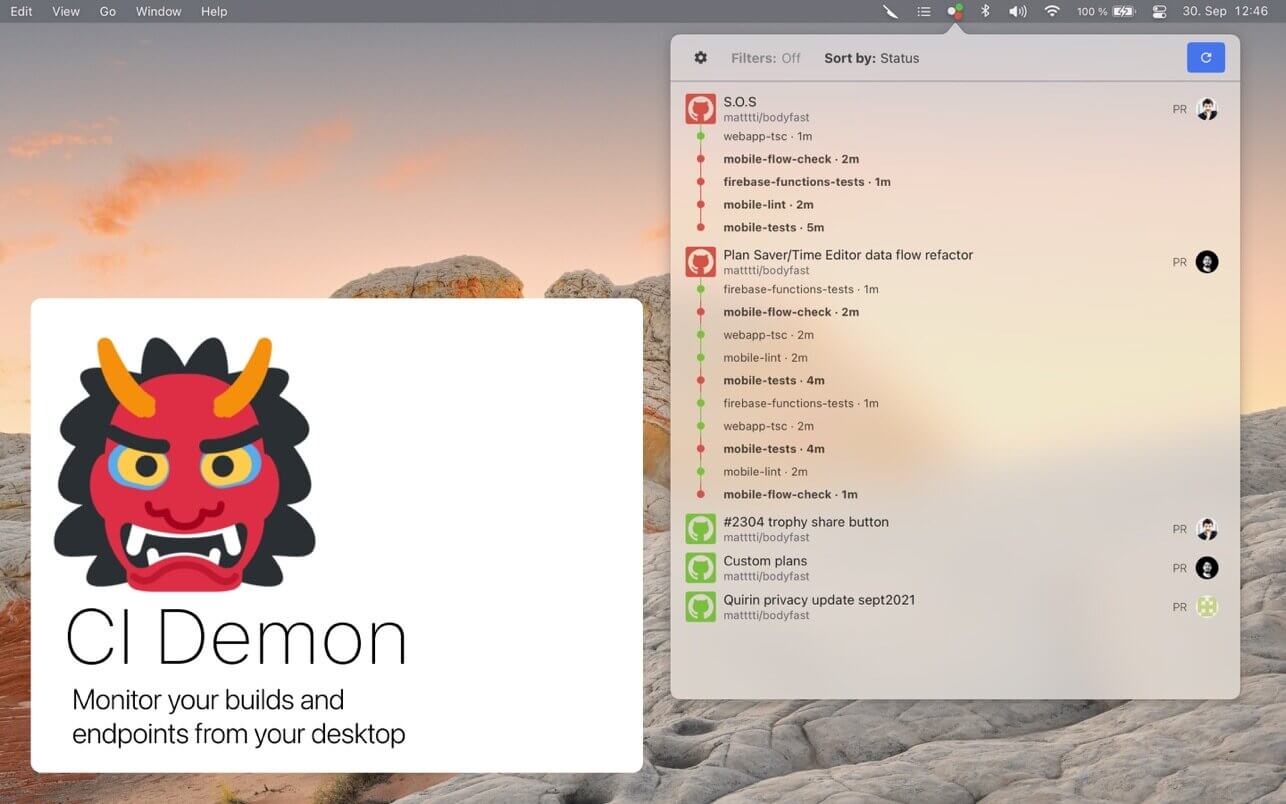
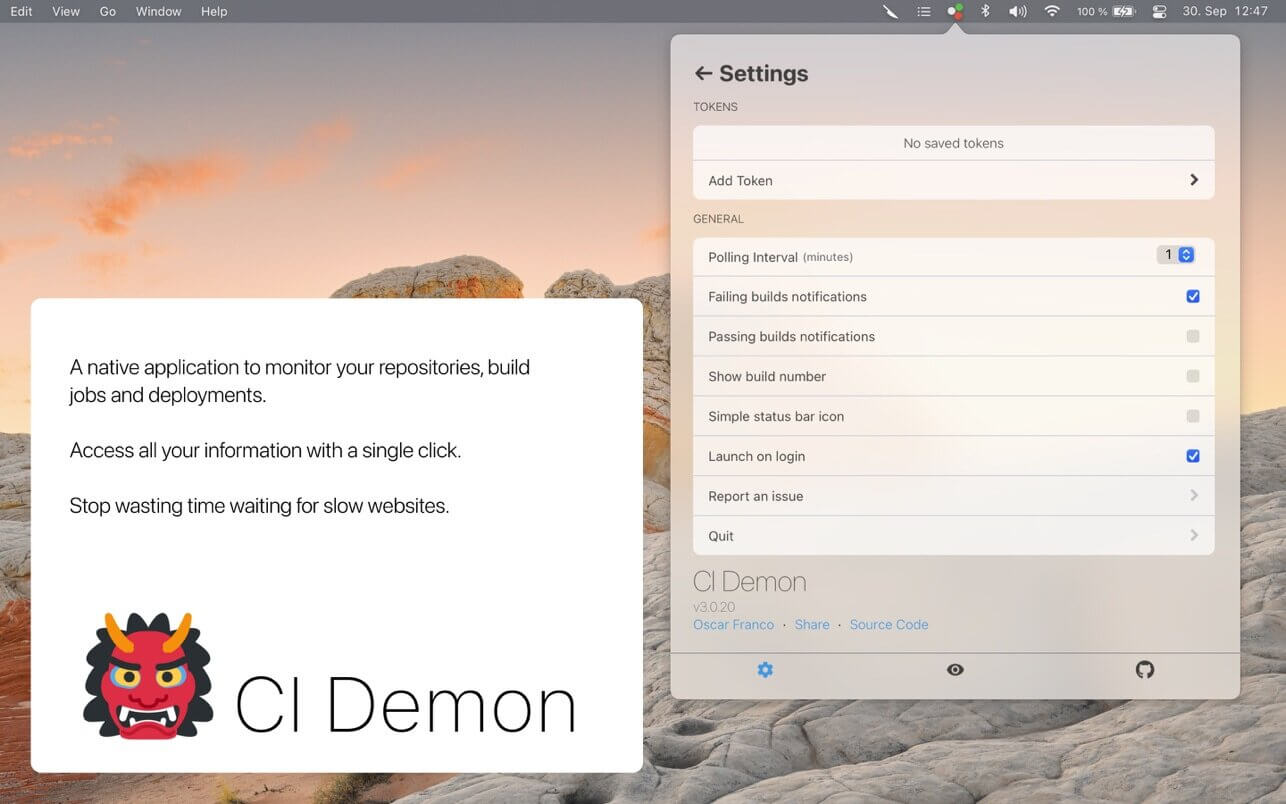
CI Demon is macOS menu bar app that aggregates information and notifies you when your CI builds or deployments are broken (or restored), it shows you all the relevant information in a single native app, without having to wait for entire web apps to load.
Supported providers:
Tempomat currently supports the following CI providers
- Github Checks
- CircleCI
- TravisCI
- Gitlab (cloud service)
- AppCenter
- Bitrise
Health Checks
Tempomat can also create localhttp checks for you to make sure your deployment is still running, feature is really simple at the moment, send request, your service needs to return an OK response.
Misc info
- Receive notifications on failures/restorations
- Everything is stored encrypted in the macOS keychain
- Absolutely **NO** tracking
- Not a SaaS, it's a native macOS app
- Filter branches/builds by Regex
- Trigger rebuilds for builds
- Supports individual checks (github only)
Version 3.0.27
- Small fix for gitlab pipelines
Frequently asked questions
How do I install the app?
Mount the image, drag the app into the "Applications" folder and launch it. If the system blocks the launch, allow it in "System Settings → Privacy & Security".
The app is damaged or won't launch
Reinstalling from a fresh image usually helps. Make sure your macOS version matches the one listed in the compatibility specs.
How do I update?
Download the new version from the site and install it over the current one — your settings will be preserved.
The download link doesn't work
Try a mirror or a download manager. For large files the browser often drops the connection.
How do I completely remove the app?
Use an uninstaller utility — it cleans up the service files that remain after moving the app to the trash.





Choose a download source
CI Demon 3.0.27 · 12.93 MB