

MagiCal 1.0.1
Screenshots
Click to enlarge
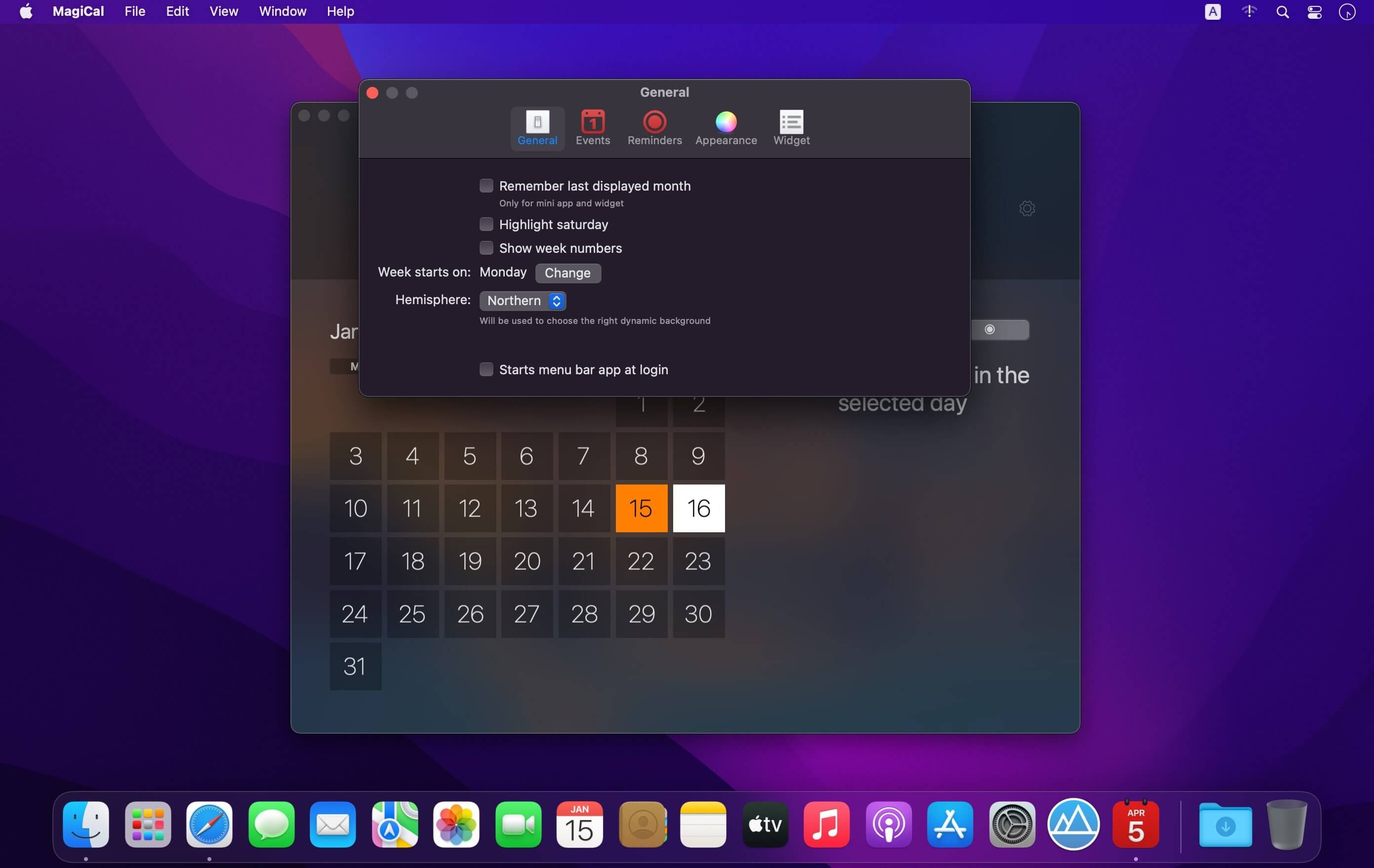
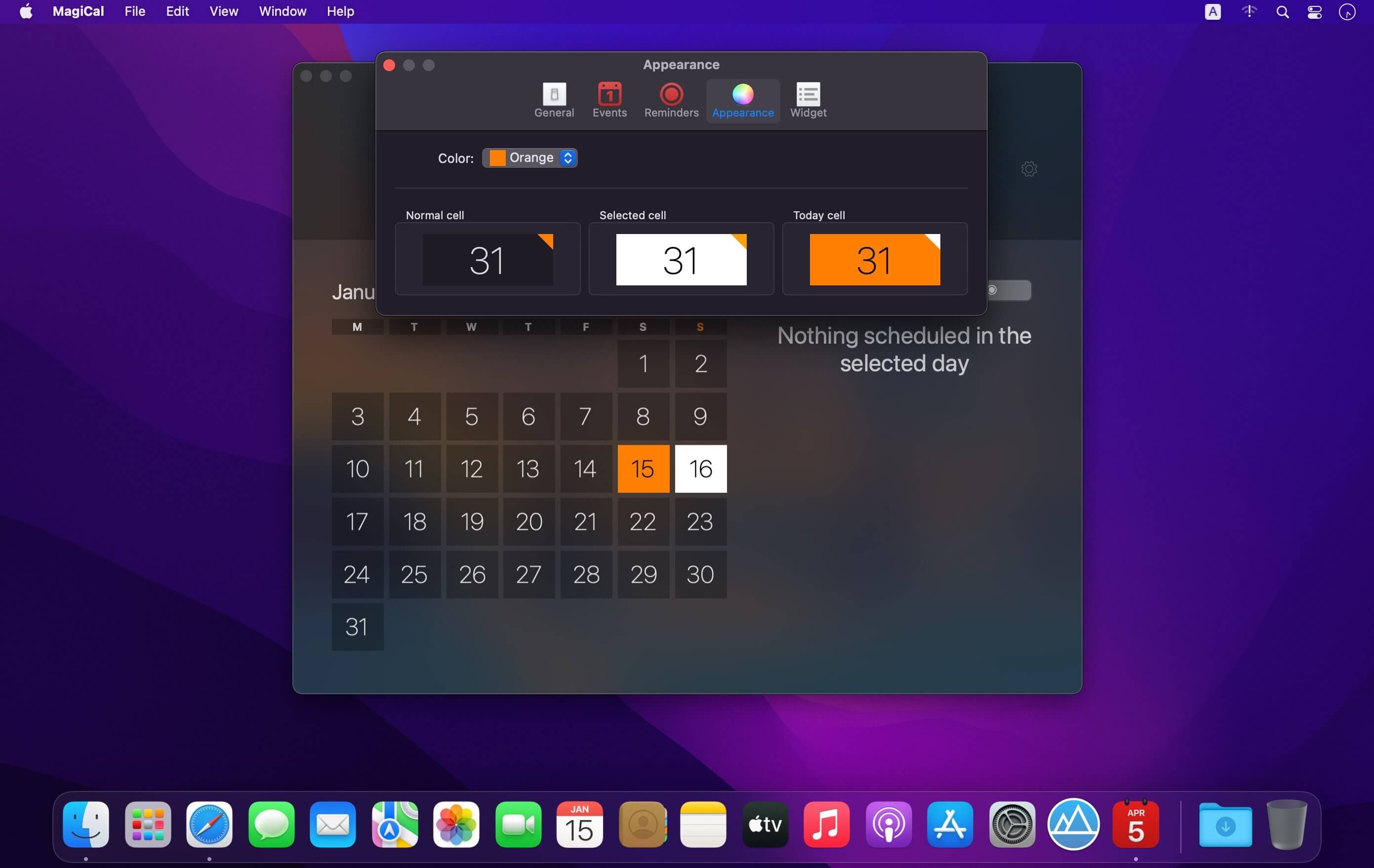
MagiCal, a single place to keep track both calendar events and time-based reminders, a beautiful calendar always accessible from your menu bar and an handy widget into your notification center.
Customizable calendar
Thanks to many options, you can customize the calendar according to your needs, for example, you can choose whether to show the week number, from which day the week starts or whether to show the last month displayed or the current month each time the app is reopened.
Dynamic backgrounds, themes and dark mode
The background will vary according to the selected month, passing from the ice of winter to the green of spring. You can also customize the app's primary color and macOS native dark mode is supported.
Integration with Calendar and Reminders app
Thanks to the integration with the native macOS Calendar and Reminders apps, you can view all of your Calendar events in MagiCal as well as all the unfinished reminders with a deadline.
Mini app
Once activated from the preferences, you can at any time access a "mini" version of MagiCal from the menu bar with a simple click. The mini app will allow you to view a complete calendar and a list of all events and reminders you have scheduled. From the options menu you can also choose to keep MagiCal in the foreground so you can work on the app you want and keep a calendar always in front of your screen.
Widget *
A handy widget for your notification center to always have an eye on the calendar, including events and reminders.
Localization in multiple languages
MagiCal has been localized into multiple languages, below is a list of all supported languages:
- English: dates, times, calendar, events, reminders, preferences and menus
- Italian: dates, times, calendar, events and reminders
- French: dates, times, calendar, events and reminders
- Spanish: dates, times, calendar, events and reminders
- German: dates, times, calendar, events and reminders
- Japanese: dates, times, calendar, events and reminders
* Widget available up to macOS 10.15 Catalina
Version 1.0.1
- Fixed mini app launch at login preference
Comments
No comments yet. Be the first.