

Mac FoneTrans for iOS 9.0.90
Screenshots
Click to enlarge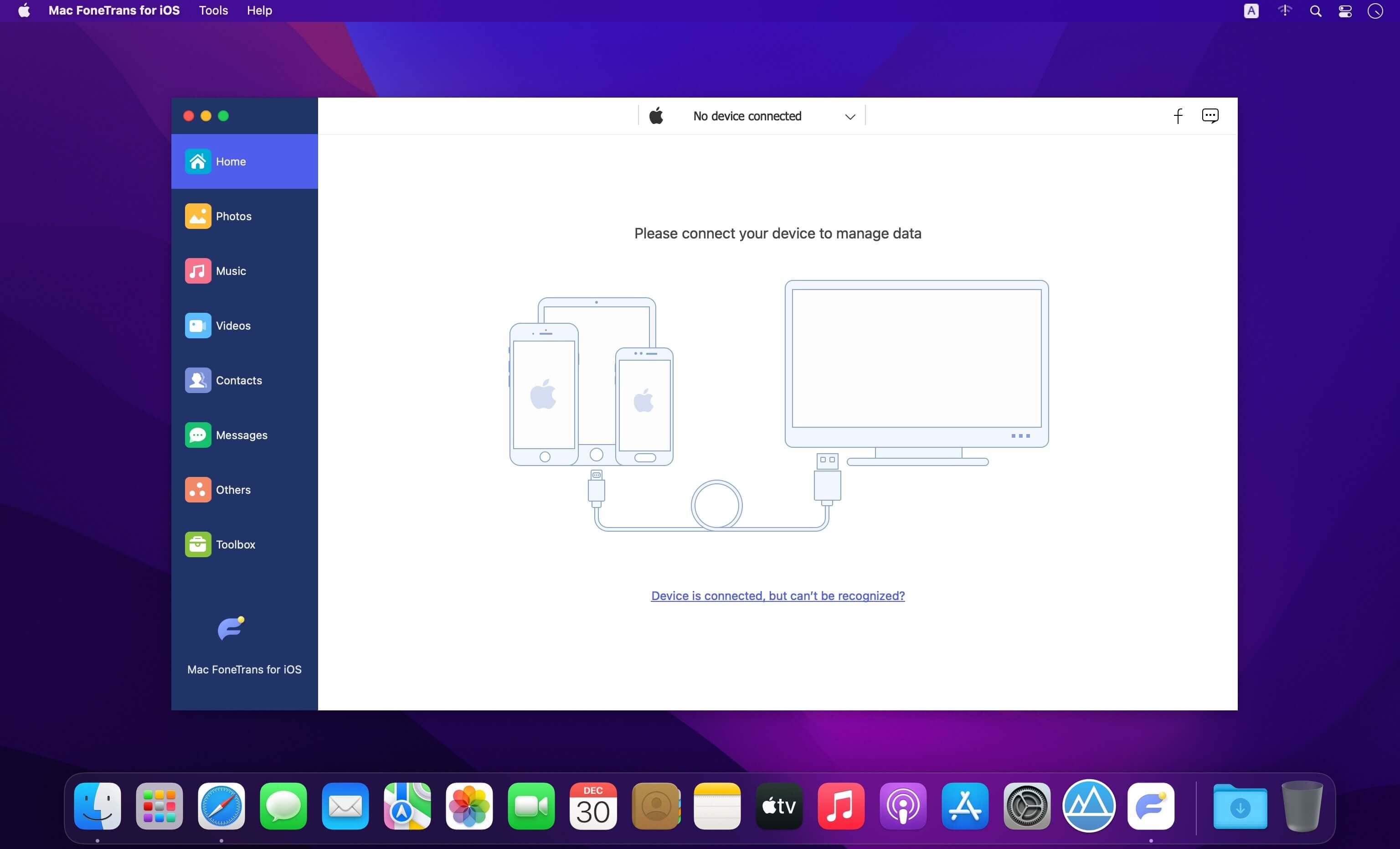
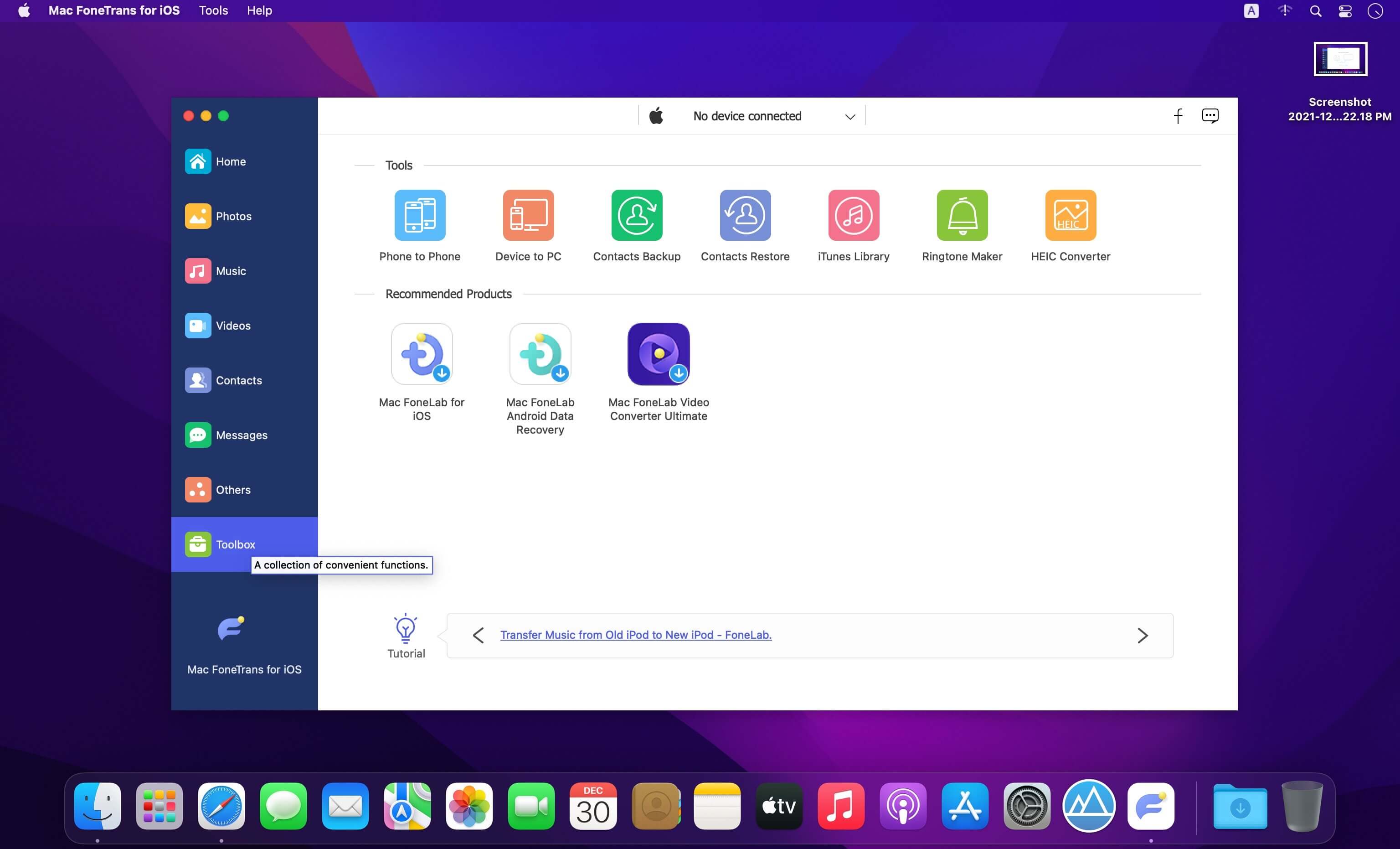
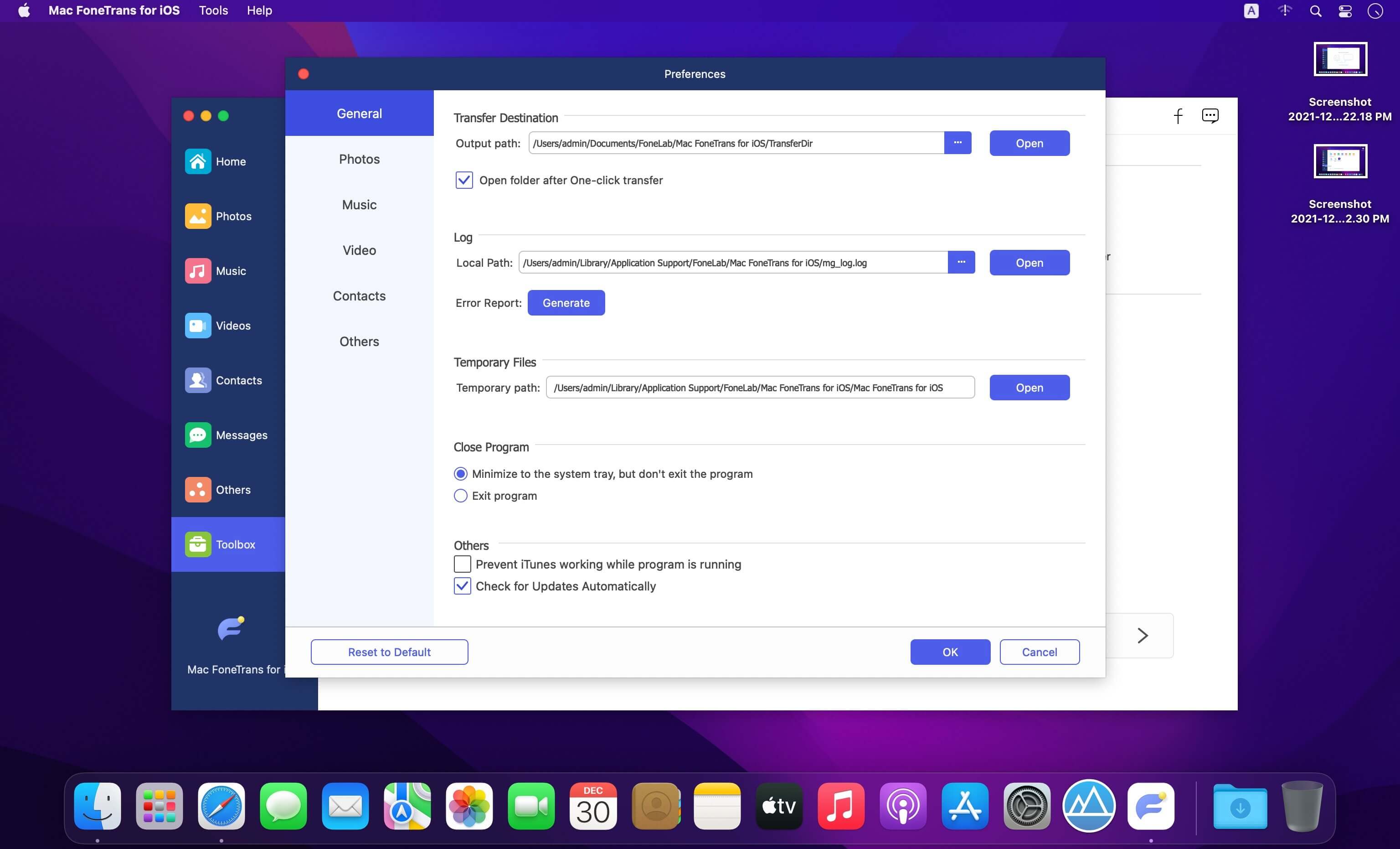
Description
FoneTrans - iOS Transfer. It is the best iOS Transfer software to manage iOS files. Not just an alternative to iTunes. Now you don't have to rely on iTunes to transfer photos, music, contacts and voice memos from iPhone/iPad/iPod to your computer or reversely. When you change an iPhone, you won't have to worry about how to transfer the contacts, music and other data to your new iPhone.
- Transfer iPhone, iPad, iPod Touch, iTunes data.
- Move data among computer, iOS devices and iTunes Library selectively.
- One-click to manage files even for a novice.
- Photos, videos, contacts, messages, documents, WhatsApp, etc are supported.
- It won’t erase your data before or after you transfer.
- It will never modify or save your data.
- It takes a few storage of your computer.
- Faster conversion speed.
Comments
No comments yet. Be the first.
Information
Visitors in the group Guests cannot leave comments on this publication.