
Check Off - A Task Manager 5.8
Screenshots
Click to enlarge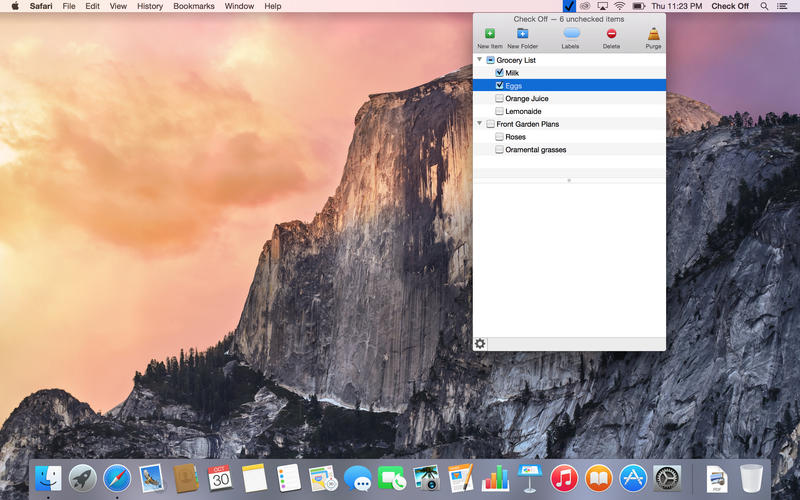
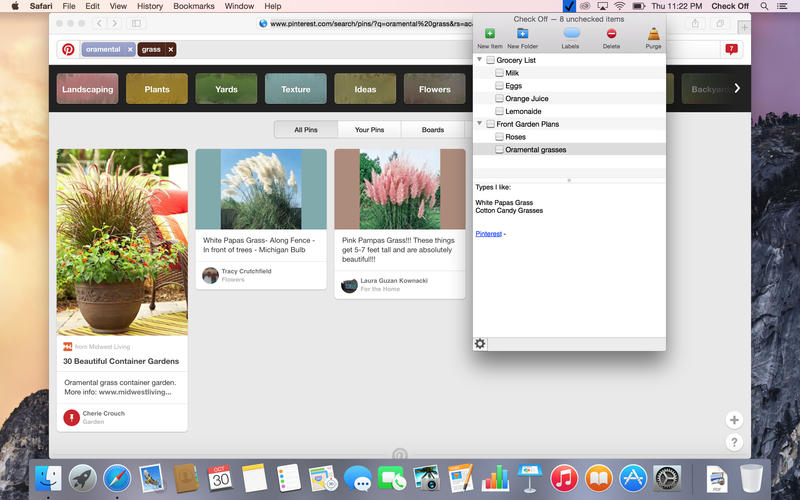

CheckOff is a task management application that runs as a stand alone application or a menu bar app.
Features:
- Your choice: runs in a menu bar mode so that your dock doesn't get cluttered up, or as a normal application
- Tasks can be placed within folders, and have labels attached to each task
- Tasks can have notes with plain text or rich text with fonts, colors, and sizes
- Notes can also contain links to websites or local files, allowing one click access to resources that can be used to complete the task
- Menu bar icon color can be customized.
- Hot key support to open the main window.
Version 5.8
- now any item/folder can be put inside any other item folder.
Comments
No comments yet. Be the first.
Information
Visitors in the group Guests cannot leave comments on this publication.