
KeepVid Music Tag Editor 3.0.1
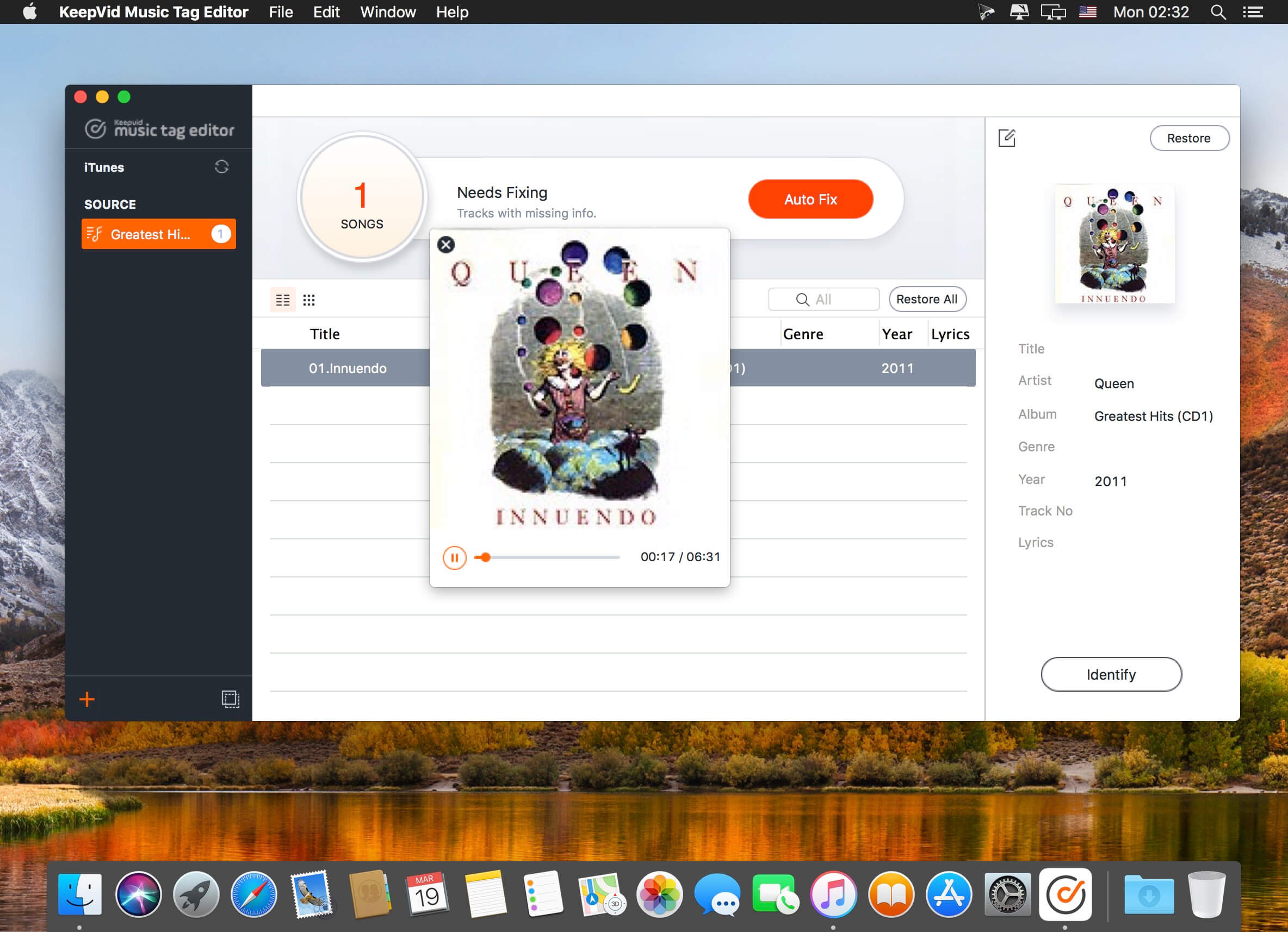

Your Simple and Powerful Tag Editor
KeepVid Music Tag Editor helps you to add or modify ID3 tags, album artworks for your music collection automatically with Gracenote Media Database, and removes duplicates in iTunes/music library.- Correct ID3 tags like song title, artist, and more that are originally wrong or missing.
- Add song title, artist, album name, genre, and others to the songs without ID3 tags from CDs or else.
- Support batch processing 10,000 music files at one time
- Fix ID3 tags for both iTunes and local music library.Replace wrong album artworks automatically.
- Add album covers for songs without covers from CDs, recording, and more.
KeepVid Music Tag Editor can intelligently identify duplicate songs and remove duplicates in batch easily per your needs.
Supported Output Formats: MP3 (*.mp3), M4A (*.m4a).
Frequently asked questions
How do I install the app?
Mount the image, drag the app into the "Applications" folder and launch it. If the system blocks the launch, allow it in "System Settings → Privacy & Security".
The app is damaged or won't launch
Reinstalling from a fresh image usually helps. Make sure your macOS version matches the one listed in the compatibility specs.
How do I update?
Download the new version from the site and install it over the current one — your settings will be preserved.
The download link doesn't work
Try a mirror or a download manager. For large files the browser often drops the connection.
How do I completely remove the app?
Use an uninstaller utility — it cleans up the service files that remain after moving the app to the trash.
VersionKeepVid Music Tag Editor 3.0.1
DeveloperKeepVid
CompatibilityOS X 10.10 or later, 64-bit processor
LanguageEnglish
IncludesK'ed by TNT





Information
Visitors in the group Guests cannot leave comments on this publication.
Choose a download source
KeepVid Music Tag Editor 3.0.1 · 11.63 MB
Previous versions
KeepVid Music Tag Editor 3.0.1
Previous versions are available to registered users.