
Bill Boss 1.2.2
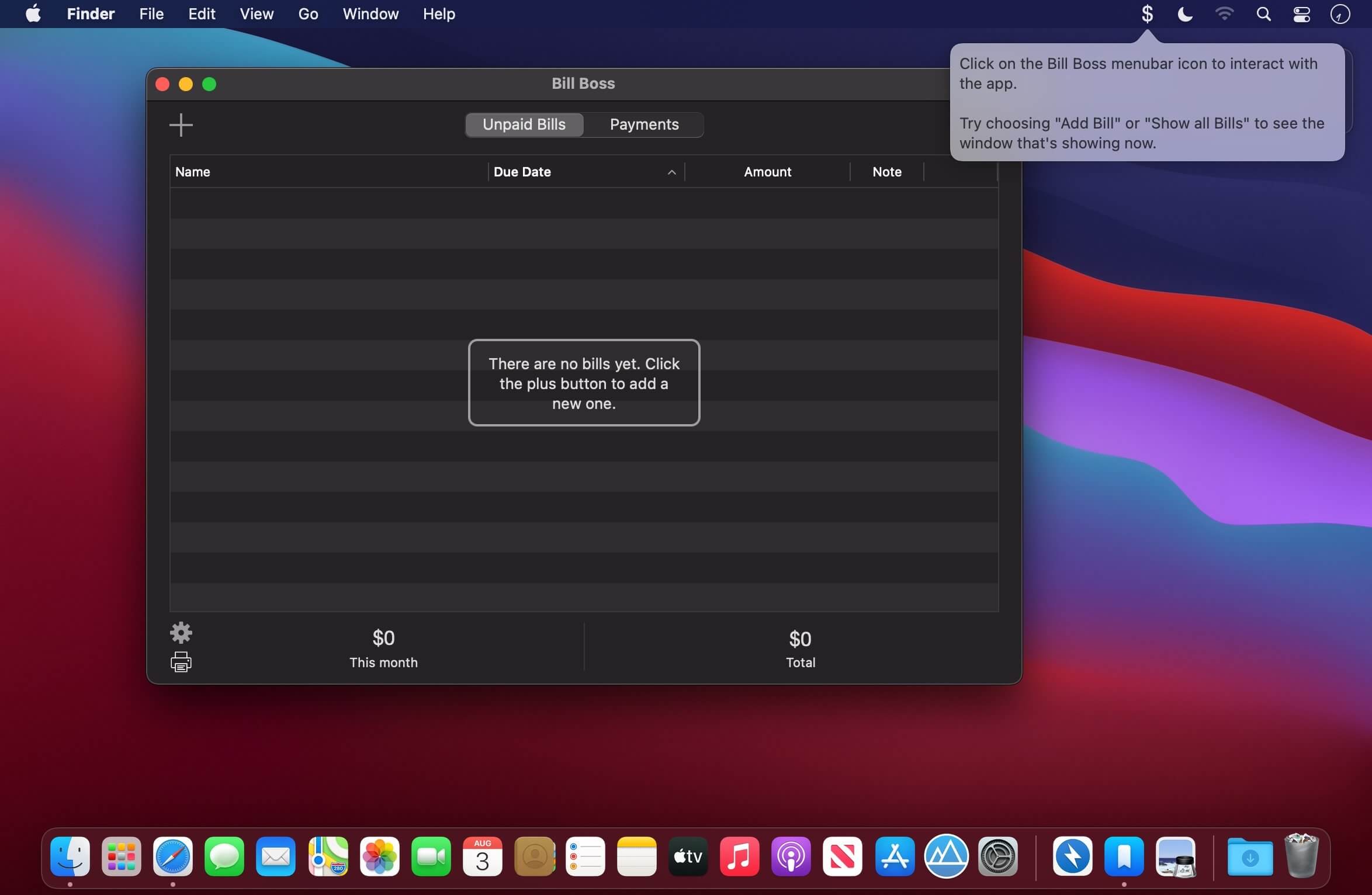

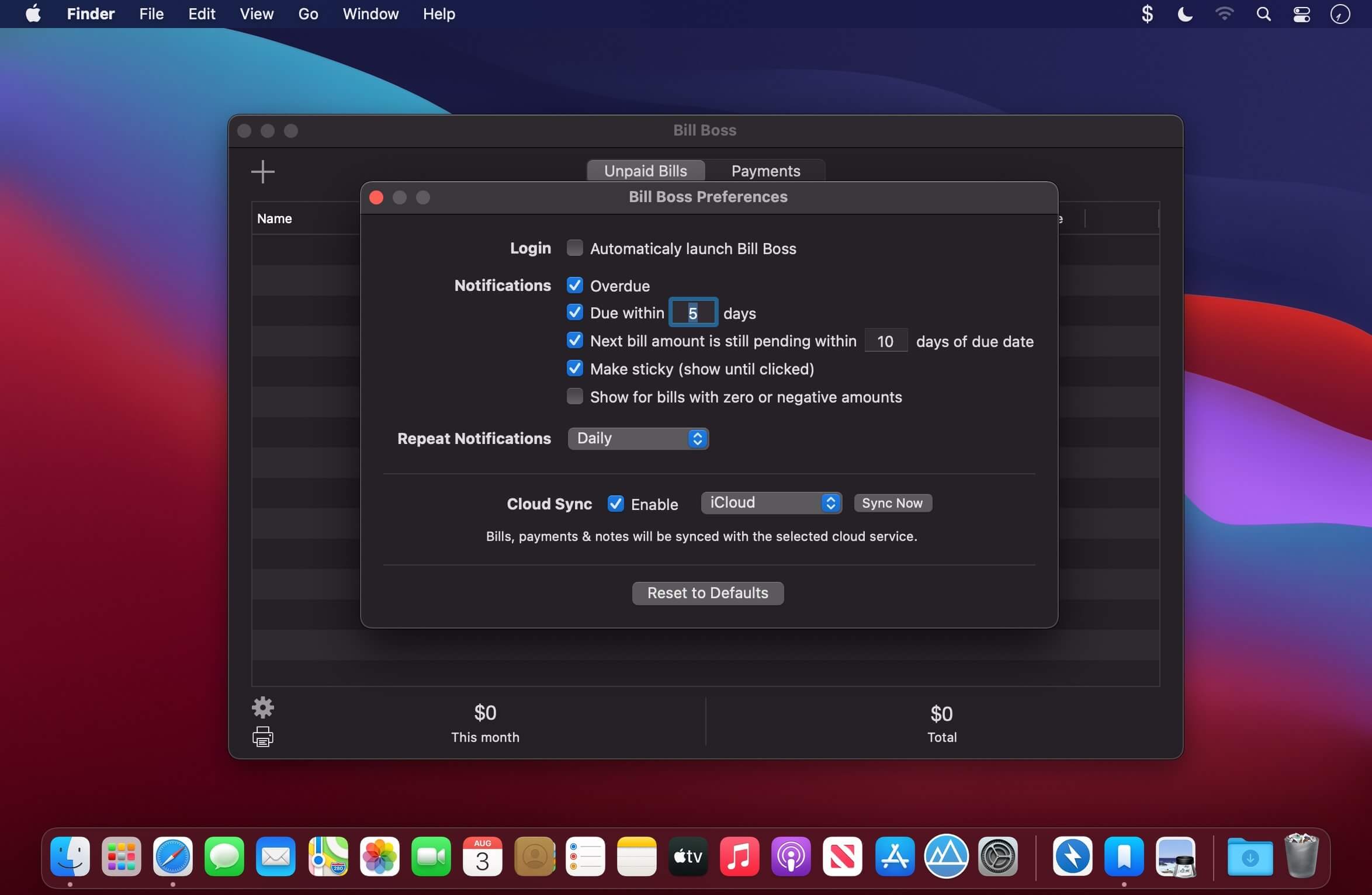
Bill Boss is a simple yet powerful budgeting tool for keeping track of upcoming (and overdue) bills, payment history and notes. Never miss a bill payment again!
It supports macOS 10.15 Catalina including the system wide dark mode, being notarized and using the Hardened Runtime.
Features:
- Unlimited number of bills, including support for ones that have a variable amount each time.
- Get notifications when a bill is due soon, overdue or has the next amount still pending.
- Notes can be added to both bills and payments. This is a great place to put a confirmation number after paying, or any information that you need to remember.
- Always available in the menubar with a quick list of all bills sorted by overdue, upcoming and future.
- Shows all past payments including a search feature.
- Syncs with iCloud or Dropbox so no matter which Mac you're on, your bills & payments are there.
- Export payment history as CSV file to import into other financial software.
- Print or export to PDF the list of unpaid bills.
Version 1.2.2
- [New] Added full macOS Catalina support including being notarized by Apple and using the Hardened Runtime.
- [Fixed] Issue where pending bill amounts would show as overdue or due soon notifications.
- [Fixed] Issue where the monthly total would be incorrect if there were pending bill amounts.
Frequently asked questions
How do I install the app?
Mount the image, drag the app into the "Applications" folder and launch it. If the system blocks the launch, allow it in "System Settings → Privacy & Security".
The app is damaged or won't launch
Reinstalling from a fresh image usually helps. Make sure your macOS version matches the one listed in the compatibility specs.
How do I update?
Download the new version from the site and install it over the current one — your settings will be preserved.
The download link doesn't work
Try a mirror or a download manager. For large files the browser often drops the connection.
How do I completely remove the app?
Use an uninstaller utility — it cleans up the service files that remain after moving the app to the trash.


Choose a download source
Bill Boss 1.2.2 · 8.78 MB