Bill Express 1.4
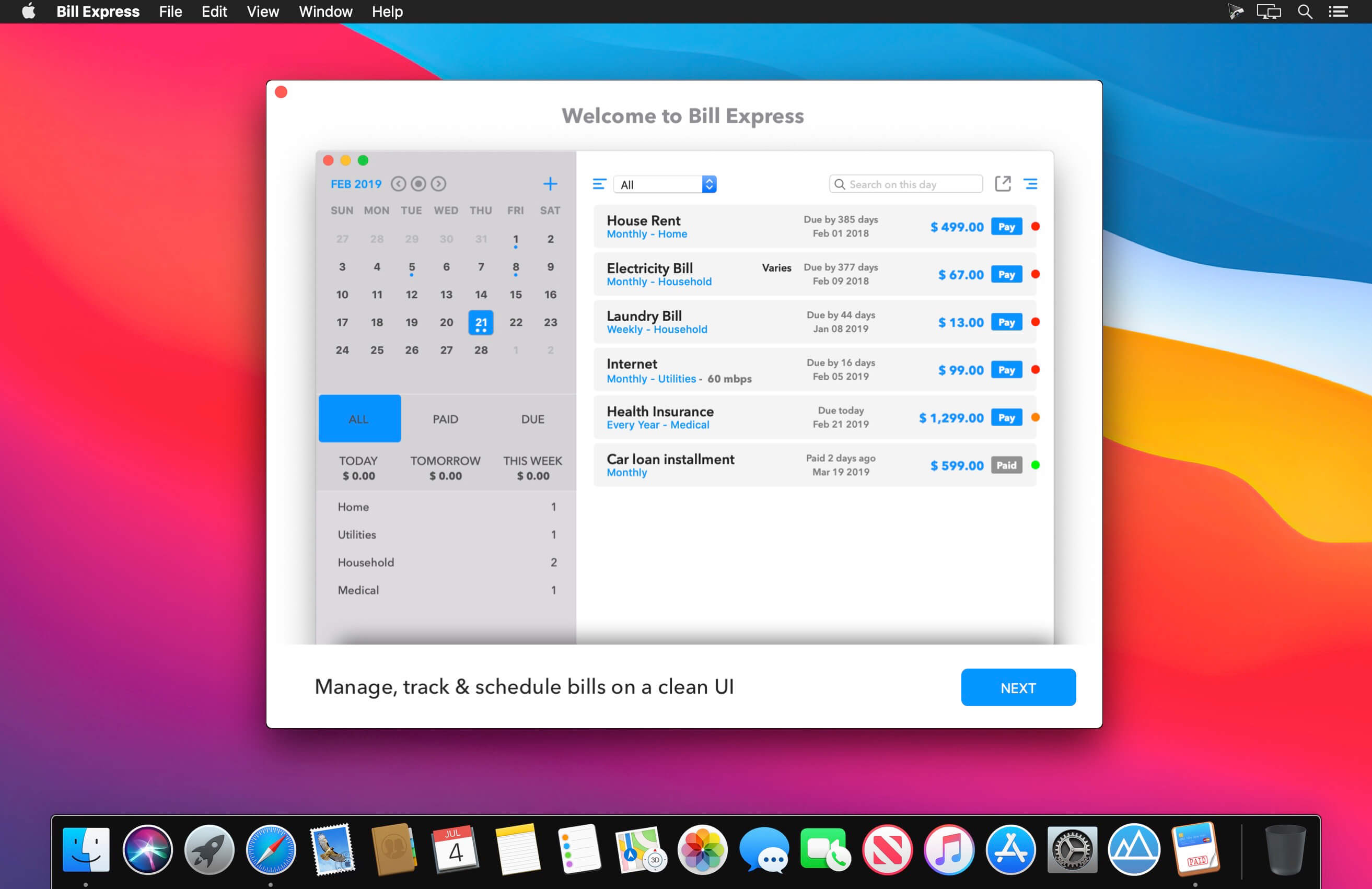
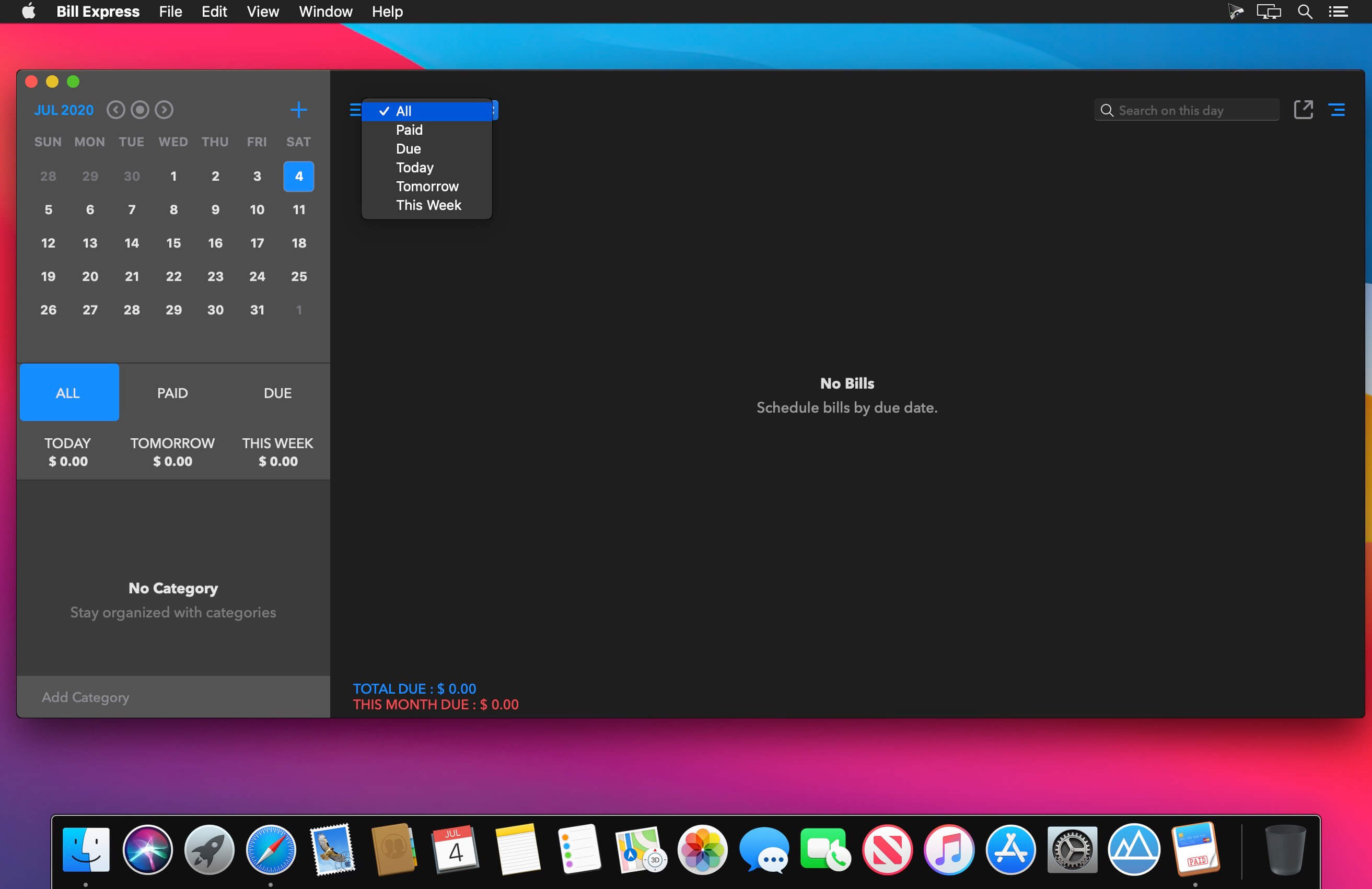
Bill Express is a simple tool to schedule and track different types of bills that you pay for a month. With this app you can generate lists of overdue payments, planned payments and check what has already been paid off. Bill Express is made to help with those needs! Make your ongoing monthly financial planning an easy and pleasant task!
TOP FEATURES:
- Add one-time payment bills as well as recurring bills easily from the app.
- Add different bill categories and tag them with every bill for better bill management.
- Sort paid and due bills in separate places.
- Register payment with different payment methods like cash, online, bank etc.
- Share bill lists via email or export it in PDFs and share.
- Protect your data by enabling Password Security.
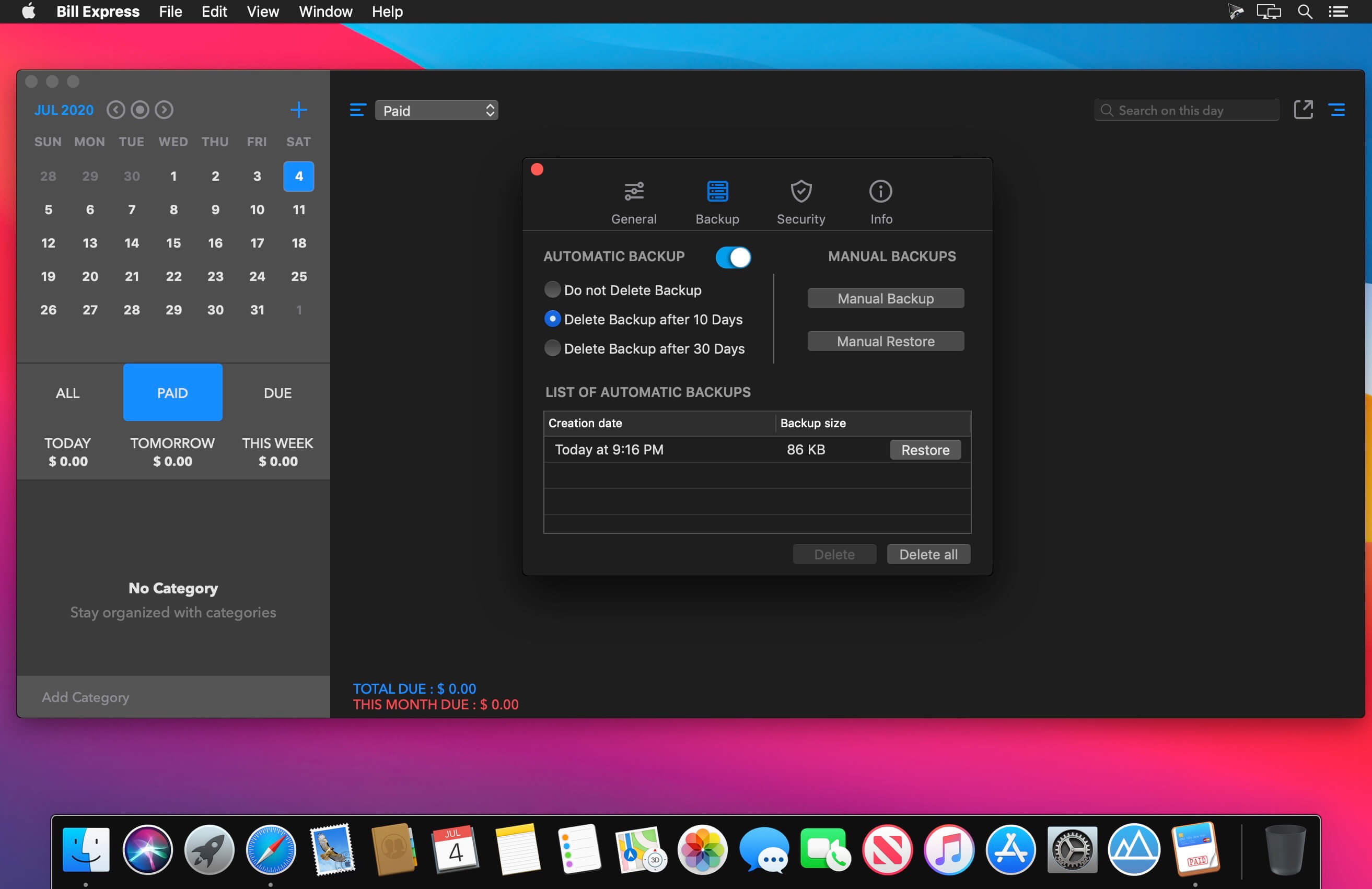
- Get your hands on your data from auto backups and never lose your data.
- Sync all your data across your Macs via iCloud.
- Get reminder for bills prior to due date.
- Attach bill receipts with each payment and review later in payment history.
- Add short notes with each payment for a bill.
HOW IT WORKS:
To get started with Bill Express, you will have to add bills that you are going to pay in future. These bills can be either one-time payment bills or recurring bills. When you actually have a transaction, approve it quickly in the app. Easily filter your bills and payments via the calendar and special boxes to show your All, Due and Paid expenses & bills. For better payments planning you can add different bill categories and tag them with each bill.
So, download Bill Express and never worry about a due bill.
Version 1.4
- Fix of payment attachment not showing up in relaunch.
- Minor issus fixed.
- Improved layout.
Frequently asked questions
How do I install the app?
Mount the image, drag the app into the "Applications" folder and launch it. If the system blocks the launch, allow it in "System Settings → Privacy & Security".
The app is damaged or won't launch
Reinstalling from a fresh image usually helps. Make sure your macOS version matches the one listed in the compatibility specs.
How do I update?
Download the new version from the site and install it over the current one — your settings will be preserved.
The download link doesn't work
Try a mirror or a download manager. For large files the browser often drops the connection.
How do I completely remove the app?
Use an uninstaller utility — it cleans up the service files that remain after moving the app to the trash.

Choose a download source
Bill Express 1.4 · 14.69 MB