Money Pro - Personal Finance 2.11.33
Money Pro — budgeting app and bill tracker for organized finances
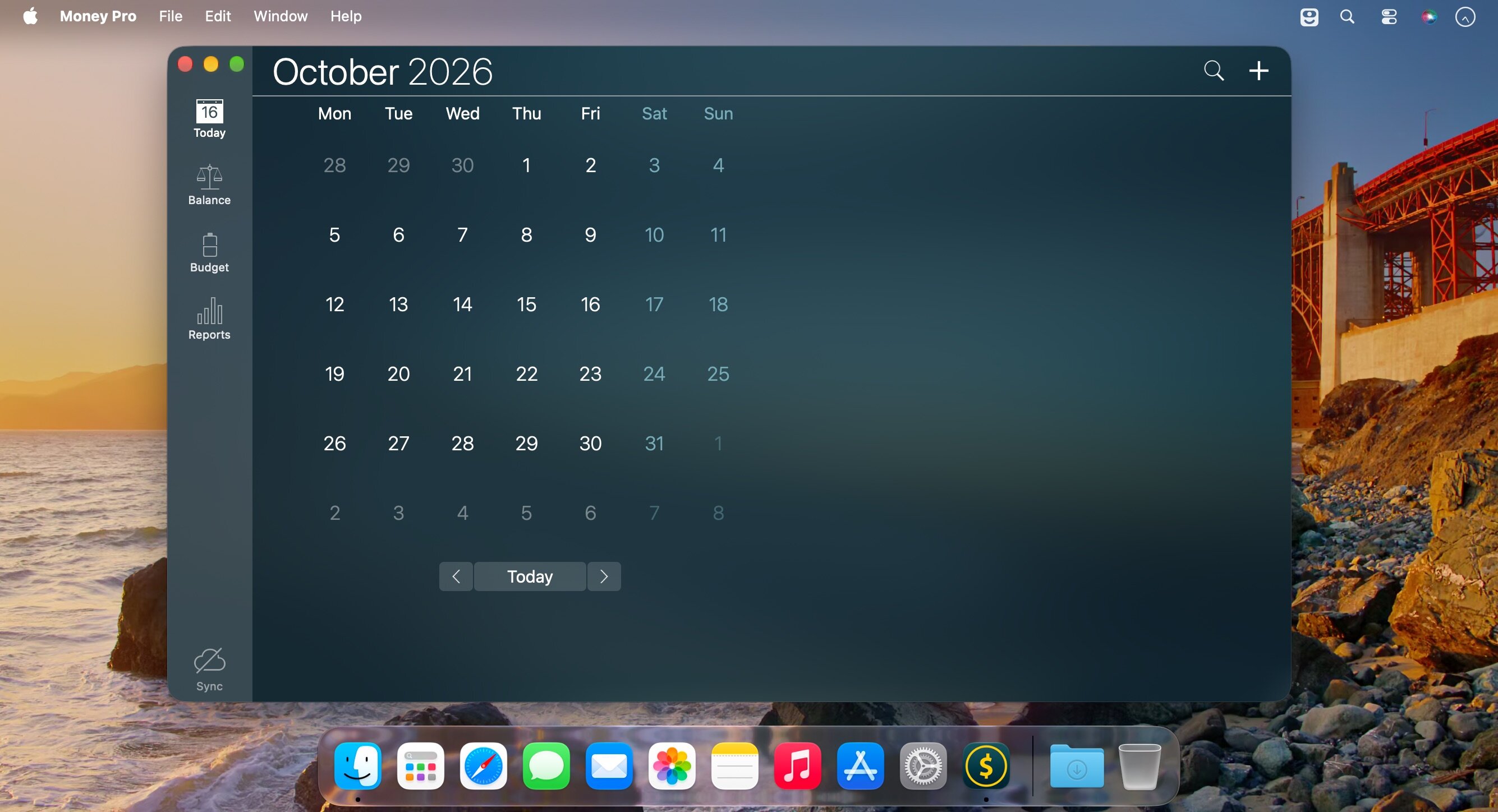
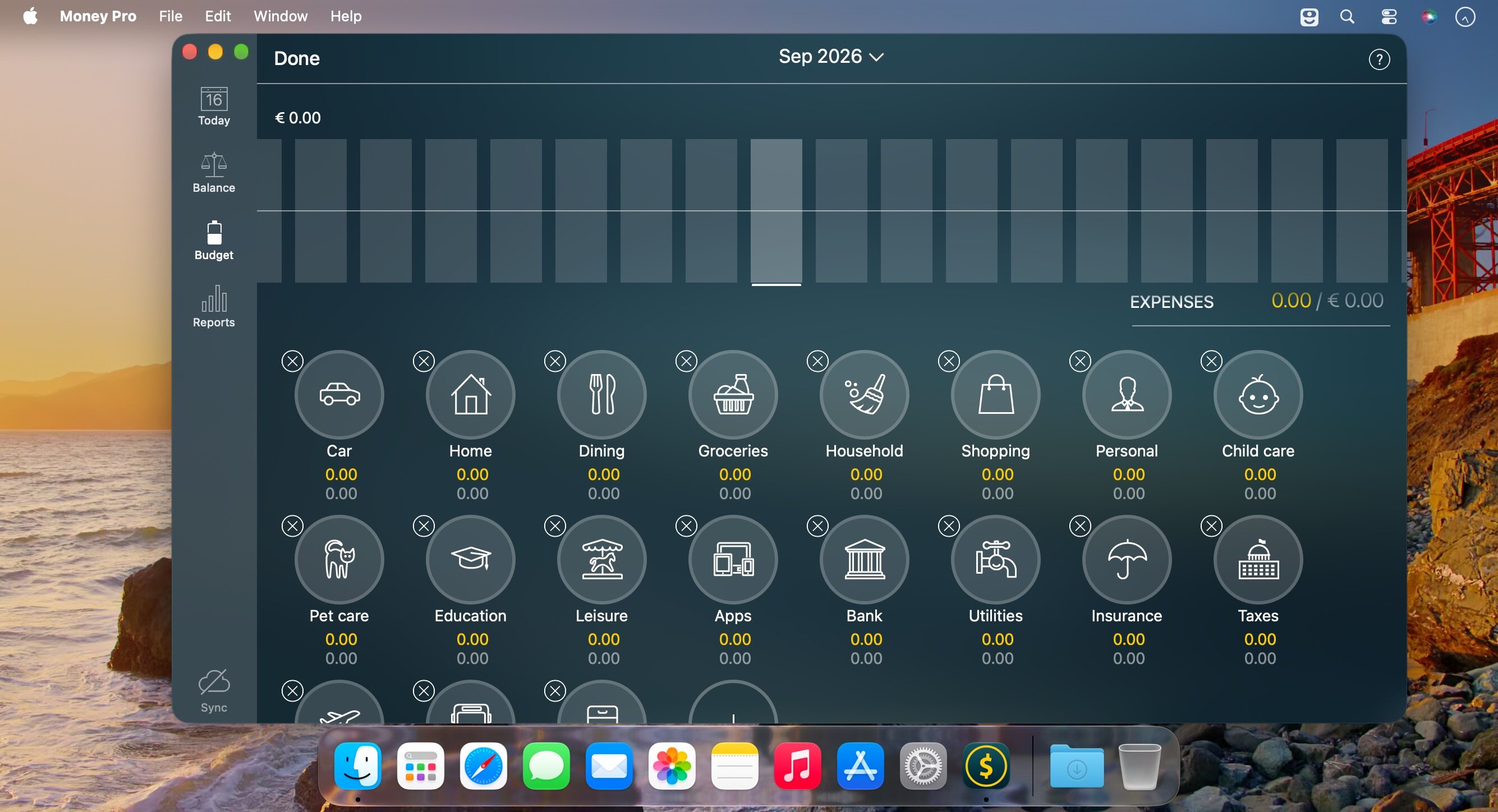
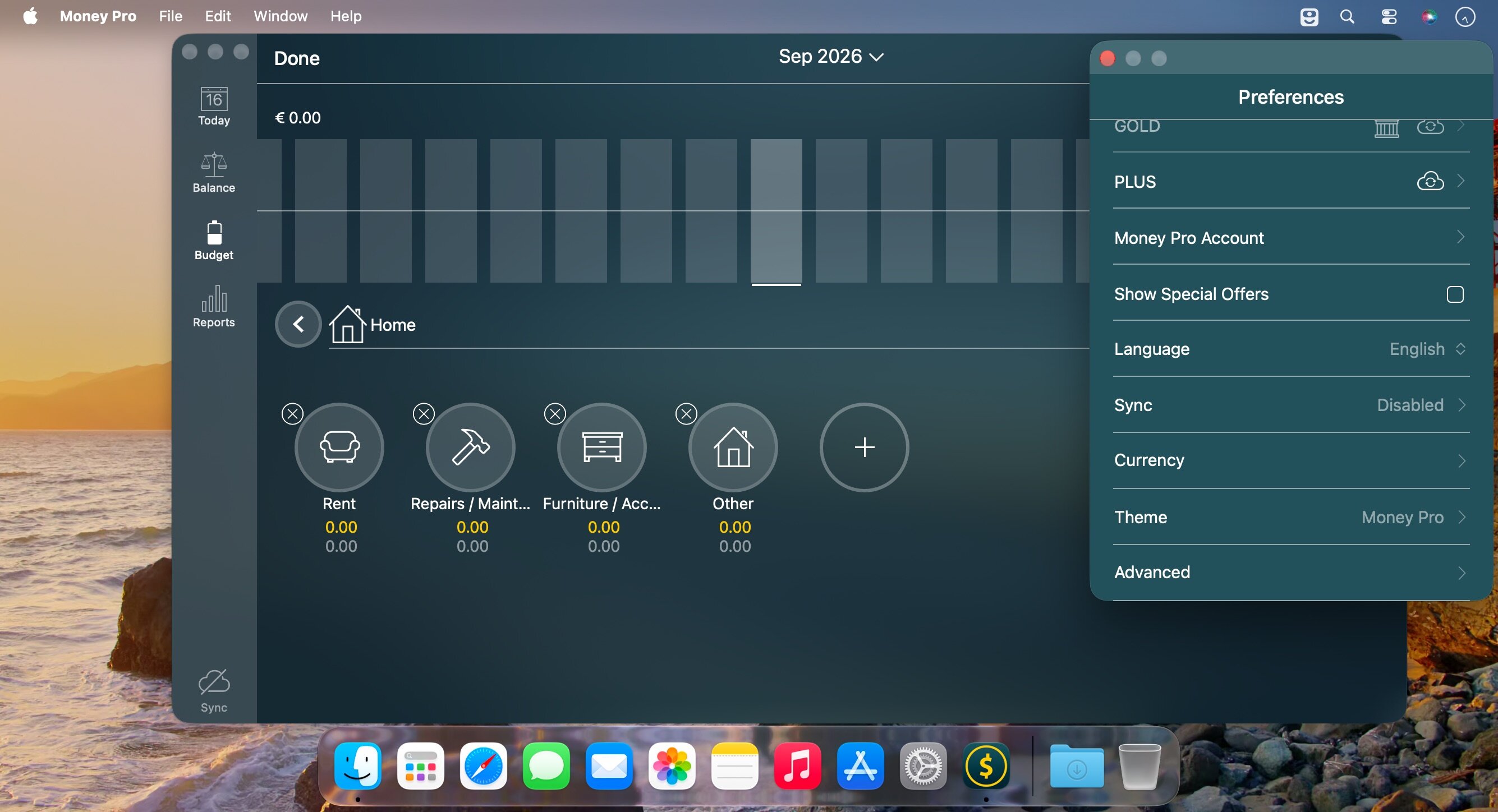
Money Pro is the one place for bill planning, budgeting and keeping track of your accounts. Easy sync with iPhone/iPad versions. Money Pro works great for home budgeting and even for business use.
Calendar
- Mark days on the big calendar when your bills are due.
- Schedule recurring bills with custom periodicity.
- Filter transactions by selecting dates on the calendar.
Today view
- Take a quick glance at bills due.
- When you actually have a transaction, approve it quickly.
- Money Pro predicts transactions for the day that may not have been scheduled manually.
Bills due notifications
- A whole system of reminders will alert you of upcoming bills.
- Quick rescheduling option will help you deal with bills due (tomorrow, in 3 days, next week).
Budgets
- Create budgeted entries, both for your income and expenses, and indicate budget limits for each entry.
- You can set different budget limits for every period, which is useful if you plan to reduce your spending gradually month by month.
- Start adding every transaction you have, and see progress of each category and the overall progress.
- Monitor visual indicators for budget overspending.
- Select the category you want to analyze and examine a budget trend chart generated on the fly.
Budget rollover
- You can set budgets to transfer the leftover of the current period to the next budget period.
- Budget rollover limits your spending automatically if you overspent in previous periods.
Checkbook register
- Unlimited number of accounts in one place (checking, savings, credit card, etc).
- Setting transactions as recurring or as one-time only.
- Balance change history.
- Additional fields for organizing your records including payee, description, check #, class (personal/business travel expenses).
- Attachment of receipt photos.
Account reconciliation
- You can record transactions and clear them later on (reconcile).
- Automatically calculated available balance and cleared balance.
Version 2.11.33
- We've fixed a few minor bugs in the app to make it even better for you.
Frequently asked questions
How do I install the app?
Mount the image, drag the app into the "Applications" folder and launch it. If the system blocks the launch, allow it in "System Settings → Privacy & Security".
The app is damaged or won't launch
Reinstalling from a fresh image usually helps. Make sure your macOS version matches the one listed in the compatibility specs.
How do I update?
Download the new version from the site and install it over the current one — your settings will be preserved.
The download link doesn't work
Try a mirror or a download manager. For large files the browser often drops the connection.
How do I completely remove the app?
Use an uninstaller utility — it cleans up the service files that remain after moving the app to the trash.


Choose a download source
Money Pro - Personal Finance 2.11.33 · 54.14 MB
Previous versions
Money Pro - Personal Finance 2.11.33
Previous versions are available to registered users.