ImageOptim 1.9.3
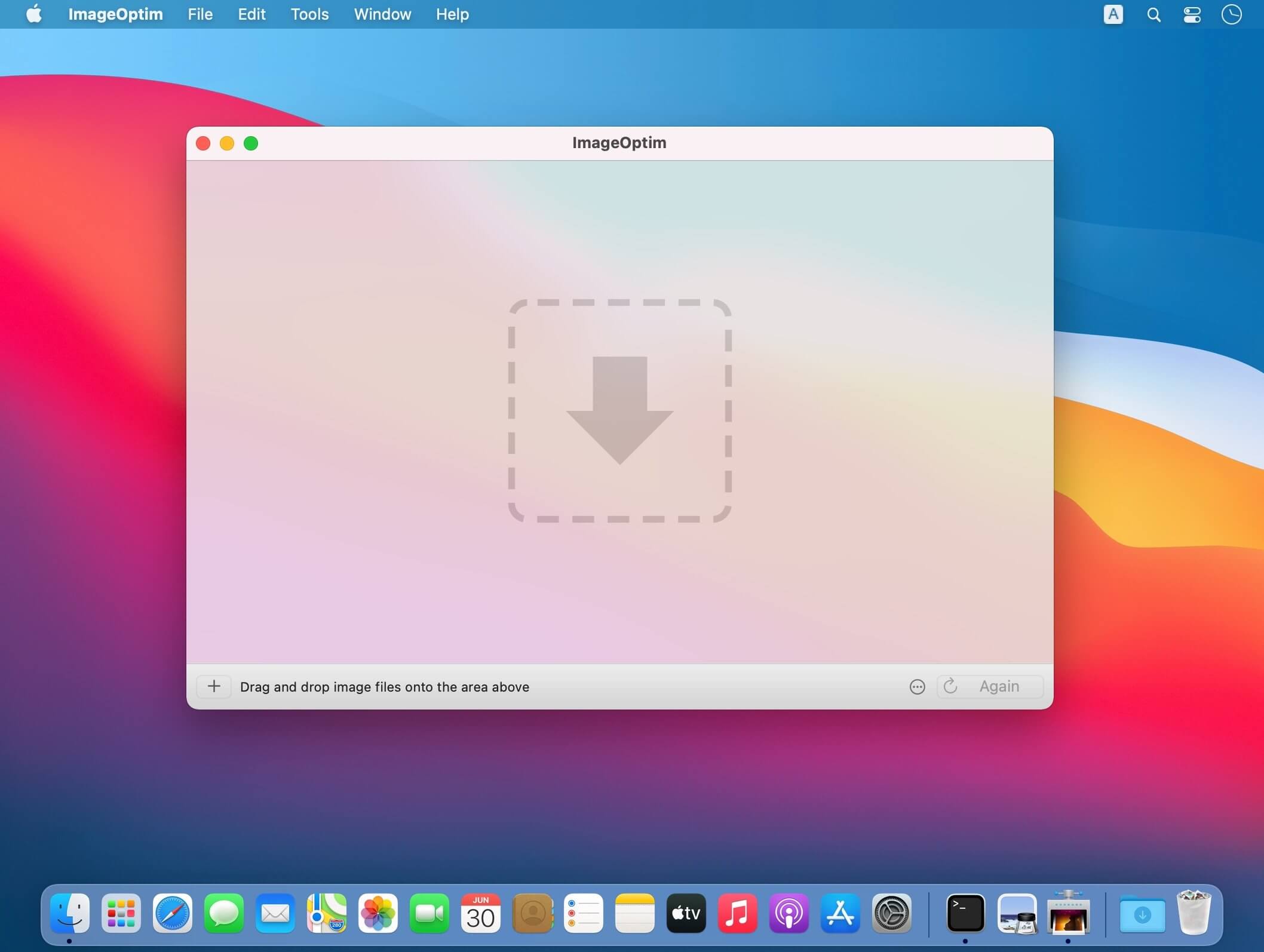
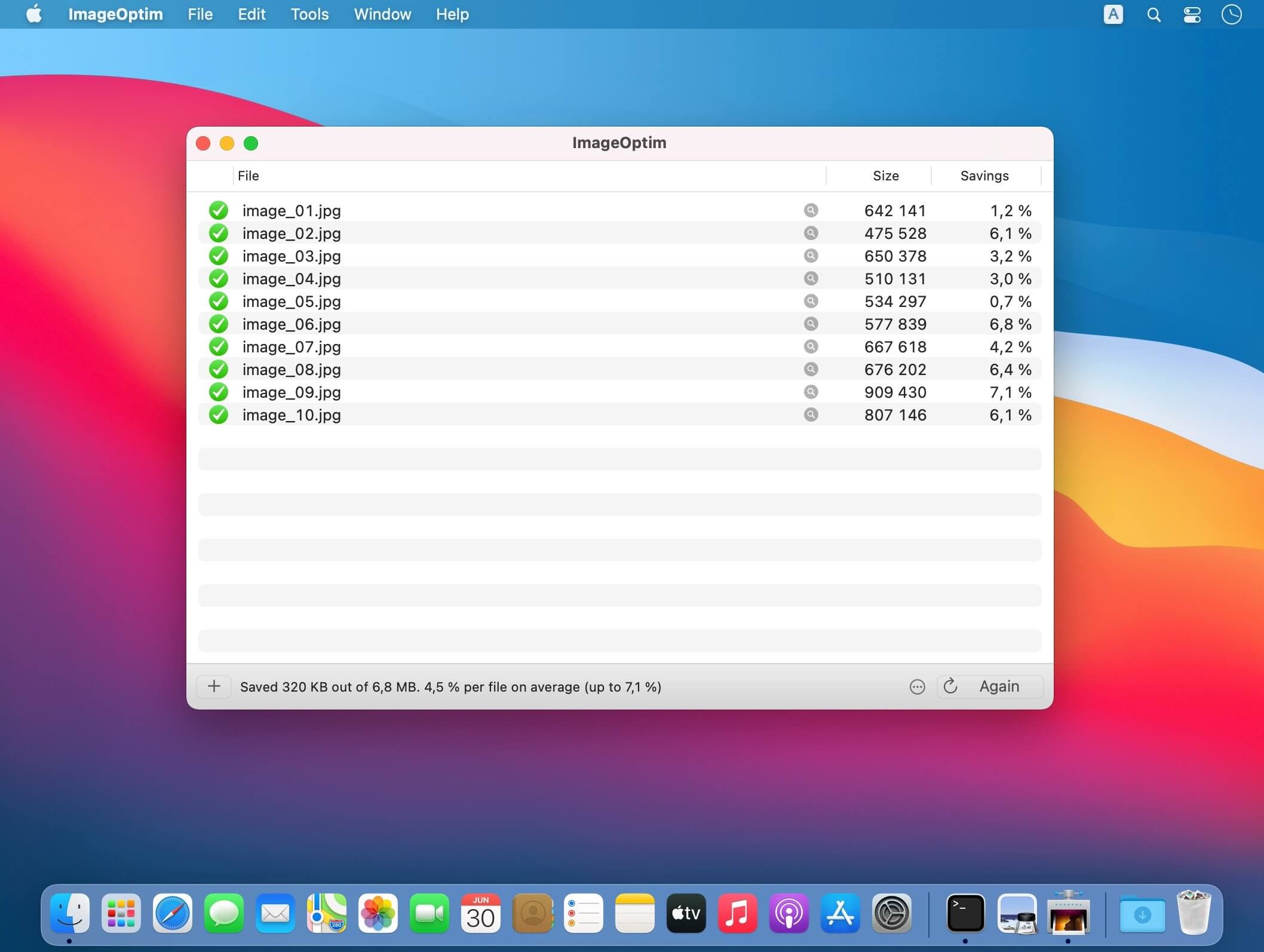

ImageOptim is a front-end (GUI) for set of tools for optimisation of PNG and JPEG images.
ImageOptim removes EXIF metadata, such as GPS position and camera's serial number, so that you can publish images without exposing private information (but there's an option to keep the metadata if you need it).
Faster web pages and apps
Reduces image file sizes — so they take up less disk space and download faster — by applying advanced compression that preserves quality.
Image files scrubbed clean
Removes invisible junk: private EXIF metadata from digital cameras, embedded thumbnails, comments, and unnecessary color profiles.
Best tools with drag'n'drop
Seamlessly combines all the best image optimization tools: MozJPEG, pngquant, Pngcrush, 7zip, SVGO and Google Zopfli. All Free and Open-Source.
Version 1.9.3:
- Support for Apple Silicon CPUs
- Updated OxiPNG
- Updated MozJPEG
- Updated pngquant
- Updated SVGO
- Updated guetzli
- Requires macOS 10.15 (Catalina) or newer
Frequently asked questions
How do I install the app?
Mount the image, drag the app into the "Applications" folder and launch it. If the system blocks the launch, allow it in "System Settings → Privacy & Security".
The app is damaged or won't launch
Reinstalling from a fresh image usually helps. Make sure your macOS version matches the one listed in the compatibility specs.
How do I update?
Download the new version from the site and install it over the current one — your settings will be preserved.
The download link doesn't work
Try a mirror or a download manager. For large files the browser often drops the connection.
How do I completely remove the app?
Use an uninstaller utility — it cleans up the service files that remain after moving the app to the trash.




Choose a download source
ImageOptim 1.9.3 · 5.53 MB
Previous versions
ImageOptim 1.9.3
Previous versions are available to registered users.