Affinity Designer 1.10.8
Professional Graphic Design Software for the Mac.
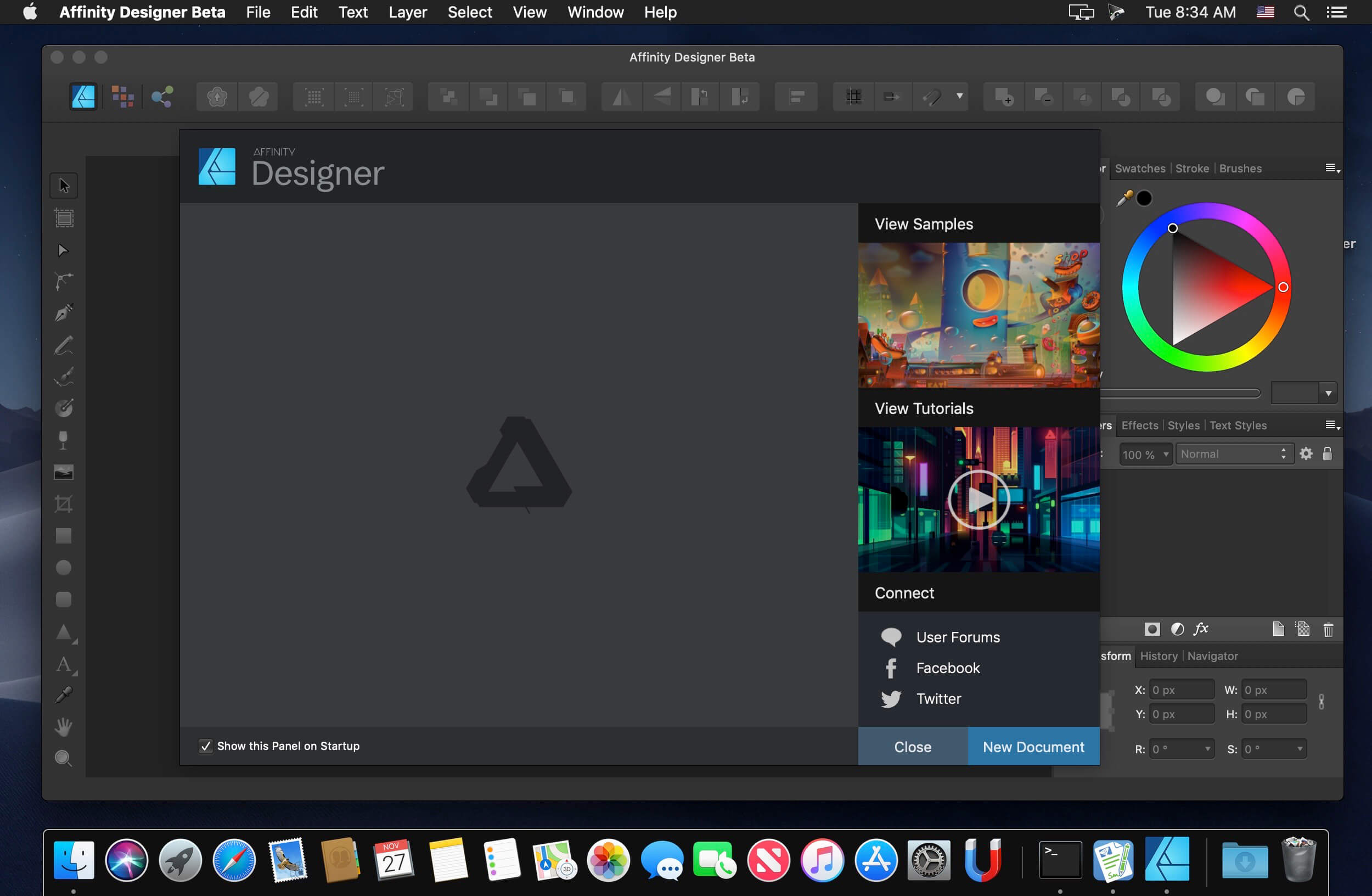
Affinity Designer is the fastest, smoothest, most precise vector graphic design software available. Whether you’re working on graphics for marketing materials, websites, icons, UI design or just like creating cool concept art, Affinity Designer will revolutionize how you work.
Real-time performance
- Panning and zooming is always live at 60fps
- Live gradients, transforms, effects and adjustments
- Optimized for documents of any complexity, zoom to over 1,000,000% for absolute precision
- Live pixel and retina view of vector artwork, wireframe view, split screen mode
- Seamless switching between tools and editing modes for frustration-free design
Perfect color and output
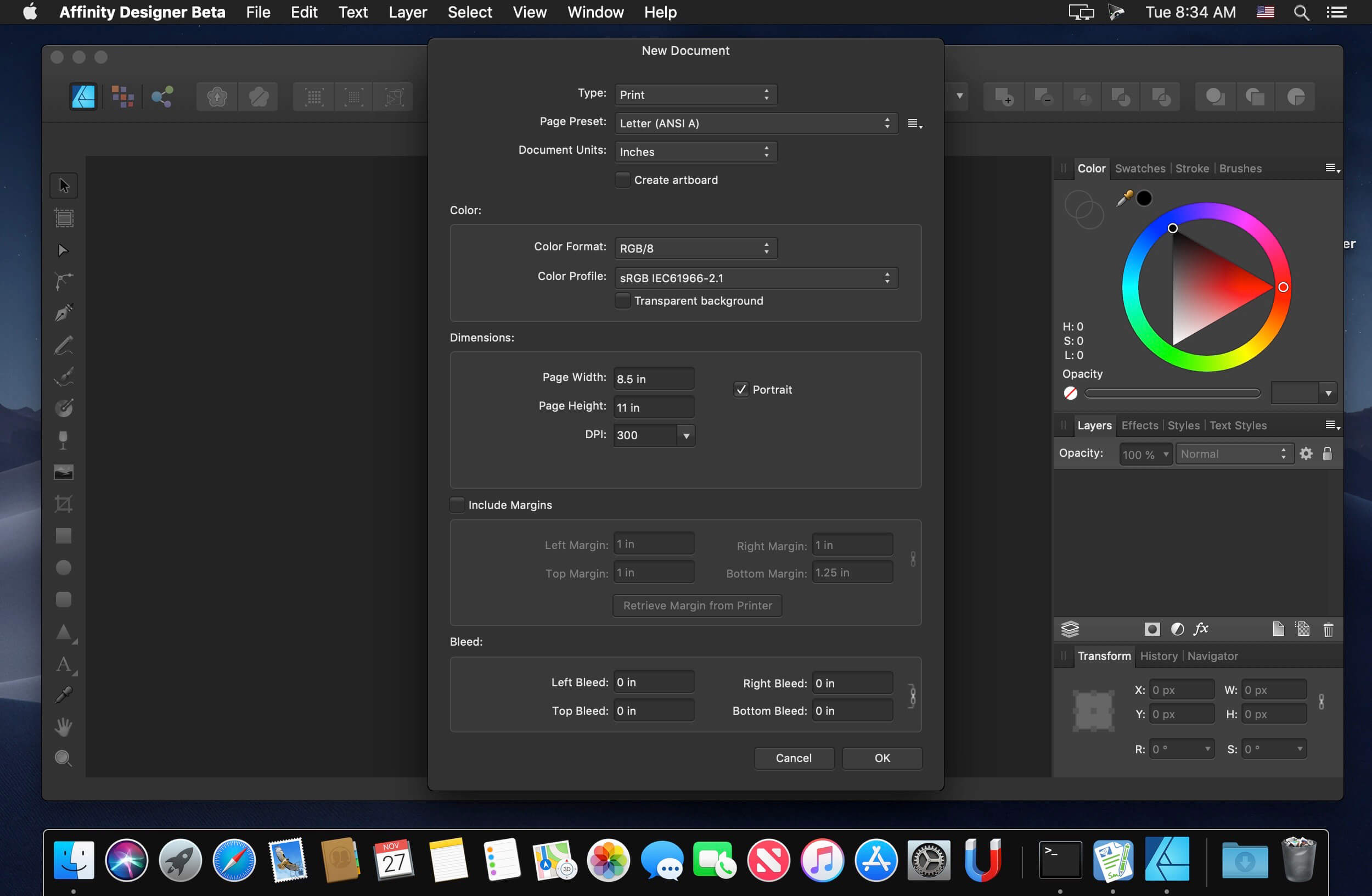
- Professional CMYK, LAB, RGB and Grayscale color models
- Full 16-bit per channel editing
- End-to-end ICC color management
- Advanced Lanczos 3 image resampling plus Bicubic, Bilinear and Nearest Neighbor methods
Truly multi-discipline
- Rock solid vector tools that work just the way you want them to
- Live effects, blend modes, image adjustments, and raster and vector masks for any part of your design
- Use the strengths of vector and raster behaviors for the best of both worlds
- The best pen tool, node tool, curve editing, geometry operations, and smart shape tools available
- Flexible text handling including comprehensive support for OpenType
- High quality raster tools for texturing, masking and finishing artwork. Create your own brushes too.
- Optimized workspaces give focus to design disciplines including web graphics, UI/UX, print, and concept art
Version 1.10.5
- Fully optimized for macOS Monterey
- Additional optimizations for new M1 Pro and M1 Max MacBook Pro with ProMotion display
- Various stability and performance improvements
Frequently asked questions
How do I install the app?
Mount the image, drag the app into the "Applications" folder and launch it. If the system blocks the launch, allow it in "System Settings → Privacy & Security".
The app is damaged or won't launch
Reinstalling from a fresh image usually helps. Make sure your macOS version matches the one listed in the compatibility specs.
How do I update?
Download the new version from the site and install it over the current one — your settings will be preserved.
The download link doesn't work
Try a mirror or a download manager. For large files the browser often drops the connection.
How do I completely remove the app?
Use an uninstaller utility — it cleans up the service files that remain after moving the app to the trash.


Choose a download source
Affinity Designer 1.10.8
Previous versions
Affinity Designer 1.10.8
Previous versions are available to registered users.