Memory Clean 2 v1.2
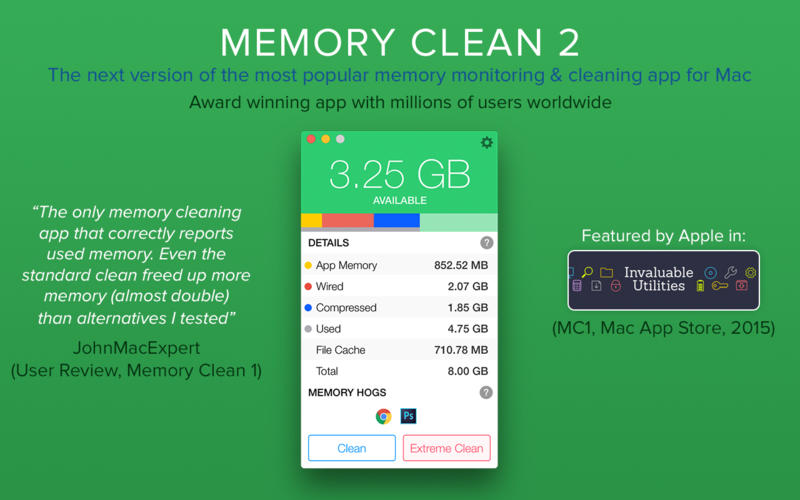
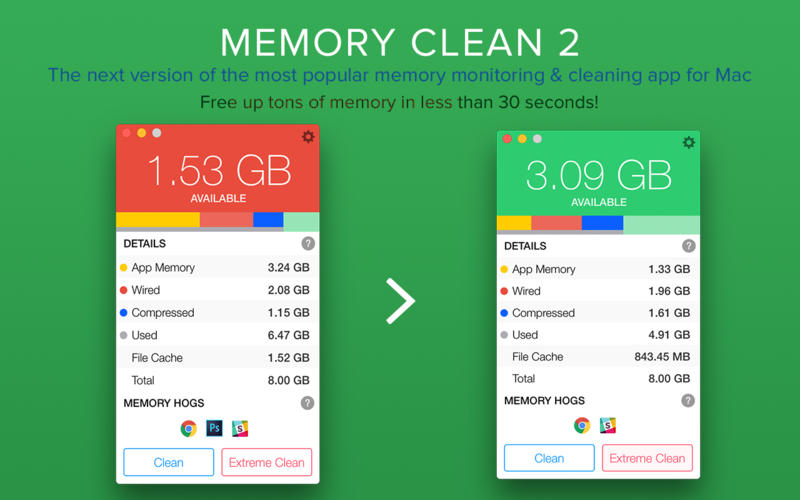
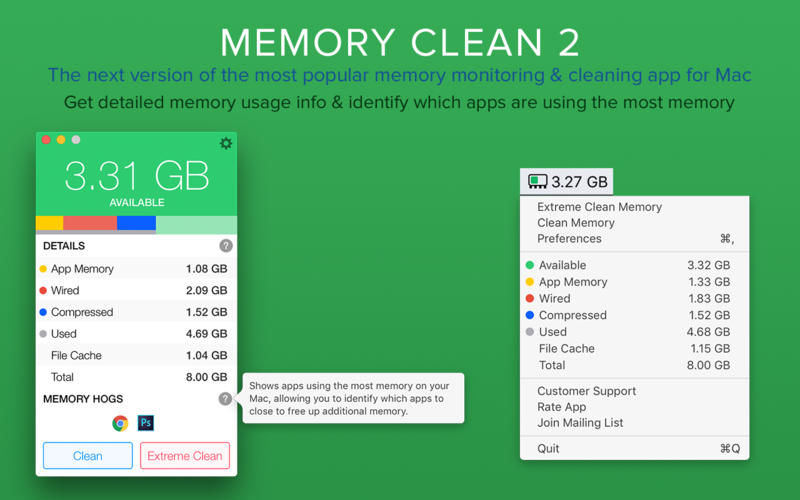
Memory Clean 2 is the ultimate app for optimizing your Mac's memory and is best used after you have finished using a memory (RAM) intensive app or game.
With the slickest interface and user experience, Memory Clean 2 stands head and shoulders above the rest.
Our users have experienced a smoother and faster experience after running Memory Clean. Just read the thousands of user reviews below and give our app a try.
Memory Clean 2 is the successor to the award winning Memory Clean 1 app, that achieved several million downloads. If you would like to restore the Extreme Clean feature that you purchased via Memory Clean 1 on Memory Clean 2, please do not delete Memory Clean 1 until you have opened Memory Clean 2, gone to the Preferences panel and restored the purchase via the 'Extras' tab. More info on https://support.fiplab.com
Note: Memory Clean 2 works by purging the Mac's inactive memory and is best used when you close an intensive app that you do not plan to use again quickly within a few hours. During the cleaning process, older Macs may slow down until the cleaning is complete.
SCREENSHOTS
Frequently asked questions
How do I install the app?
Mount the image, drag the app into the "Applications" folder and launch it. If the system blocks the launch, allow it in "System Settings → Privacy & Security".
The app is damaged or won't launch
Reinstalling from a fresh image usually helps. Make sure your macOS version matches the one listed in the compatibility specs.
How do I update?
Download the new version from the site and install it over the current one — your settings will be preserved.
The download link doesn't work
Try a mirror or a download manager. For large files the browser often drops the connection.
How do I completely remove the app?
Use an uninstaller utility — it cleans up the service files that remain after moving the app to the trash.
VersionMemory Clean 2 v1.2
DeveloperFIPLAB Ltd
CompatibilityOS X 10.7 or later, 64-bit processor
LanguageEnglish
IncludesPre-K'ed


Information
Visitors in the group Guests cannot leave comments on this publication.
Choose a download source
Memory Clean 2 v1.2 · 5.63 MB