Folder Designer 2.6
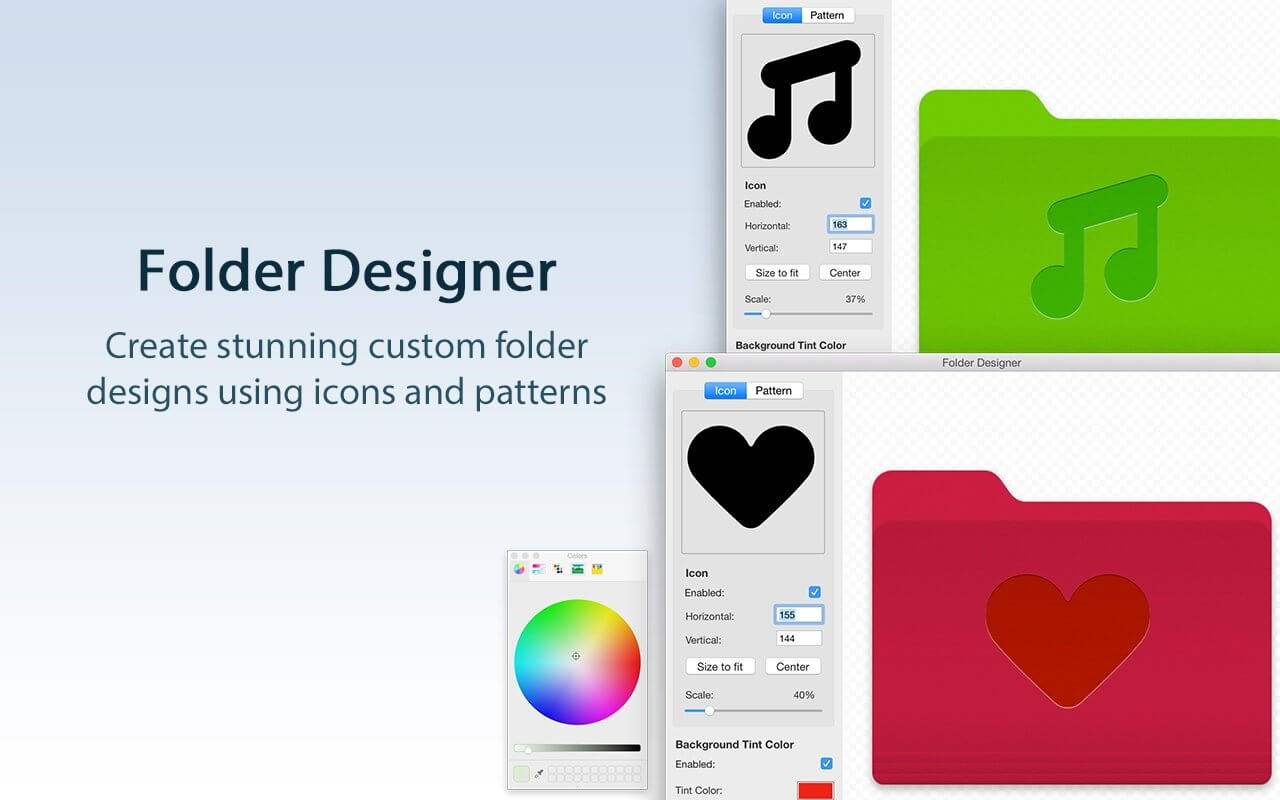
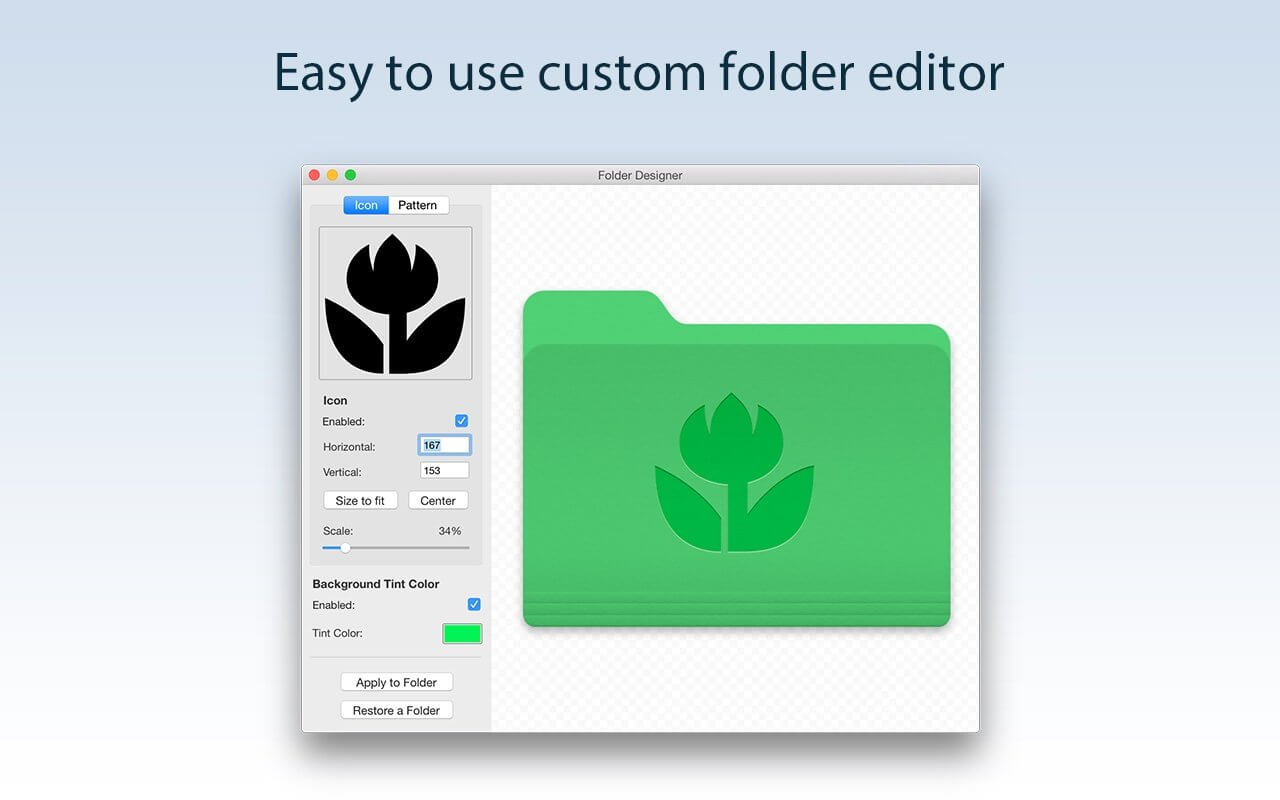
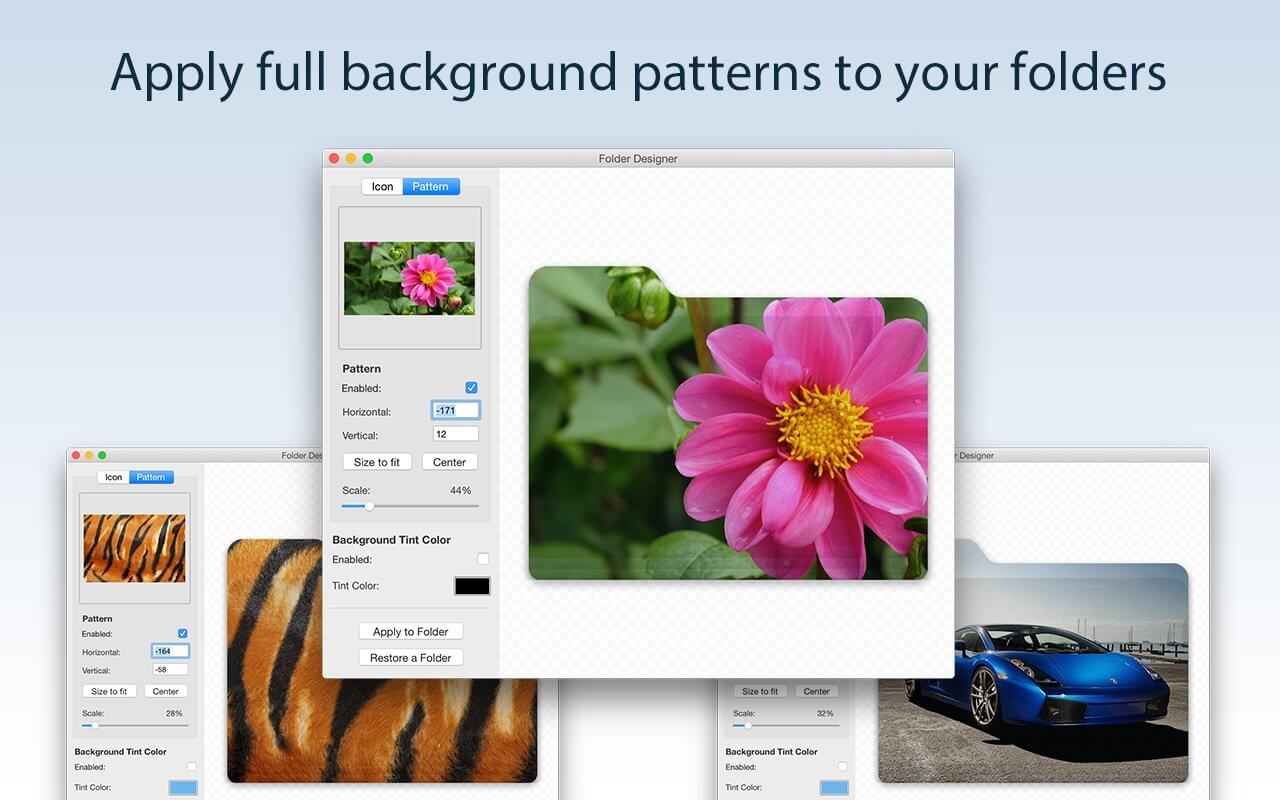
Folder Designer is the coolest and easiest way to customize Folders on your Mac. We’ve made this app perfectly simple to use so that anyone can give their Folders a totally unique appearance.
KEY FEATURES:
- Customize your Mac’s folders with a unique new icon or pattern
- Choose from a large selection of pre-installed icon images within the app
- Ability to add any image/pattern of your choice to a Folder
- Ability to edit the icon/pattern scale to allow a perfect fit according to your tastes
- Auto center/auto fit an icon or pattern
- Ability to position the icon using the mouse to exactly where you want
- Change the background colour to one of your choice
- Instantly create Folders on your Mac that are entirely unique in appearance
- Have Folders that feature either a unique icon, pattern or even a different background colour than the regular blue shade
- Folders can be easily distinguishable and identifiable on your Mac directly by appearance
- An extremely easy app to use offering infinite customization possibilities
- Regular free updates
Frequently asked questions
How do I install the app?
Mount the image, drag the app into the "Applications" folder and launch it. If the system blocks the launch, allow it in "System Settings → Privacy & Security".
The app is damaged or won't launch
Reinstalling from a fresh image usually helps. Make sure your macOS version matches the one listed in the compatibility specs.
How do I update?
Download the new version from the site and install it over the current one — your settings will be preserved.
The download link doesn't work
Try a mirror or a download manager. For large files the browser often drops the connection.
How do I completely remove the app?
Use an uninstaller utility — it cleans up the service files that remain after moving the app to the trash.
VersionFolder Designer 2.6
DeveloperFIPLAB Ltd
CompatibilitymacOS 10.10 or later
LanguageEnglish
IncludesK'ed by HCiSO



Information
Visitors in the group Guests cannot leave comments on this publication.
Choose a download source
Folder Designer 2.6 · 14.41 MB