
Vellum 4.1.5
Vellum: Ebook Formatting Software for Beautiful Digital Books
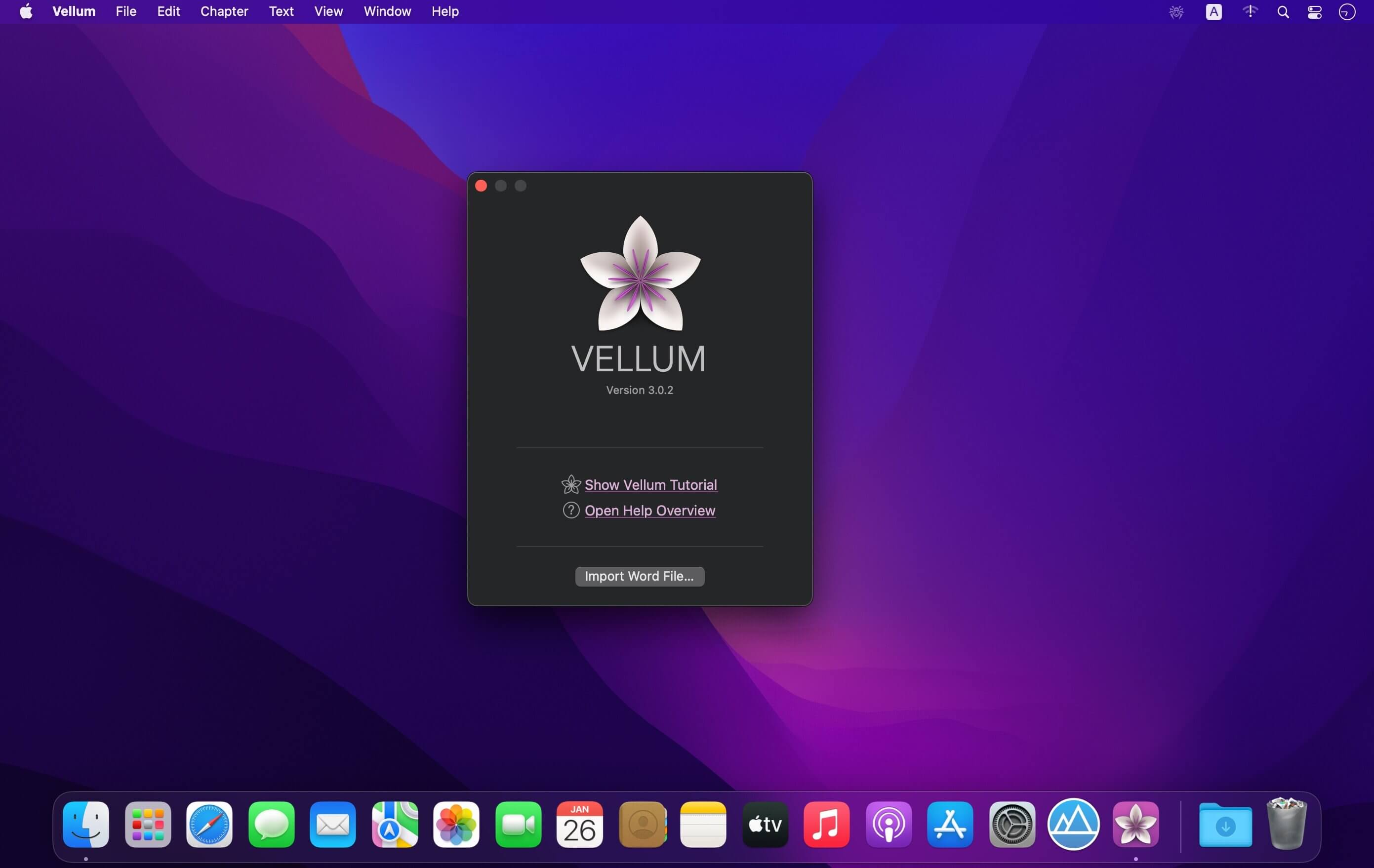
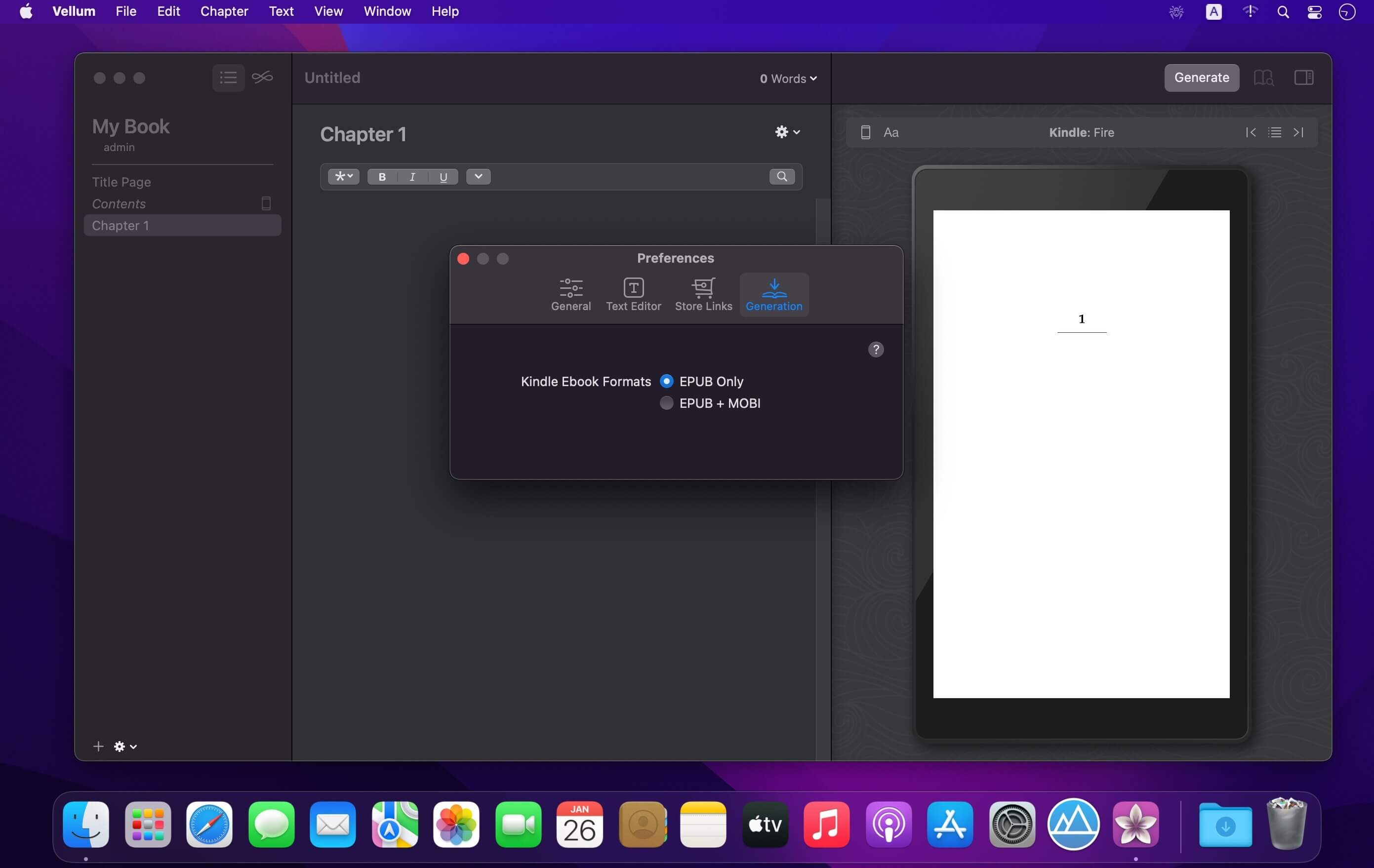
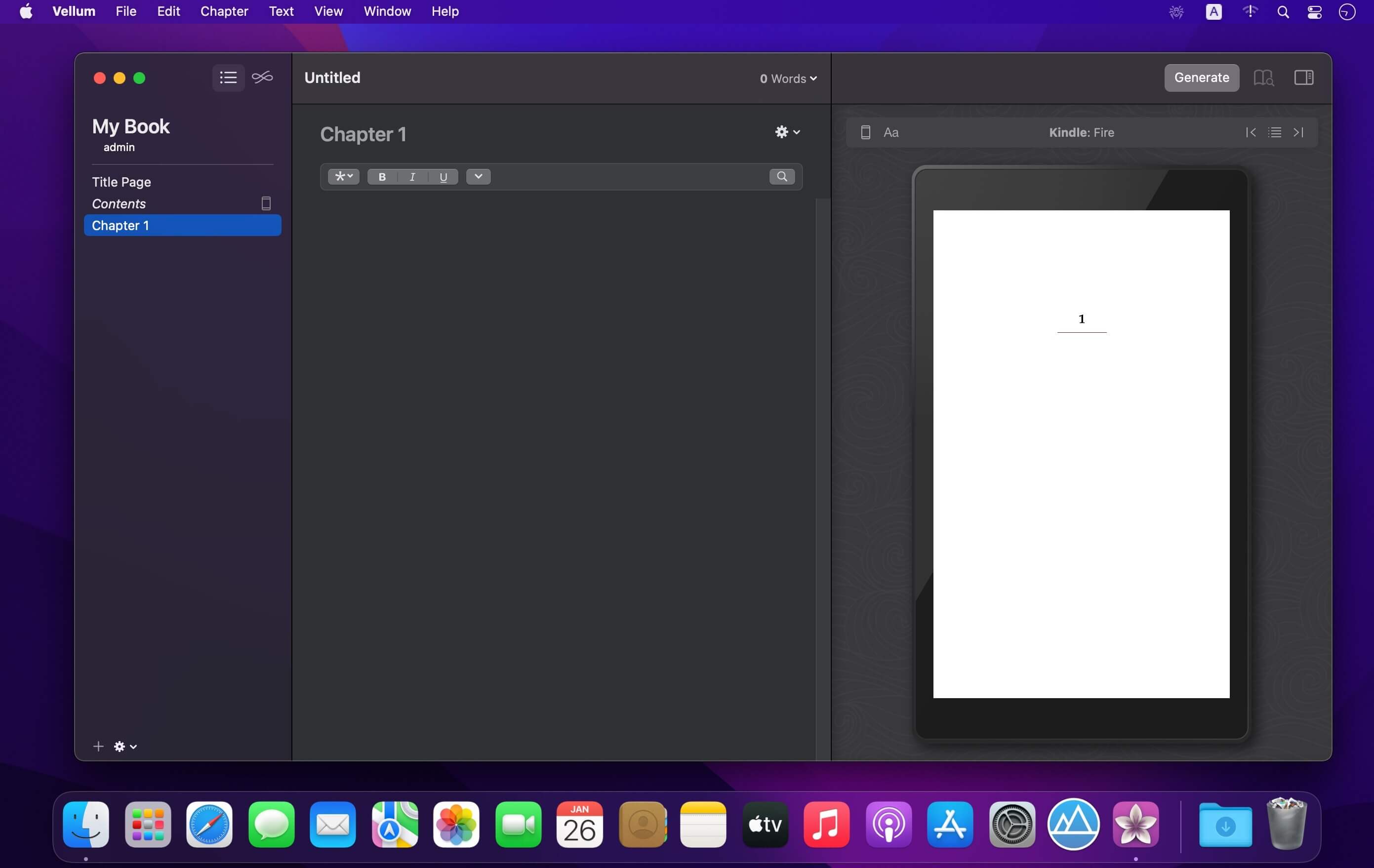
Vellum is ebook publishing software and an ebook creator for formatting beautiful books for Kindle, iPad, iPhone and Nook.
Designed to help you publish beautiful e-books, Vellum is a modern and well organized application that provides a collection of simple yet very efficient publishing tools.
Simply input the text content and you will be able to preview the final result just how it would look on popular e-book reading devices, such as iPads or iPhones, Kindles or Nooks.
When importing the text, Vellum will automatically recognize the chapters and you will be able to quickly browse the data via the Contents panel. From the same area you can access the Book Info and Cover panels where you can input the book title, subtitle, the author and publisher details, the language, version and ISBN.
In addition, you are able to assign a cover image and Vellum let’s you know if the image size and format is compatible with any of the featured devices. The application also displays the recommended image format.
Moreover, Vellum enables you to add a wide collection of books specific elements which can be arranged any way you like: copyright, dedication, epigraph, foreword, introduction, preface, prologue, epilogue, afterwork, acknowledgements or about the author.
You get to customize the e-book appearance via the Styles panel where Vellum stores a collection of graphic themes designed for different parts of a book: heading, first paragraph, block quotation, ornamental break or paragraph after break. You can browse them in cover flow mode and choose the one that matches your needs.
Enable the Preview panel to view the final result on any of the 4 supported devices (iPad, iPhone, Kindle Paperwhite or Nook Simple Touch). Vellum also provides support for changing the font style or size, or the background color.
All in all, Vellum is a great companion for designing and publishing e-books, but you should be very careful when it comes to actually generating the books: you must buy a license to create the e-book and in the process the title, subtitle and author fields will be locked. You will be able to generate multiple versions for the same book but you can’t modify the locked fields.
Version 4.1.5:
- improves compatibility with macOS 27 Golden Gate
Frequently asked questions
How do I install the app?
Mount the image, drag the app into the "Applications" folder and launch it. If the system blocks the launch, allow it in "System Settings → Privacy & Security".
The app is damaged or won't launch
Reinstalling from a fresh image usually helps. Make sure your macOS version matches the one listed in the compatibility specs.
How do I update?
Download the new version from the site and install it over the current one — your settings will be preserved.
The download link doesn't work
Try a mirror or a download manager. For large files the browser often drops the connection.
How do I completely remove the app?
Use an uninstaller utility — it cleans up the service files that remain after moving the app to the trash.





Choose a download source
Vellum 4.1.5 · 102.86 MB
Previous versions
Vellum 4.1.5
Previous versions are available to registered users.