Recordia 2.6.1
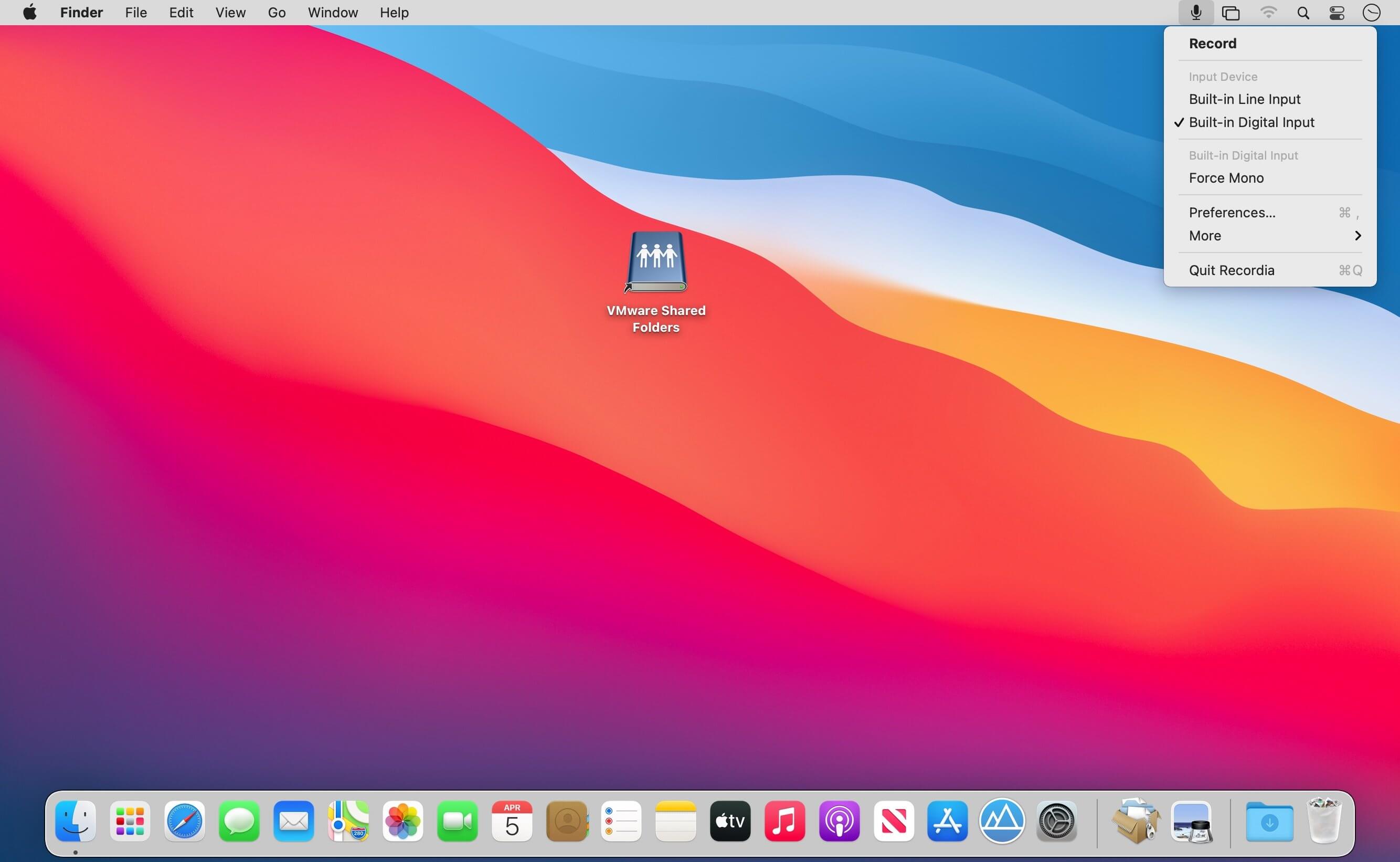
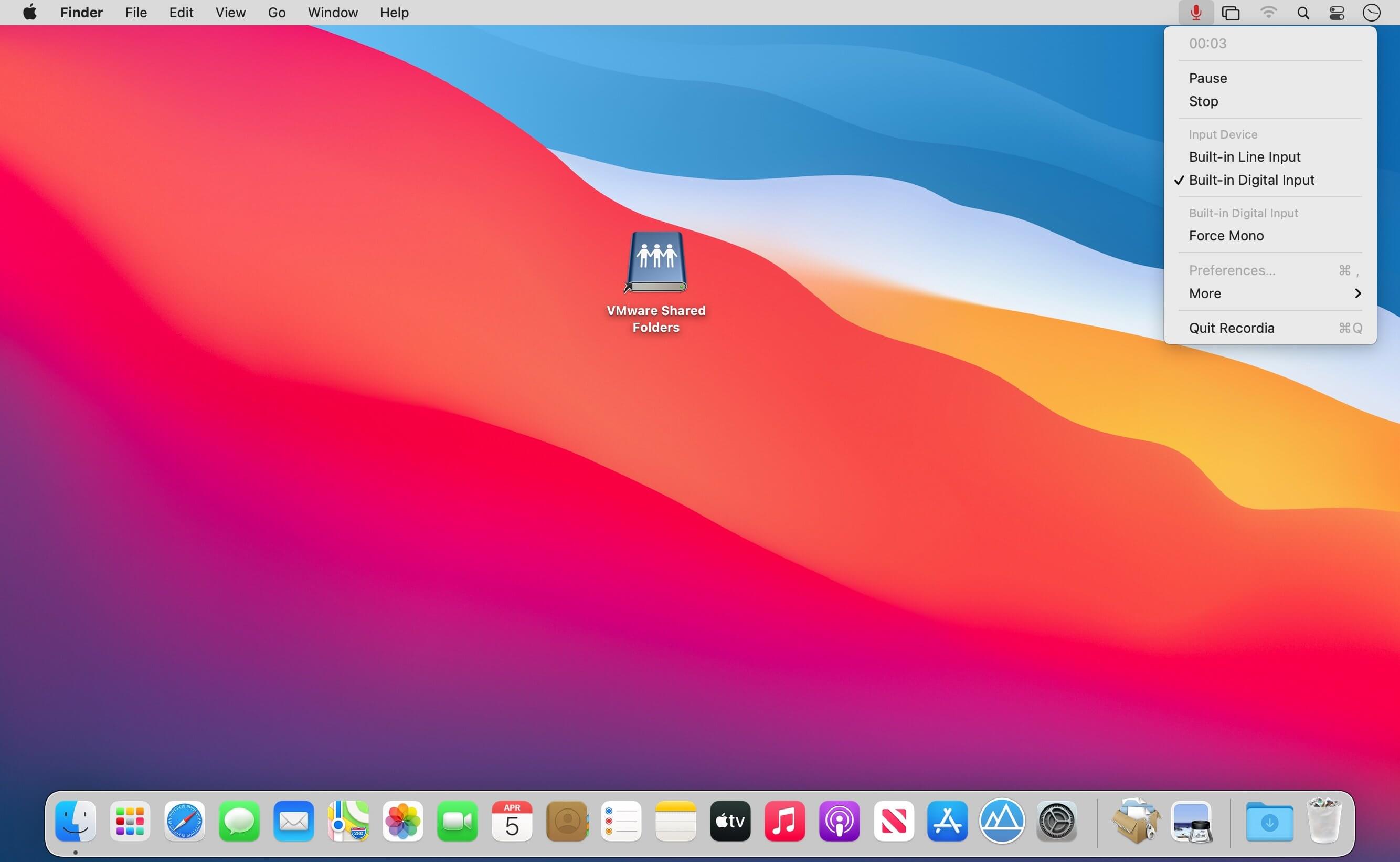
Recordia lets you record audio directly from the menu bar or with a global keyboard shortcut.
This can be useful for recording voice memos, song ideas, meetings, lectures, interviews, phone calls, voice-overs, and more.
Features
- Record compressed or lossless audio.
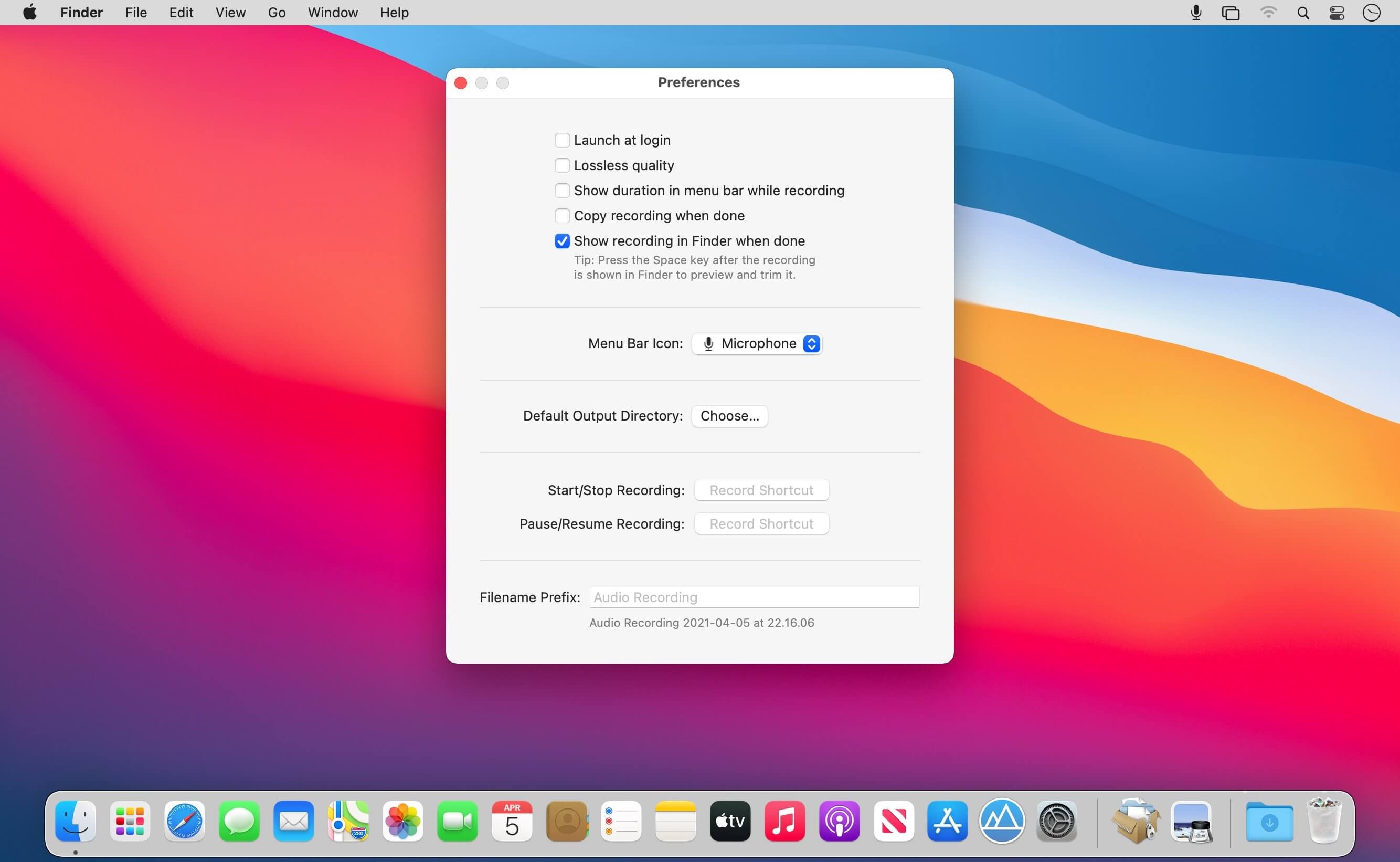
- Customizable keyboard shortcuts to start/stop and pause/resume recording.
- Change input device.
- Unlimited recording duration.
- Set default output directory.
- Optionally show the recording in Finder when done.
- Easily copy and share the previous recording.
- Launch at login preference.
- Record system audio (See FAQ below).
- Choose between multiple menu bar icons.
Technical details: It records at 48 kHz to either M4A (AAC, 256 kbps, compressed) or WAV (PCM, 16-bit, uncompressed). The recording is stereo if the input device supports it, otherwise mono.
FAQ
‣ How can I preview the recording when done?
First, ensure the “Show recording in Finder after saving” preference is enabled. When the recording is shown in Finder, press the Space key to preview it.
‣ How can I trim the recording when done?
Preview the recording as described above and then click the trim button.
‣ How can I record system audio?
Click “Record System Audio” in Recordia and follow the instructions.
‣ How can I sync recordings to iCloud?
Choose “iCloud Drive” as the output directory.
‣ Why 48 kHz and not 44.1 kHz?
48 kHz is the standard for audio in today's video production. It's also the internal production standard for many audio production companies. 44.1 kHz was popularized by music CDs.
Version 2.6.0
- Improved compatibility with macOS 13.
Frequently asked questions
How do I install the app?
Mount the image, drag the app into the "Applications" folder and launch it. If the system blocks the launch, allow it in "System Settings → Privacy & Security".
The app is damaged or won't launch
Reinstalling from a fresh image usually helps. Make sure your macOS version matches the one listed in the compatibility specs.
How do I update?
Download the new version from the site and install it over the current one — your settings will be preserved.
The download link doesn't work
Try a mirror or a download manager. For large files the browser often drops the connection.
How do I completely remove the app?
Use an uninstaller utility — it cleans up the service files that remain after moving the app to the trash.



Choose a download source
Recordia 2.6.1 · 5.16 MB
Previous versions
Recordia 2.6.1
Previous versions are available to registered users.