
1Timer – Voice Timer 1.0.9
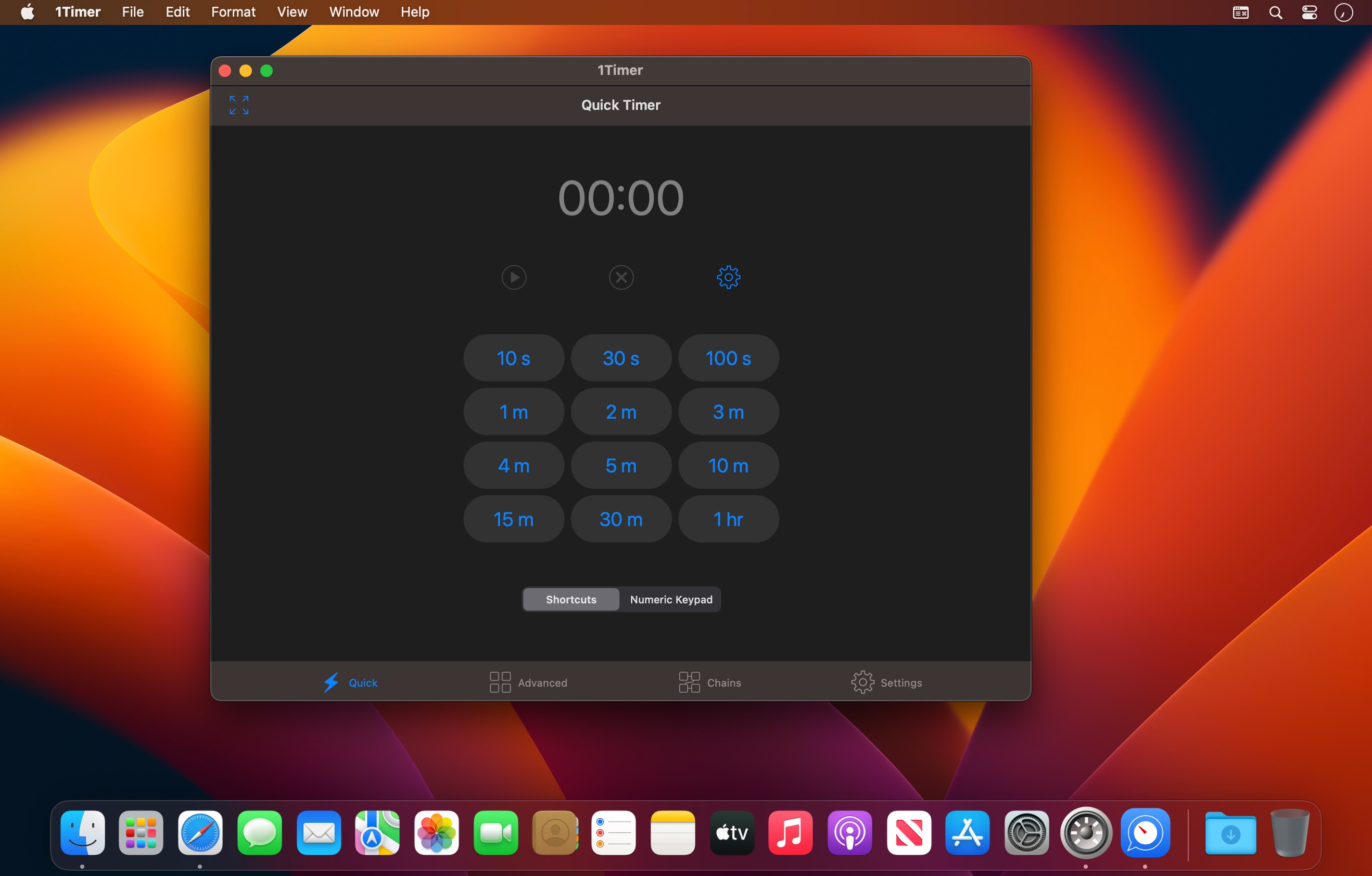
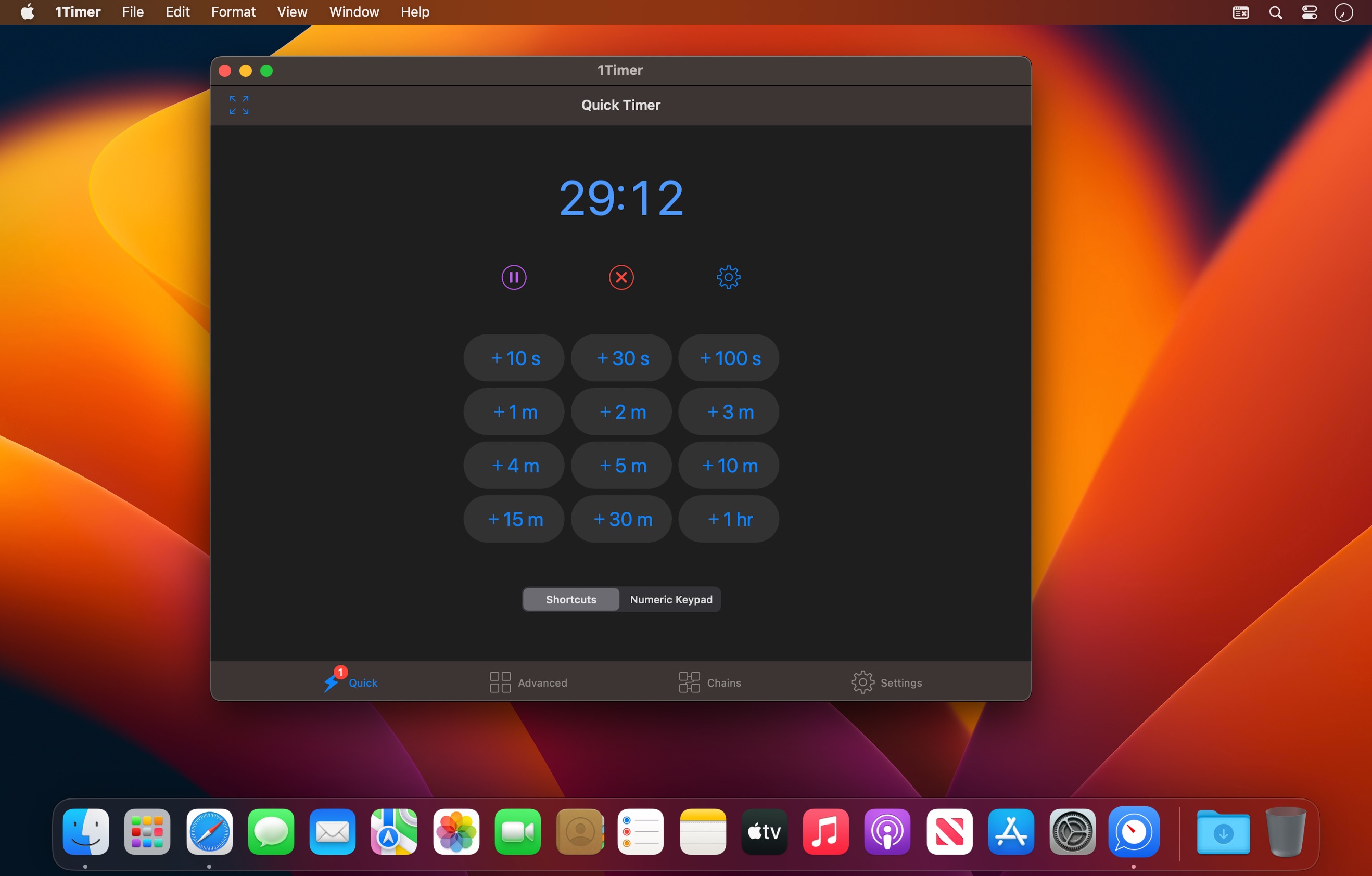
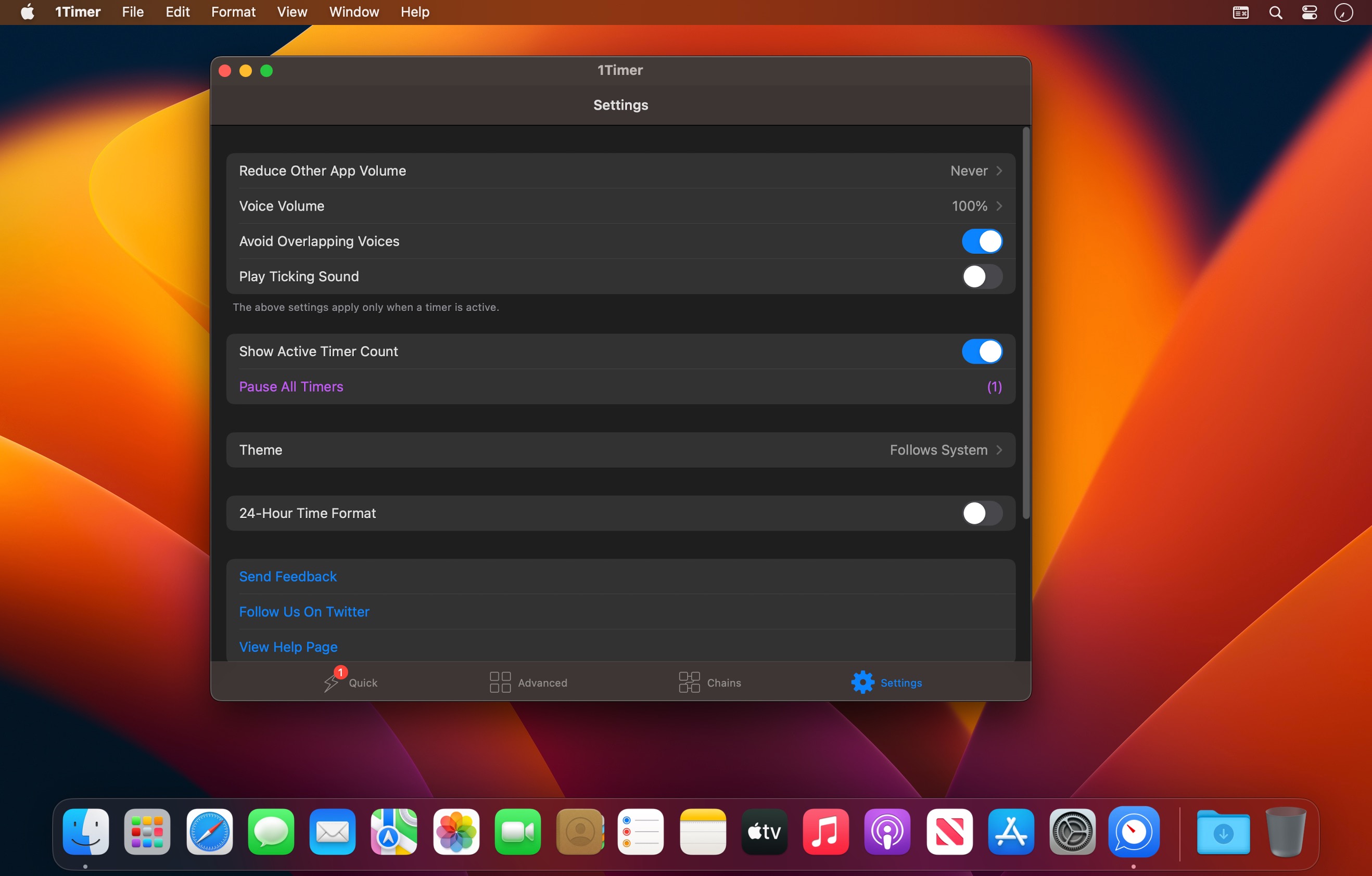
This app provides timers with voice reminders at a frequency of your choice.
You will be pleasantly surprised by how useful the app is in many scenarios. Here is an incomplete list of possible use cases.
USEFUL
- Workout -- we have you covered whether it simple workout or complex workout routines.
- Habits -- shape up some time-bounded habits.
- Kids -- give your kids a disciplinary countdown.
- Be on time -- get reminders before it's too late.
- Routines -- perform daily time-bound routines.
- Exams/tests -- be informed before the time's up.
- And many more...
CUSTOMIZABLE
- You can have a per-second voice countdown for the last 15 seconds.
- You can have a timer that reminds you every 5 seconds for the last minute, and every minute otherwise.
- The combinations of configurations are countless.
- You can choose the reminder language from 30+ languages.
- You can choose the reminder speed.
- You can even choose from different voices.
- You can also customize what the timer reminders are.
- You can set up advanced timers, each with different configurations.
- You can even chain timers together to build a powerful reminder system that you can find nowhere else.
THOUGHTFUL
- The app provides single-tap access to timers, without any setup.
- The app has no ads or in-app purchases.
- The app is very small, so it doesn't waste your precious storage space.
- The app is super fast, so it's available the second you need it.
- The app fully support VoiceOver.
Version 1.0.9
- Added 24-hour time format.
Frequently asked questions
How do I install the app?
Mount the image, drag the app into the "Applications" folder and launch it. If the system blocks the launch, allow it in "System Settings → Privacy & Security".
The app is damaged or won't launch
Reinstalling from a fresh image usually helps. Make sure your macOS version matches the one listed in the compatibility specs.
How do I update?
Download the new version from the site and install it over the current one — your settings will be preserved.
The download link doesn't work
Try a mirror or a download manager. For large files the browser often drops the connection.
How do I completely remove the app?
Use an uninstaller utility — it cleans up the service files that remain after moving the app to the trash.



Choose a download source
1Timer – Voice Timer 1.0.9 · 5.52 MB