RecordPad 9.00
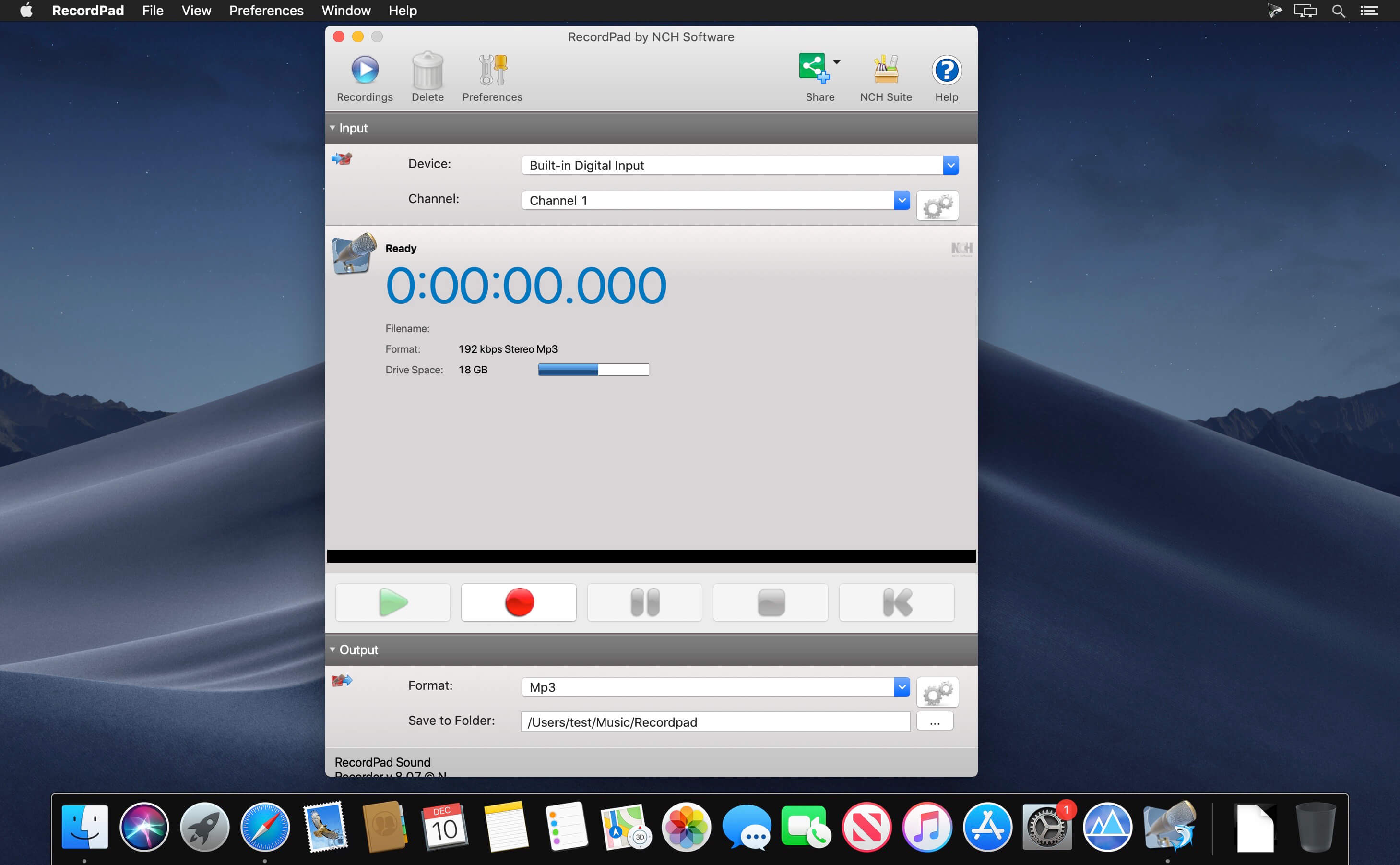
RecordPad is a simple sound recording program for Windows and Mac OS X.
RecordPad is ideal for recording voice and other audio to add to digital presentations, creating an audio book, or for simply recording a message:
- RecordPad is a simple sound recording program for Windows and Mac OS X.
- Quick and easy audio recording software
- Record voice, sound, music or any other audio
- Ideal for recording audio to add to digital presentations
- Small download under 650k installs in seconds
Audio Recording Features :
- Record sound, voice, notes, music or any other audio
- Save recordings to your hard drive in wav, mp3 or aiff format
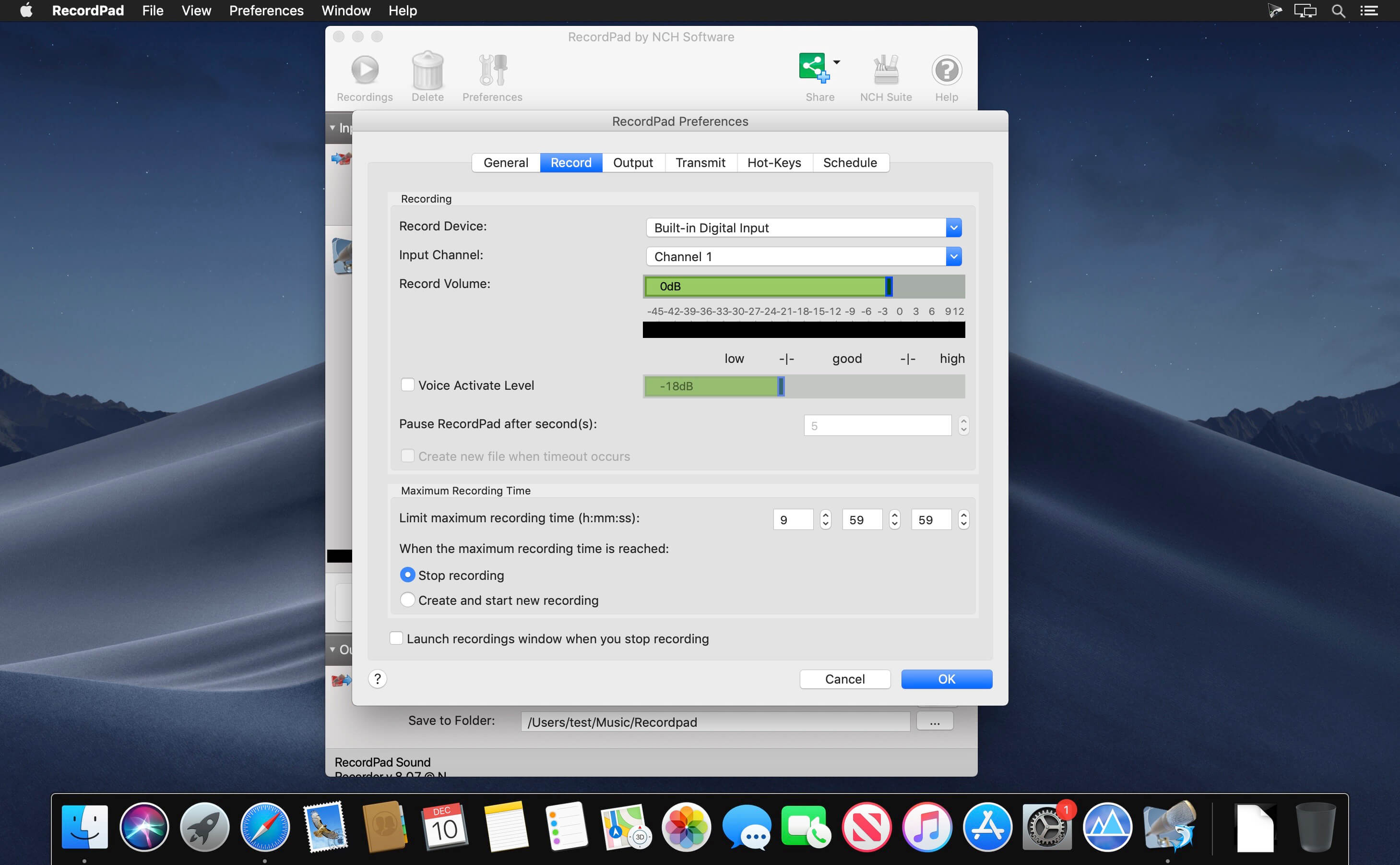
- Record only when you are speaking with voice activated recording
- Recordings can be burned directly to CD using Express Burn
- System-wide hotkeys allow keyboard control over recording while working in other programs
- Find and Play recordings by format, date, duration and size. Includes keyword search of audio recording when a speech engine is installed
- Optionally send recordings via email or upload to an FTP server
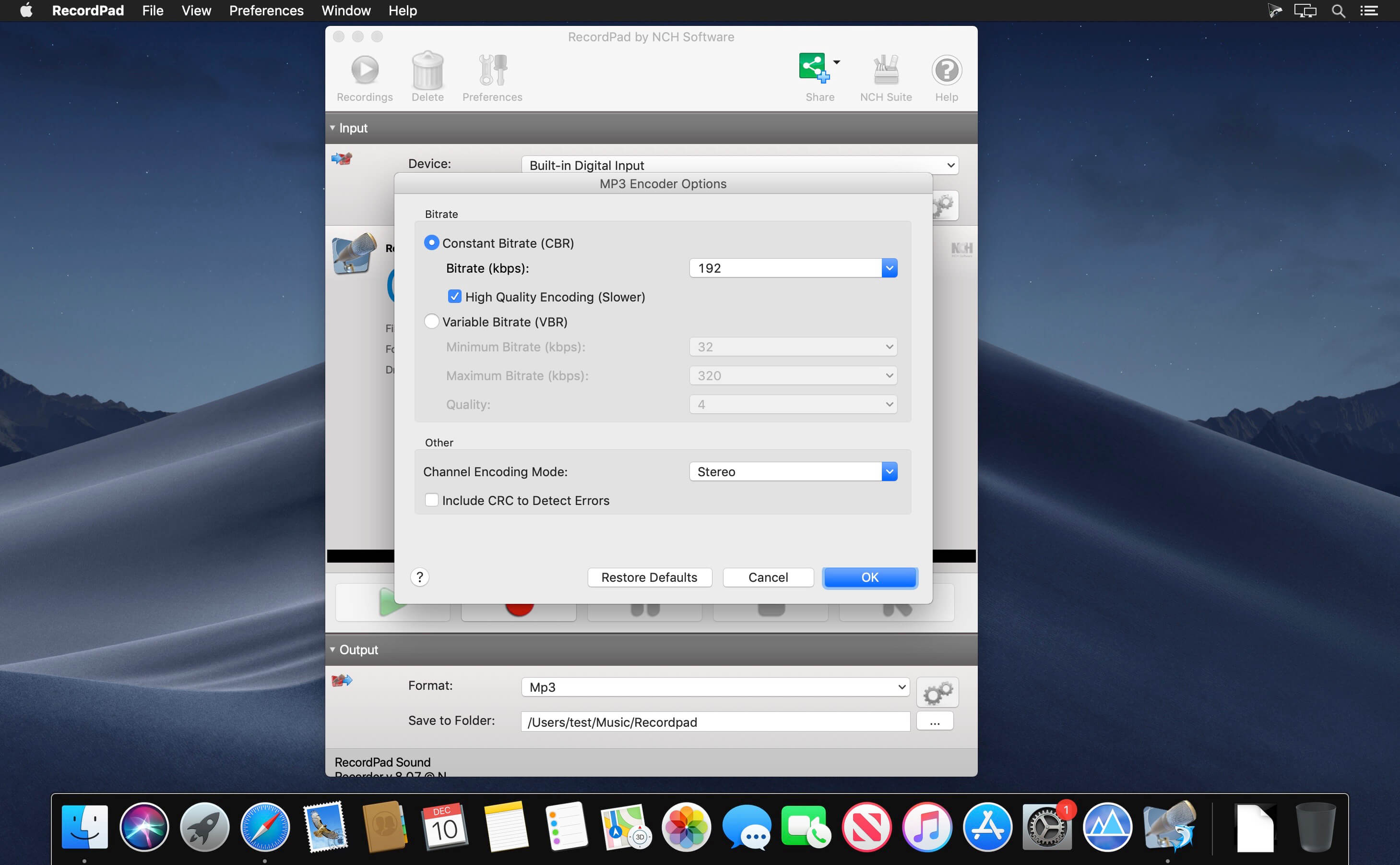
- MPEG Layer-3 encoding offers content of variable bit rates from 8 to 320kbps with optional crc error checking and joint stereo modes
- Wave encoding at sample rates between 6000 and 196000Hz in PCM or many other codecs and bits
- Can be automated and integrated to run from other programs with powerful command line options
- Integrate with WavePad Professional Audio Editing Software to edit recordings and add effects
- Designed to be simple and robust for professional and corporate recording applications
Version 9.0:
- Release notes were unavailable when this listing was updated.
Frequently asked questions
How do I install the app?
Mount the image, drag the app into the "Applications" folder and launch it. If the system blocks the launch, allow it in "System Settings → Privacy & Security".
The app is damaged or won't launch
Reinstalling from a fresh image usually helps. Make sure your macOS version matches the one listed in the compatibility specs.
How do I update?
Download the new version from the site and install it over the current one — your settings will be preserved.
The download link doesn't work
Try a mirror or a download manager. For large files the browser often drops the connection.
How do I completely remove the app?
Use an uninstaller utility — it cleans up the service files that remain after moving the app to the trash.
VersionRecordPad 9.00
DeveloperNCH Software
CompatibilityOS X 10.5 or later
LanguageEnglish
IncludesSerial

Information
Visitors in the group Guests cannot leave comments on this publication.
Choose a download source
RecordPad 9.00 · 6.6 MB