ExpressionsinBar 2.3
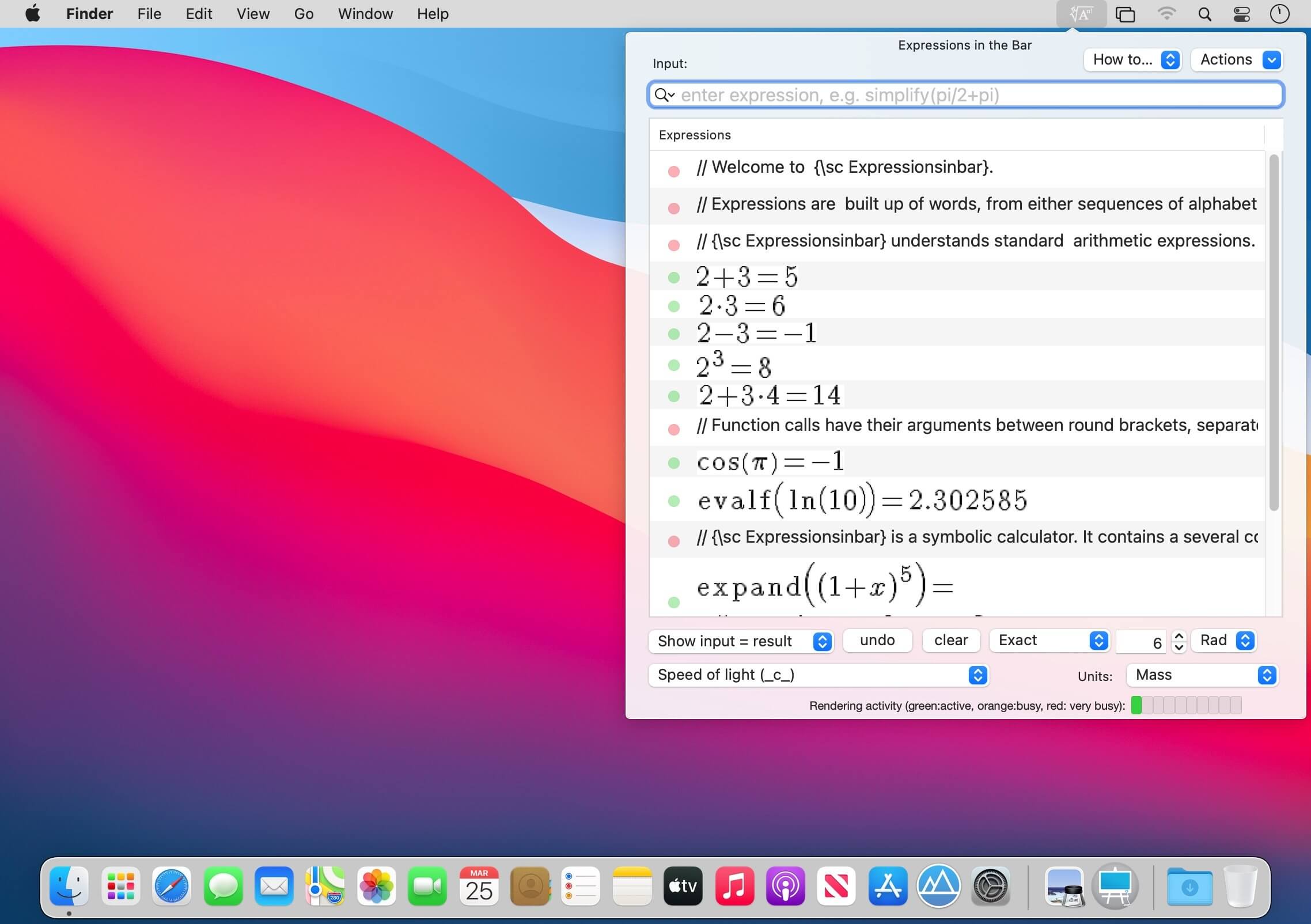
ExpressionsinBar is a simple menubar application which provides powerful computer-aided algebra computations. It's a powerful tool for evaluating mathematical expressions that lives in the menubar of your Mac ! So it is always just click away! It's the perfect app for teachers, math students, scientists, and the geek among us!
A GORGEOUS OUTPUT
Unlike most other Equation Editors, ExpressionsinBar helps you resolve the math and then prepares a neat output for an easy insertion in your documents or presentations. Mathematical expressions are presented in high-resolution PDF form that can be pasted into your Documents or Presentations!
A VERY SIMPLE USER INTERFACE
- Click the Menubar icon and ExpressionsinBar pops open an input expression box. Enter the expression, view the result.
- Beautiful output easily copied into text editors such as Apple Pages or Microsoft Word, or presentation programs such as Apple Keynote or Microsoft PowerPoint.
- Alternatively export the result of a computation in LaTeX syntax to TeX processors, such as TeXShop or TeXworks.
- Scrolling panels with easy to use functions
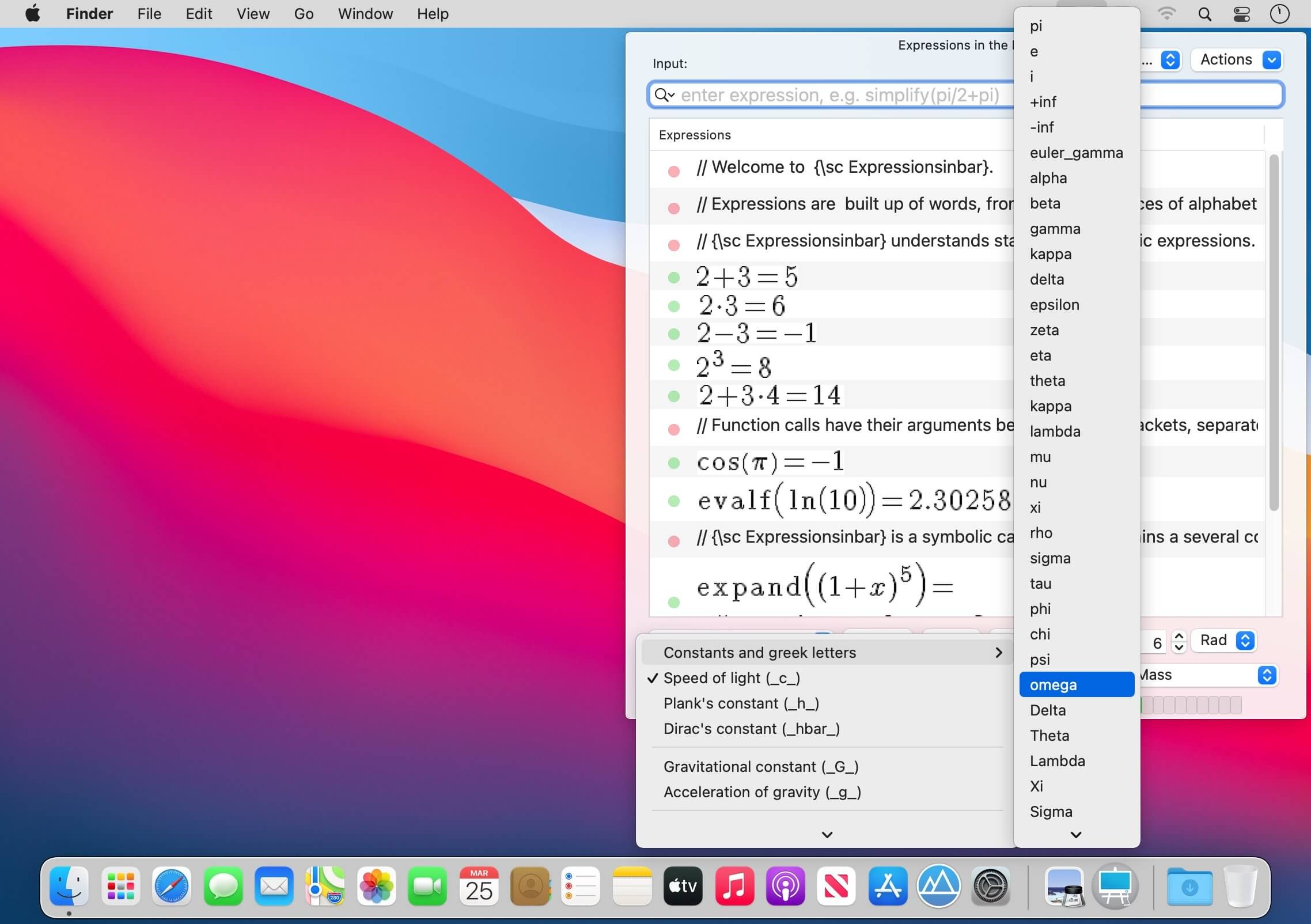
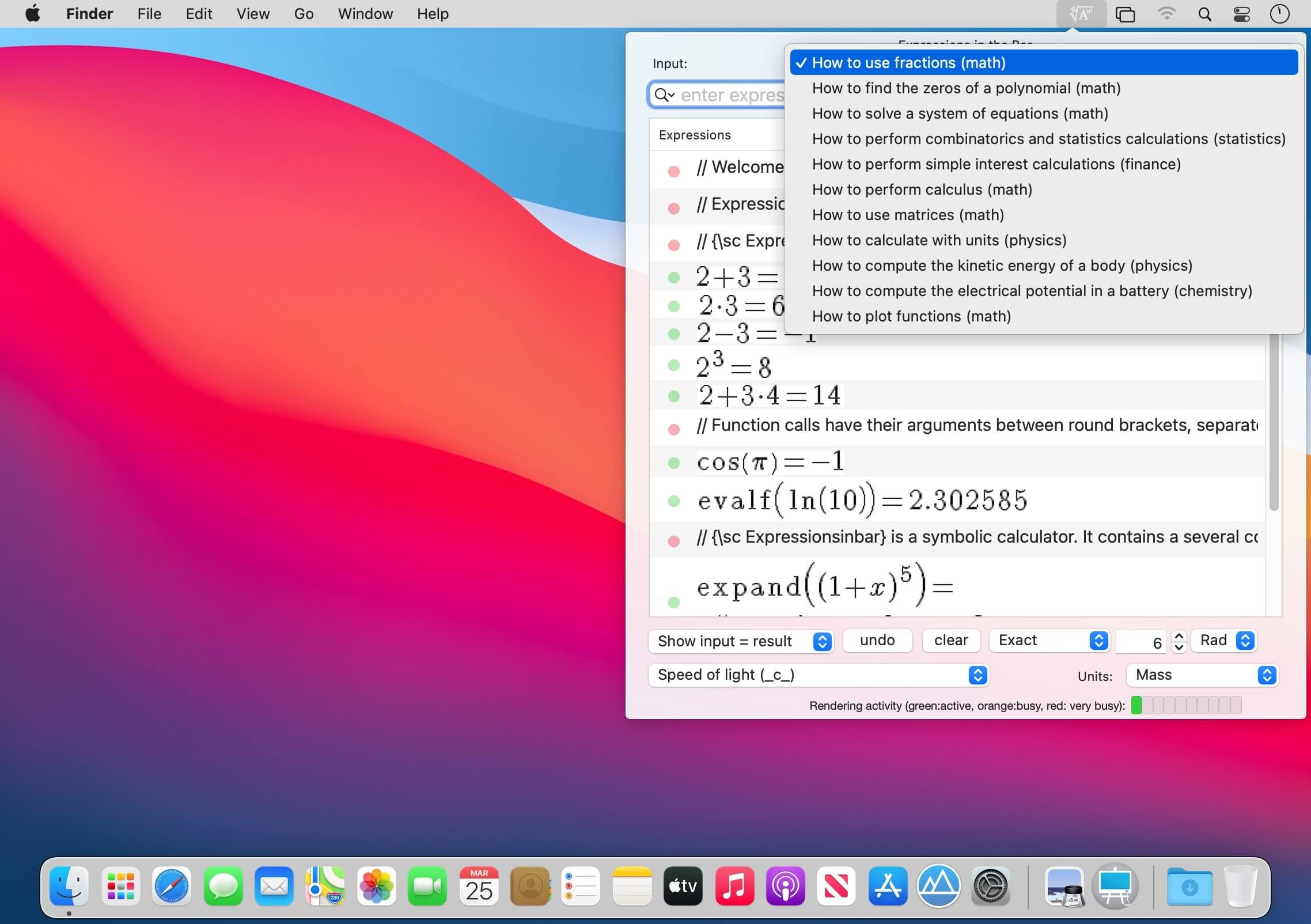
- Menu with variables, functions, syntax and tips
- Use keyboard arrows to navigate function arguments
- Easily select to render "input only", "input =", "result" and "input and result"
- Constants (π, e, etc.)
- Integers, fractions, floating numbers
- Sequences, lists, vectors, matrices, strings
- Operators (+, -, *, /, ^)
- Arithmetics on integers, rational, and floating numbers
- Arbitrary precision arithmetic, operating on signed integers, rational numbers, and floating point numbers
- Operations on fractions (integer and fractional parts, numerator, denominator, simplification, continued fraction expansion of real)
- Real functions (max, min, round, floor, sign, frac, ceil)
- Complex functions (re, im, abs, conj, arg, affix)
- Polynomials
- Factorial, binomial
- Exponential, logarithms, roots, powers
- Trigonometric functions, hyperbolic functions, and inverses
- Algebraic transformations (simplify, normal form, expand, factor)
- Trigonometric transformations
- Probabilities
- Statistics (1d and 2d)
- Polynomials algebra
- Algebraic calculus
- Numerical calculus
- Derivatives, limits and series expansion, integrals
- Equations, ordinary differential equations
- Units in operations
- Conversion of units, transformation to SI units, simplification of units
- Access to several fundamental constants of nature such as the speed-of-light, Planck constant, the elementary electric charge, etc.
- "//"and "@" features to interpret input with LaTeX text or math mode syntax
- Flexible and easy way to format equations
- Use it to write chemical reactions (such as @NaOH+HCl \rightarrow NaCl+H_2O)
Version 2.3
- Improved plotting
- Additional tutorial
- Mac OS Big Sur ready and Apple M1 native
Frequently asked questions
How do I install the app?
Mount the image, drag the app into the "Applications" folder and launch it. If the system blocks the launch, allow it in "System Settings → Privacy & Security".
The app is damaged or won't launch
Reinstalling from a fresh image usually helps. Make sure your macOS version matches the one listed in the compatibility specs.
How do I update?
Download the new version from the site and install it over the current one — your settings will be preserved.
The download link doesn't work
Try a mirror or a download manager. For large files the browser often drops the connection.
How do I completely remove the app?
Use an uninstaller utility — it cleans up the service files that remain after moving the app to the trash.
VersionExpressionsinBar 2.3
DeveloperAndre Rubbia
CompatibilitymacOS 10.13 or later
LanguageEnglish
IncludesK'ed by HCiSO




Information
Visitors in the group Guests cannot leave comments on this publication.
Choose a download source
ExpressionsinBar 2.3 · 17.25 MB