Klipped 1.16
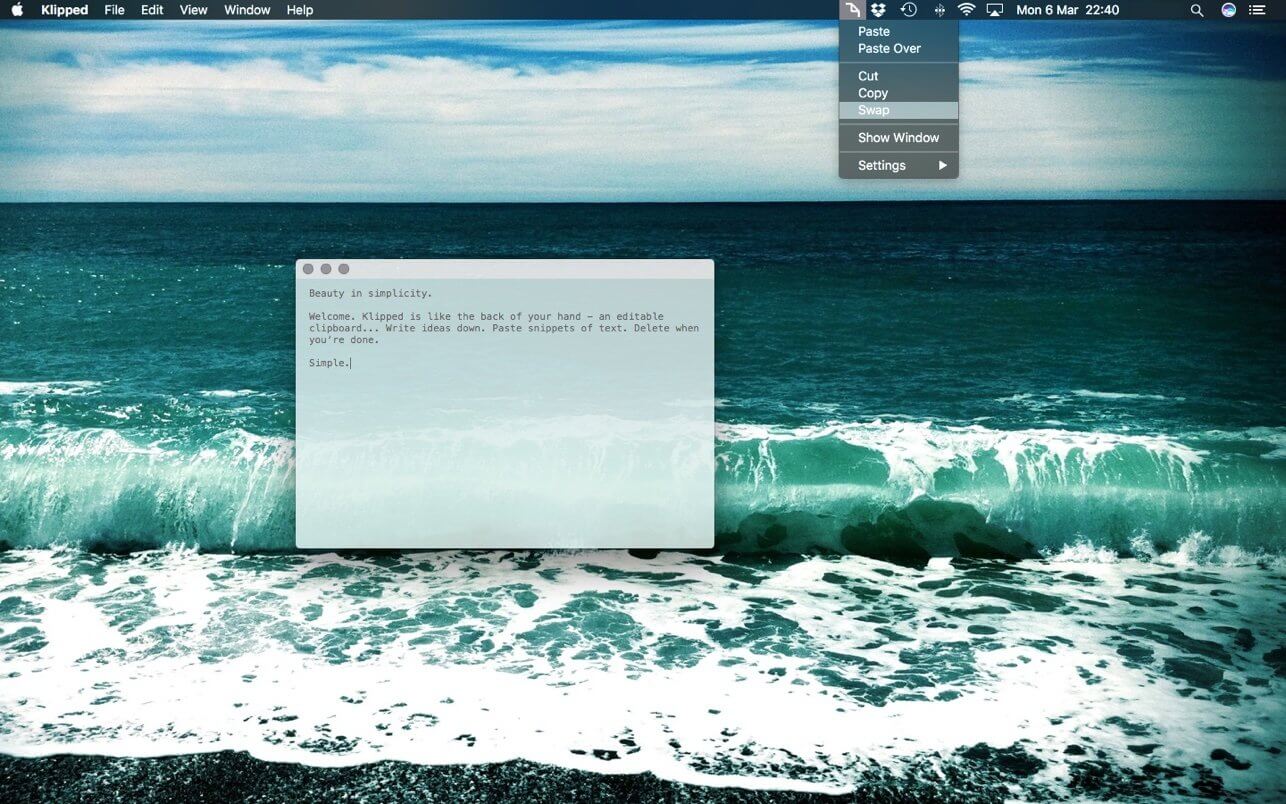

Klipped is a minimalist scratch pad that is a buddy for all your other apps.
Write ideas down. Paste text and use as a clipboard; delete when you’re done. No files, no messy tabs - just a single window. Dictate ideas. Paste code snippets. Take notes.
Think of this an editable clipboard - like writing on the back of your hand. One window. Save as you type. Paste into or paste over.
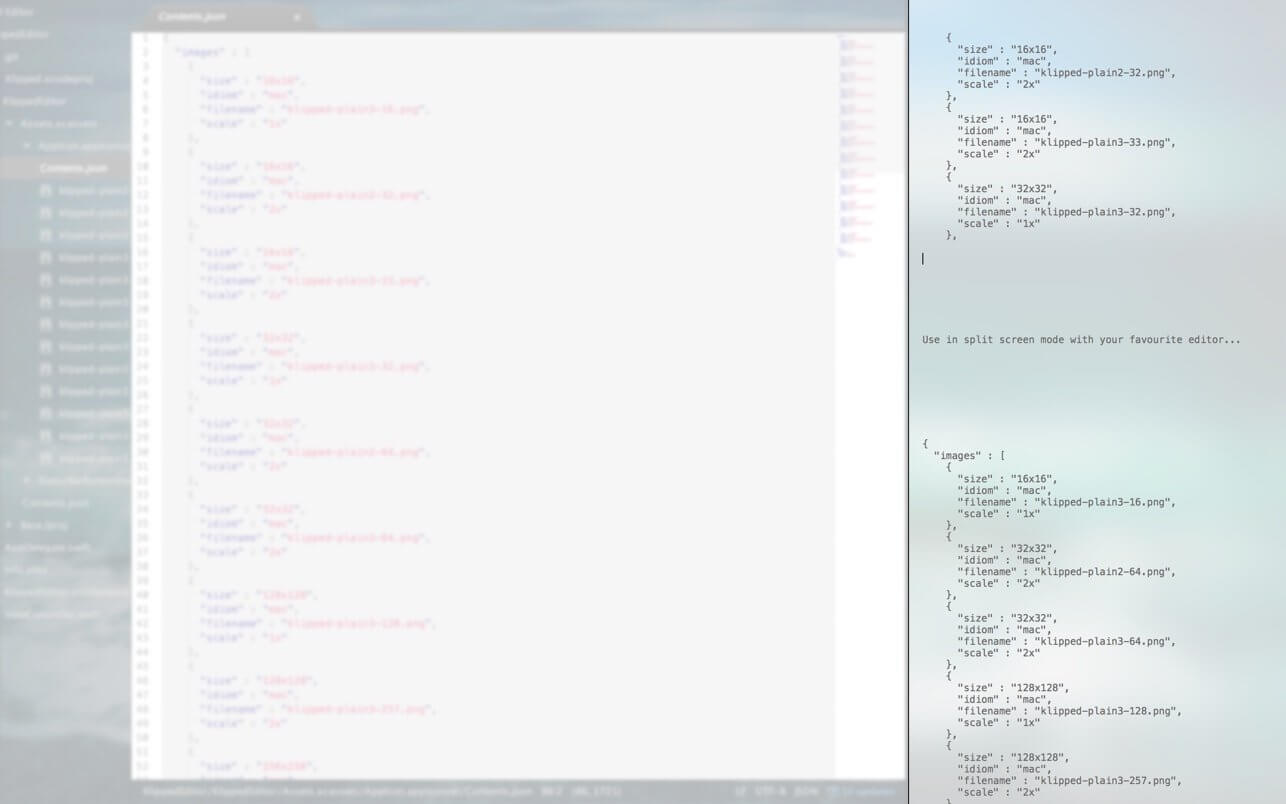
Split screen mode makes this a super handy tool alongside another app - or use the background mode for a window-less clipboard. Options include coding mode and black background options.
Version 1.16
- Interface and performance improvements
Frequently asked questions
How do I install the app?
Mount the image, drag the app into the "Applications" folder and launch it. If the system blocks the launch, allow it in "System Settings → Privacy & Security".
The app is damaged or won't launch
Reinstalling from a fresh image usually helps. Make sure your macOS version matches the one listed in the compatibility specs.
How do I update?
Download the new version from the site and install it over the current one — your settings will be preserved.
The download link doesn't work
Try a mirror or a download manager. For large files the browser often drops the connection.
How do I completely remove the app?
Use an uninstaller utility — it cleans up the service files that remain after moving the app to the trash.

Choose a download source
Klipped 1.16 · 2.33 MB