
Postico 2.0.2 (9617) dev U2B
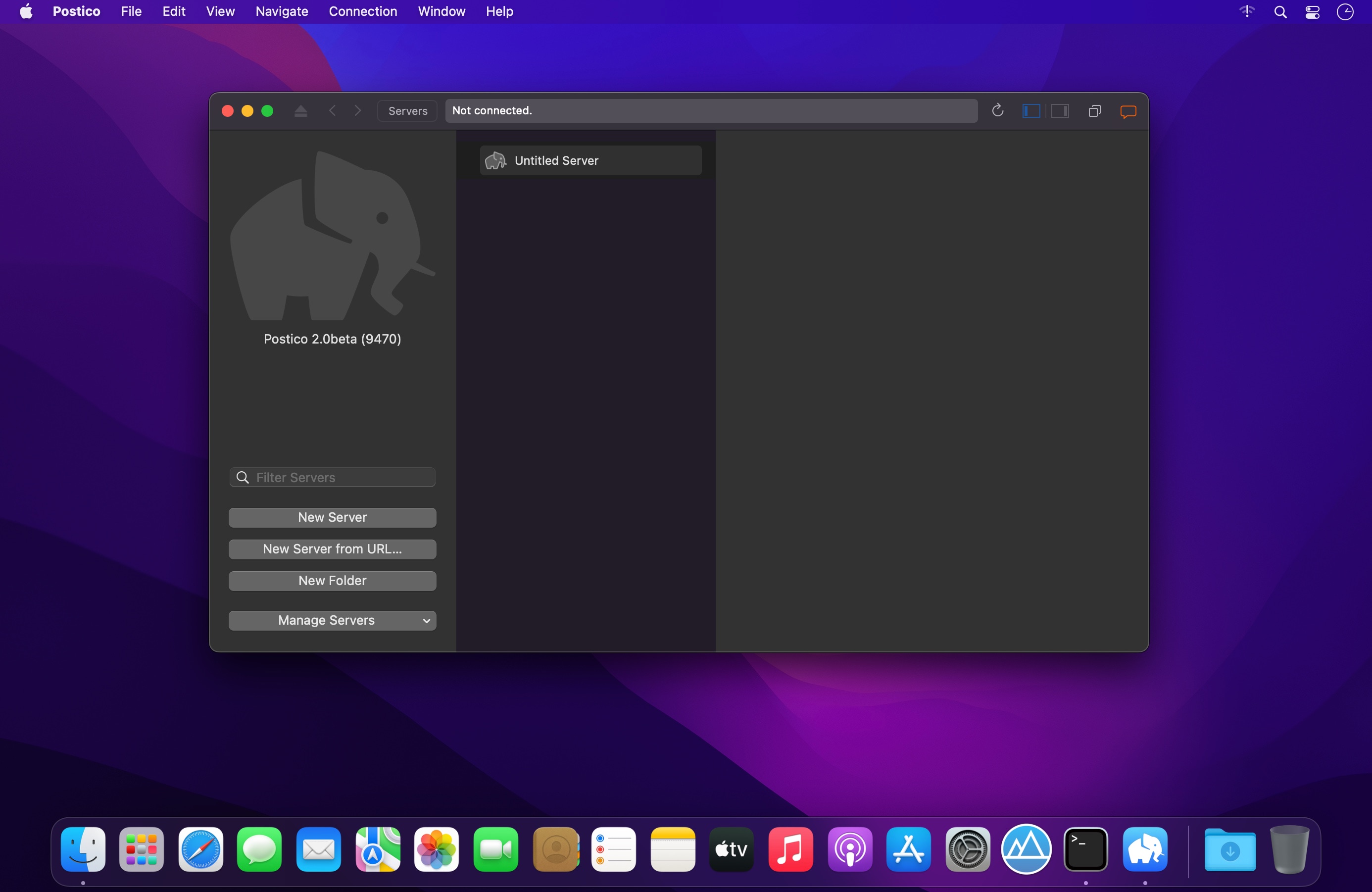
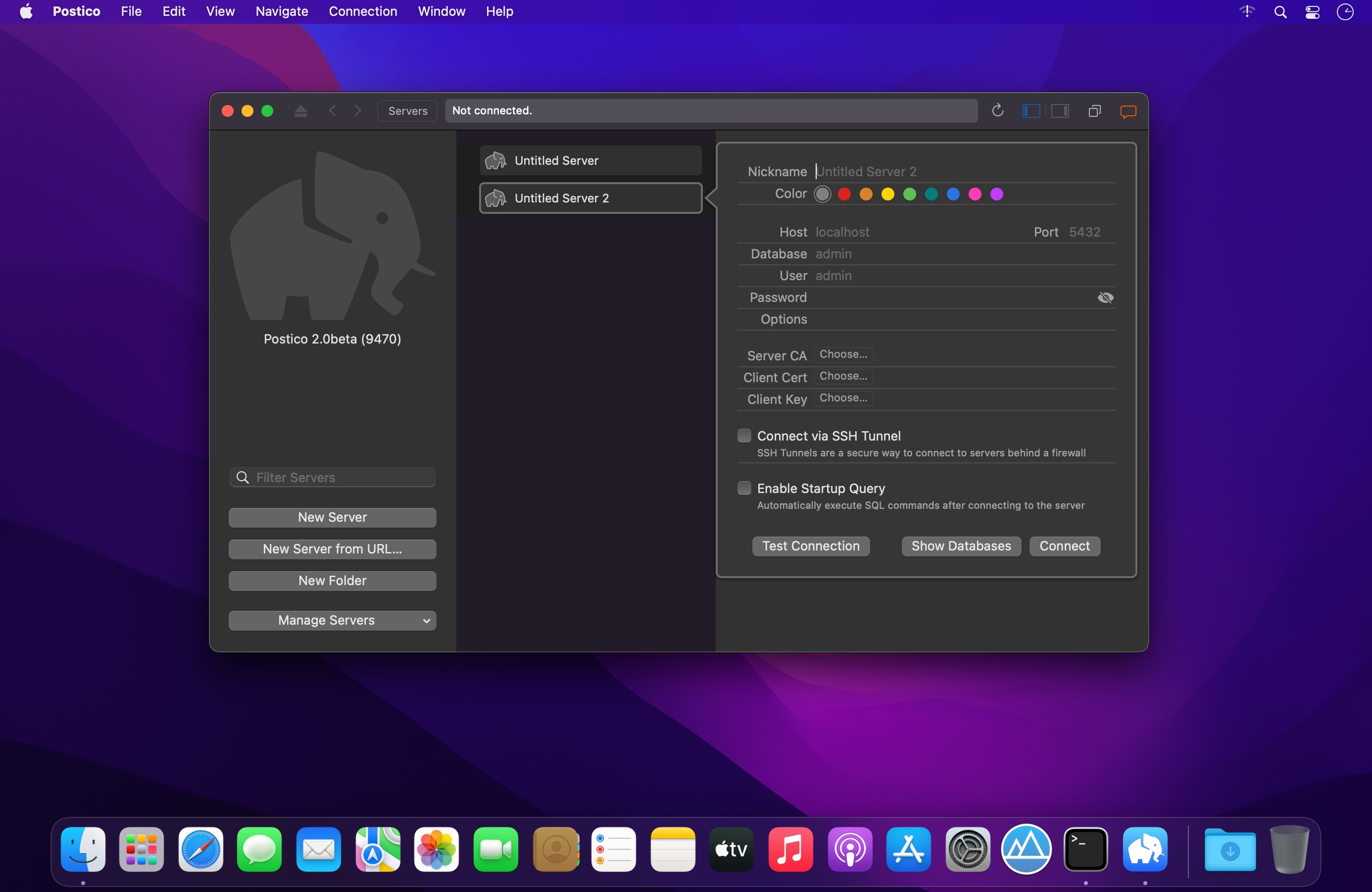
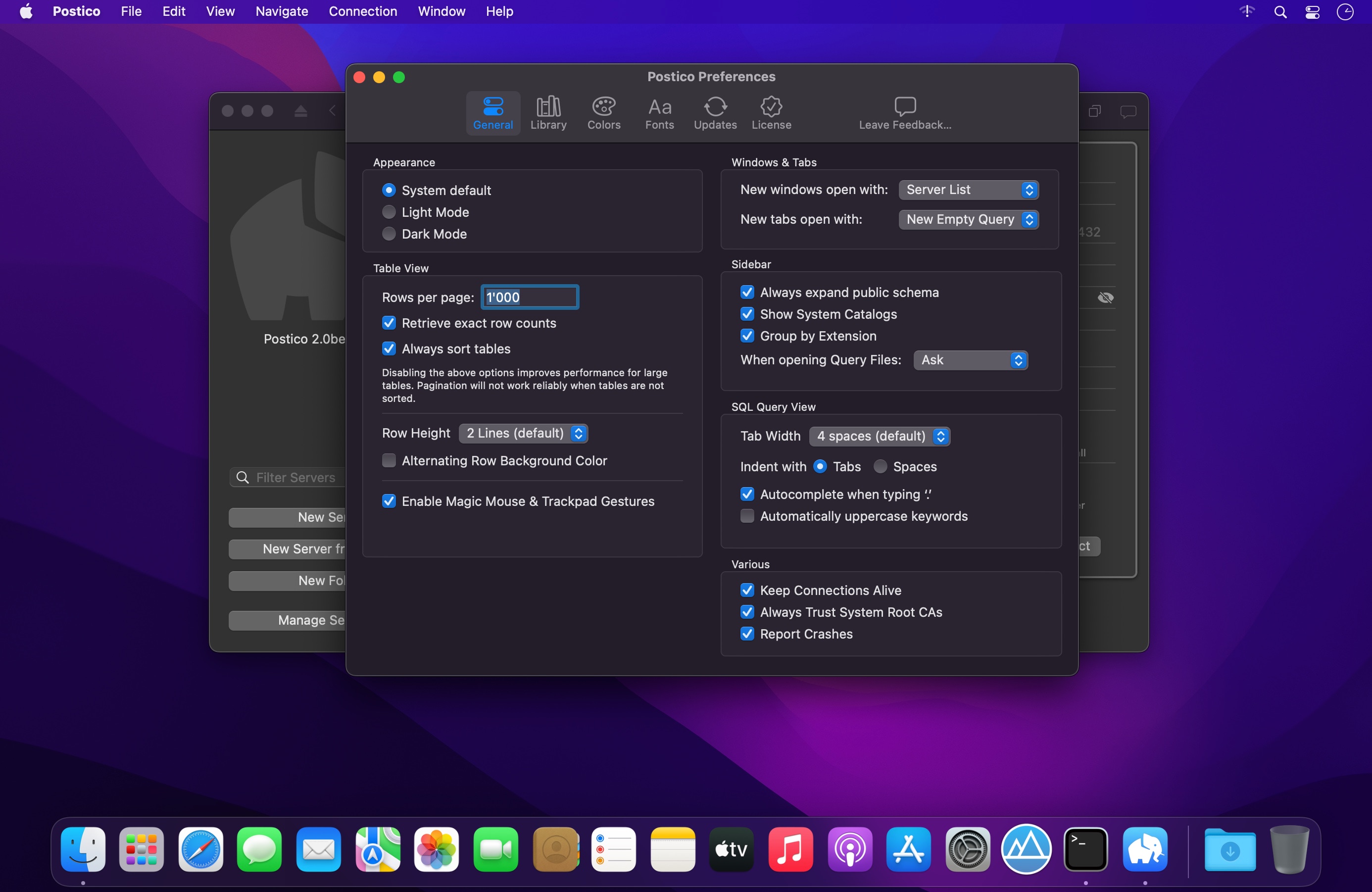
Postico provides an easy to use interface, making Postgres more accessible for newcomers and specialists alike. Postico will look familiar to anyone who has used a Mac before. Just connect to a database and begin working with tables and views. Start with the basics and learn about advanced features of PostgreSQL as you go along.
Postico is an intuitive app for looking at data. Filter rows, sort them, rearrange columns. You can examine long text or images conveniently in the sidebar. Even related rows from referenced tables are shown. Edit rows directly, or use the sidebar, a great choice for long text. You can even change multiple rows at once. Batch saving (with SQL preview) lets you commit changes to multiple rows in a single transaction. Postico sports a query view inspired by Sequel Pro, the popular MySQL client. But with sophisticated features like multiple query results, Postico goes even beyond its role model.
- New: Multi-File Query Editor
- The new SQL query editor makes working with a lot of queries easier than ever
- Create multiple SQL files and organize them into folders
- Open the same file in multiple tabs or windows
- Postico autosaves changes so you never lose your work
- Drag any SQL file into the sidebar to add it to Postico
- Edit SQL files with other text editors like VS Code, Atom, Sublime, Textmate, …
- Auto-format SQL queries with Ctrl-F: pgFormatter is now built in!
New: Function Editor
You can now edit functions and stored procedures.
Version 2.0:
- Release notes were unavailable when this listing was updated.
Frequently asked questions
How do I install the app?
Mount the image, drag the app into the "Applications" folder and launch it. If the system blocks the launch, allow it in "System Settings → Privacy & Security".
The app is damaged or won't launch
Reinstalling from a fresh image usually helps. Make sure your macOS version matches the one listed in the compatibility specs.
How do I update?
Download the new version from the site and install it over the current one — your settings will be preserved.
The download link doesn't work
Try a mirror or a download manager. For large files the browser often drops the connection.
How do I completely remove the app?
Use an uninstaller utility — it cleans up the service files that remain after moving the app to the trash.





Choose a download source
Postico 2.0.2 (9617) dev U2B · 15.13 MB
Previous versions
Postico 2.0.2 (9617) dev U2B
Previous versions are available to registered users.