Weather Widget Live 5.2.0
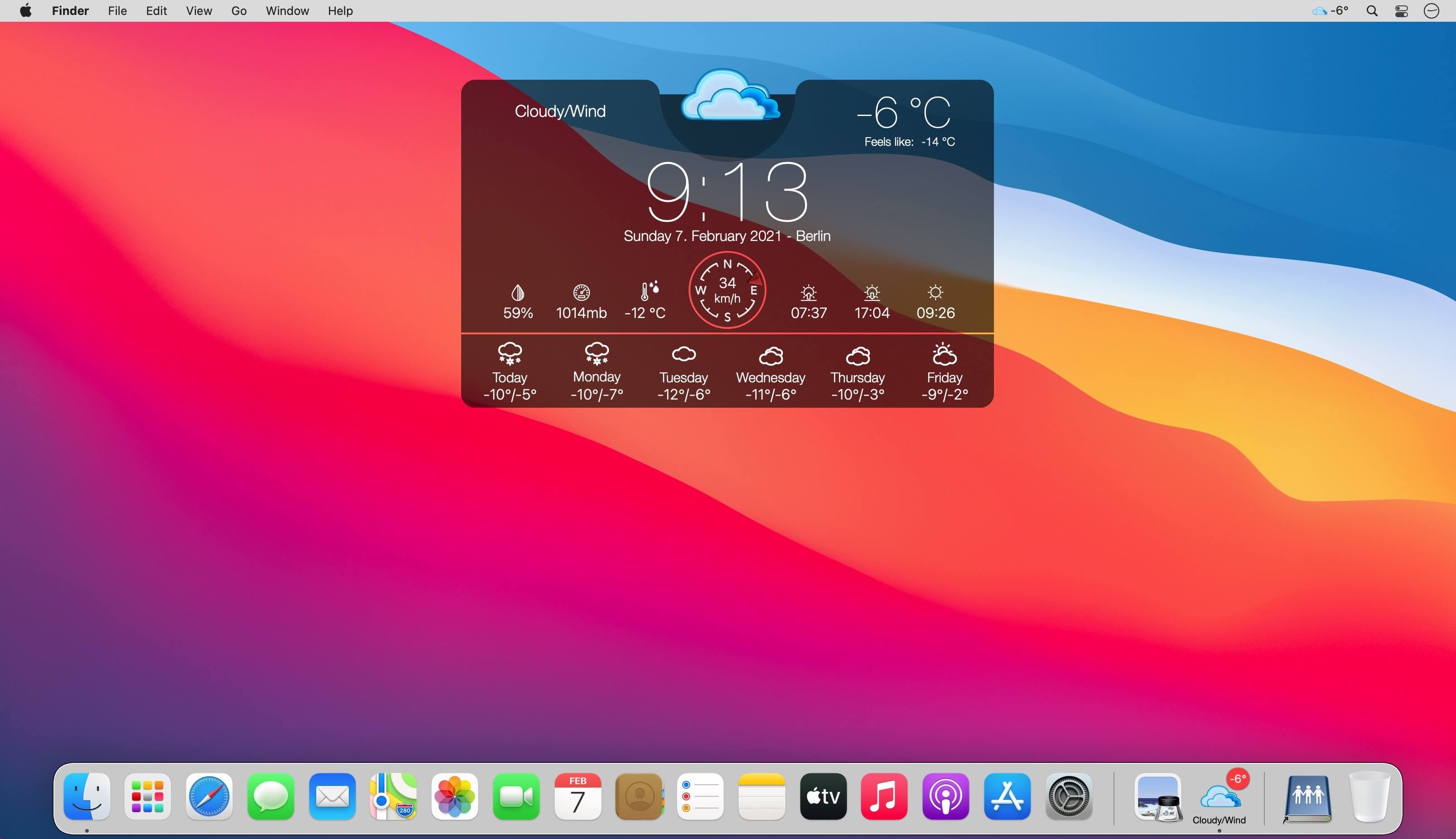
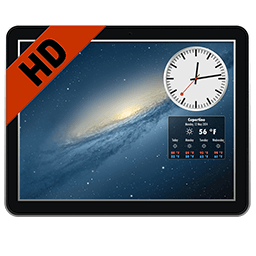
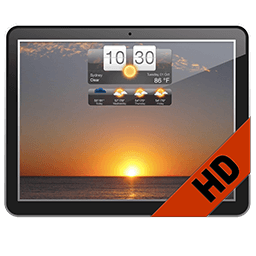
Always stay up to date with the weather with a stylish weather widget on your desktop! A selection of attractive widget designs to choose from.
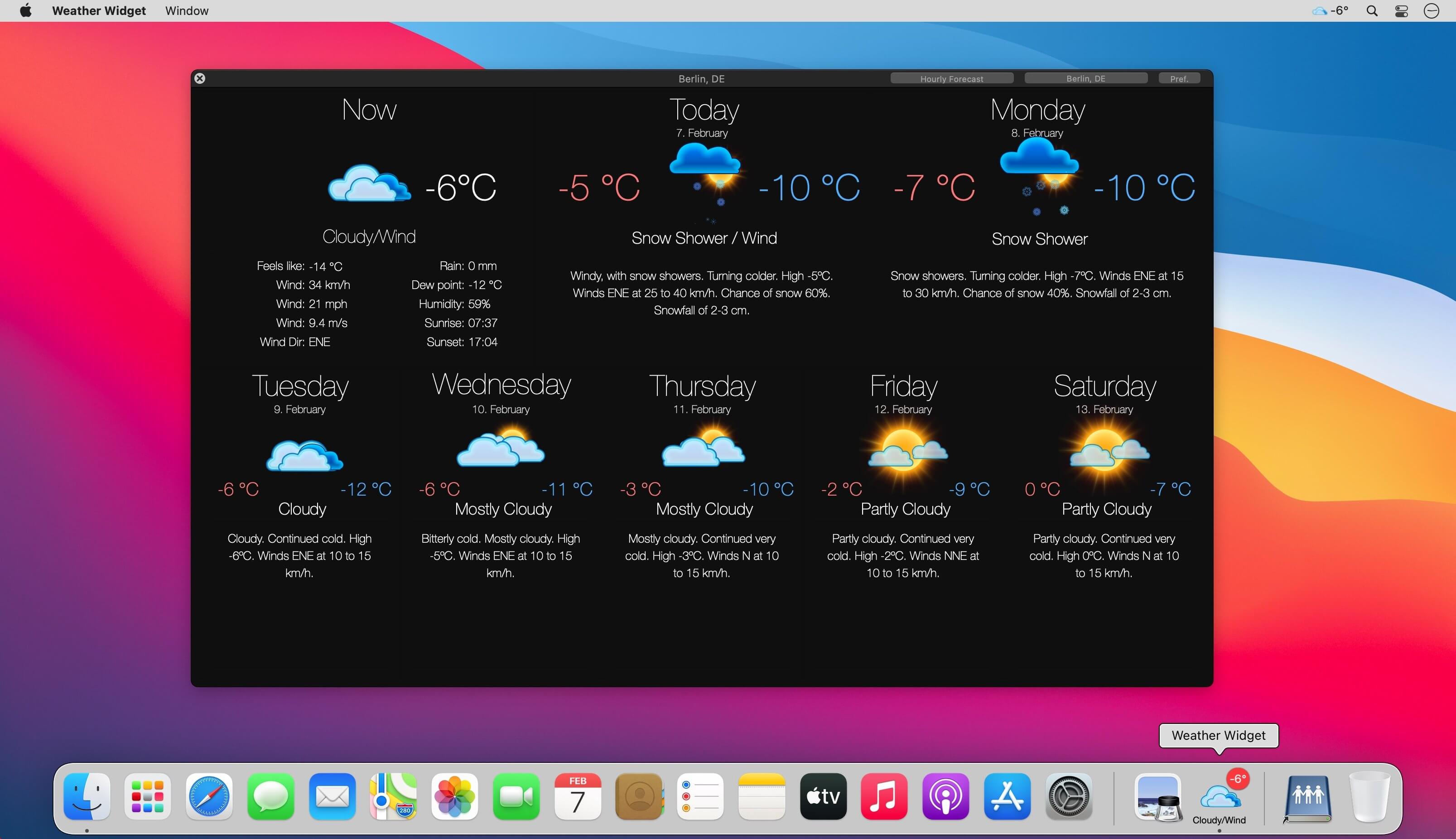
Use the widget to give you an overview of the weather, or for a more in-depth forecast you can open the detailed weather window.
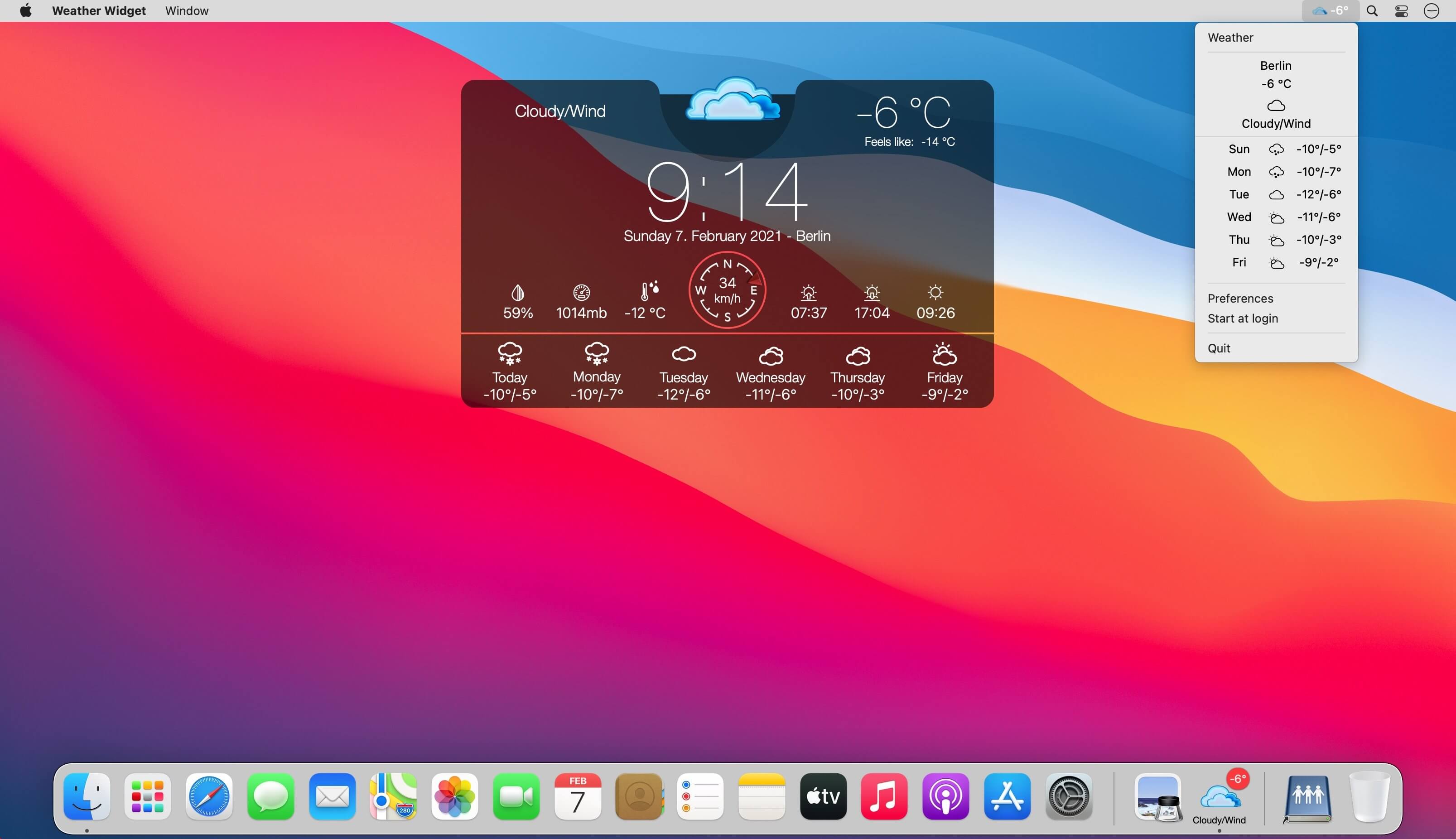
The Weather Widget app icon also gives you a brief forecast or overview of current conditions in both the Dock and the menu bar.
Weather Forecast
- Forecast locations worldwide
- Multiple locations support
- Imperial or Metric units (F & mph or C & km/h)
- Start at login option
Widget
- Choose from a selection of widget design options
- Move your widget anywhere on your desktop with the Click & Drag feature in the app preferences
- Option to resize your widget
- Option to change opacity of your widget (make it see-through)
- Hot corner functionality: set a hot corner to instantly reveal desktop & widget by moving mouse to that corner
- “Show Desktop” functionality: moves all windows away to show desktop & widget after a set period of inactivity
Menu bar Weather
- Menu bar can be set to show current temperature, forecast or wind
- One click on menu bar shows brief drop-down forecast
- Easy access to app menu to open detailed weather window and app settings
Detailed Weather
- Click the dock icon once to bring up the detailed weather window
Version 5.2.0
- Bug Fixes: We've squashed some minor bugs to ensure a smoother experience.
- Performance Improvements: Small enhancements have been added for a more responsive app.
Frequently asked questions
How do I install the app?
Mount the image, drag the app into the "Applications" folder and launch it. If the system blocks the launch, allow it in "System Settings → Privacy & Security".
The app is damaged or won't launch
Reinstalling from a fresh image usually helps. Make sure your macOS version matches the one listed in the compatibility specs.
How do I update?
Download the new version from the site and install it over the current one — your settings will be preserved.
The download link doesn't work
Try a mirror or a download manager. For large files the browser often drops the connection.
How do I completely remove the app?
Use an uninstaller utility — it cleans up the service files that remain after moving the app to the trash.



Choose a download source
Weather Widget Live 5.2.0 · 320.96 MB