
3DWeather 3.8
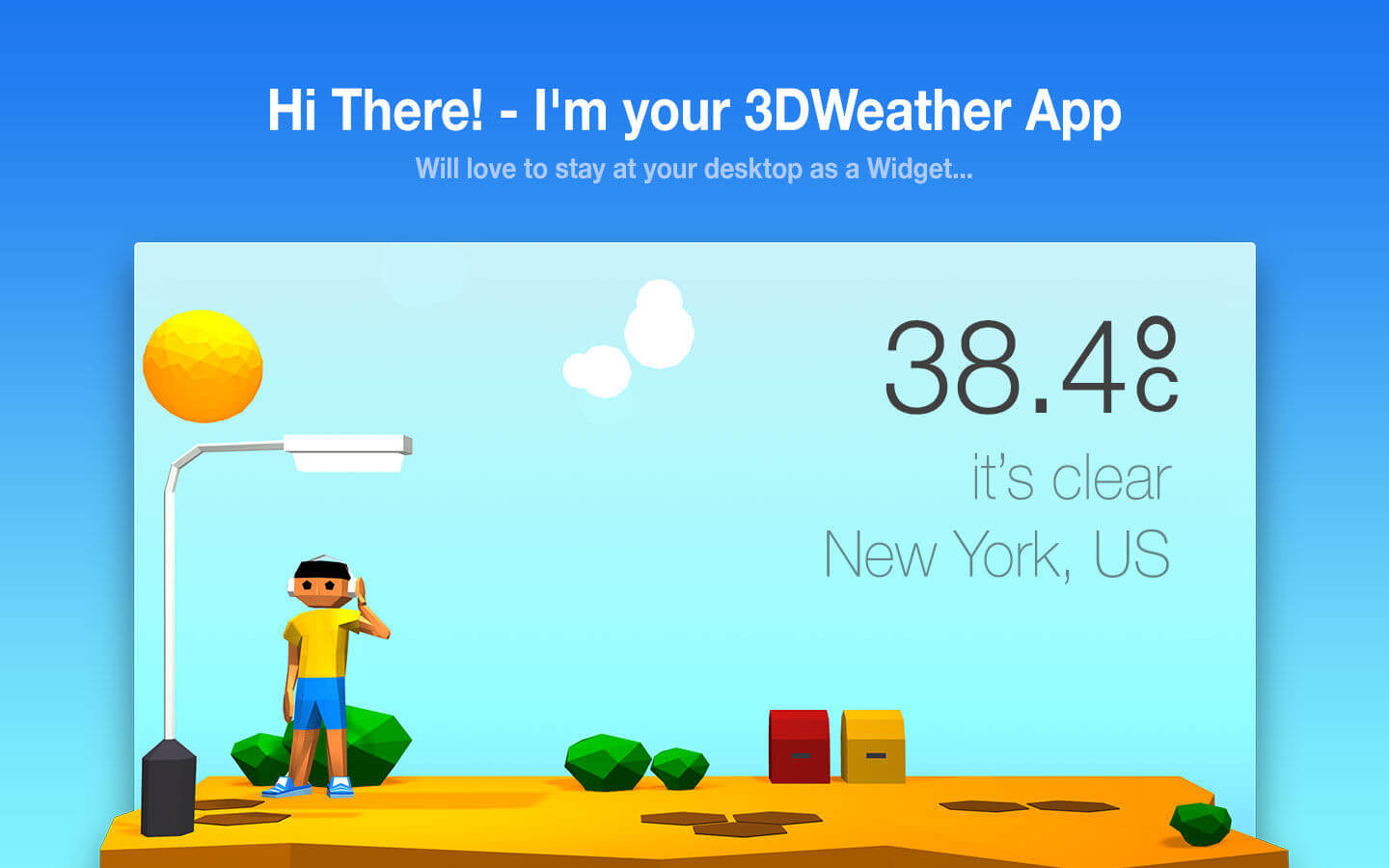
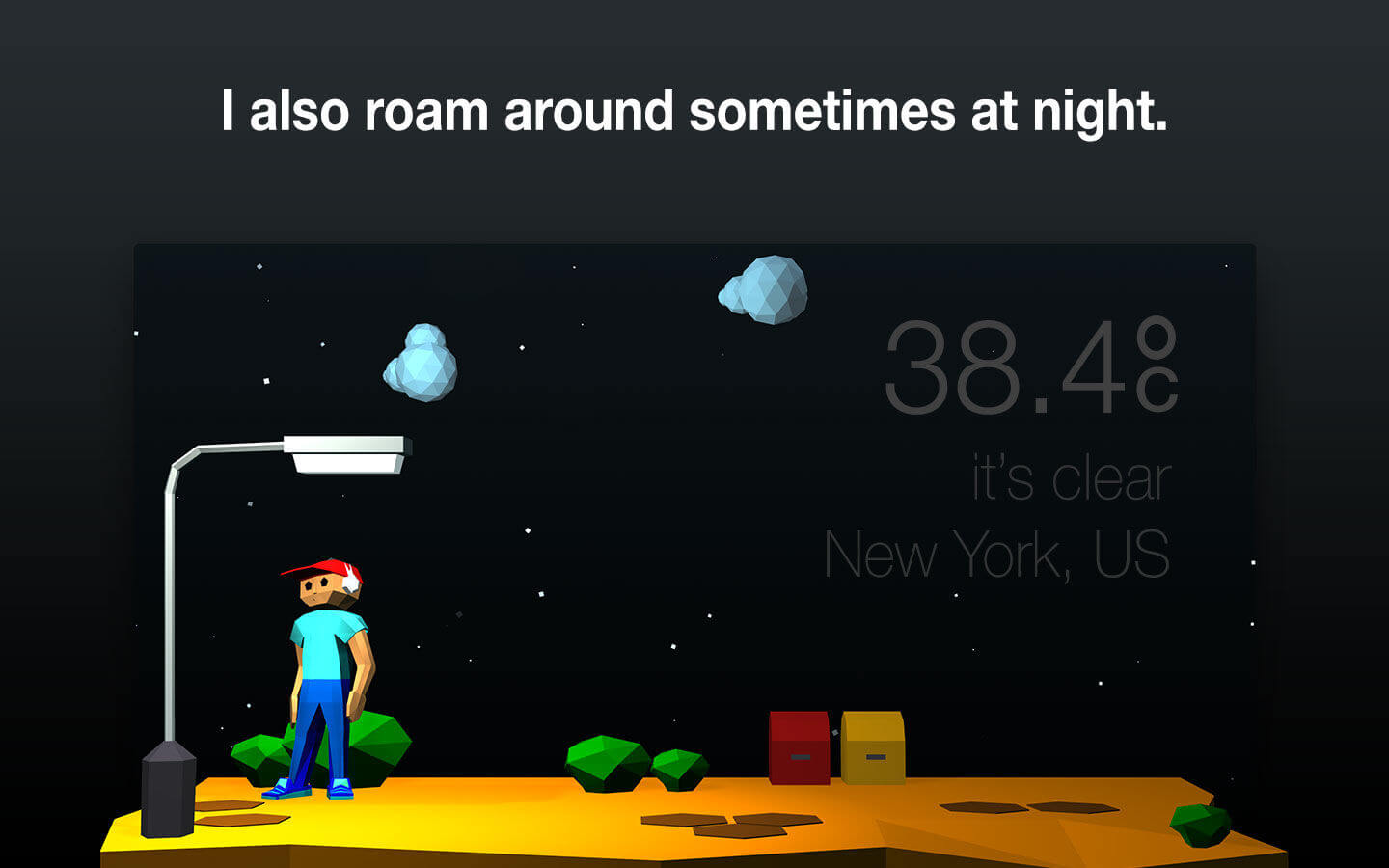
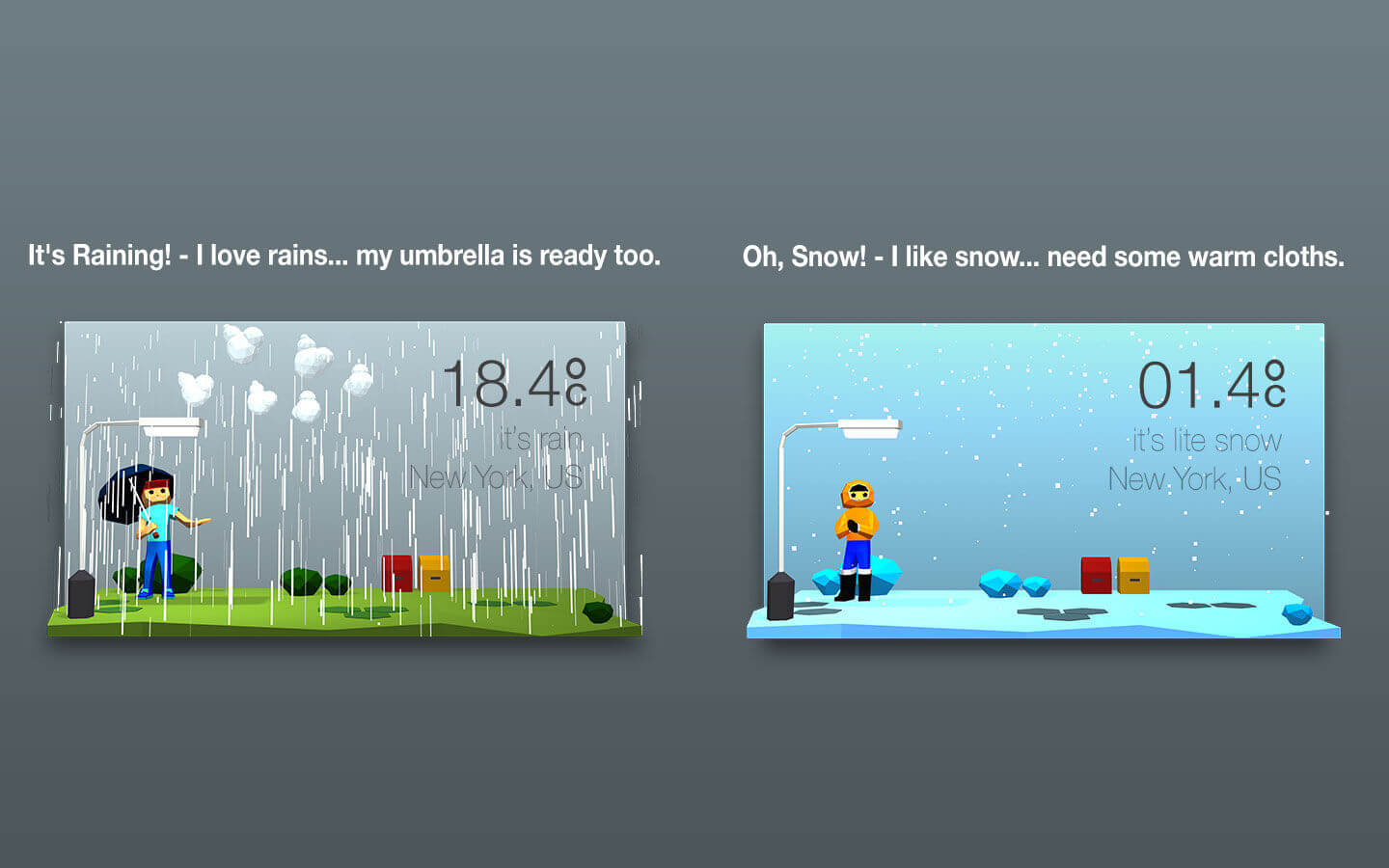
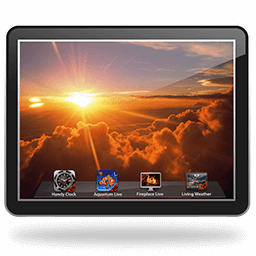
Weather3D is an impressive weather app for your macOS and unlike any other weather app available, Weather3D brings you weather information in an amazing 3D style, so that what matters most to you, all the important weather updates are delivered to you through widget which sits looking attractive on your desktop displaying the weather of a place . It lets you keep a 3D animating widget on the desktop that generates scenic representation of the current weather condition of the place you set.
STUNNING THEMES:
Weather3D never gets monotonous and will never look old to you, because, as weather condition changes so does the app, representing the accurate information of the weather of that time. Weather3D comes packed with themes featuring different scenes, places and atmosphere.
It has several themes to select from, containing different natural elements and atmosphere.
We've been constantly updating Weather3D with new themes and features to make it an ideal weather app for you.
CUSTOMIZATION:
Weather3D lets you customise it to such extent that it will become your very own personal weather assistant.
DETAILED WEATHER STATISTICS from WEATHER UNDERGROUND:
Weather3D fetches weather stats from Weather Underground which is the most accurate and detailed weather forecast provider available world wide till date.
Weather Informations
- Humidity
- Dew Point
- UV index
- Wind chill
- Heat index
- Visibility
- WNW
- Precipitation in percentage
- Precipitation in mm
- Sunset and Sunrise timing with last update time
- Hourly weather forecast for the next 24 hours
- Daily weather forecast for the next 4 days
You will get timely weather alert directly sent to the Notification Centre about recent updates and developments on weather throughout the day.
Version 3.8
- Search improved.
- Minor issues fixed.
- Improved Performance.
Frequently asked questions
How do I install the app?
Mount the image, drag the app into the "Applications" folder and launch it. If the system blocks the launch, allow it in "System Settings → Privacy & Security".
The app is damaged or won't launch
Reinstalling from a fresh image usually helps. Make sure your macOS version matches the one listed in the compatibility specs.
How do I update?
Download the new version from the site and install it over the current one — your settings will be preserved.
The download link doesn't work
Try a mirror or a download manager. For large files the browser often drops the connection.
How do I completely remove the app?
Use an uninstaller utility — it cleans up the service files that remain after moving the app to the trash.
Version3DWeather 3.8
DeveloperINSPIRING-LIFE TECHNOLOGIES PRIVATE LIMITED
CompatibilitymacOS 10.13 or later, 64-bit processor
LanguageEnglish
IncludesK'ed by TNT


Information
Visitors in the group Guests cannot leave comments on this publication.
Choose a download source
3DWeather 3.8 · 28.41 MB
Previous versions
3DWeather 3.8
Previous versions are available to registered users.