
ConceptDraw MINDMAP 16.0.1.339
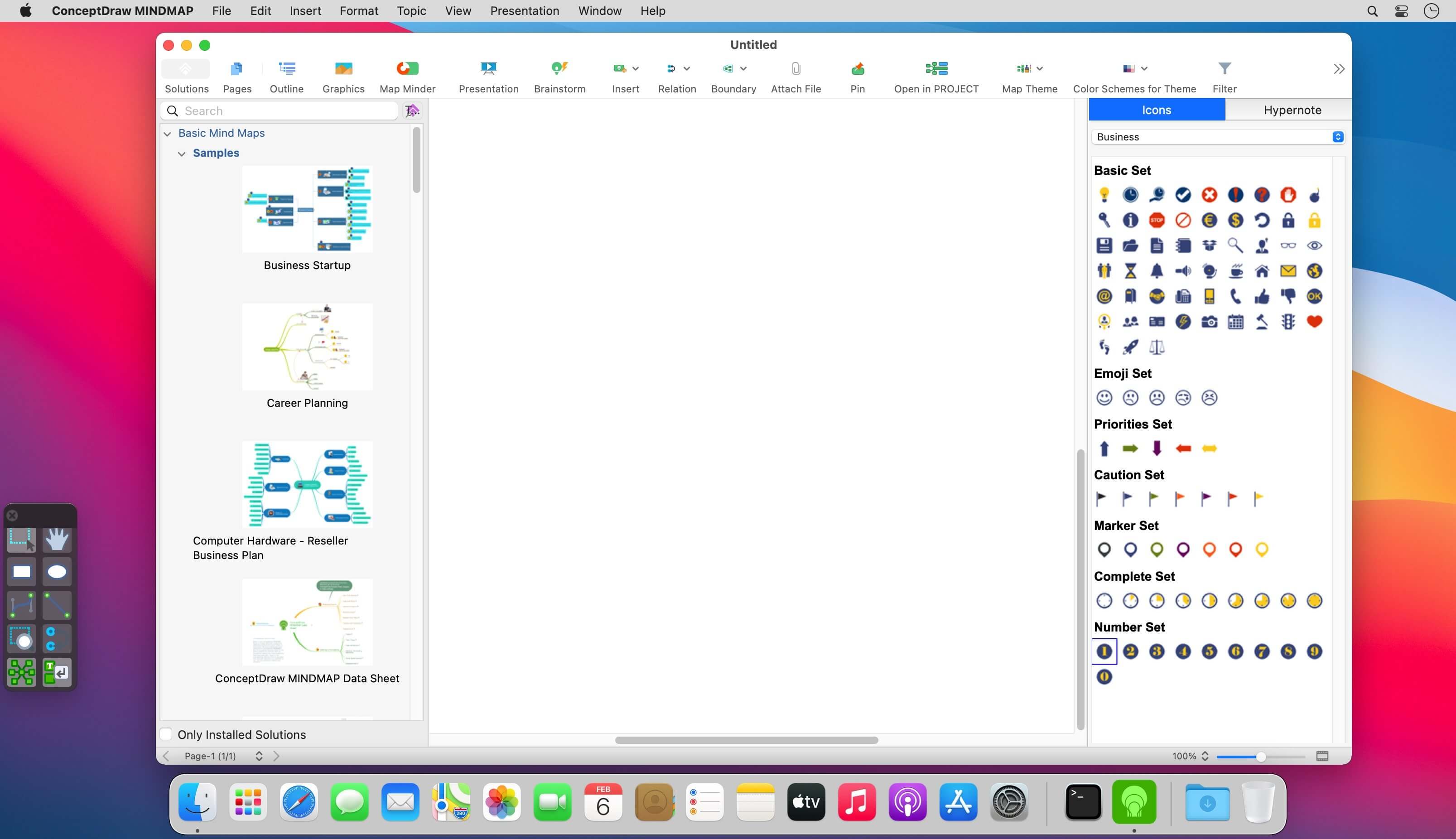
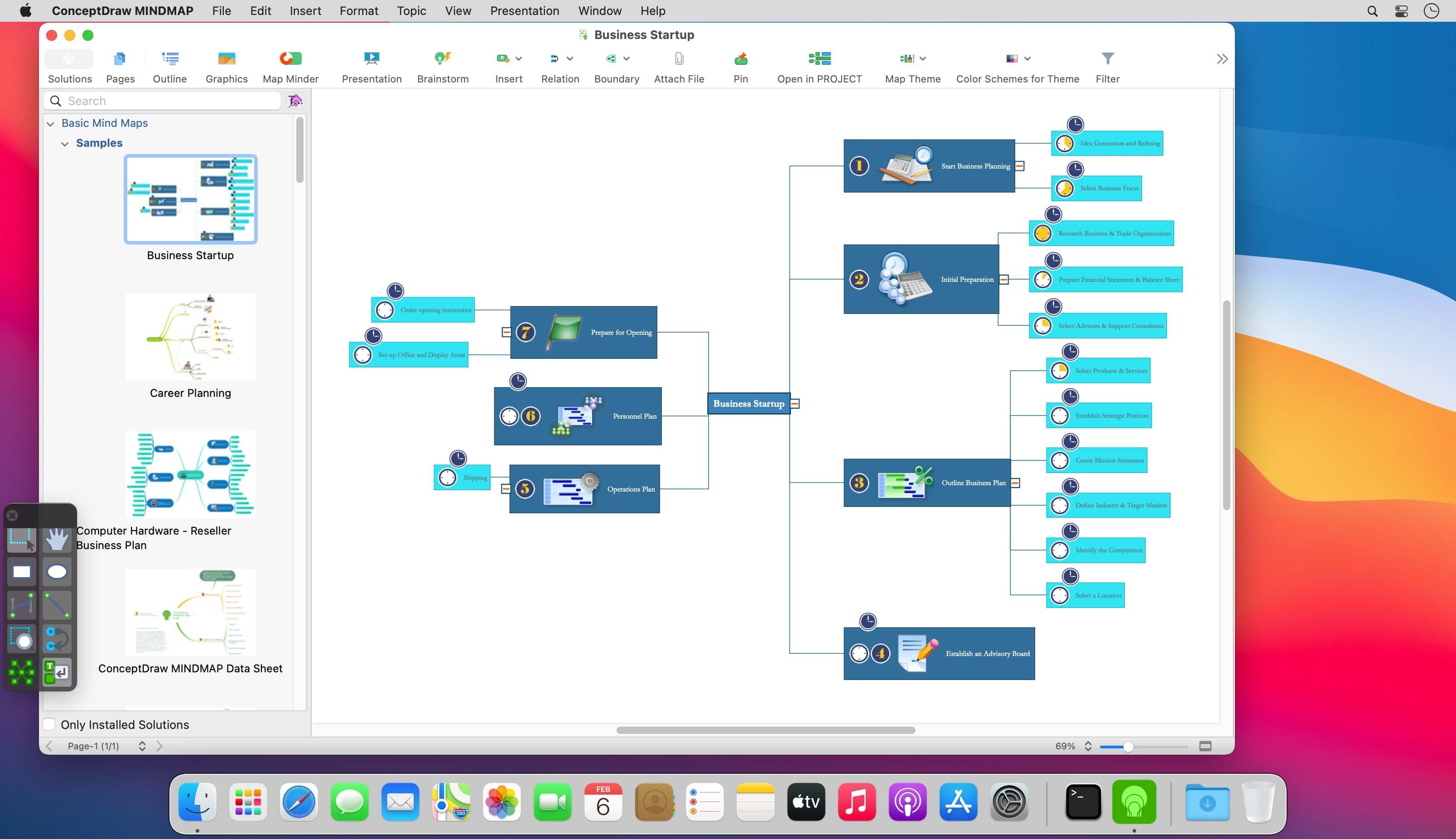
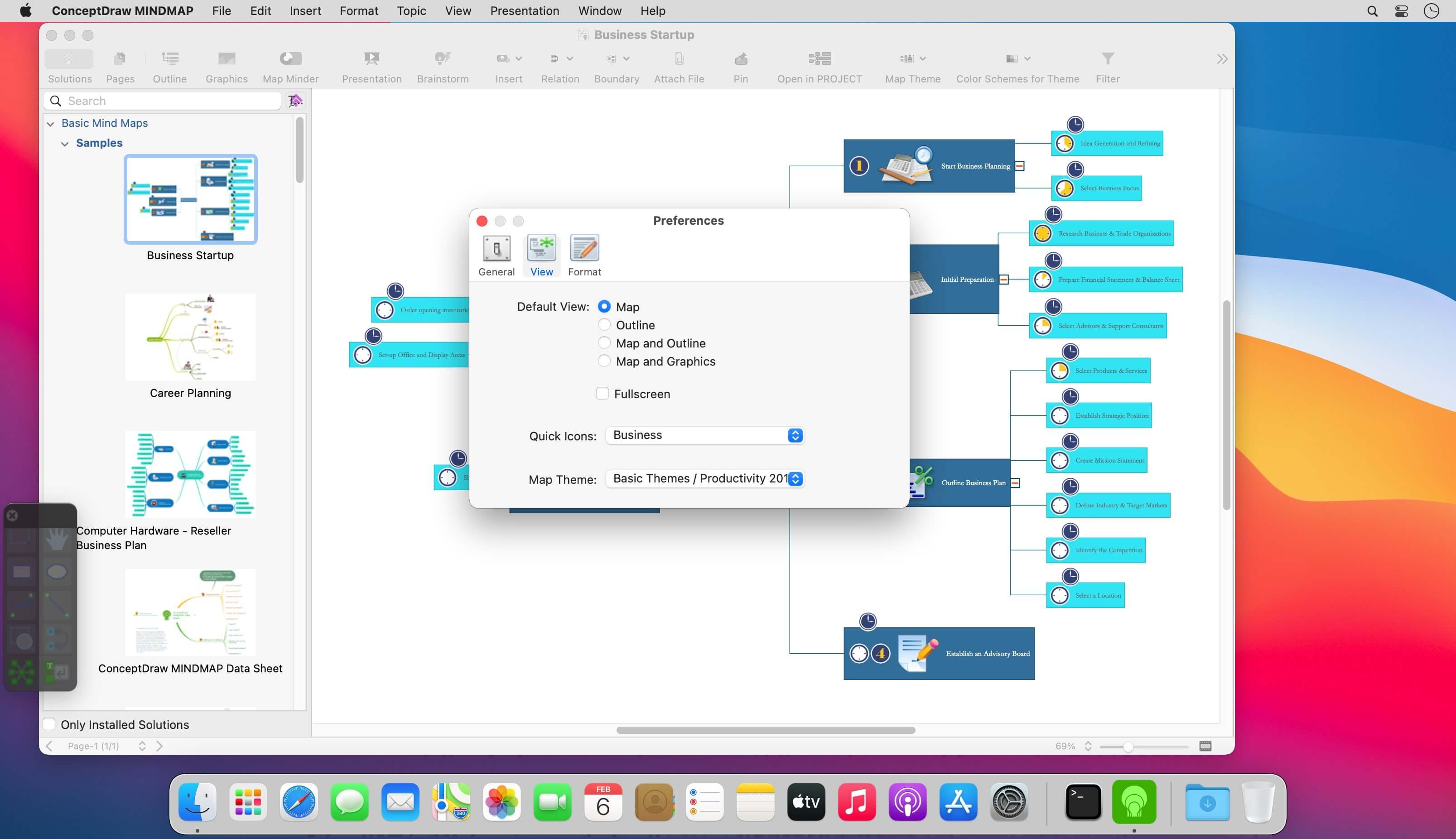
ConceptDraw MINDMAP 15 has all of the time-saving features of the ConceptDraw MINDMAP 15, with some highly anticipated enhancements. There are many updates to ConceptDraw MINDMAP 15; here are a few of the product enhancements....
- ConceptDraw MINDMAP has integration with MS Outlook.
- New E-mail type topics can be sent to MS Outlook from ConceptDraw MINDMAP.
- E-mails from Outlook and Apple Mail can also be sent directly to a mind map.
- Presentation enhancements include higher resolution images, smoother animation, and improved performance.
- New high-value map templates were added, so you can make your mind maps beautiful, stylish, and original.
- New professional map themes added.
- Closer integration with the ConceptDraw Solution Park (via the ConceptDraw Solution Browser) makes it easy to update your products and browse available business-specific solutions.
Version 16.0.1.339:
- Release notes were unavailable when this listing was updated.
Frequently asked questions
How do I install the app?
Mount the image, drag the app into the "Applications" folder and launch it. If the system blocks the launch, allow it in "System Settings → Privacy & Security".
The app is damaged or won't launch
Reinstalling from a fresh image usually helps. Make sure your macOS version matches the one listed in the compatibility specs.
How do I update?
Download the new version from the site and install it over the current one — your settings will be preserved.
The download link doesn't work
Try a mirror or a download manager. For large files the browser often drops the connection.
How do I completely remove the app?
Use an uninstaller utility — it cleans up the service files that remain after moving the app to the trash.




Choose a download source
ConceptDraw MINDMAP 16.0.1.339 · 170.49 MB
Previous versions
ConceptDraw MINDMAP 16.0.1.339
Previous versions are available to registered users.