iThoughtsX 9.4
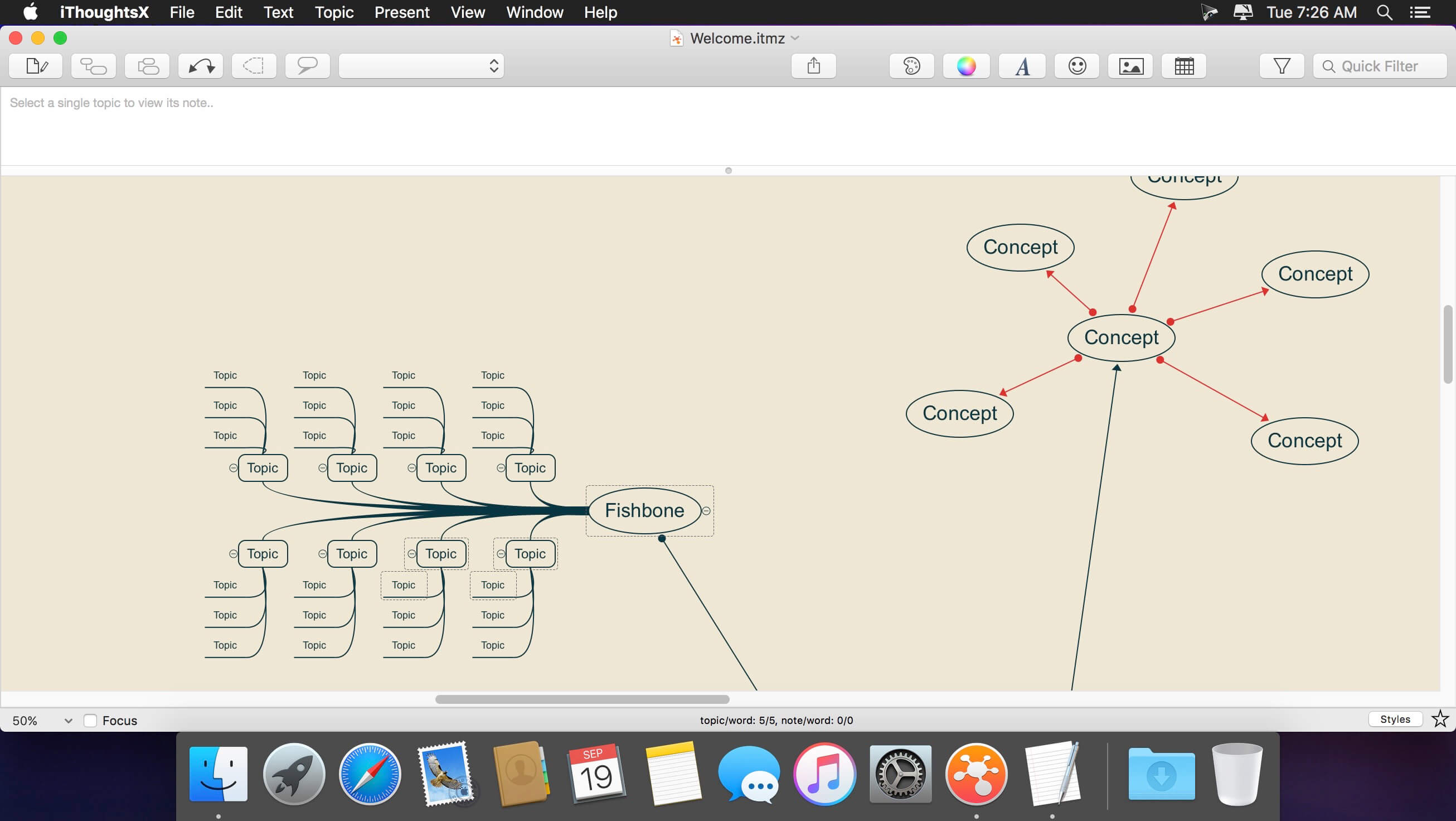

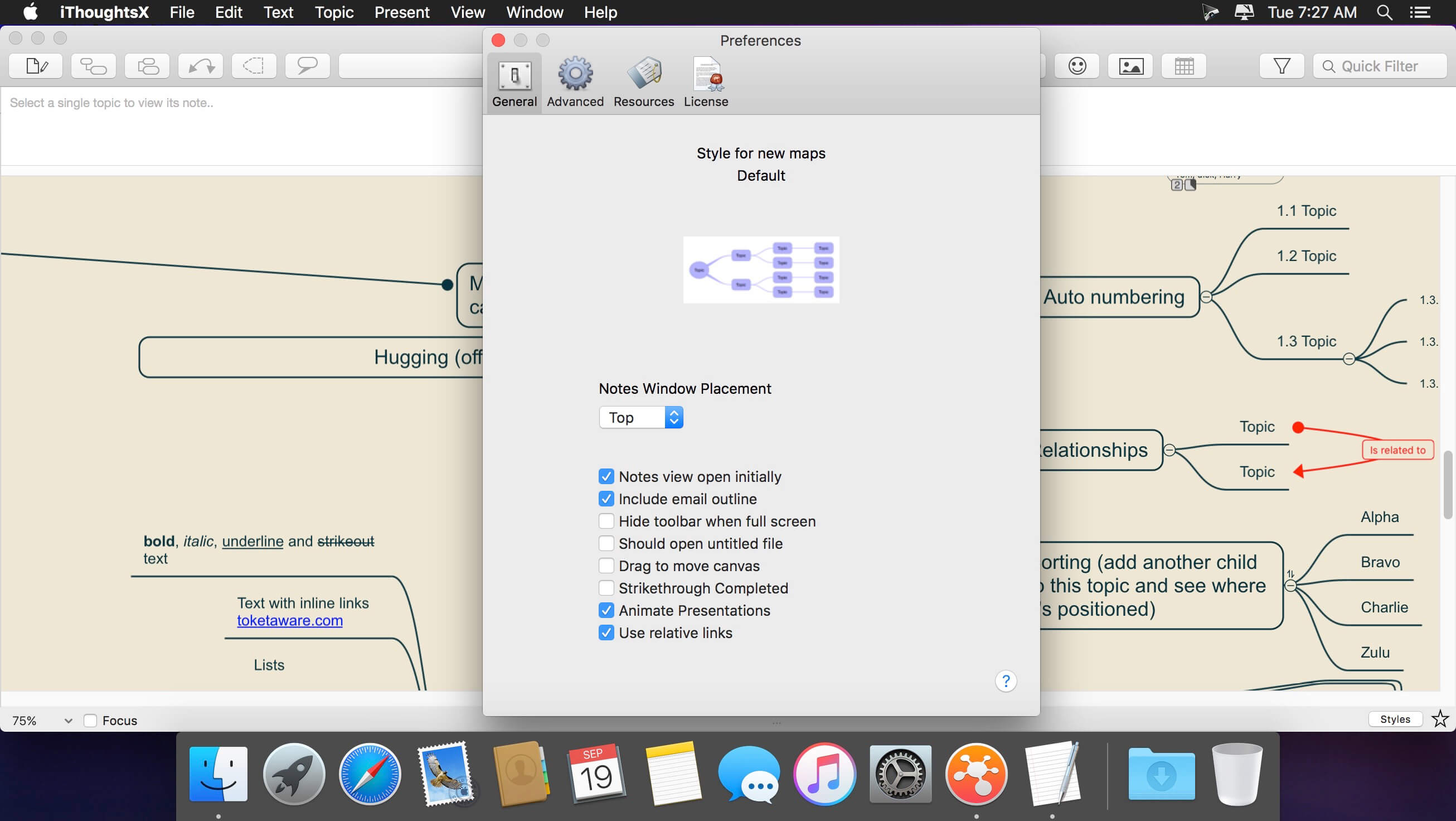
Capture and organize your ideas the right way with iThoughtsX, a robust mind mapping app, which was specifically created to assist with brainstorming and creating long-term plans. The app doesn’t just boast an elegant interface, but backs it up with all the features you need to excel at ideation.
With just a glance, remember things that matter and all the connections between them to generate new ideas with ease. Give iThoughtsX mindmapping tool a try and find out how it feels to be a mastermind.
Typical Uses:
- Course Notes/Revision
- Project planning
- Task lists
- Brainstorming
- Goal setting
- WBS
- Meeting Notes
- GTD
Import and export many different file formats:
- Mindjet MindManager
- Freemind/Freeplane
- Novamind5
- XMind
- iMindmap
- Mindview
- ConceptDraw MINDMAP
- OPML
- Markdown
- Plain/rich text
- CSV
- MyThoughts (import only)
- Mindnode (import only)
- Mindmapper (import only)
Version 9.0
New Features:
- Outline Layout Style
Tweaks:
- Import/Export Browser Bookmarks
Fixes:
- Various bug fixes and performance improvements.
Frequently asked questions
How do I install the app?
Mount the image, drag the app into the "Applications" folder and launch it. If the system blocks the launch, allow it in "System Settings → Privacy & Security".
The app is damaged or won't launch
Reinstalling from a fresh image usually helps. Make sure your macOS version matches the one listed in the compatibility specs.
How do I update?
Download the new version from the site and install it over the current one — your settings will be preserved.
The download link doesn't work
Try a mirror or a download manager. For large files the browser often drops the connection.
How do I completely remove the app?
Use an uninstaller utility — it cleans up the service files that remain after moving the app to the trash.





Choose a download source
iThoughtsX 9.4 · 33.88 MB
Previous versions
iThoughtsX 9.4
Previous versions are available to registered users.