
GlanceCal 1.6.2
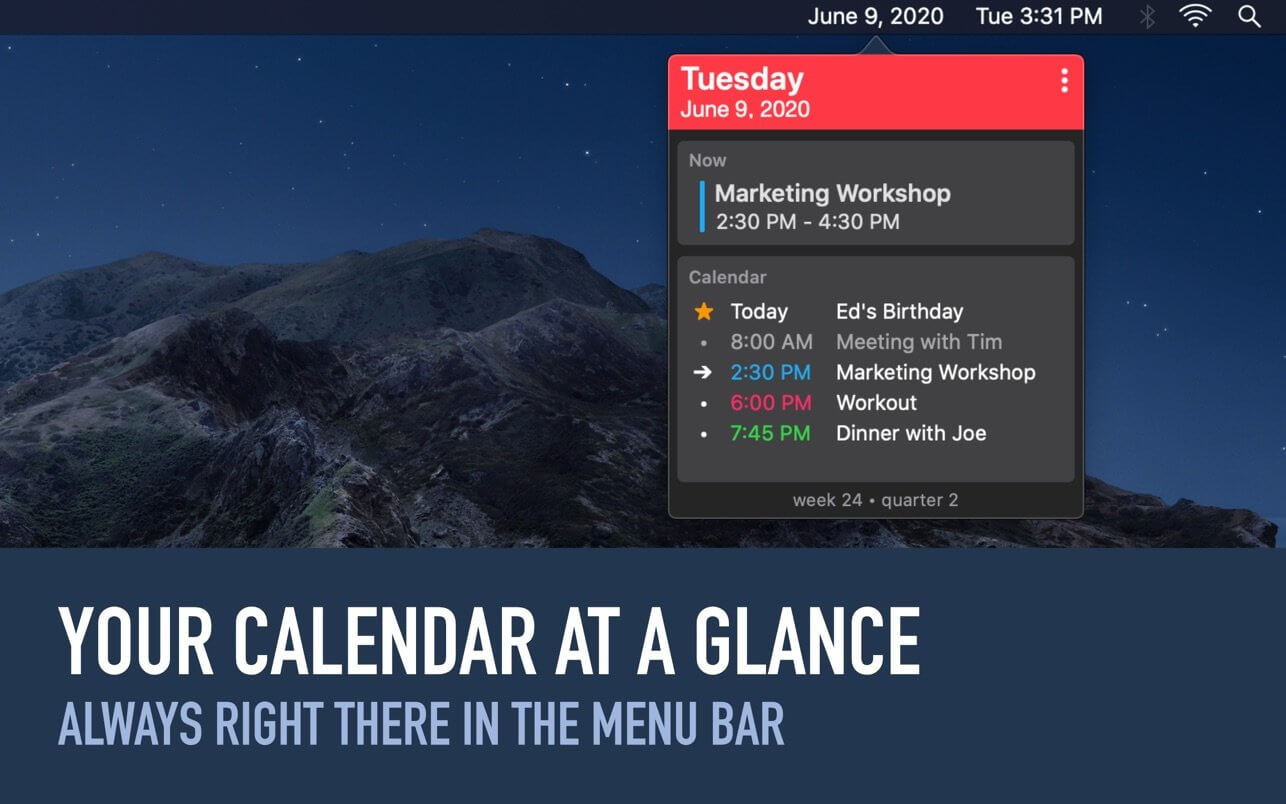
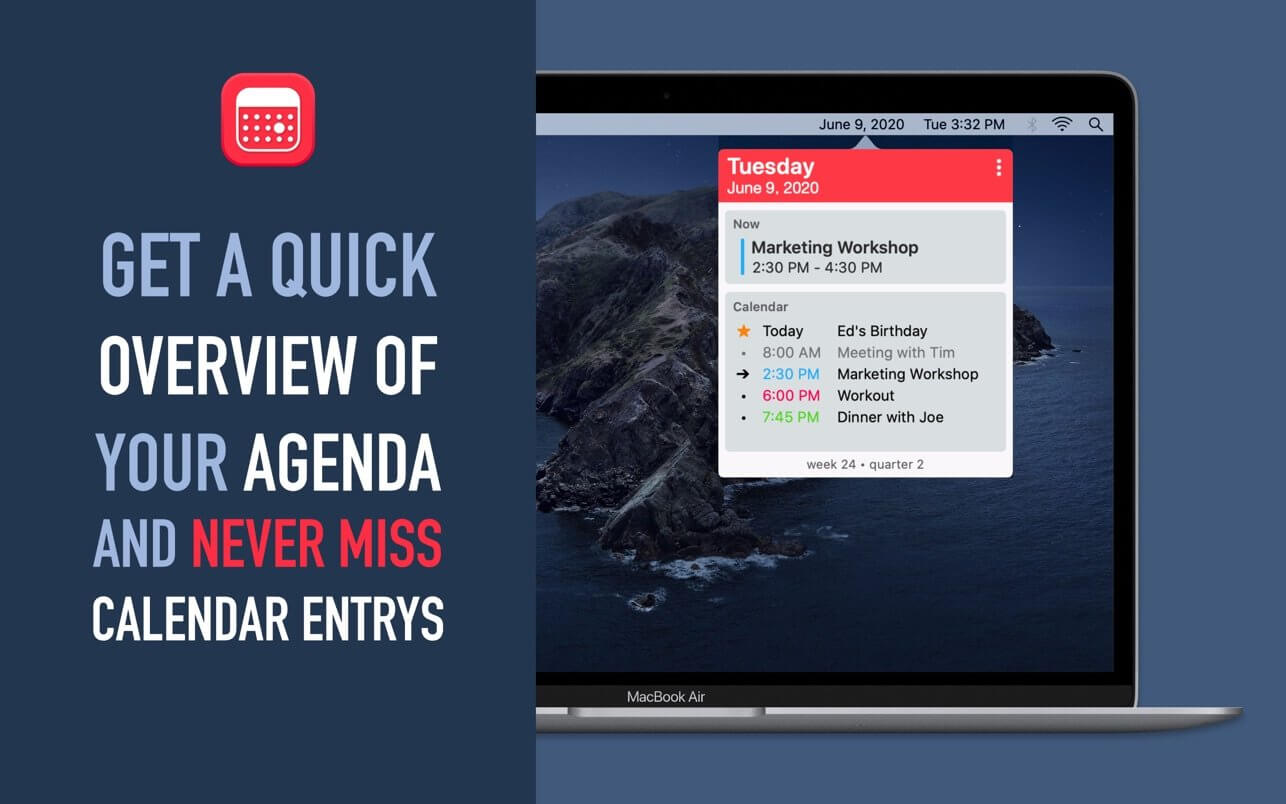
Work more productively on your Mac with GlanceCal and never miss an appointment again. See easily and quickly which appointment is next and get an overview of your day.
Overview of your daily calendar entries
- Highlighting of the current/next appointment
- Distinguish past, future and current appointment with different markings
- Displays the date easily visible in the menu bar
- Display of calendar week and quarter
GlanceCal shows your calendar entries from the built-in Apple Calendar – so it works iCloud, Google, Exchange, Facebook, CalDAV and local calendars.
Version 1.6
- This update introduces a new powerful way to take a quick look at your calender. A custom defined global shortcut opens a QuickLook window of GlanceCal wherever you are, even in fullscreen applications.
Frequently asked questions
How do I install the app?
Mount the image, drag the app into the "Applications" folder and launch it. If the system blocks the launch, allow it in "System Settings → Privacy & Security".
The app is damaged or won't launch
Reinstalling from a fresh image usually helps. Make sure your macOS version matches the one listed in the compatibility specs.
How do I update?
Download the new version from the site and install it over the current one — your settings will be preserved.
The download link doesn't work
Try a mirror or a download manager. For large files the browser often drops the connection.
How do I completely remove the app?
Use an uninstaller utility — it cleans up the service files that remain after moving the app to the trash.




Choose a download source
GlanceCal 1.6.2 · 9.91 MB