
TangerineWallpaper 1.4
Screenshots
Click to enlarge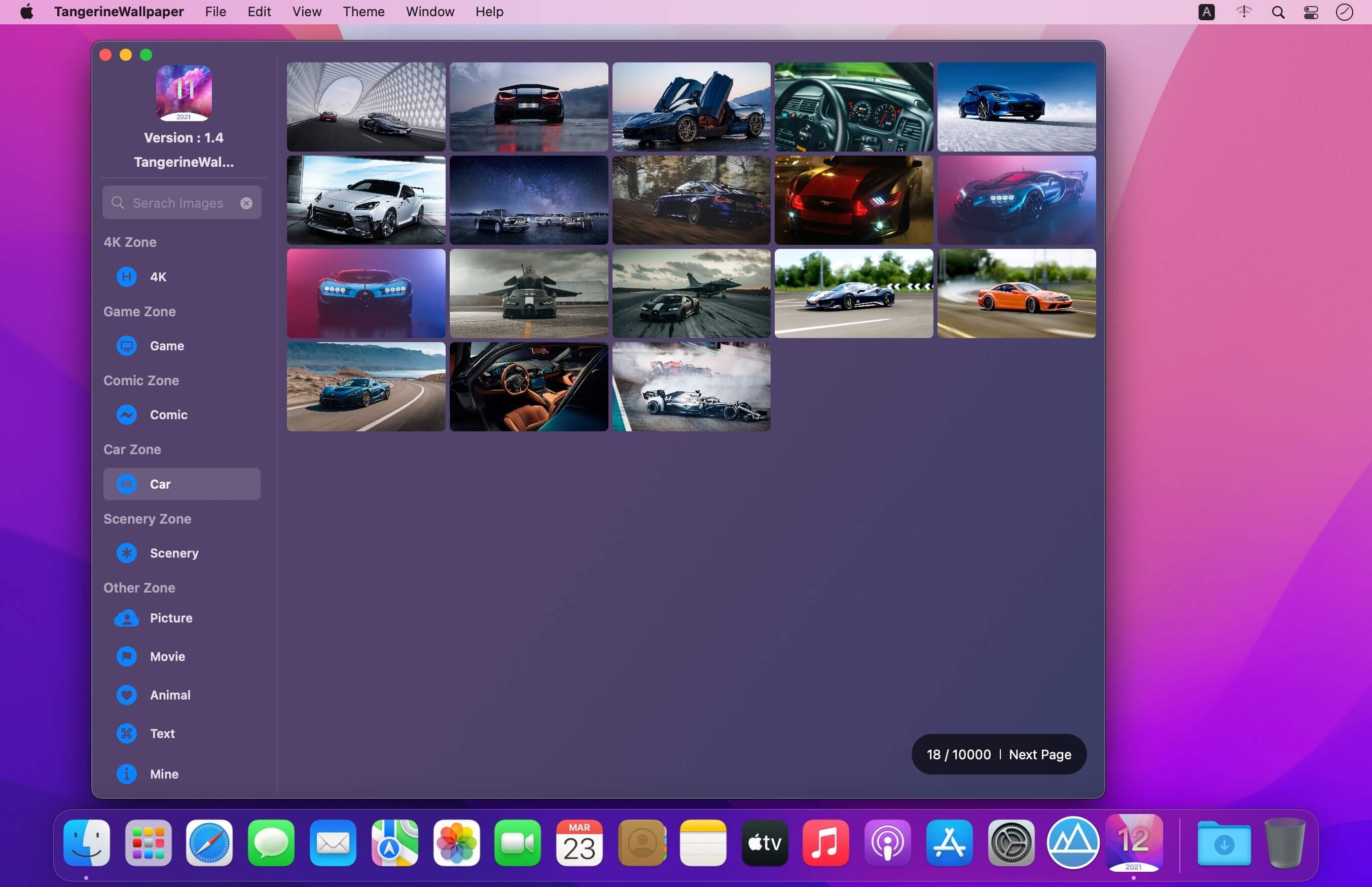
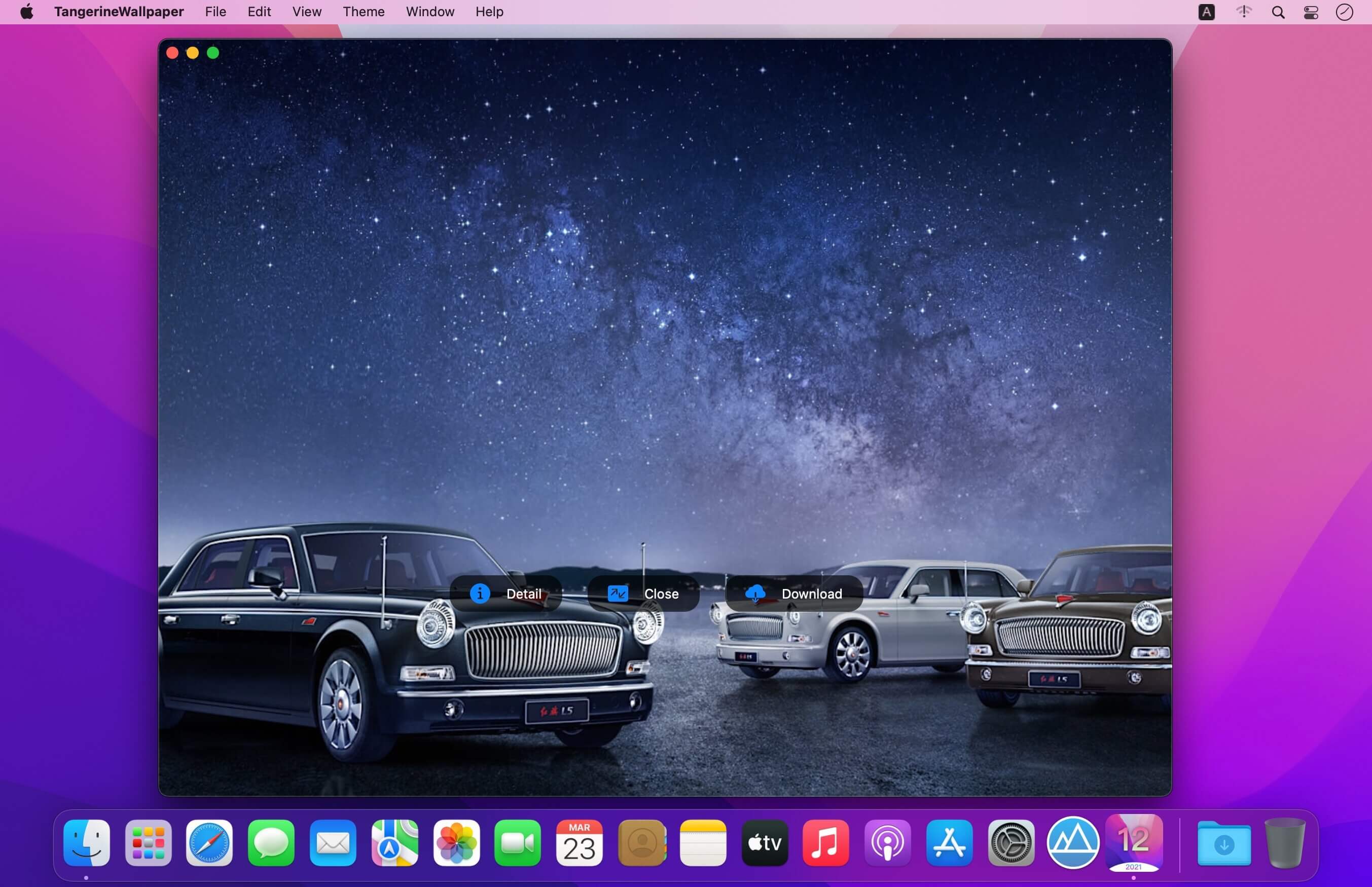
TangerineWallpaper is a set of 4K, rich classification of ultra high definition wallpaper applications, updated 10000 + every day, perfectly adapted to high-definition screen, specially designed for Mac Big Sur, I hope it can bring you the ultimate enjoyment of beauty every day!
Product features
- Massive library, updated daily, everything
- 4K zone, super high definition pictures, beautify your desktop!
- Animation zone, game zone, Chaoqing wallpaper game, a paradise for animation lovers!
- There are text area, car area, scenic area and so on
- Pet zone, text zone, film zone, everything
- Wallpaper search
- Wallpaper search function, enrich your wallpaper atlas, search if you want!
- Custom operation, release your freedom!
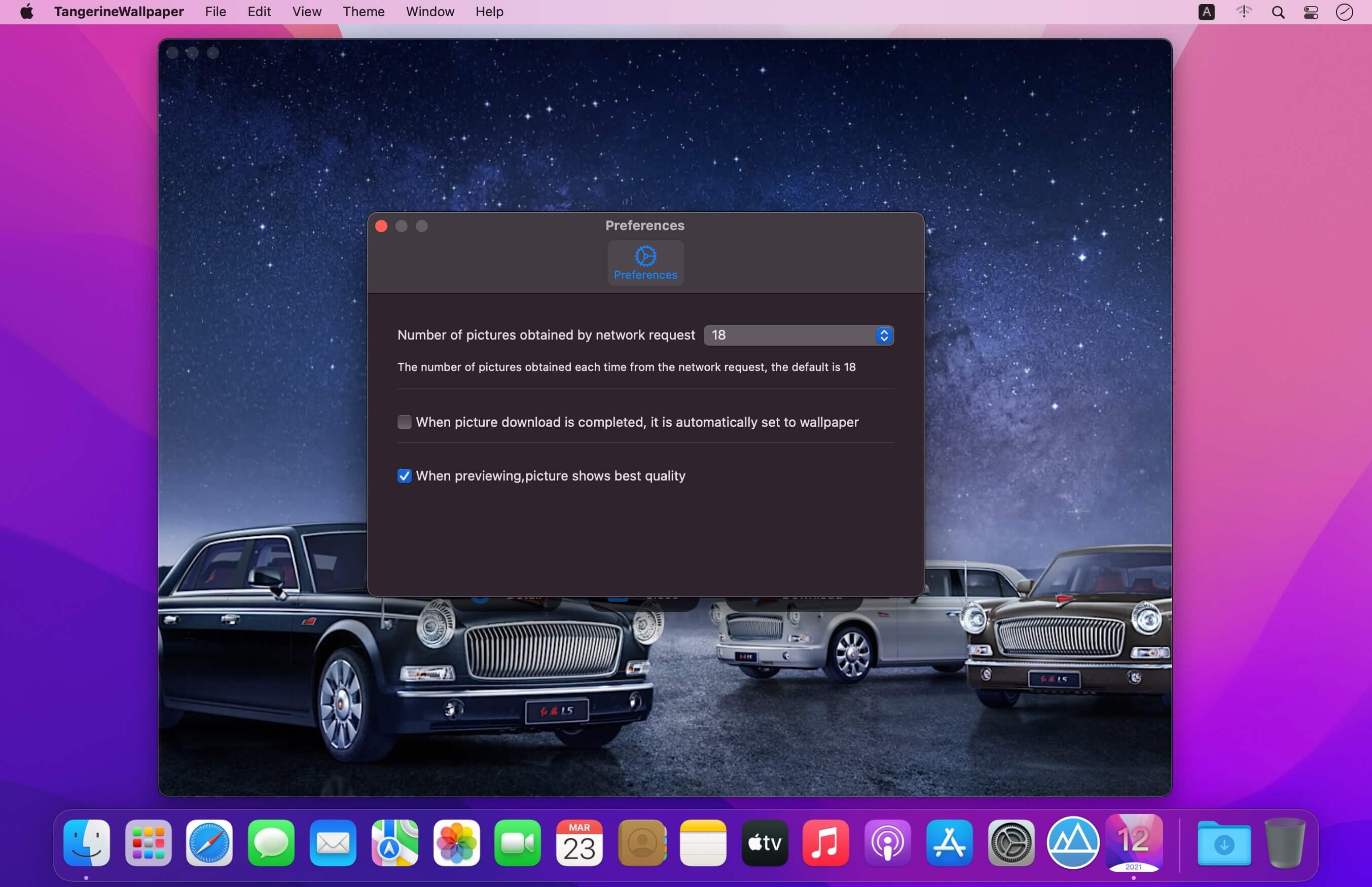
- Set the number of pictures as you like
- Preview the image and customize the image quality
- Download the wallpaper or download the wallpaper automatically, you has the final say!
- User downloaded wallpaper, cloud backup, never lose!
- Transition animation and theme switching
- Elegant transition animation, elegant and meticulous, not stiff at all!
- Transparent theme and gradient theme make the interface richer!
- Specially optimized for MacOS with extremely low system resource consumption
- Multilingual support
- Currently support Chinese, English, Japanese, Chinese traditional, French, German, Malay, as you set!
- More language version support is coming, please look forward to it!
Version 1.4
- Adapt to the latest version of macOS
Comments
No comments yet. Be the first.
Information
Visitors in the group Guests cannot leave comments on this publication.