
Xojo 2023 Release 1.1 v23.1.1.59845
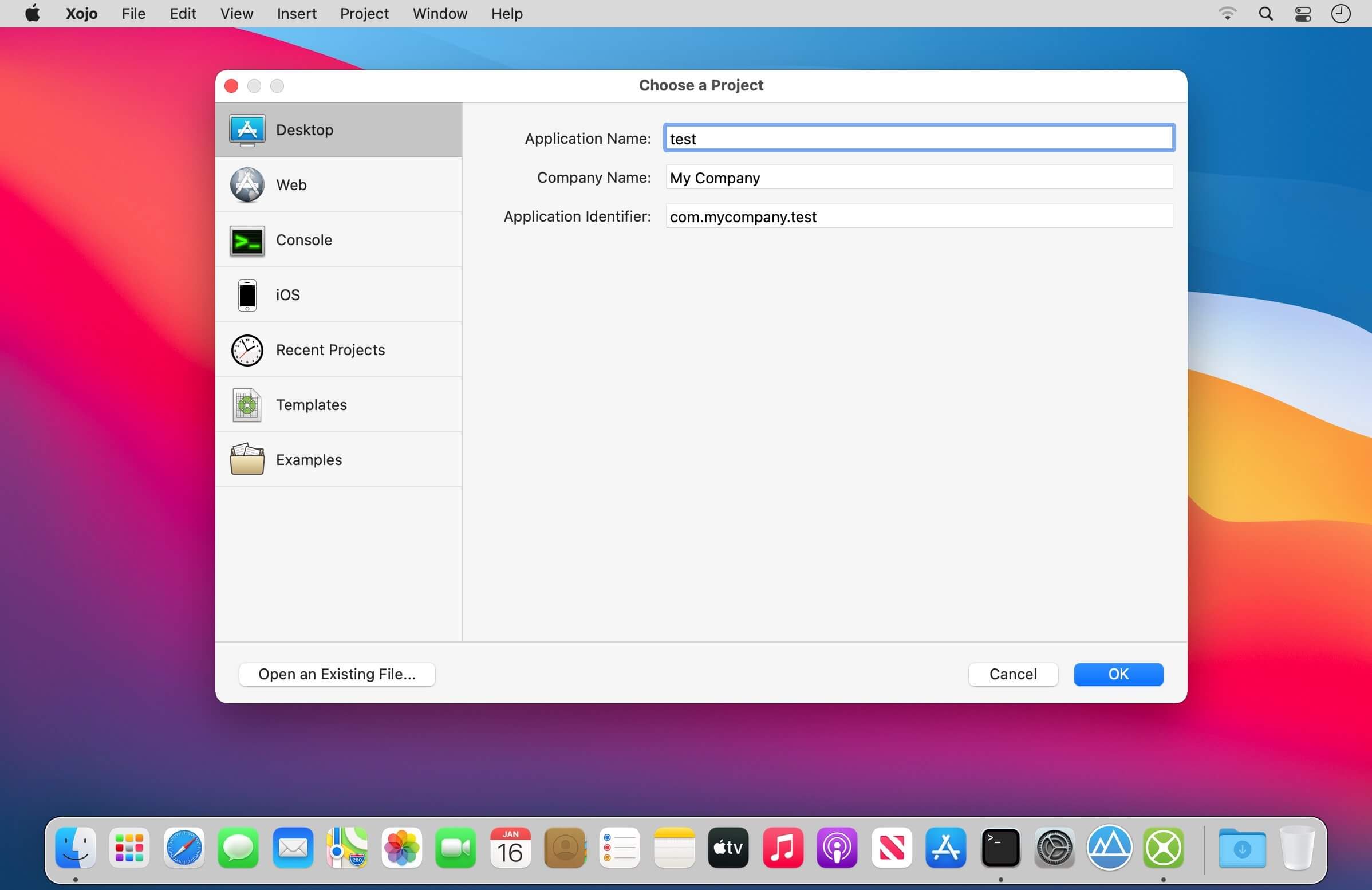
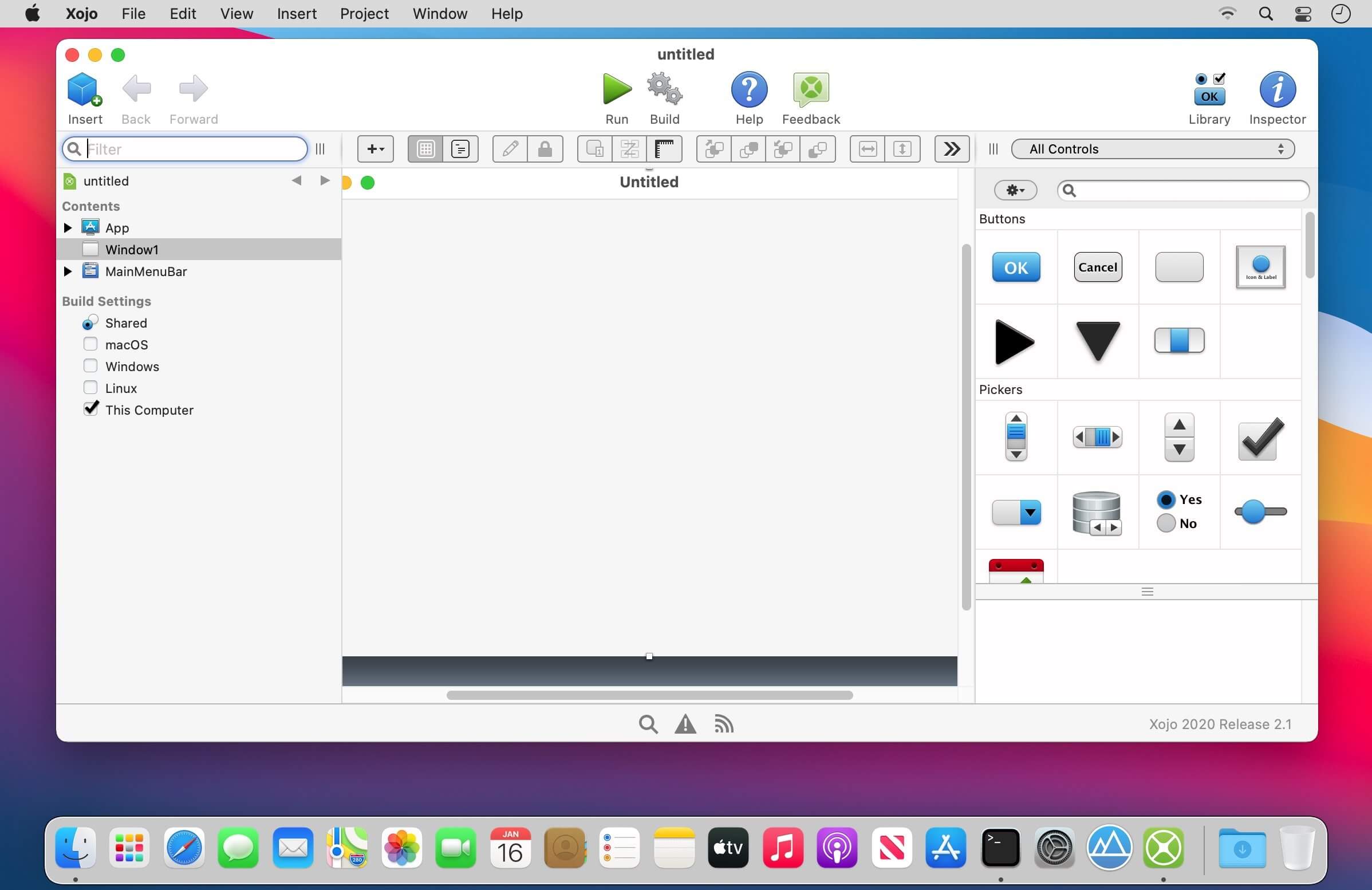
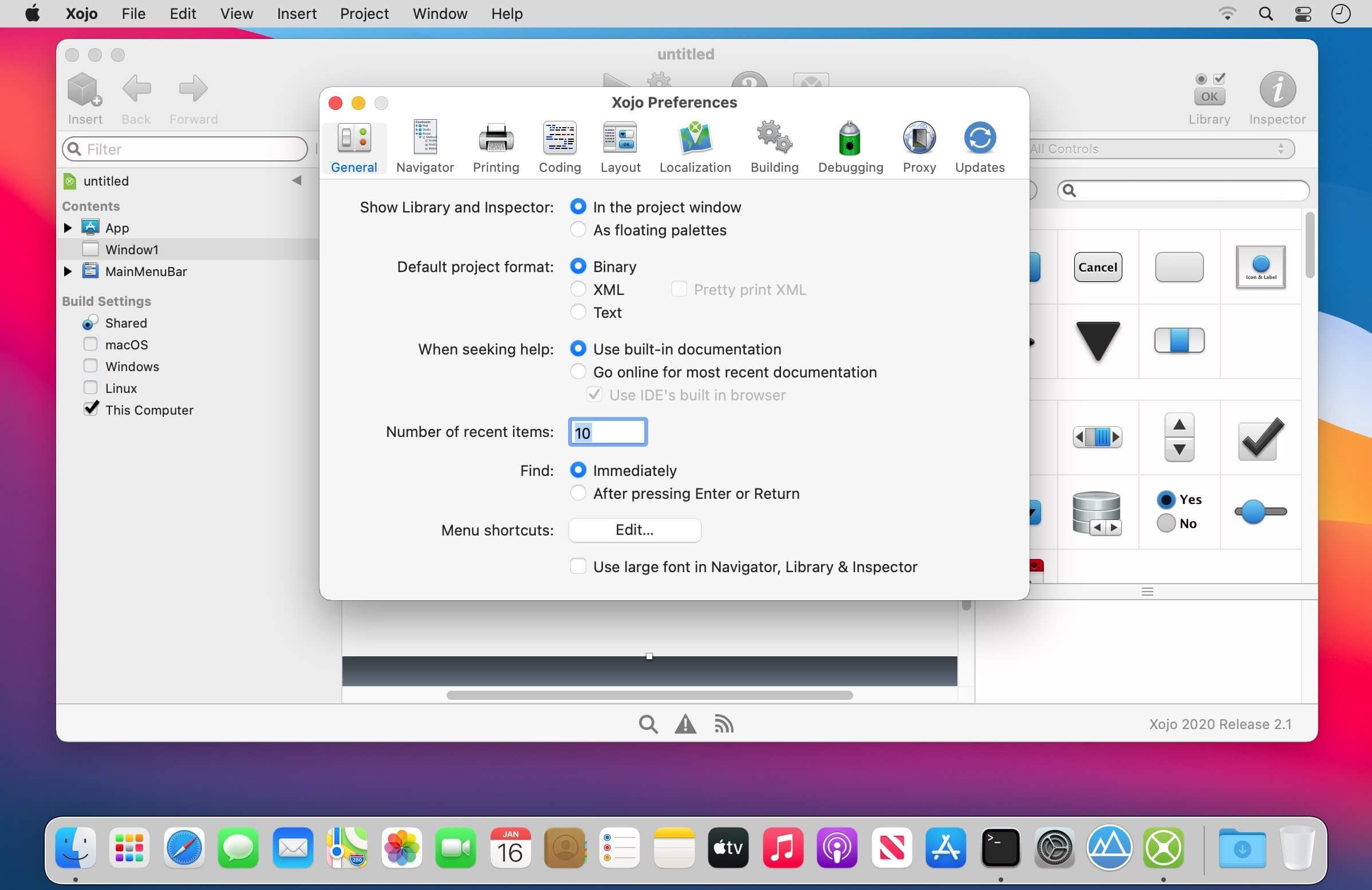
Xojo is an integrated development tool, but it is also a programming language for Windows, macOS, Linux, iOS, web and Raspberry Pi. Xojo is the easiest tool for creating your own apps. Xojo is made up of a rich set of graphical user interface objects, a modern object-oriented language, an integrated debugger, and a multi-platform compiler. Build your app's interface by dragging and dropping interface objects onto the apps’s windows and dialogs. We offer a variety of guides, videos and other helpful resources to help you get going.
Multi-platform
Develop for macOS, Windows, Linux, web, iOS & Raspberry Pi® with one tool and language.
Rich Framework
With modern support for graphics, database servers and internet protocols, build anything you can imagine.
Drag & drop UI
Create your native user interface quickly and intuitively with drag and drop.
Abstraction
Xojo abstracts you from the platform details allowing you to focus your time and energy on what makes your app unique.
Native controls
With over 40 user interface controls built-in, your app will look and feel right on any platform.
Beginner-friendly
Xojo is easy to use and lets you learn as you go - you came to the right place if you're just getting started.
Advanced features
Xojo supports inheritance, interfaces, polymorphism and more, so experienced developers will love the power.
Easy deployment
Xojo Cloud is available for easy, maintenance-free and secure hosting for Xojo web apps.
Active community
You can always find support in the Xojo community on our active user forum and at the annual Xojo Developer Conference.
Tons of resources
Our documentation, example projects, tutorials, video library and textbook will help you hit the ground running.
Frequently asked questions
How do I install the app?
Mount the image, drag the app into the "Applications" folder and launch it. If the system blocks the launch, allow it in "System Settings → Privacy & Security".
The app is damaged or won't launch
Reinstalling from a fresh image usually helps. Make sure your macOS version matches the one listed in the compatibility specs.
How do I update?
Download the new version from the site and install it over the current one — your settings will be preserved.
The download link doesn't work
Try a mirror or a download manager. For large files the browser often drops the connection.
How do I completely remove the app?
Use an uninstaller utility — it cleans up the service files that remain after moving the app to the trash.



Choose a download source
Xojo 2023 Release 1.1 v23.1.1.59845 · 2.04 GB
Previous versions
Xojo 2023 Release 1.1 v23.1.1.59845
Previous versions are available to registered users.