Faxbot 2.6.2 fix
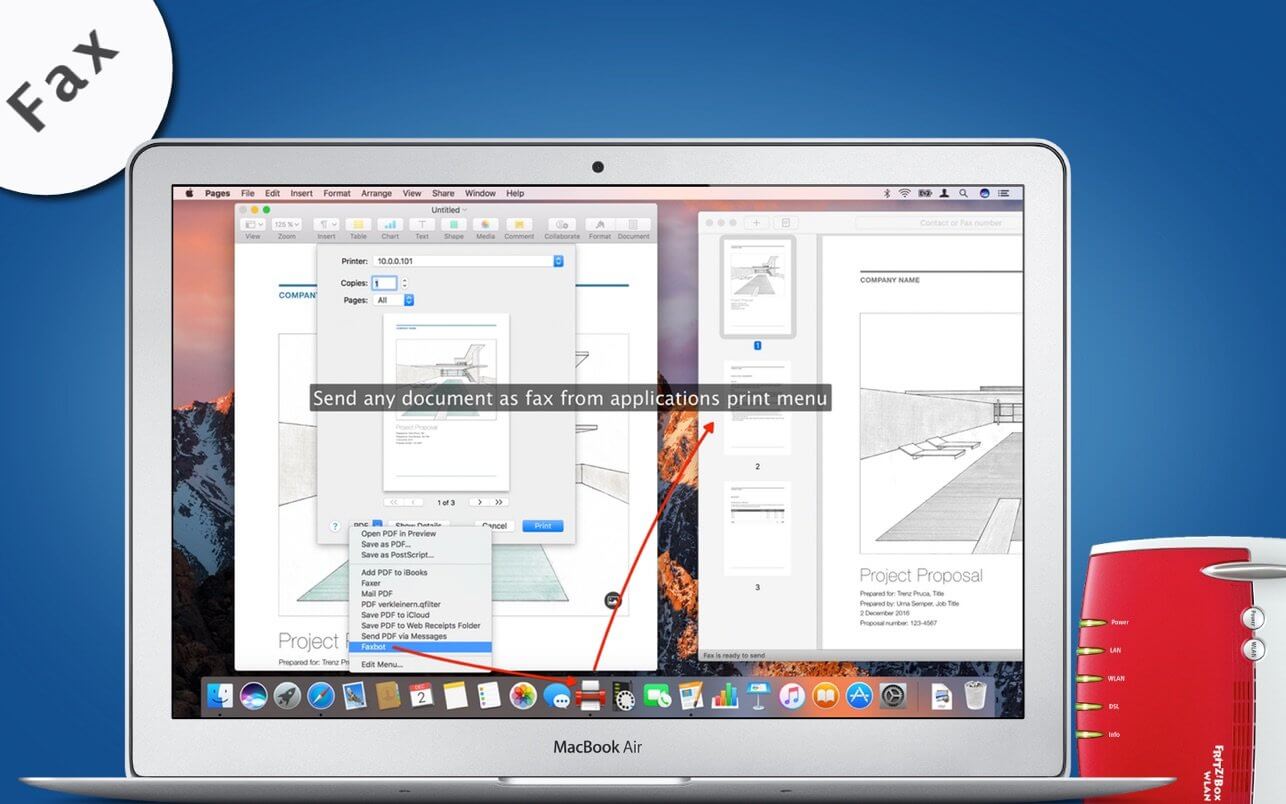
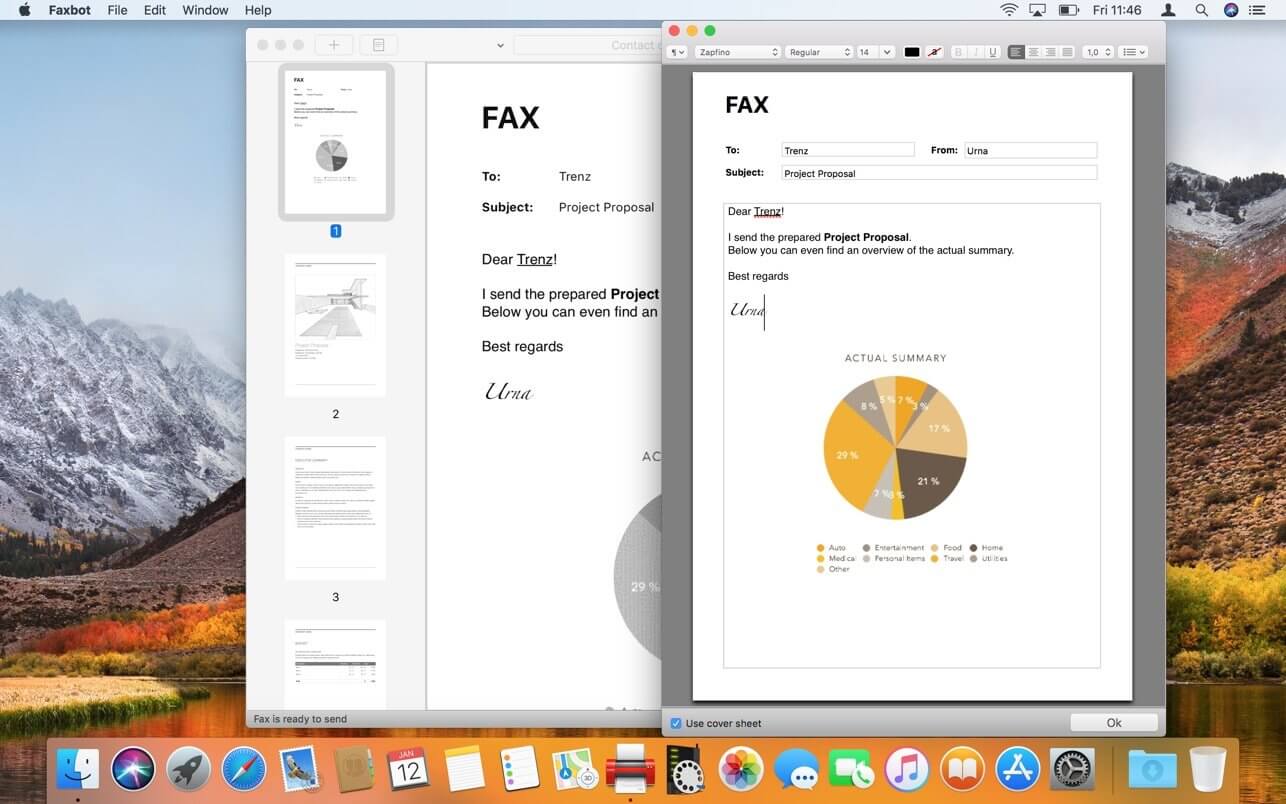

Send Faxes on Mac via FRITZ!Box. With Faxbot you can comfortable send faxes on your Mac via your FRITZ!Box. Faxbot offers you extensive opportunities to integrate faxing into your best workflow. Aou can open PDF, PNG or JPEG files in Faxbot and send it, create fax documents from any application, which offering you a print dialog, write and formate faxes directly into Faxbot or pass fax documents via AppleScript to Faxbot.
Version 2.6
macOS 11 & Apple Silicon
Ready for macOS 11 and Apple Silicon
Dark Mode Support
The Faxbot UI is ready for Dark Mode
Password Protected PDF
Now Faxbot can open password protected PDF files
Annotations & Markup
Support for PDFs with annotations and markups
Fix: Sending Fax
Fixed a problem when sending a Fax on macOS 11
Fix: AppleScript
Fixed sending a fax via AppleScript
Frequently asked questions
How do I install the app?
Mount the image, drag the app into the "Applications" folder and launch it. If the system blocks the launch, allow it in "System Settings → Privacy & Security".
The app is damaged or won't launch
Reinstalling from a fresh image usually helps. Make sure your macOS version matches the one listed in the compatibility specs.
How do I update?
Download the new version from the site and install it over the current one — your settings will be preserved.
The download link doesn't work
Try a mirror or a download manager. For large files the browser often drops the connection.
How do I completely remove the app?
Use an uninstaller utility — it cleans up the service files that remain after moving the app to the trash.




Choose a download source
Faxbot 2.6.2 fix · 10.62 MB
Previous versions
Faxbot 2.6.2 fix
Previous versions are available to registered users.