Noizio — Calm, Meditate, Sleep 2.3.1
Noizio ambient sound equalizer app for focus, relaxation, and sleep
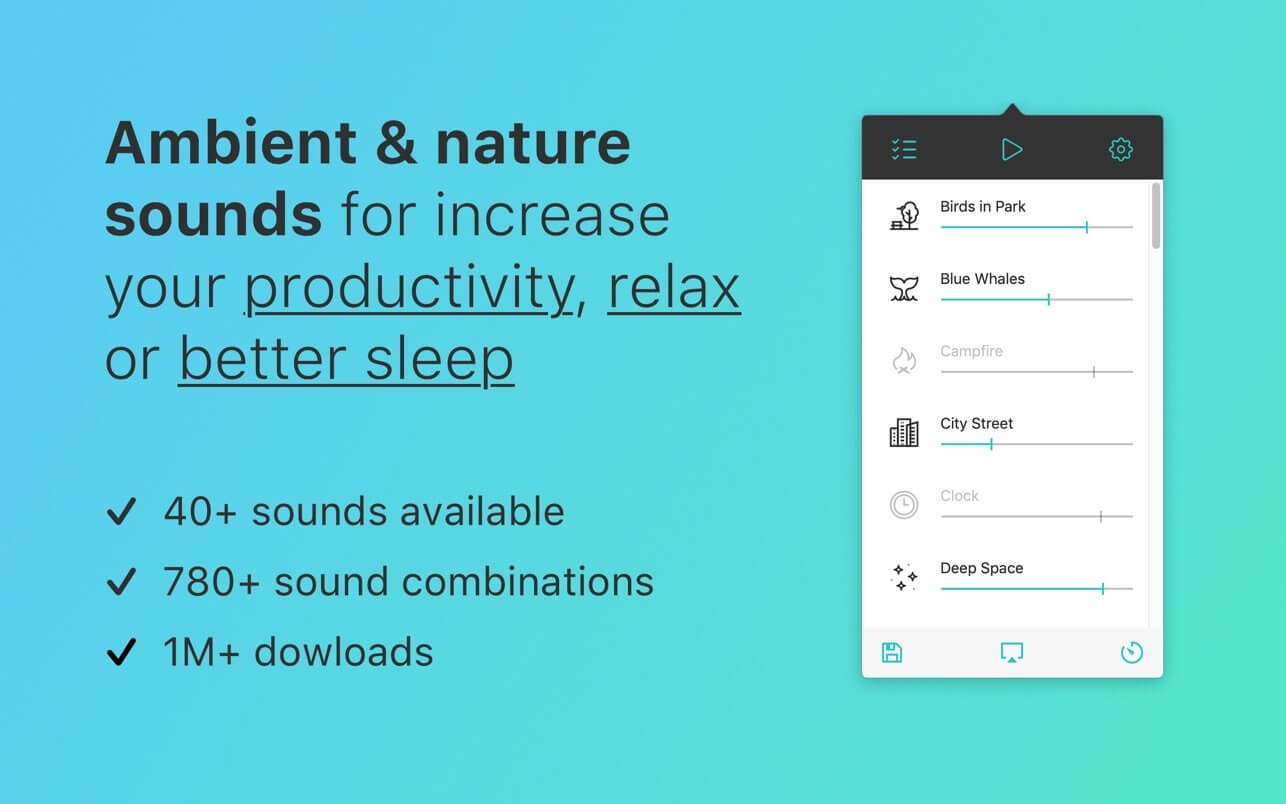
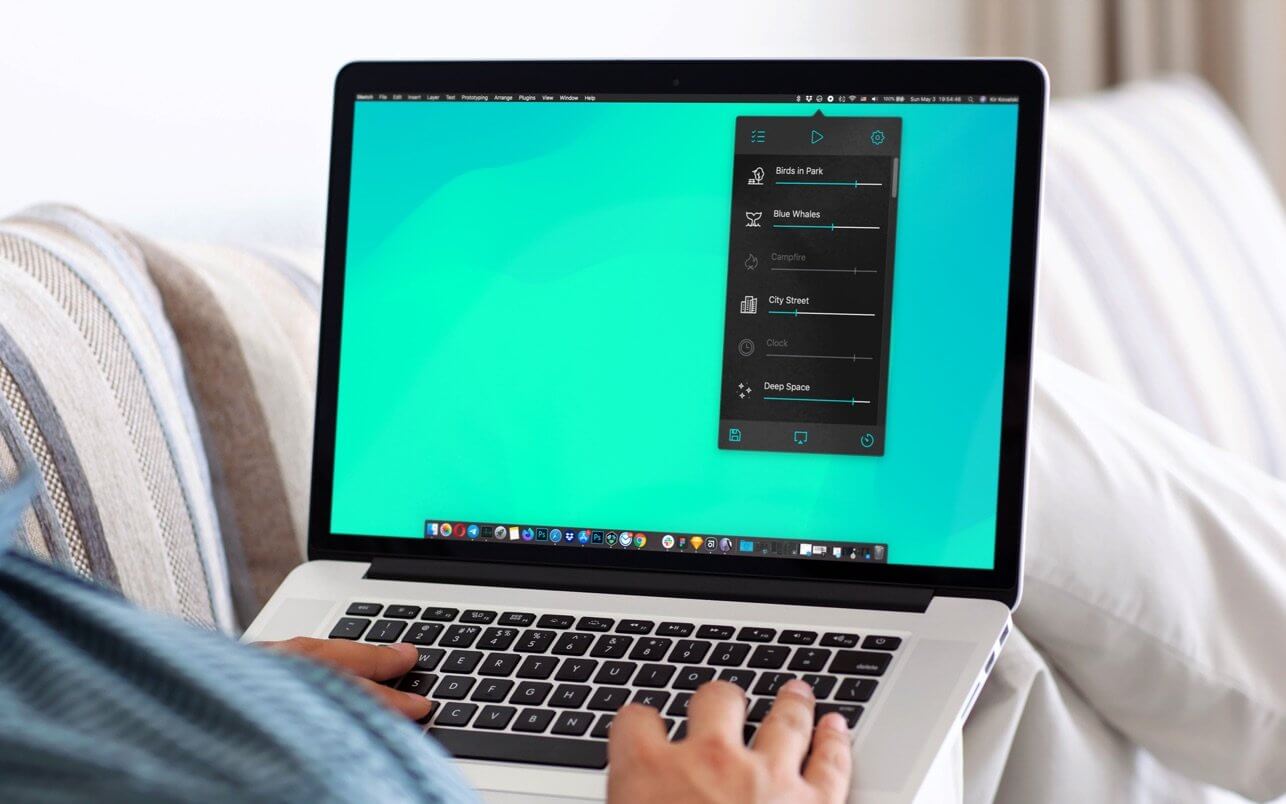
Noizio is an ambient sound equalizer app for focus, relaxation, and sleep. Mix nature sounds and focus sounds offline on macOS.
Features:
- 40+ enchanting ambient sounds included;
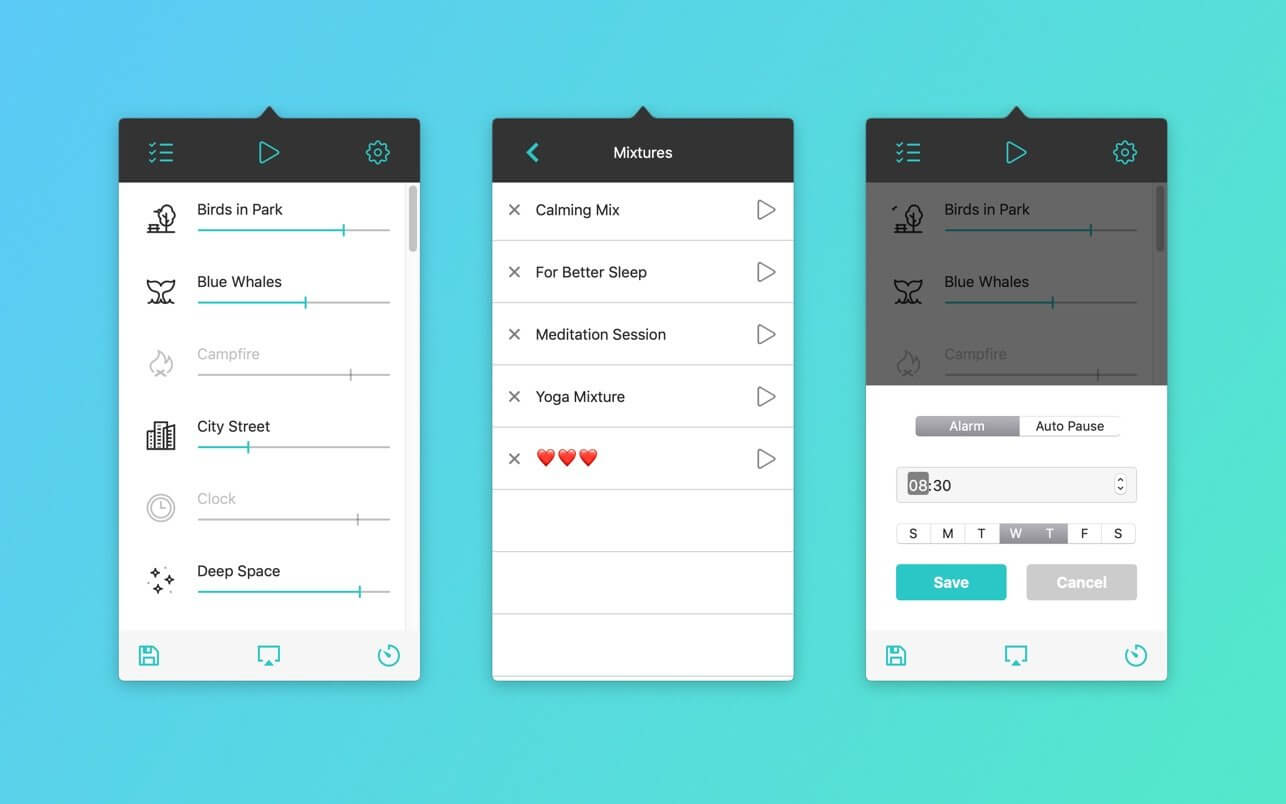
- Ease of choosing and blending the ambient sounds into a mixture that will perfectly fit your mood;
- Background sound support. Listen to your mixes while using other apps;
- The Noizio app lets you play all the sounds offline;
- High-quality nature sounds, to set the mood;
- Create your own amazing focus, relax or sleep sounds mixes;
- Minimalistic design;
- Sounds are played in a seamless loop;
- Autopause timer & Alarm.
Our Ambient & Nature sounds:
Birds in Park, Blue Whales, Campfire, City Street, Clock, Deep Space, Desert, Farm, Frogs and Crickets, Ghosty, Heartbeat, Inside Train, Keyboard Typing, Kitty Purr, Magical Chimes, Night Owls, October Rain, Old Typewriter, Paris Cafe, Pink Noise, Playground, River Stream, Sailing Yacht, Sea Waves, Ship Hull, Space Drone, Subway, Summer Night, Sunny Day, Thunderstorm, Tropical Birds, Vinyl Cracks, White Noise, Wind Chimes, Winter Wind, Alpha Waves, Beta Waves, Gamma Waves, Delta Waves, Theta Waves.
Version 2.3
The audio engine got a major upgrade:
- New "System Default" mode: playback follows the output device you pick in Control Center or System Settings.
- Sound no longer stops after sleep or when Bluetooth headphones reconnect.
- Video call and other virtual audio devices no longer steal playback.
- The heart pins your preferred output as the app default; a checkmark picks a device just for the current session.
Also in this update:
- Appearance setting in Settings: follow the system or force Light / Dark.
- Timer fixes: correct weekdays in every region, Auto Pause presets now count from the current time.
- Refined look on macOS Tahoe, an always-visible scrollbar when your Mac is set to show one, and stability improvements.
Frequently asked questions
How do I install the app?
Mount the image, drag the app into the "Applications" folder and launch it. If the system blocks the launch, allow it in "System Settings → Privacy & Security".
The app is damaged or won't launch
Reinstalling from a fresh image usually helps. Make sure your macOS version matches the one listed in the compatibility specs.
How do I update?
Download the new version from the site and install it over the current one — your settings will be preserved.
The download link doesn't work
Try a mirror or a download manager. For large files the browser often drops the connection.
How do I completely remove the app?
Use an uninstaller utility — it cleans up the service files that remain after moving the app to the trash.


Choose a download source
Noizio — Calm, Meditate, Sleep 2.3.1 · 128.41 MB