MainStage: Perform Live 4.3.1
MainStage: live performance software for MIDI control and plug-ins
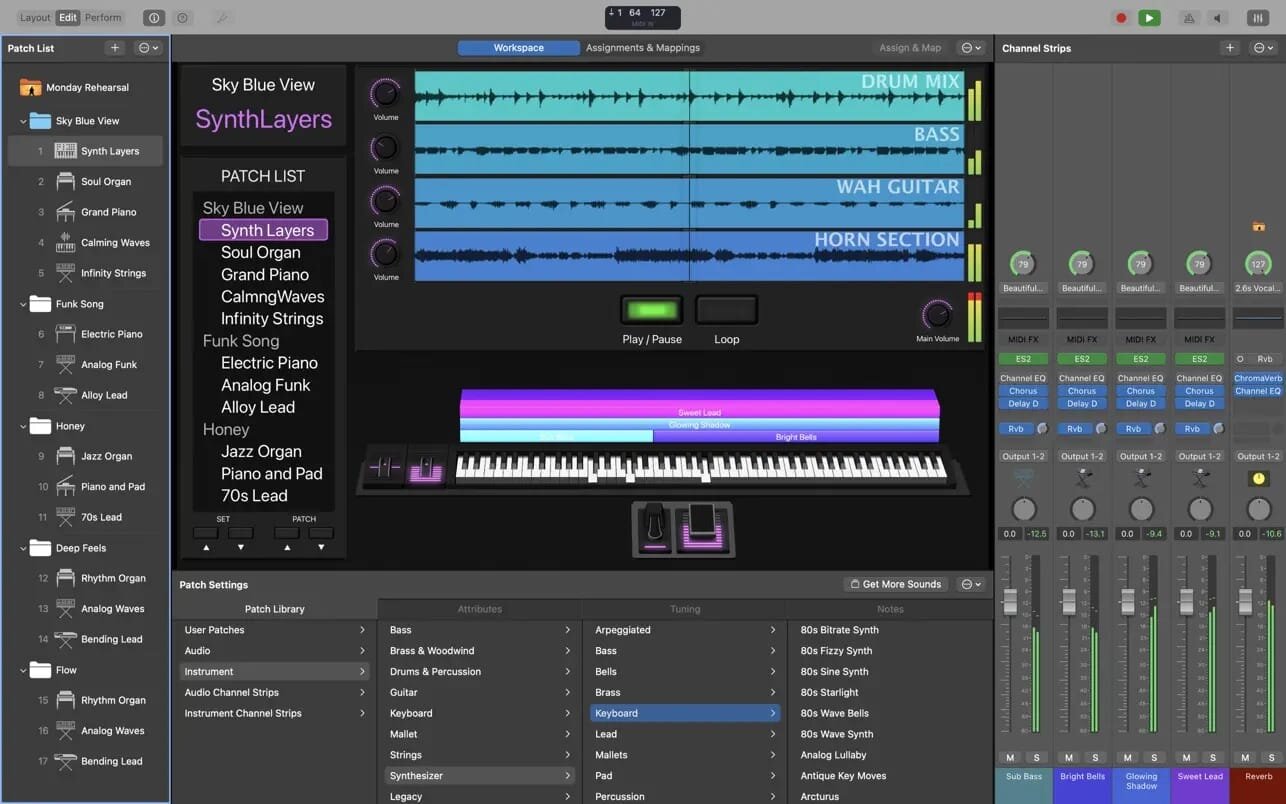
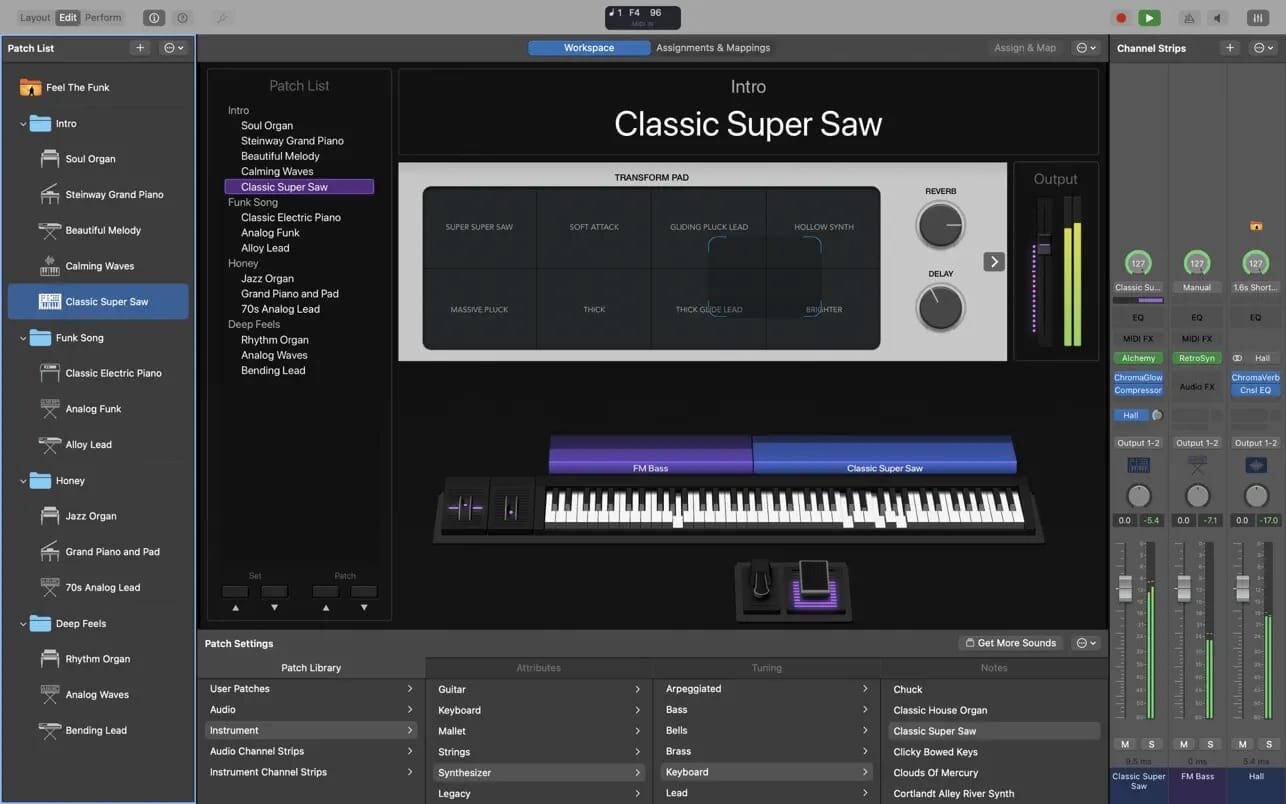
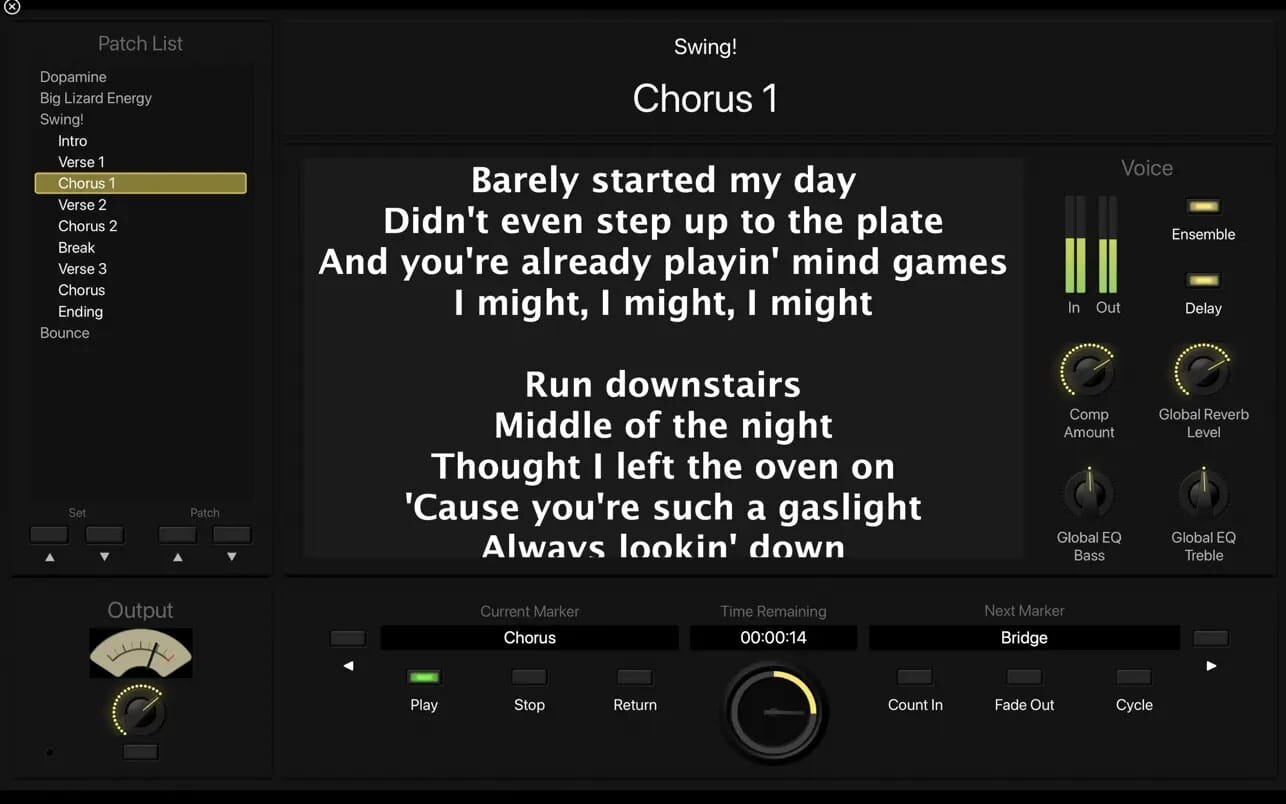
MainStage lets you take your Mac to the stage with a full-screen interface optimized for live performance, flexible hardware control, and a massive collection of plug-ins and sounds that are fully compatible with Logic Pro.
The Ultimate Live Rig
- Perform live with over 100 instrument, effect, and MIDI plug-ins or your favorite Audio Units plug-ins
- Add any patches from Logic Pro to bring your studio sound to the stage
- Combine instruments and live audio, such as keyboards and vocals, in a single Patch
- Switch between Patches without stopping sound output or cutting off held notes
- Design rich keyboard Patches using splits and layers
- Perform with stereo or multitrack backing tracks using Playback
Hardware Control
- Connect your favorite MIDI hardware and use it to play and control your plug-ins
- Use USB and MIDI-equipped controllers like keyboards, foot pedals, and drum pads
- Quickly assign hardware knobs, buttons, and faders to onscreen controls
- Manage sophisticated rigs using the Assignments & Mapping overview
Designed for the Stage
- See only what you need during your performance using a customizable, full-screen live interface
- Screen controls adapt for each Patch using Smart Controls
- Smart Controls offer dynamic performance controls that change with each Patch
- Easily view your Mac screen from a distance using a high-contrast, full-screen performance view
Instrument Plug-ins
- Play or create a wide variety of rich sampled instruments with Sampler and Quick Sampler
- Turn your favorite hardware synthesizers into sampled instruments using the Auto Sampler plug-in
- Quickly find sounds or create unique new ones with Alchemy, the ultimate sample manipulation synthesizer
- Play classic ’70s- and ’80s-style synthesizer sounds using Retro Synth
- Perform inspired sounds using a collection of synths that provide analog, wavetable, FM, additive, granular, spectral, and modeling synthesis
MIDI Plug-ins
- Transform simple ideas into elaborate performances using nine MIDI plug-ins
- Instantly turn a simple chord into a rich performance with the Arpeggiator
- Play a single note to trigger predefined chords with Chord Trigger
- Perform a part and conform notes to a specific scale using Transposer
Creative and Production Effects
- Play your sounds through a variety of realistic acoustic spaces or creative synthesized reverbs
- Use a range of multi-tap, vintage tape, and stereo delays
- Add movement to your tracks with a variety of modulation effects
- Get the perfect mix with a collection of vintage and modern EQs, dynamics, and other mixing tools
System Requirements: 6GB available disk space for minimum install / 44GB or more storage space for full Sound Library installation
Version 4.0
Support for Ableton Link
- Synchronize tempo with Ableton Link supported software and hardware devices
Sound Library
- Explore an ever-expanding collection of premium sound packs with the brand new Sound Library
- Listen to audio previews of any sound packs and install your favorites
- Watch producer pack videos to get inspired by the creative process of top producers, and then install their custom made loops and instruments
- Free up storage space by easily deleting packs you are no longer using
Frequently asked questions
How do I install the app?
Mount the image, drag the app into the "Applications" folder and launch it. If the system blocks the launch, allow it in "System Settings → Privacy & Security".
The app is damaged or won't launch
Reinstalling from a fresh image usually helps. Make sure your macOS version matches the one listed in the compatibility specs.
How do I update?
Download the new version from the site and install it over the current one — your settings will be preserved.
The download link doesn't work
Try a mirror or a download manager. For large files the browser often drops the connection.
How do I completely remove the app?
Use an uninstaller utility — it cleans up the service files that remain after moving the app to the trash.
Choose a download source
MainStage: Perform Live 4.3.1 · 1 GB
Previous versions
MainStage: Perform Live 4.3.1
Previous versions are available to registered users.