
CleverFiles Duplicates Finder 2.0
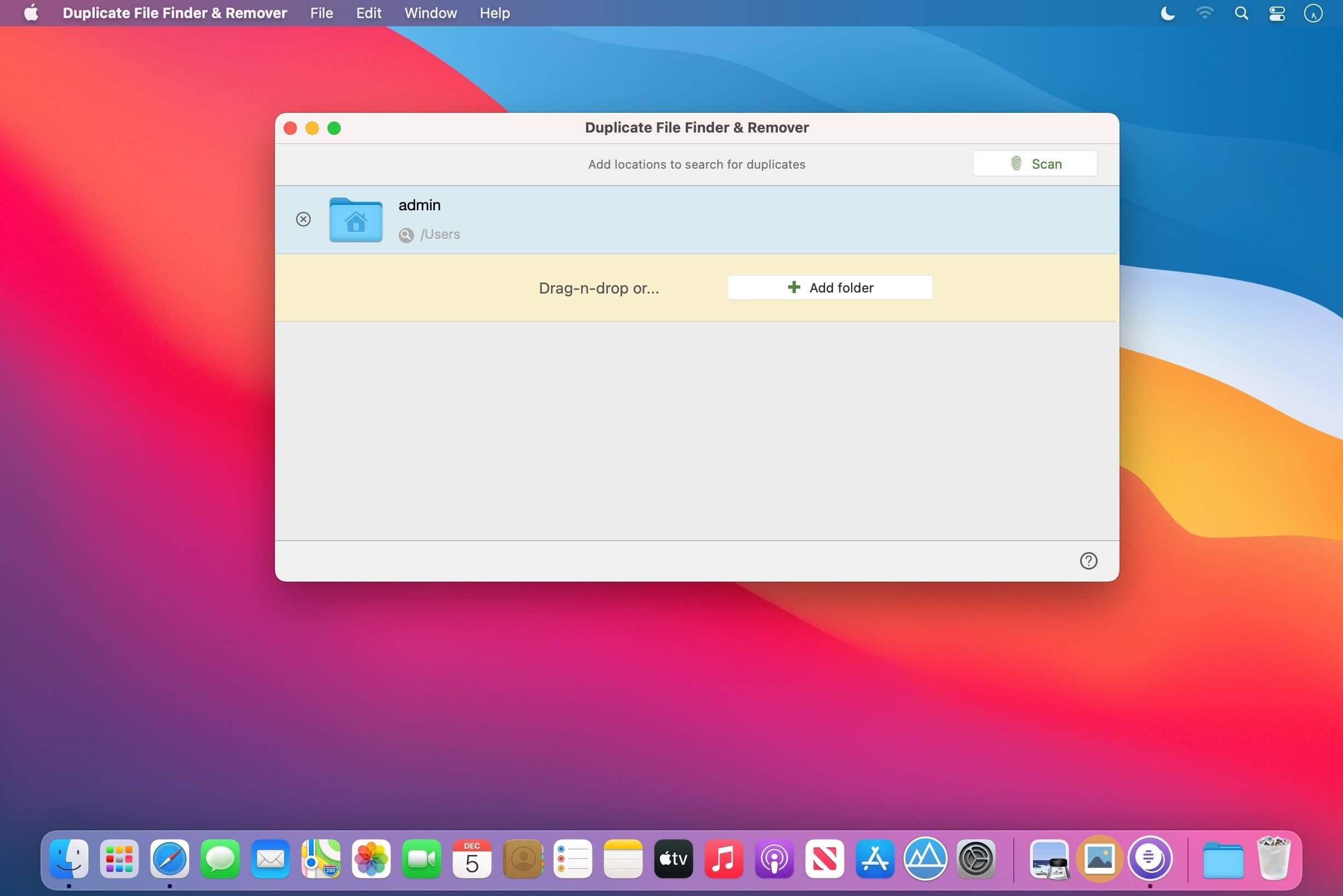
Find and remove duplicate files and folders on your drives and cloud storages fast and safely.
"Where's that file? Ah, I'll just download it again. I need a copy of my photo album to edit it tomorrow. What are all these files here? Let me back them up now and deal with them later." Yes, we are all busy. Also, we are always in need of more disk space. Let CleverFiles Duplicate Remover help you find what you no longer need, and never needed, and will never need again - duplicate data!
Facts: every hard drive gets more and more duplicate files every day; almost every cloud storage account in use inevitably gets crammed with duplicate photos, songs, documents, videos. We all know this. CleverFiles Duplicate File Finder can fix this for free.
You are about to download a simple elegant app to scan your Mac for all kinds of duplicates... fast. Need more power? It also features flexible auto-selection rules, so you don't need to manually scoop through the duplicates. It produces accurate results in seconds on drives of any size, and is extremely capable at comparing the contents of your cloud storages, so you can save on pricey cloud space.
Our professional duplicate cleaner for Mac makes the menial task of finding wasted storage space simple by locating duplicate files for you and giving you the option to automatically or manually delete the unwanted ones. Give it a try, it's free!
Here's what our free Duplicate File Finder can do:
- find duplicates on the whole drive, scan a single folder or multiple locations - fast and secure
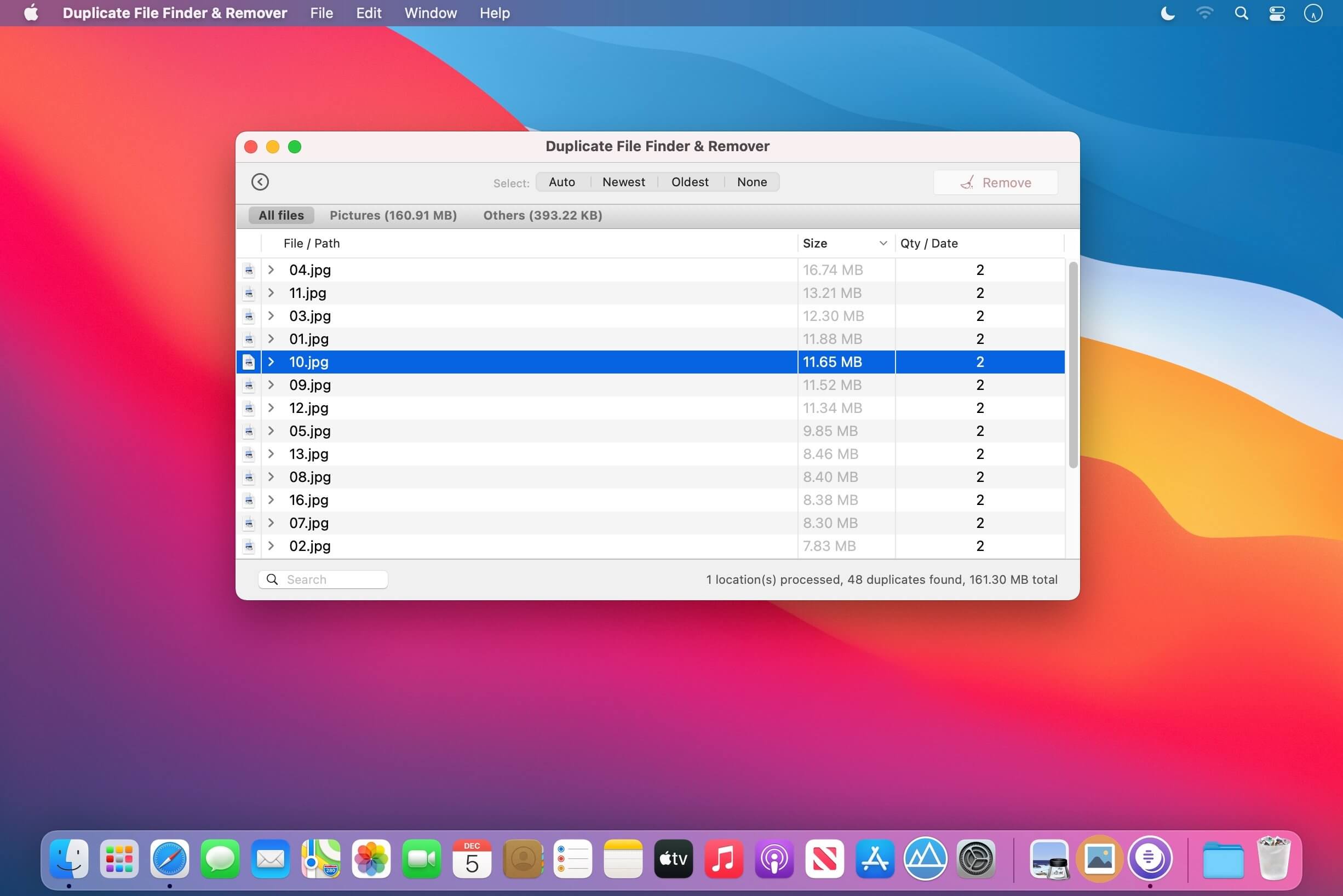
- batch auto-select duplicates with one click
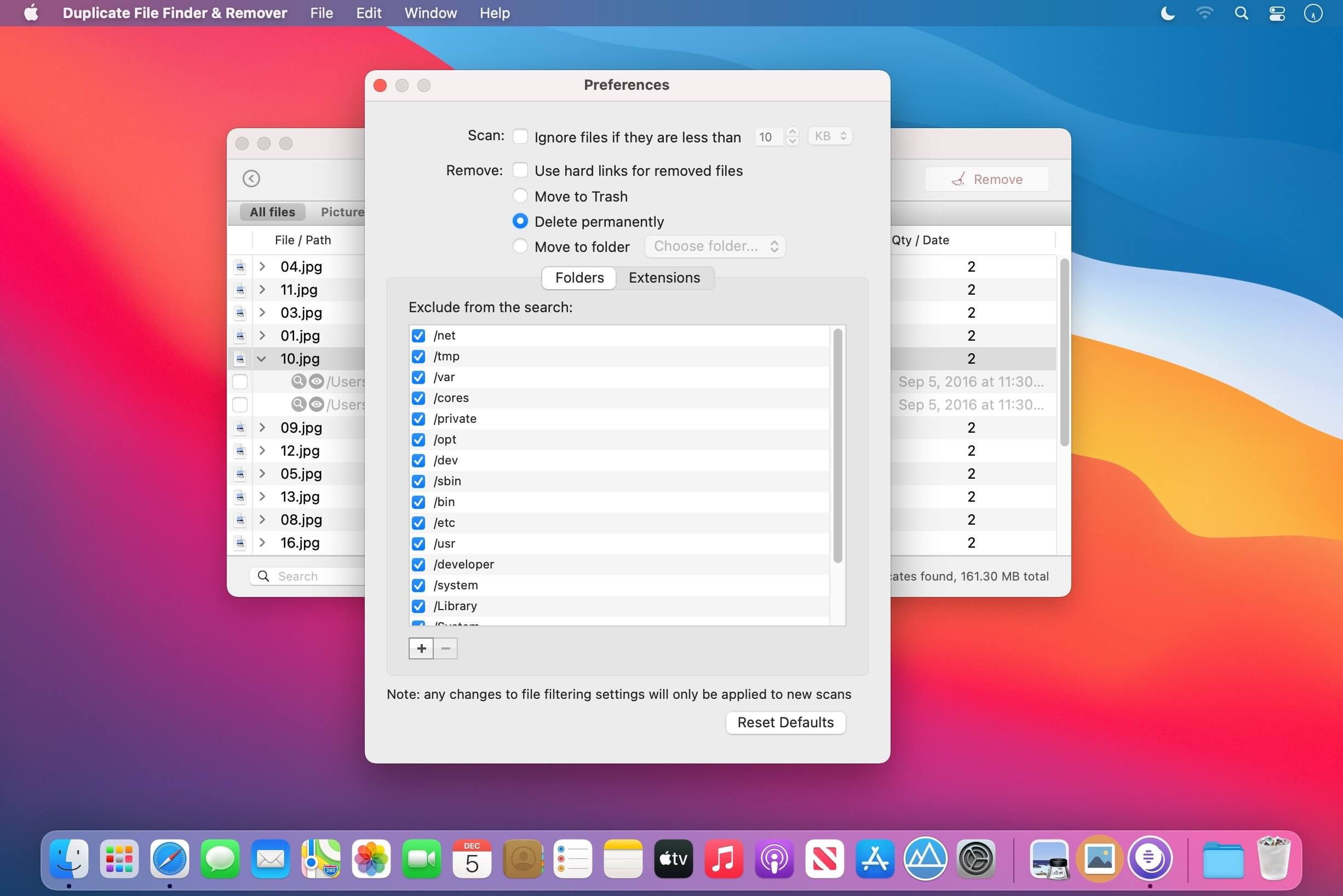
- let you choose how you want your duplicates removed
- preview your duplicates before tossing them away
- create symlinks for deleted duplicates to keep apps dependent on those files running
- keep configurable exclusion lists
- let you search duplicates
Version 2.0
- Freshly updated user interface
- Improved duplicate finding and file matching algorithms
- Faster disk processing
- Bug fixes
Frequently asked questions
How do I install the app?
Mount the image, drag the app into the "Applications" folder and launch it. If the system blocks the launch, allow it in "System Settings → Privacy & Security".
The app is damaged or won't launch
Reinstalling from a fresh image usually helps. Make sure your macOS version matches the one listed in the compatibility specs.
How do I update?
Download the new version from the site and install it over the current one — your settings will be preserved.
The download link doesn't work
Try a mirror or a download manager. For large files the browser often drops the connection.
How do I completely remove the app?
Use an uninstaller utility — it cleans up the service files that remain after moving the app to the trash.


Choose a download source
CleverFiles Duplicates Finder 2.0 · 59.61 MB
Previous versions
CleverFiles Duplicates Finder 2.0
Previous versions are available to registered users.