Digital Clock 3D 2.1.2

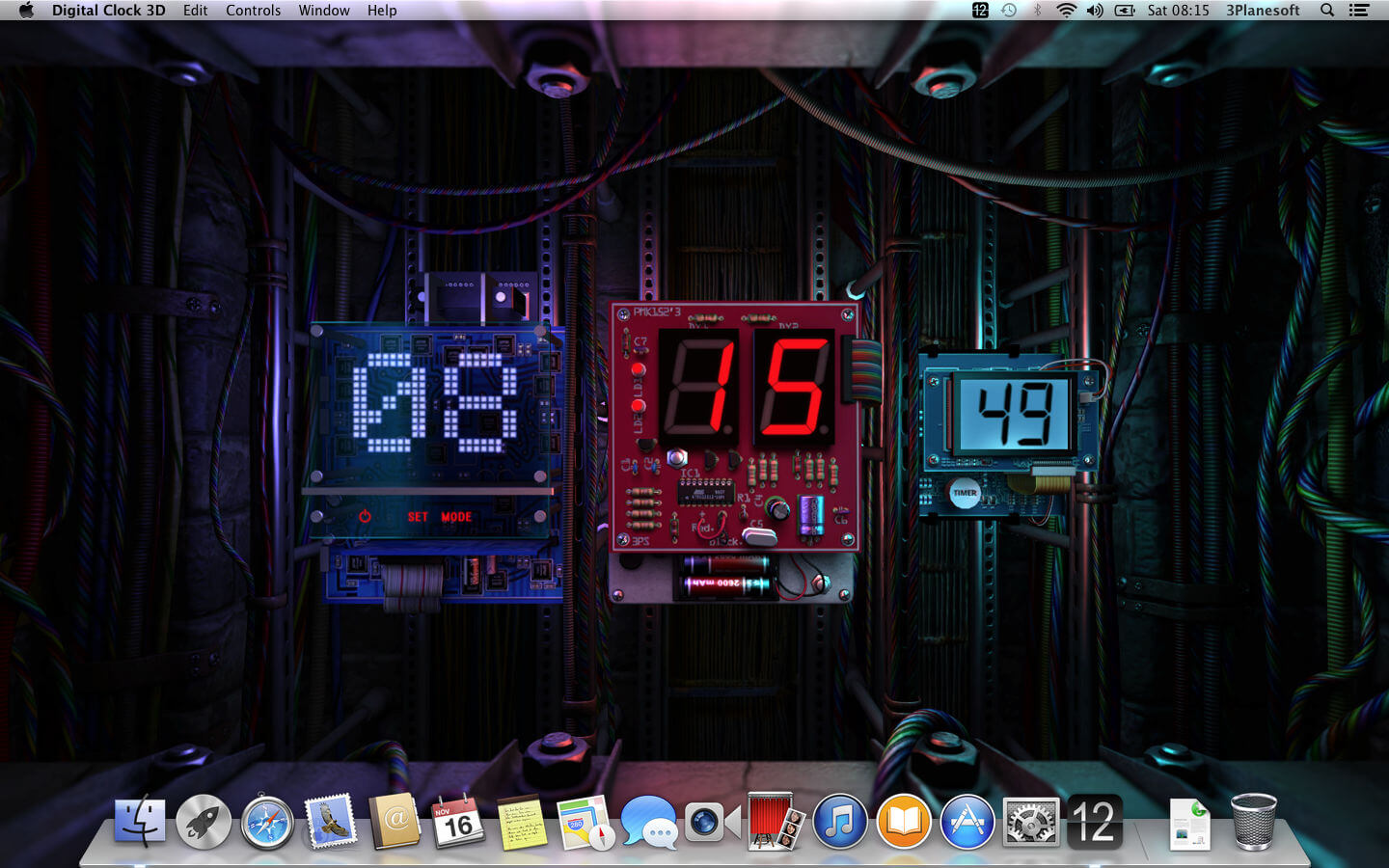
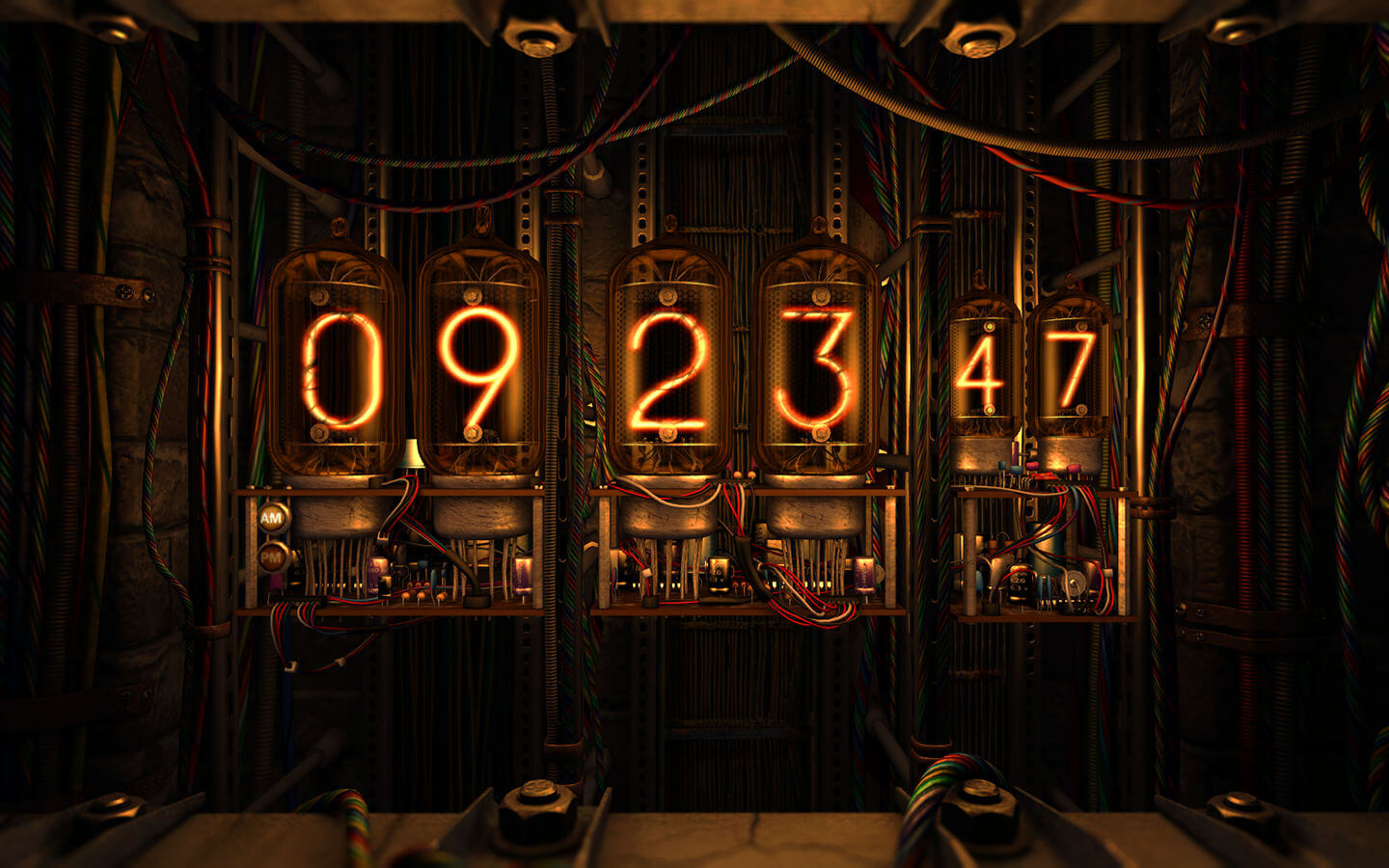
Enjoy retro tube clocks, the latest OLED timepieces and everything in between with this live wallpaper. Choose the style you like most or leave it to chance, savoring the ultra-realistic 3D graphics!
Features:
- 6 different types of clocks
- high-quality 3D graphics and effects
- Retina display ready
- original music track
- compatible with OS X Yosemite
- screen saver mode with password protection
- full multi-monitor support
- removing dock icon
- autostart at login
- doesn't prevent your computer from going to sleep
Version 2.1.1
- bug fixes and stability improvements
Frequently asked questions
How do I install the app?
Mount the image, drag the app into the "Applications" folder and launch it. If the system blocks the launch, allow it in "System Settings → Privacy & Security".
The app is damaged or won't launch
Reinstalling from a fresh image usually helps. Make sure your macOS version matches the one listed in the compatibility specs.
How do I update?
Download the new version from the site and install it over the current one — your settings will be preserved.
The download link doesn't work
Try a mirror or a download manager. For large files the browser often drops the connection.
How do I completely remove the app?
Use an uninstaller utility — it cleans up the service files that remain after moving the app to the trash.


Choose a download source
Digital Clock 3D 2.1.2 · 63.63 MB
Previous versions
Digital Clock 3D 2.1.2
Previous versions are available to registered users.
Comments 1