
Capture One Pro 16.8.6.25
Capture One: Professional RAW converter for stunning image editing
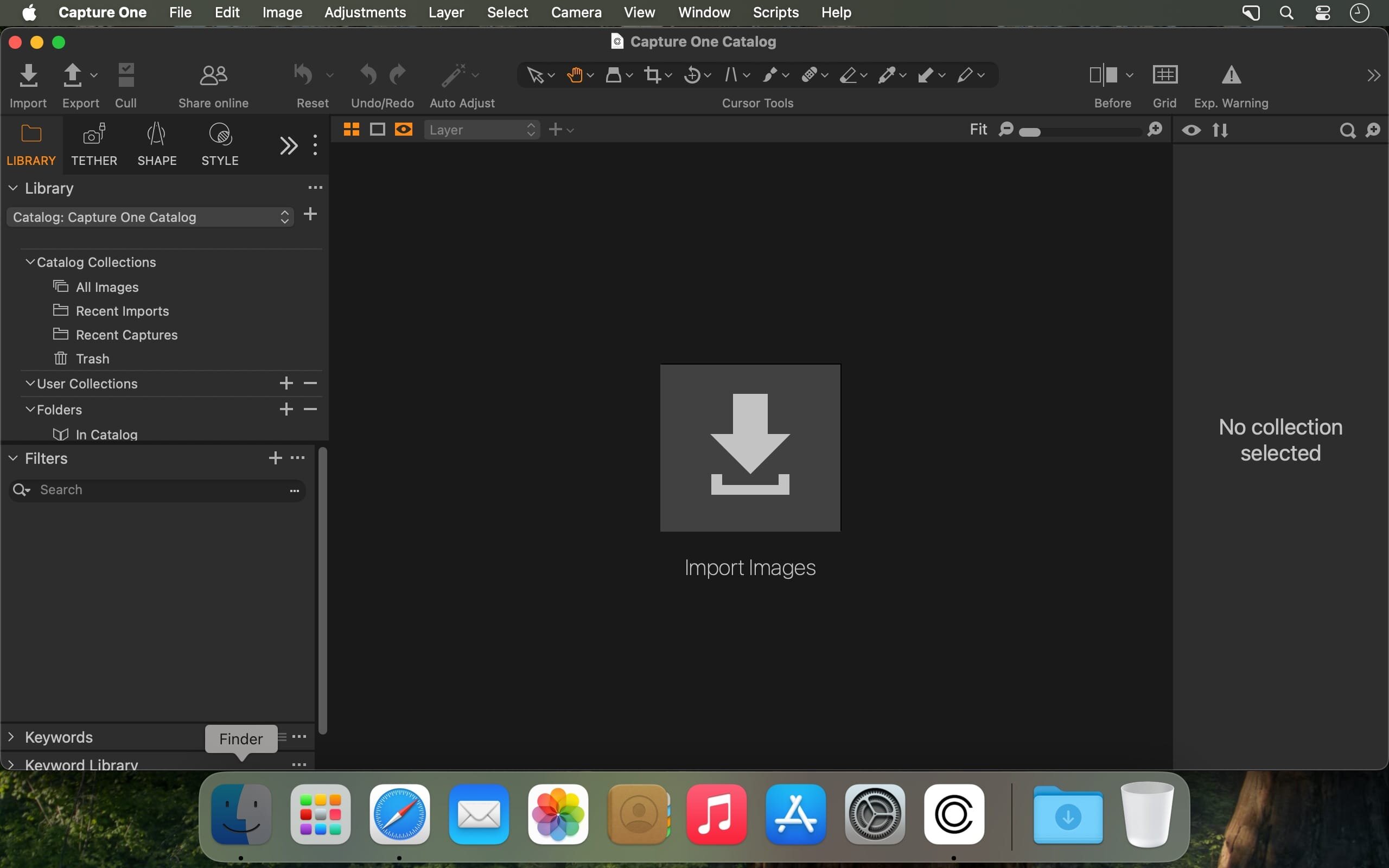
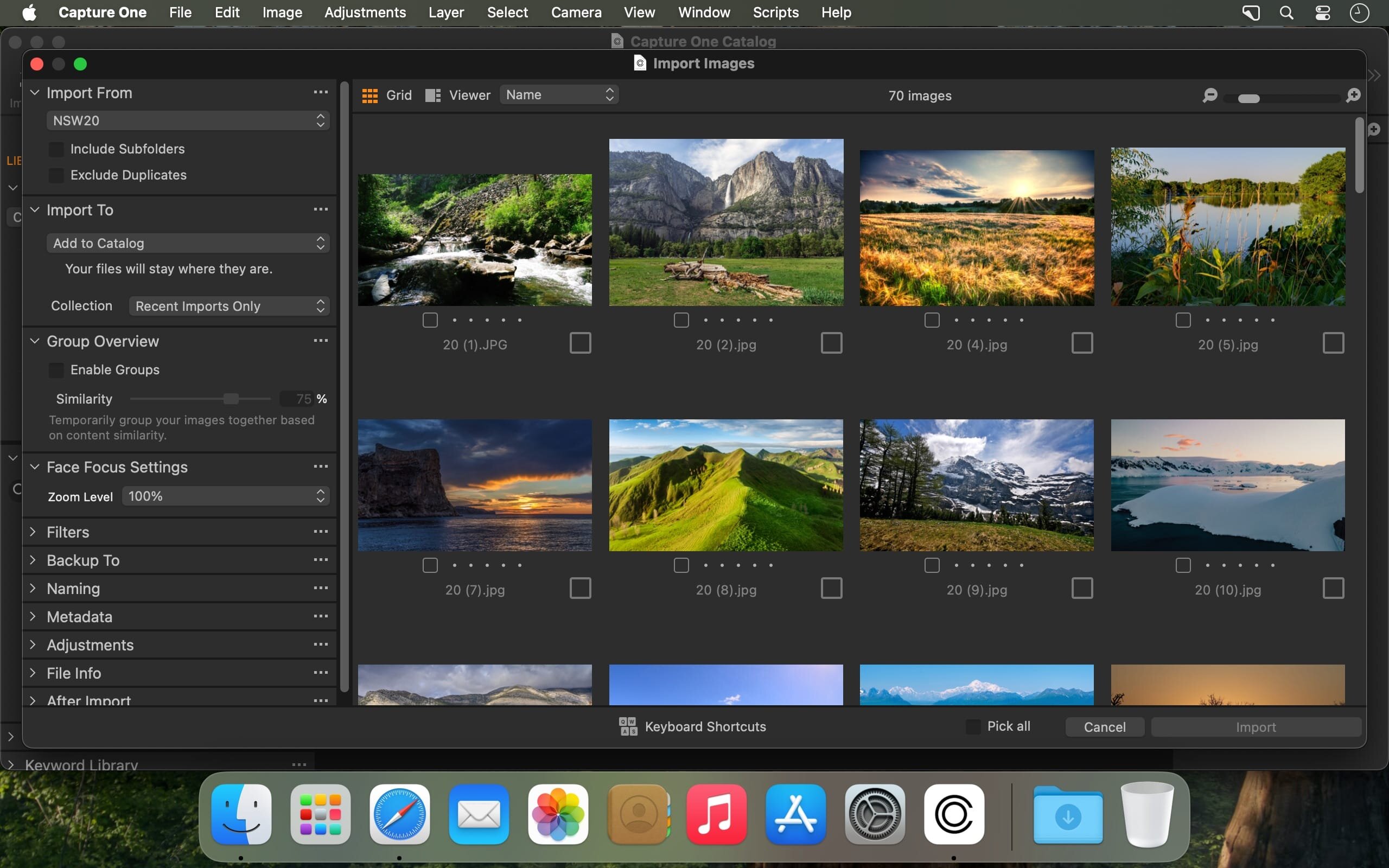
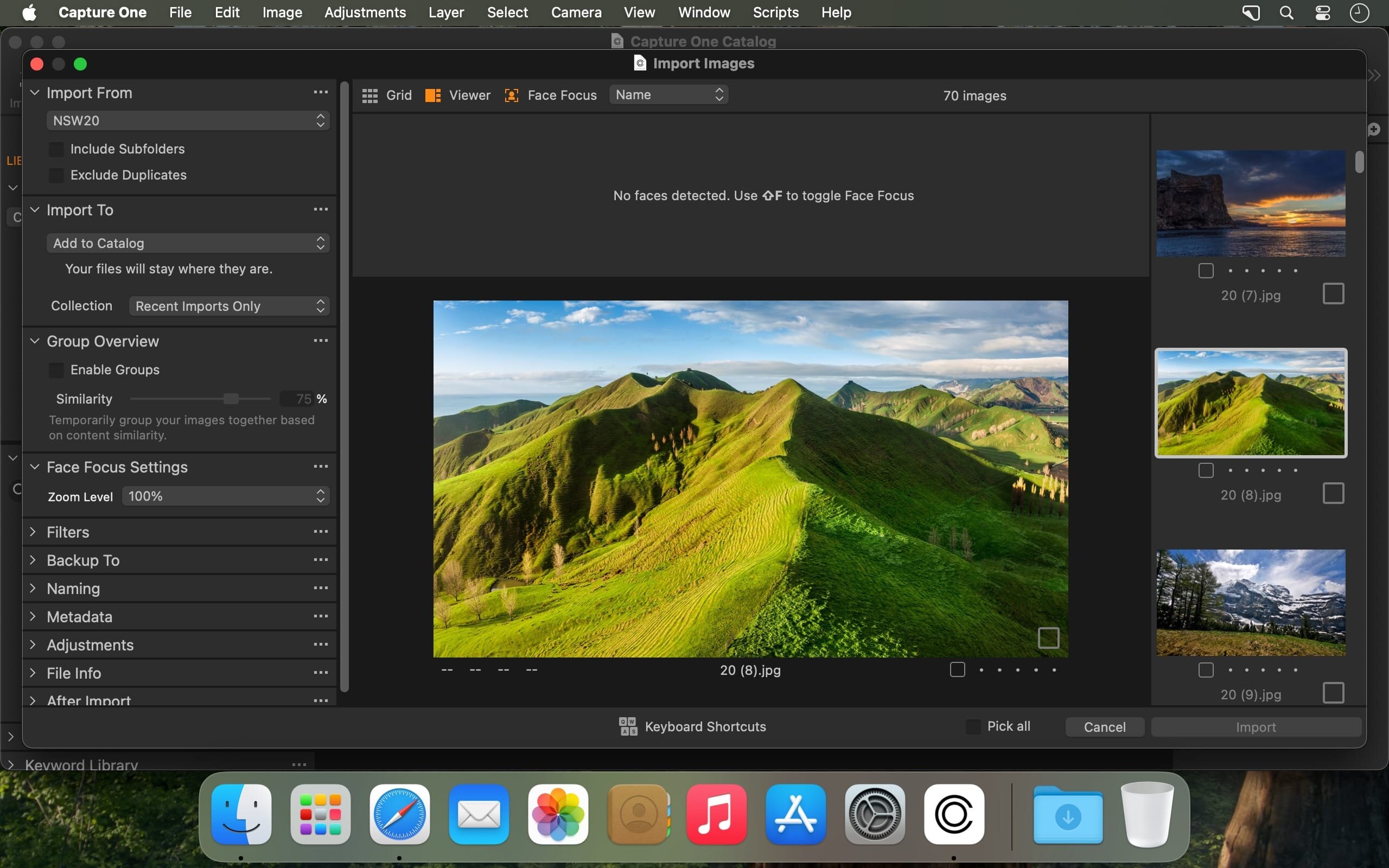
Capture One is a professional RAW converter offering you ultimate image quality with beautiful colors and incredible detail for more than 500 high-end cameras. It offers state- of-the-art tethered capture, powerful digital asset management, extensive adjustment tools and a flexible workflow through customizable workspaces.
With an updated processing engine, market-leading performance and powerful new features, Capture One is the professional choice in imaging software. You get the highly responsive precision tools you need to create stunning images from your camera's RAW files in a time-saving workflow that can be customized to fit your needs.
New features and improvements
- Speed Edit
- Dehaze
- Improved importer
General User Experience Improvements and tweaks
- HEIF support
- Easy brush adjusting
- Improved performance
- Colored gradients on White Balance Sliders
- Enhanced tooltips
- Easy access to Tutorials
What’s new in Capture One 16.8.6:
-
Assisted Review during tethered shooting
The feature analyzes incoming images and flags closed eyes, focus misses, and flash errors. It is currently available as a beta feature. -
2nd Gen Wireless Tethering for Canon
Wireless tethering support has been added for:- Canon EOS R3
- Canon EOS R6 Mark III
A preview RAW file can become available for editing in approximately 1–2 seconds while the full-resolution file continues downloading in the background.
-
Live View improvements
- Tools and tool tabs can now be hidden.
- The Live View window can be resized to a smaller size.
- Focus Meter now has a separate tooltip with an explanation.
-
Support for new cameras
- Canon EOS R8 Mark II — RAW files, wired and wireless tethering, and Live View;
- Ricoh GR IV — file support;
- Ricoh GR IV Monochrome — file support;
- Ricoh GR IV HDF — file support.
-
macOS fixes
- Fixed the When Preview Is Ready behavior when using AppleScript.
- Fixed a rare Lightroom catalog import issue.
- Fixed an interface freeze that could occur at startup on macOS Tahoe.
- Fixed the selection of the Select Cursor tool in Live View using a keyboard shortcut.
-
Capture One Mobile 4.1 The mobile version also adds Assisted Review and expanded support for 2nd Gen Wireless Tethering.
Important: Sessions and Catalogs created in versions earlier than 16.8.0 must be upgraded before they can be opened in Capture One 16.8.6.
Frequently asked questions
How do I install the app?
Mount the image, drag the app into the "Applications" folder and launch it. If the system blocks the launch, allow it in "System Settings → Privacy & Security".
The app is damaged or won't launch
Reinstalling from a fresh image usually helps. Make sure your macOS version matches the one listed in the compatibility specs.
How do I update?
Download the new version from the site and install it over the current one — your settings will be preserved.
The download link doesn't work
Try a mirror or a download manager. For large files the browser often drops the connection.
How do I completely remove the app?
Use an uninstaller utility — it cleans up the service files that remain after moving the app to the trash.





Choose a download source
Capture One Pro 16.8.6.25 · 1.68 G
Previous versions
Capture One Pro 16.8.6.25
Previous versions are available to registered users.