
Capture One Pro 8.3.4
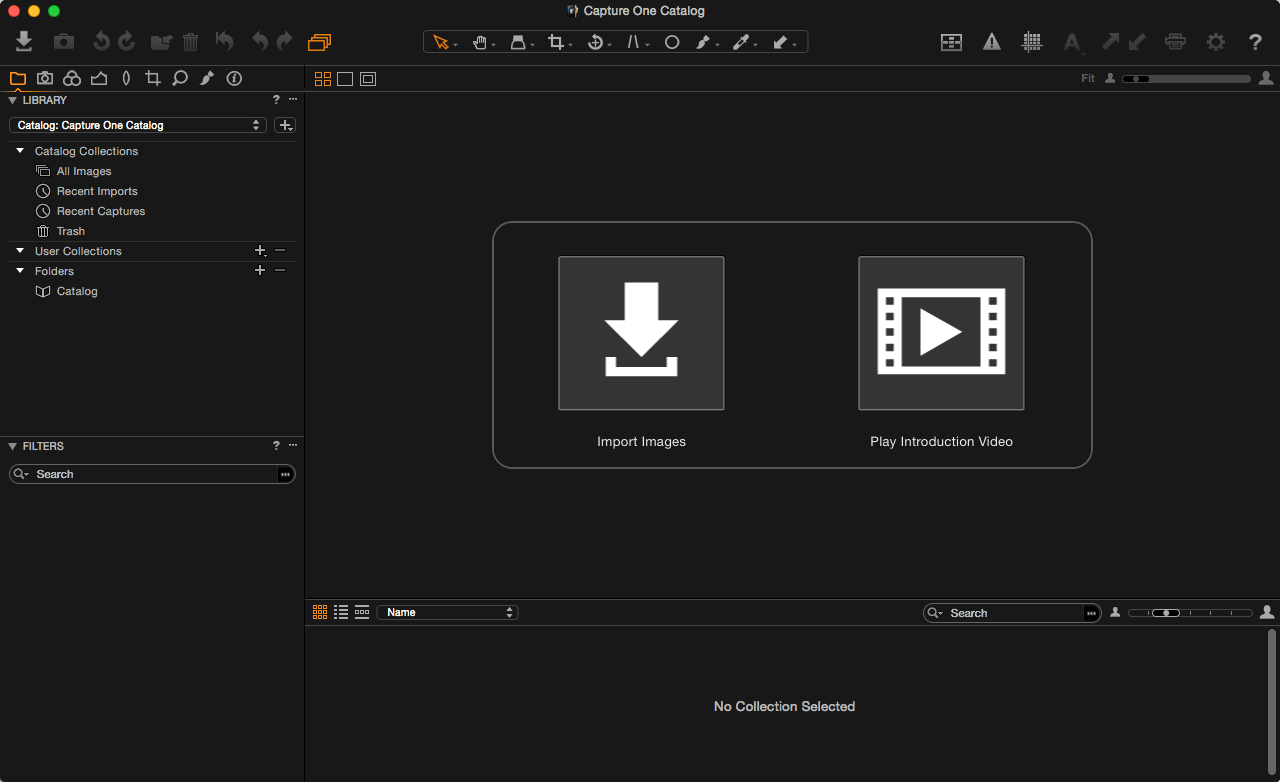
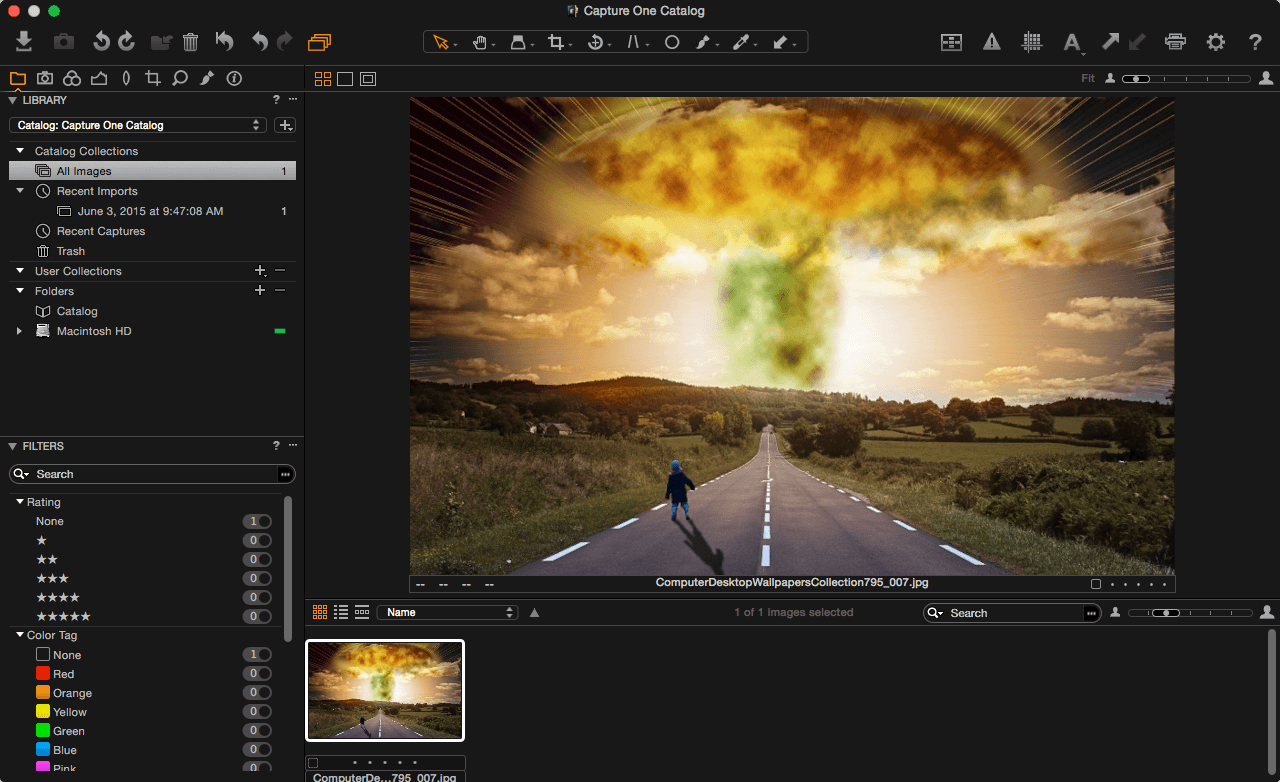
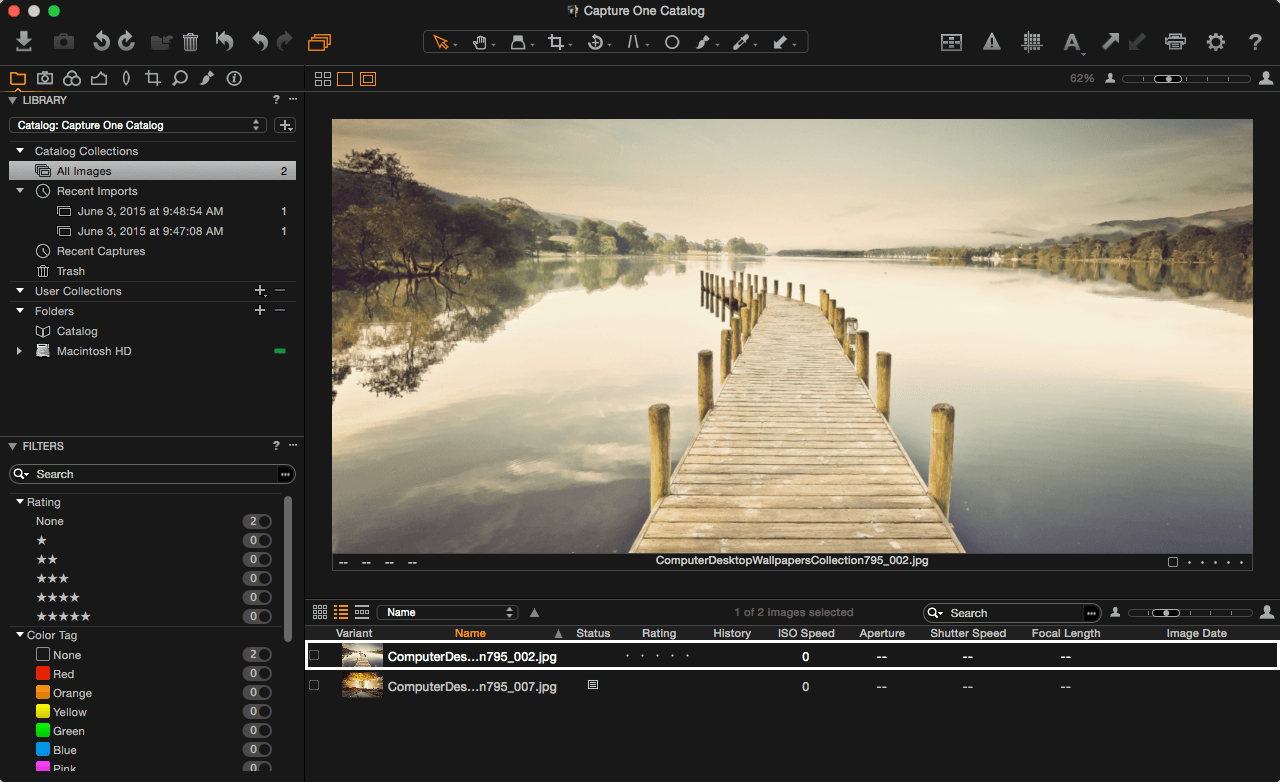
Capture One Pro 8 is a professional RAW converter offering you ultimate image quality with accurate colors and incredible detail from more than 300 high-end cameras – straight out of the box. It offers state-of-the-art tethered capture, powerful digital asset management, extensive adjustment tools and a flexible workflow.
With an updated processing engine, market-leading performance and powerful new features, Capture One Pro 8 is the professional choice in imaging software. You get the highly responsive precision tools you need to create stunning images from your camera’s RAW files in a time-saving workflow that can be customized to fit your needs.
WHAT’S NEW
Version 8.3.4:
- Fixed a few crashes
- Fixed an issue where Ctrl + Arrow keys did not change selection after using the Exposure tool on Windows
- Fixed an issue where Tokens were not displayed correctly on OS X 10.10.3
- Fixed some issues when working with AppleScript and Variants
- Fixed 5 OpenCL-related bugs
Screenshots
Frequently asked questions
How do I install the app?
Mount the image, drag the app into the "Applications" folder and launch it. If the system blocks the launch, allow it in "System Settings → Privacy & Security".
The app is damaged or won't launch
Reinstalling from a fresh image usually helps. Make sure your macOS version matches the one listed in the compatibility specs.
How do I update?
Download the new version from the site and install it over the current one — your settings will be preserved.
The download link doesn't work
Try a mirror or a download manager. For large files the browser often drops the connection.
How do I completely remove the app?
Use an uninstaller utility — it cleans up the service files that remain after moving the app to the trash.
VersionCapture One Pro
DeveloperPhase One
CompatibilityOS X 10.9 or later, 64-bit processor
LanguageMultilangual
IncludesKG





Information
Visitors in the group Guests cannot leave comments on this publication.
Choose a download source
Capture One Pro 8.3.4 · 318.47 MB