
AudioFinder 6.0.6
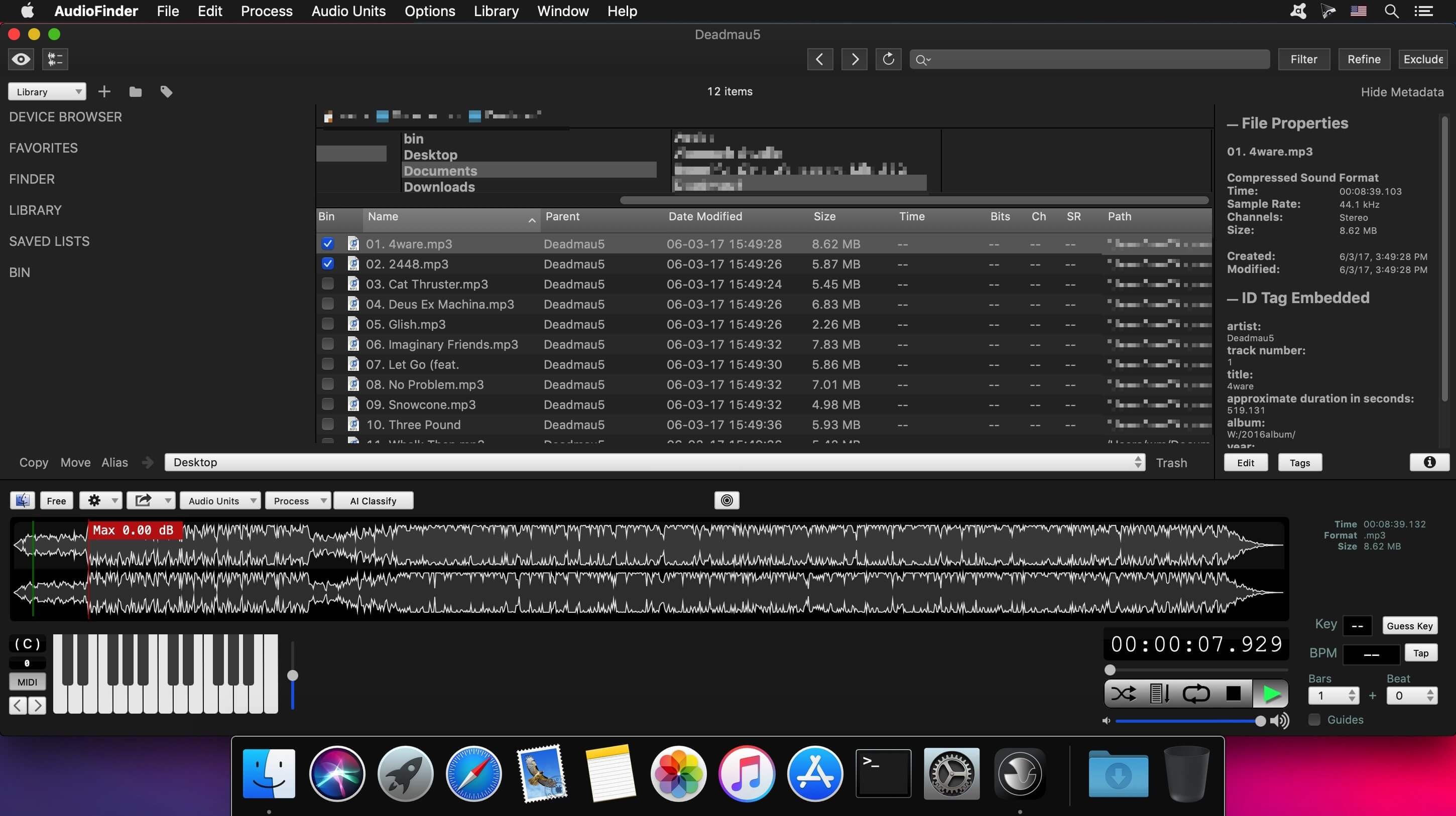

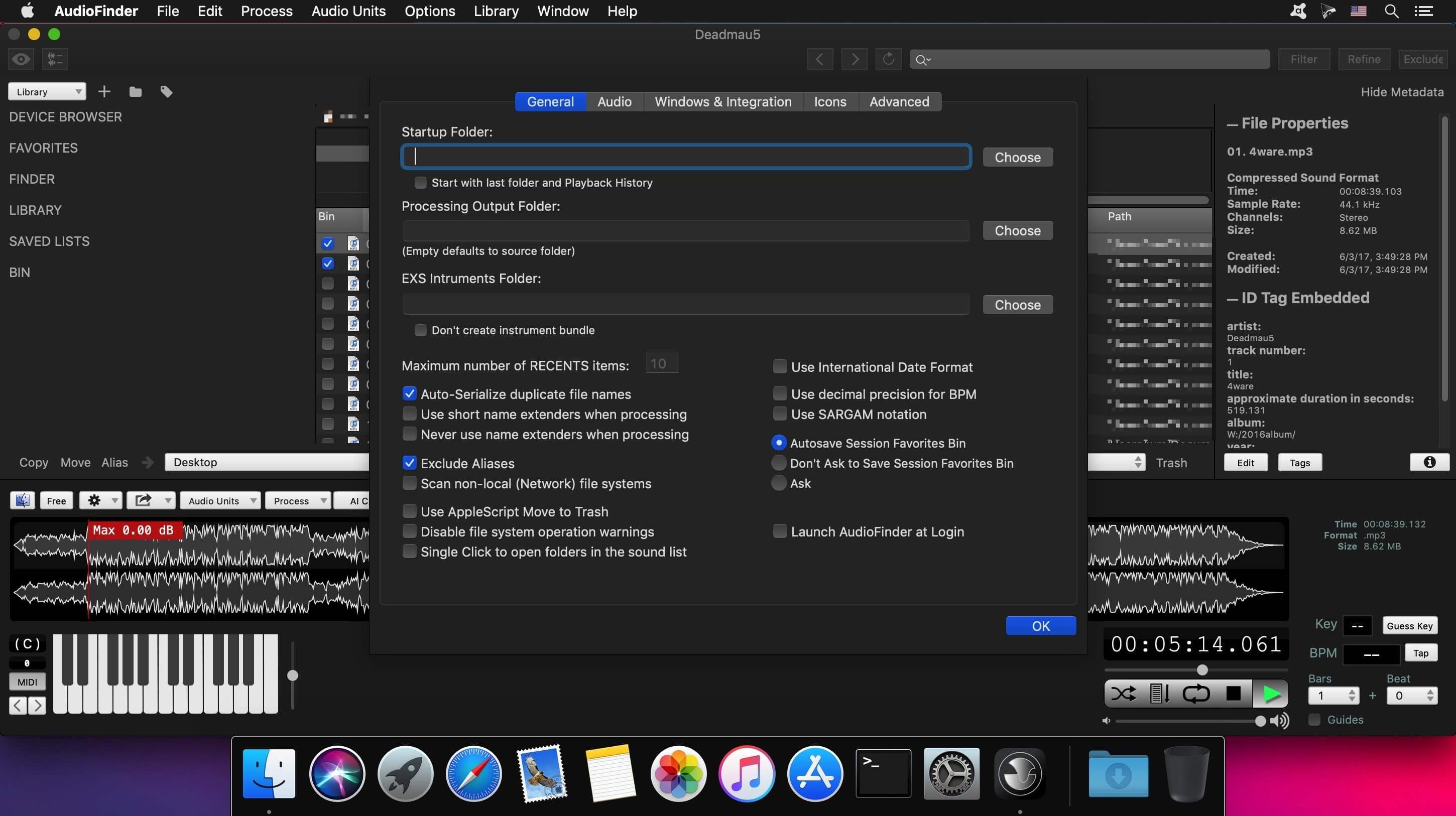
AudioFinder is a reliable and easy-to-use macOS application that makes it easy for you to manage audio assets.
With AudioFinder’s help you can easily catalog every sound on your system, create a searchable database that enables you to quickly and effortlessly find the sounds you need.
Helps you create complex databases with your sounds
Moreover, you have the option to create custom sound sets based on sound categories and specific projects. You can easily browse the content, analyze, process, convert, move and copy the samples in your library.
AudioFinder also offers you the ability to add metadata to your sound libraries, a fact that enables you to find the sounds you need with just a couple of keystrokes. In addition, AudioFinder helps you visualize your tracks by generating waveforms in real time.
Enables you to preview your sounds and check their waveform
You can preview your sounds through the desired AudioUnits and use the built-in beat detection editing tools to trim, fade, slice and dice the sounds. The featured audio converter helps you convert your audio sample CDs intro individual files with ease.
From AudioFinder’s main window you have instant access to your bookmarks, favorites, navigation and file management tools and more. The built-in search form can be used to search and find the needed sound and to filter the displayed items.
Place bookmarks, mark your favorites and navigate through your library
What is more, AudioFinder comes with support for numerous file formats that include CAF, SDII, AIFF, WAV, AIFC, RX2, REX, ACC, MP3, M4A, OGG Vorbis, SYX, FLAC and MID.
The Tweak Editor helps you fine tune your sounds, while the built-in converter helps you convert to main PCM formats, convert bit depth and sample rate and export your sounds to iTunes compatible file formats.
Version 6.0.6:
- AudioCortex: Phylogenetic Explorer / Sound Designer
- AudioCortex: You can now overload the assigned categories
- AudioFinder: Added the zoom shortcut back to the SampleTool. Hold down the Command-Key and using the scroll up
- Bug fixes
Frequently asked questions
How do I install the app?
Mount the image, drag the app into the "Applications" folder and launch it. If the system blocks the launch, allow it in "System Settings → Privacy & Security".
The app is damaged or won't launch
Reinstalling from a fresh image usually helps. Make sure your macOS version matches the one listed in the compatibility specs.
How do I update?
Download the new version from the site and install it over the current one — your settings will be preserved.
The download link doesn't work
Try a mirror or a download manager. For large files the browser often drops the connection.
How do I completely remove the app?
Use an uninstaller utility — it cleans up the service files that remain after moving the app to the trash.
VersionAudioFinder 6.0.6
DeveloperIced Audio
CompatibilityOS X 10.9 or later 64-bit
LanguageEnglish
IncludesK'ed by TNT



Information
Visitors in the group Guests cannot leave comments on this publication.
Choose a download source
AudioFinder 6.0.6 · 134.42 MB
Previous versions
AudioFinder 6.0.6
Previous versions are available to registered users.