
GhostReader Plus 2.4
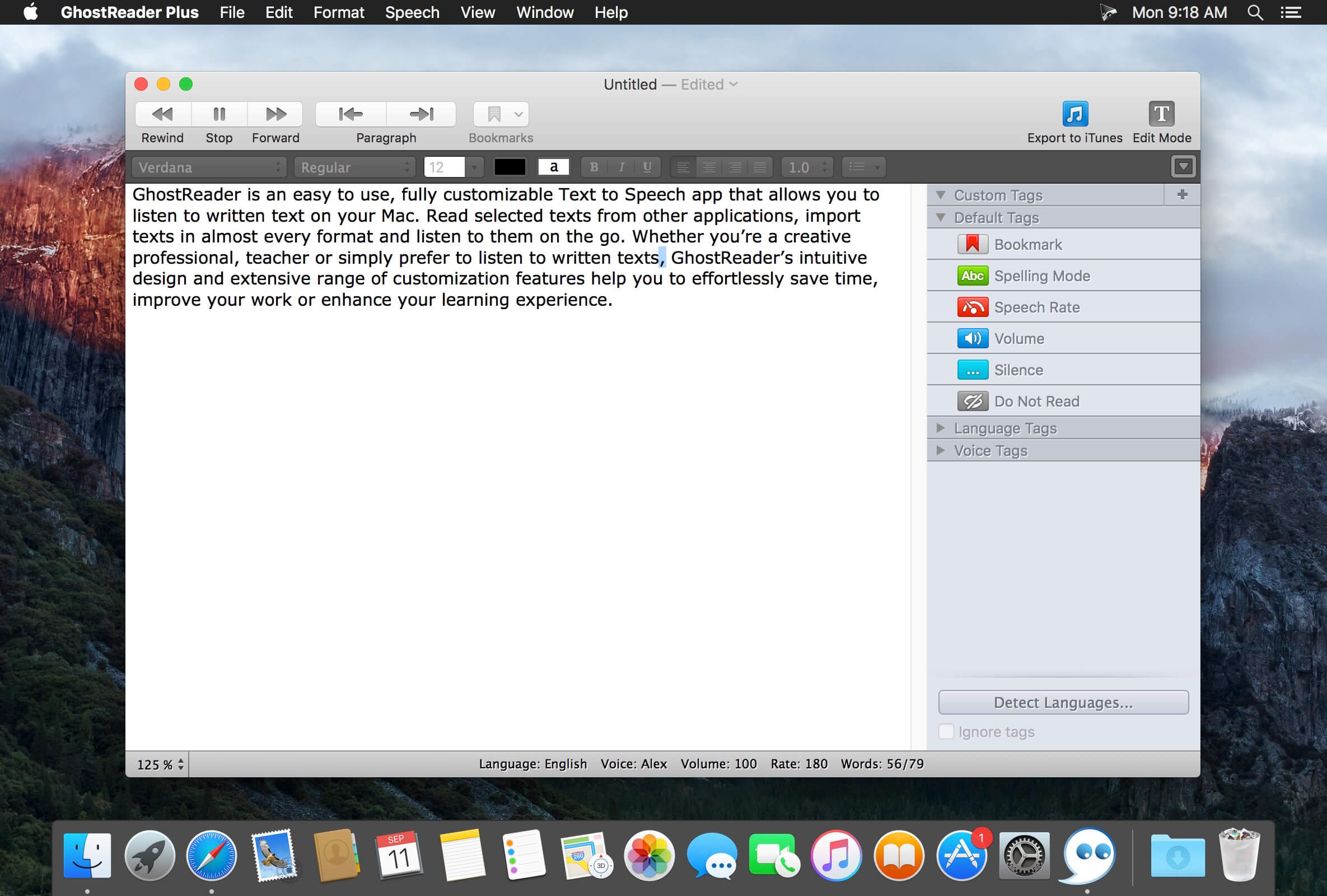
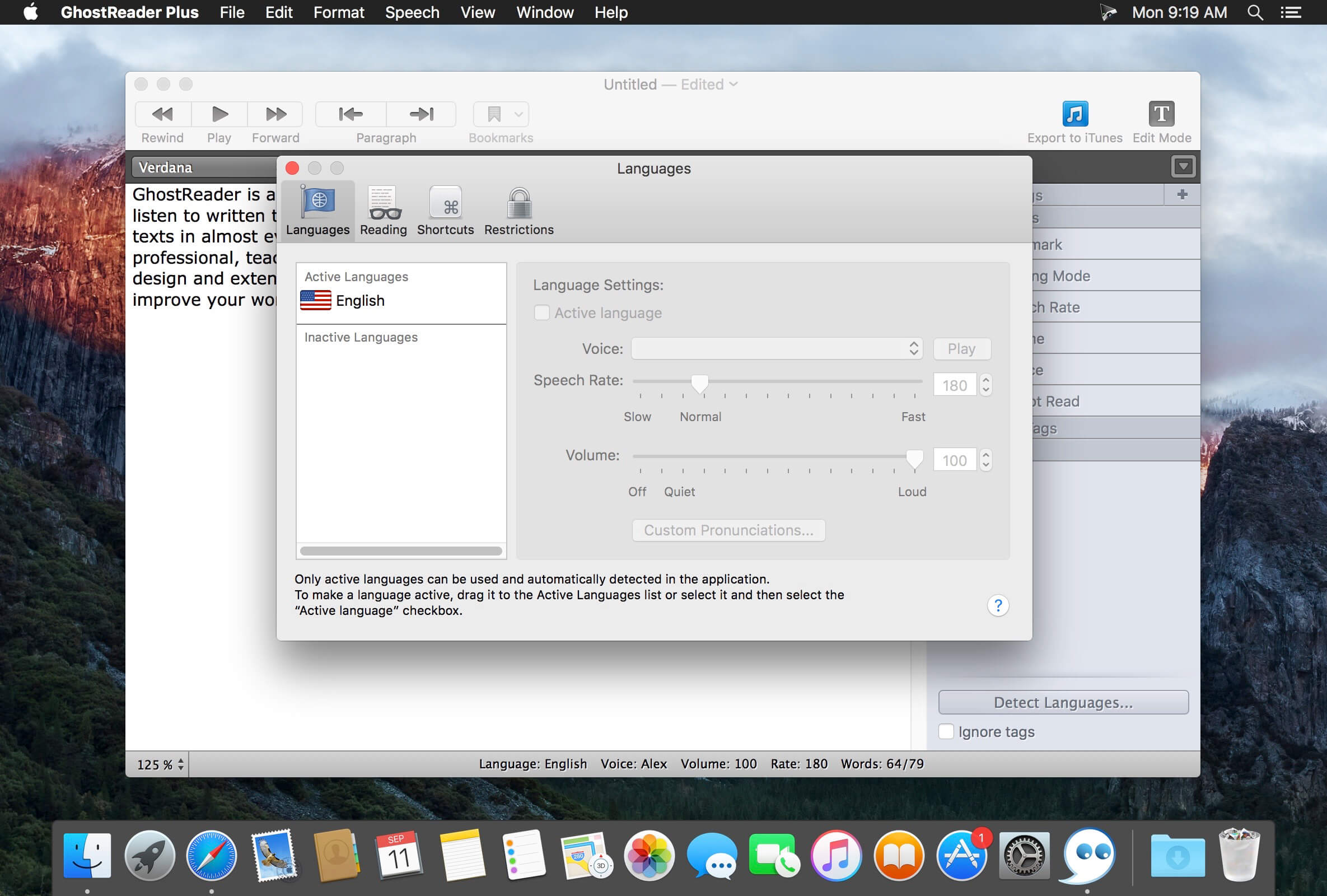
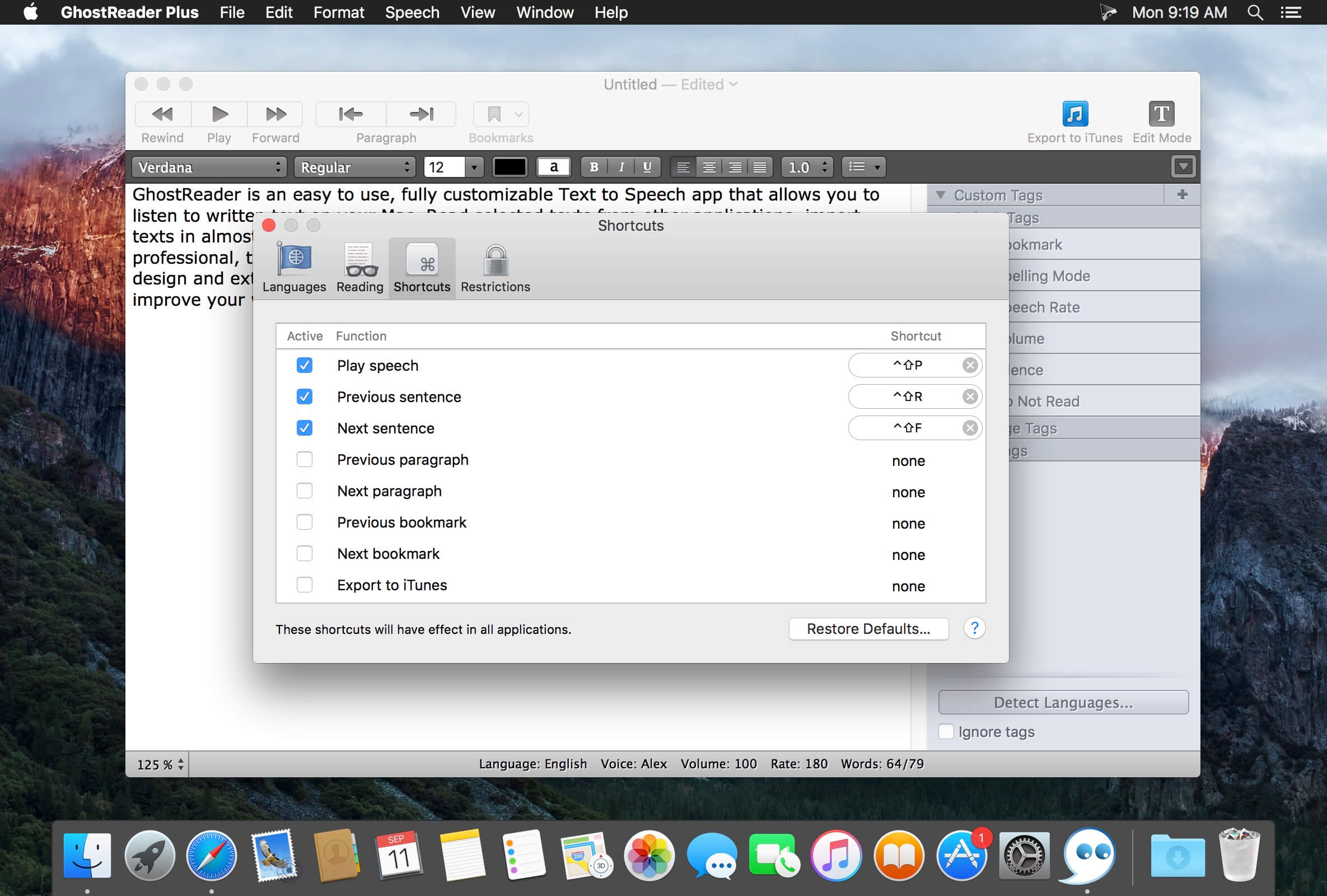
GhostReader is an easy to use, fully customizable Text to Speech app that allows you to listen to written text on your Mac. Read selected texts from other applications, import texts in almost every format and listen to them on the go. Whether you’re a creative professional, teacher or simply prefer to listen to written texts, GhostReader’s intuitive design and extensive range of customization features help you to effortlessly save time, improve your work or enhance your learning experience.
GhostReader highlights :
Read aloud on your Mac
Use for texts from any app or program
Make it sound right
Modify the pronunciation of words
Import different text formats
Text, Word, HTML, PDF and RTF
Read easier
With zoom & word highlighting
Personalize your text
Choose different voices
Listen on the go
Convert your texts to audio files
Version 2.3
- We're keeping up with the latest macOS Mojave update by introducing Dark Mode compatibility.
Frequently asked questions
How do I install the app?
Mount the image, drag the app into the "Applications" folder and launch it. If the system blocks the launch, allow it in "System Settings → Privacy & Security".
The app is damaged or won't launch
Reinstalling from a fresh image usually helps. Make sure your macOS version matches the one listed in the compatibility specs.
How do I update?
Download the new version from the site and install it over the current one — your settings will be preserved.
The download link doesn't work
Try a mirror or a download manager. For large files the browser often drops the connection.
How do I completely remove the app?
Use an uninstaller utility — it cleans up the service files that remain after moving the app to the trash.
VersionGhostReader Plus 2.4
DeveloperConvenienceWare
CompatibilitymacOS 10.13 or later 64-bit
LanguageEnglish, French
IncludesK'ed by TNT





Information
Visitors in the group Guests cannot leave comments on this publication.
Choose a download source
GhostReader Plus 2.4 · 30.34 MB
Previous versions
GhostReader Plus 2.4
Previous versions are available to registered users.