

AudioFinder 5.9.27
Screenshots
Click to enlarge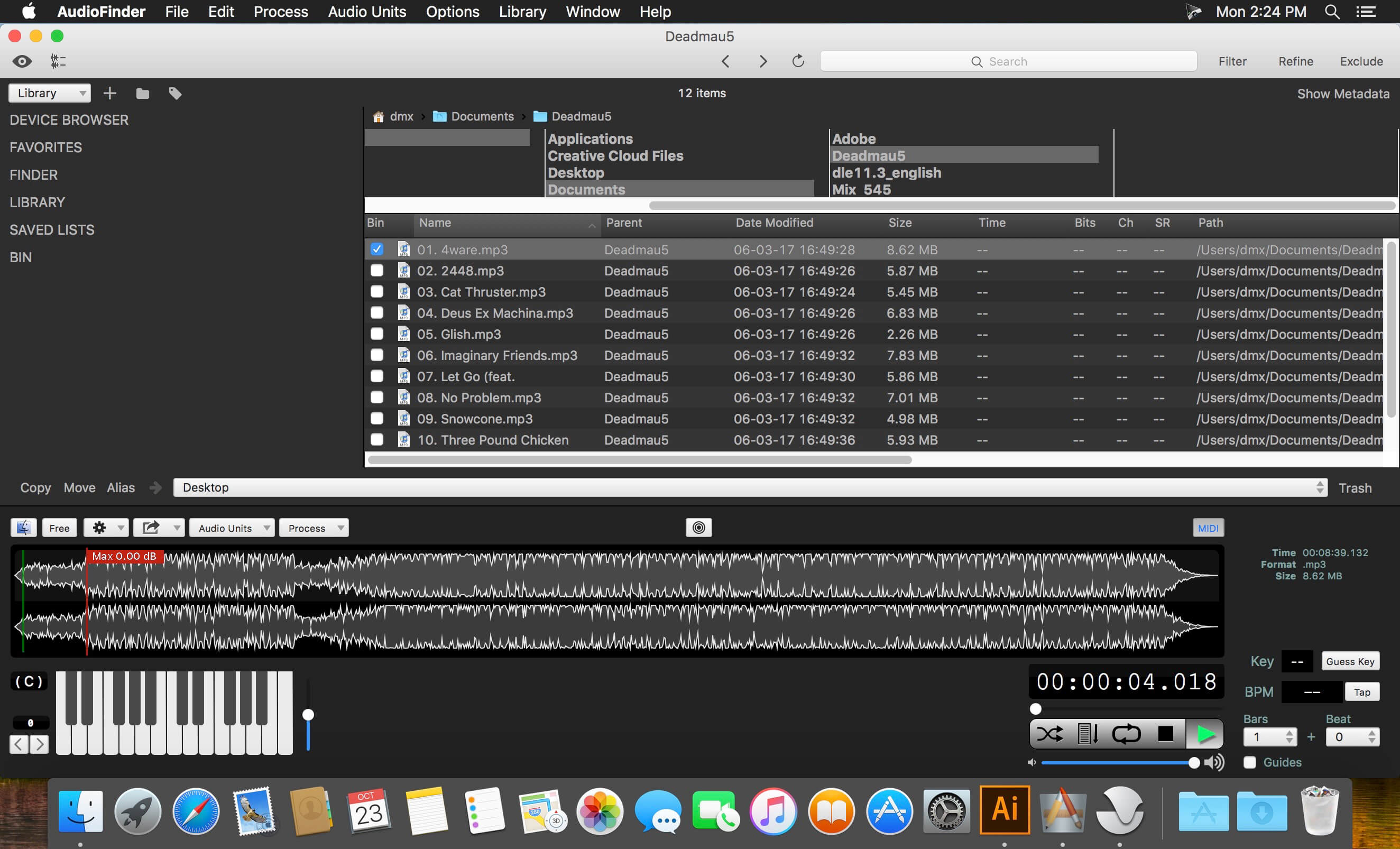
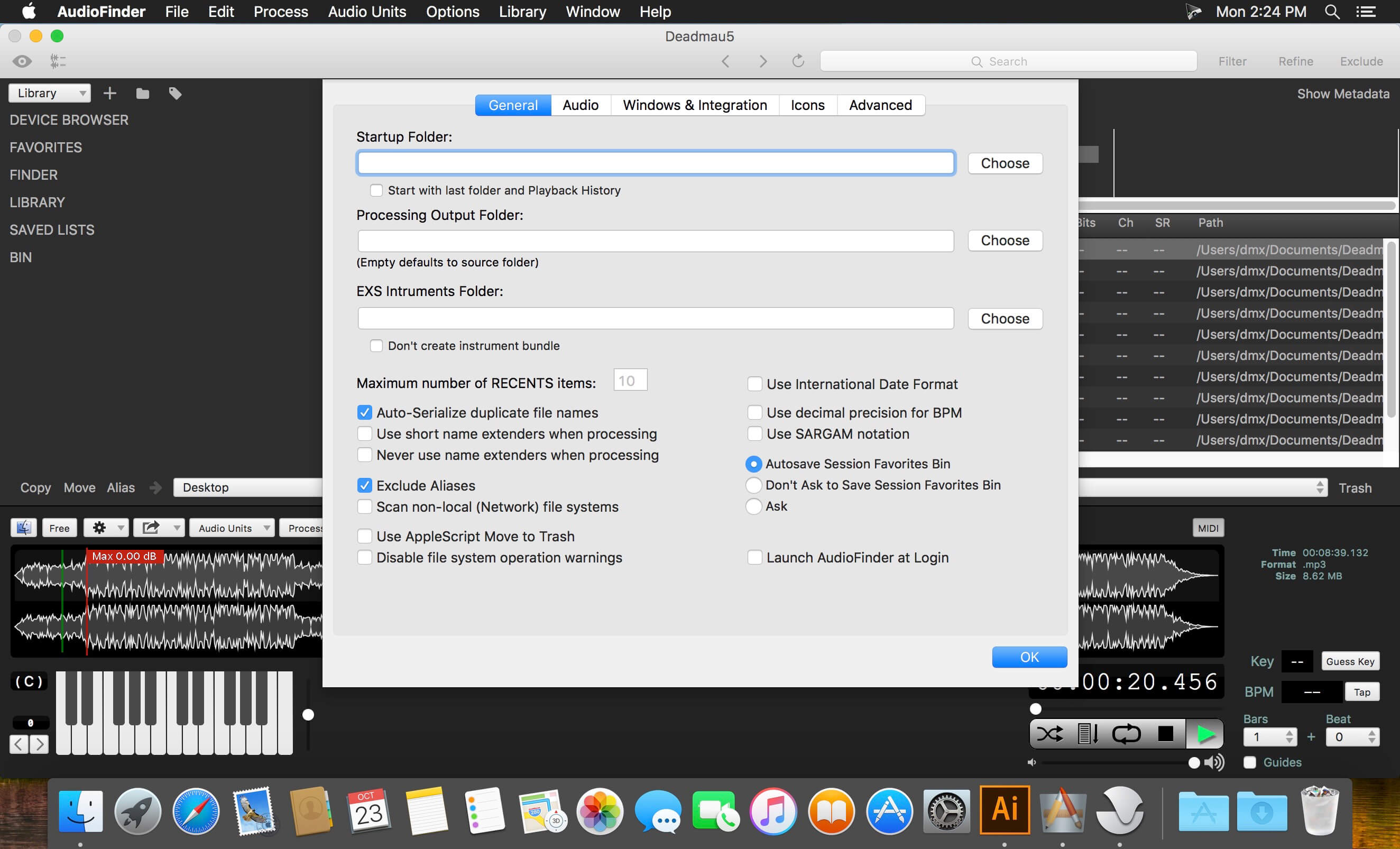
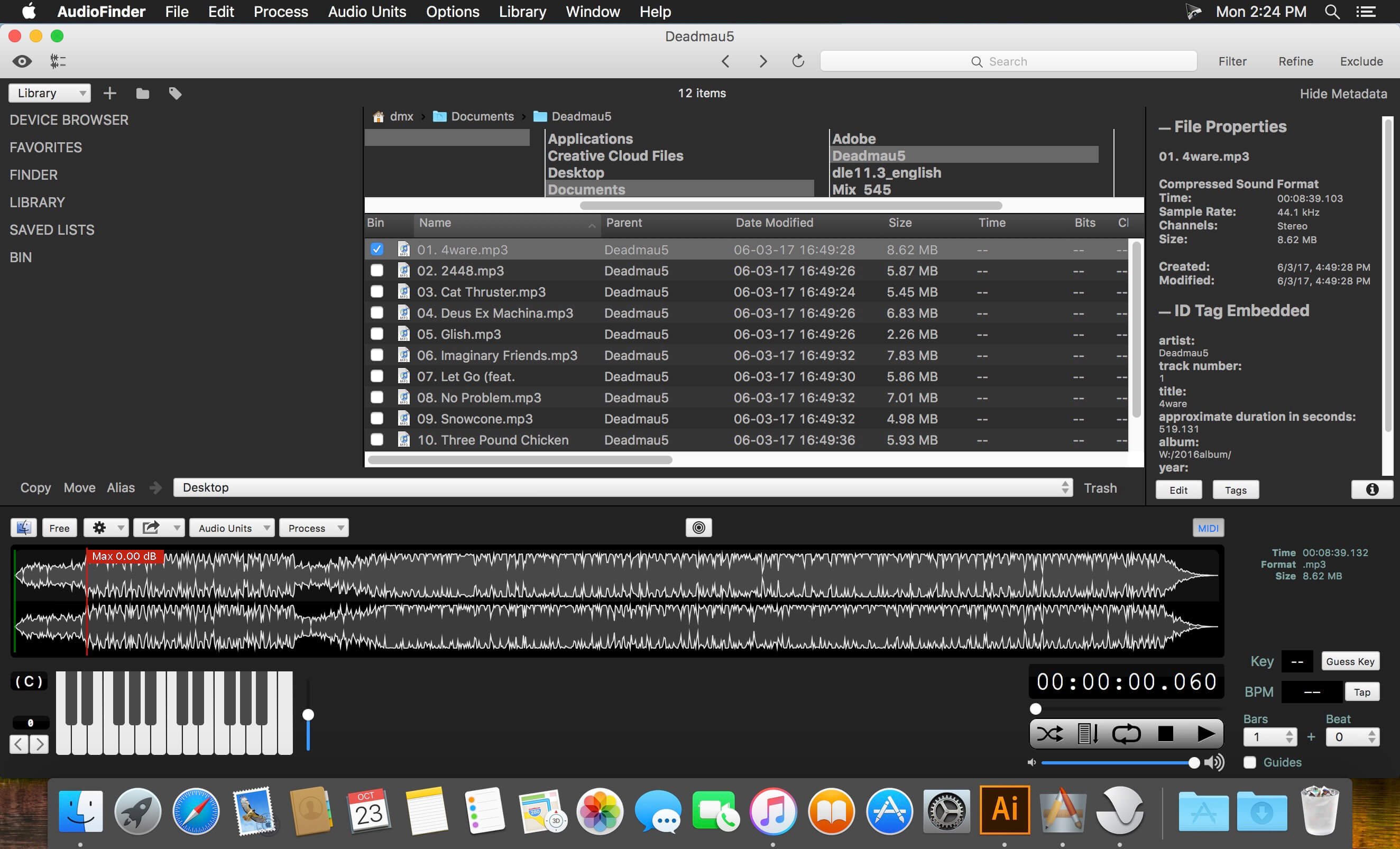
AudioFinder is an audio asset management system and music production hub. It gathers all the most useful tools in one quick and intuitive application, enabling you to be more creative by handling all the time consuming tasks that slow down your music production.
AudioFinder can build a catalog of every sound on your system, save it, and search it instantly to find the sounds you need when you need them. Use it to create custom sets for sound categories and specific projects, with fast file browsing to audition, analyze, process, convert, and move or copy the samples in your library.
AudioFinder can visualize sounds instantly with the waveform overview and preview them at any pitch via MIDI or the built in keyboard, all in real-time. Sounds can even be previewed through your favorite AudioUnits. Speaking of plug-ins, AudioFinder features an advanced plug-in manager and a slew of other studio necessities that will make your workflow flow. Necessities like the metaeditor with built-in beat detection and tools for fast trimming, fading, slicing, and dicing your sounds. You can even convert your audio sample CDs into individual files with just a few clicks of the mouse.
Version 5.9.27:
- Added a new menu preference: Options->Show Waveform Preview. When not enabled the Audio Quick Look will not update and will speed up selection.
- Fix spotting selections to ProTools and Logic! Sorry for the time it took to find this bug.
- Bug Fixes.
Comments
No comments yet. Be the first.
Information
Visitors in the group Guests cannot leave comments on this publication.