Movavi HD Screen Recorder 23.1.1
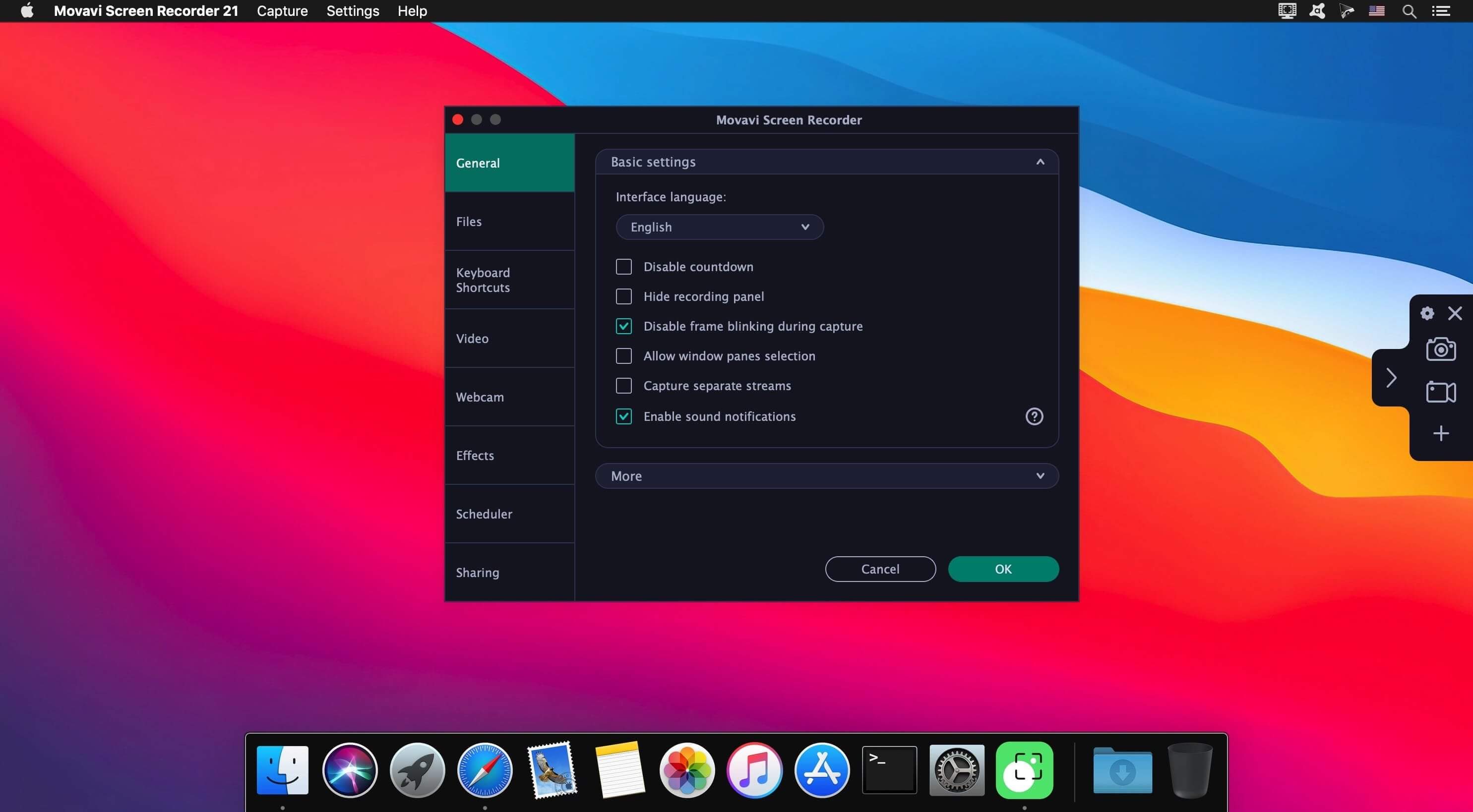
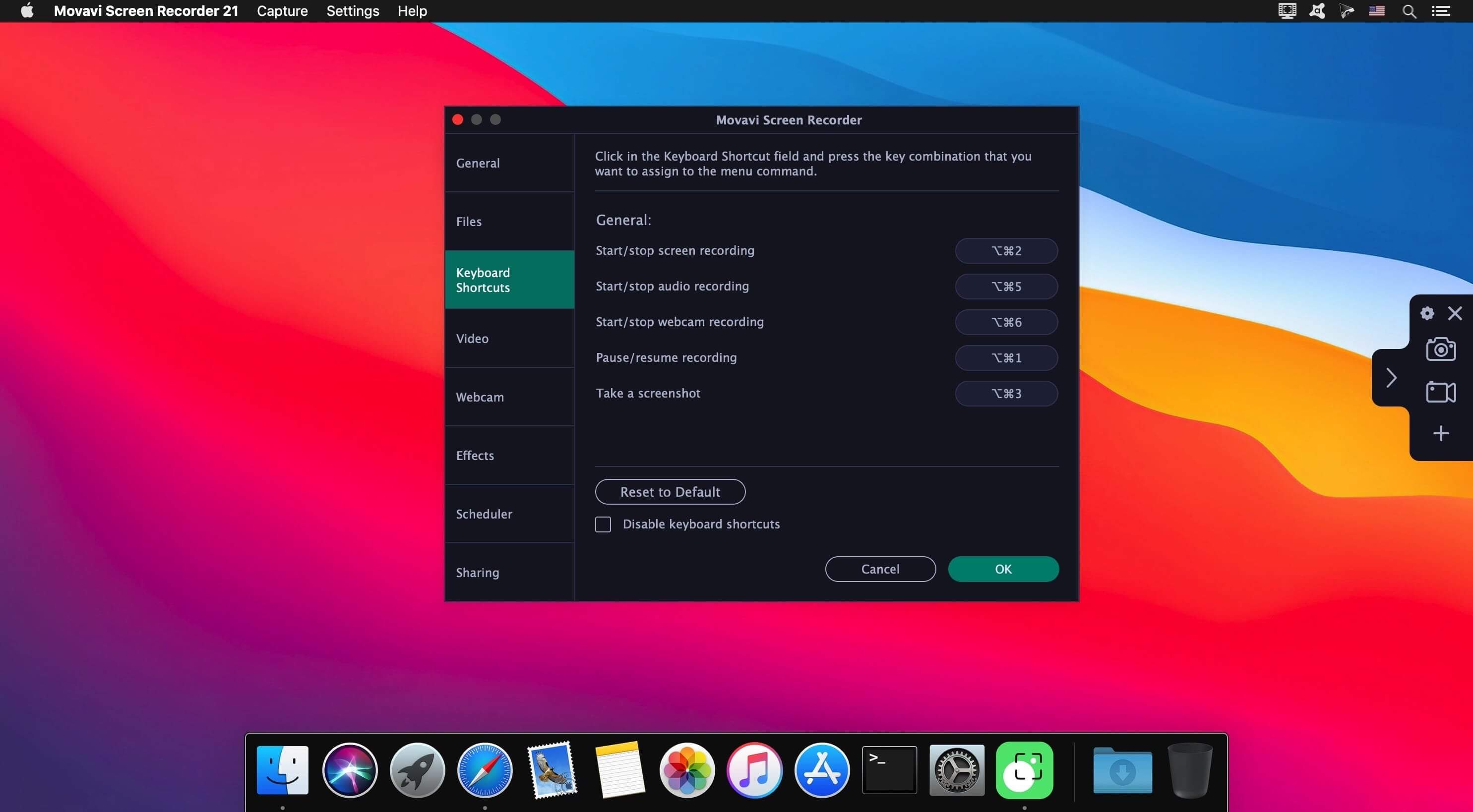

Capture video from your Mac display with Movavi Screen Recorder! This neat video recorder for Mac will help you save live streams and video and audio clips from web pages, record your interactions in apps, capture gameplay, and do lots more screen capturing tasks!
GETTING STARTED
Set the program up and start making high-quality recordings just in 3 easy steps. You just need to configure the screen, record content, and save the video – in any format!
Movavi Screen Recorder has been designed by professionals who understand what’s important in a screen capture app. You can:
- eeasily capture Zoom calls, Vimeo videos, webinars, and more
- save live streams, online video & audio
- save audio from two separate sources
- capture program interactions
- grab and edit screenshots
- draw on the video while you’re recording
- record system sound without the screen
- schedule recordings months ahead
Version 23.1.0
- some minor bug fixes and improvements
Frequently asked questions
How do I install the app?
Mount the image, drag the app into the "Applications" folder and launch it. If the system blocks the launch, allow it in "System Settings → Privacy & Security".
The app is damaged or won't launch
Reinstalling from a fresh image usually helps. Make sure your macOS version matches the one listed in the compatibility specs.
How do I update?
Download the new version from the site and install it over the current one — your settings will be preserved.
The download link doesn't work
Try a mirror or a download manager. For large files the browser often drops the connection.
How do I completely remove the app?
Use an uninstaller utility — it cleans up the service files that remain after moving the app to the trash.


Choose a download source
Movavi HD Screen Recorder 23.1.1 · 109.36 MB
Previous versions
Movavi HD Screen Recorder 23.1.1
Previous versions are available to registered users.